



Panoramic PC Case Visibility: Why It Matters
Panoramic PC case visibility shapes airflow, temps, and showcase appeal. Learn how screen visibility, lighting, and cable routing boost cooling and clarity. 🔍💡

Gone are the days of hiding your high-end rig in a boring beige box. In South Africa's vibrant PC gaming scene, your build is a statement. A panoramic PC case isn't just a container; it's a display gallery for your hard-earned hardware. The trend towards maximum PC case visibility is booming, and for good reason. It’s about more than just flexing your RGB… it’s about appreciating the art of the machine you built. ✨

EK 280mm AIO D-RGB All-in-One CPU Liquid Cooler / Water Cooling Computer Parts / 140mm Fan / EK-Vardar High-Performance PMW Fans / Outstanding Thermal Conductivity / Support - Intel 115X/1200/2066, AMD AM4 / EK-AIO-280-D-RGB
R2699.00In Stock
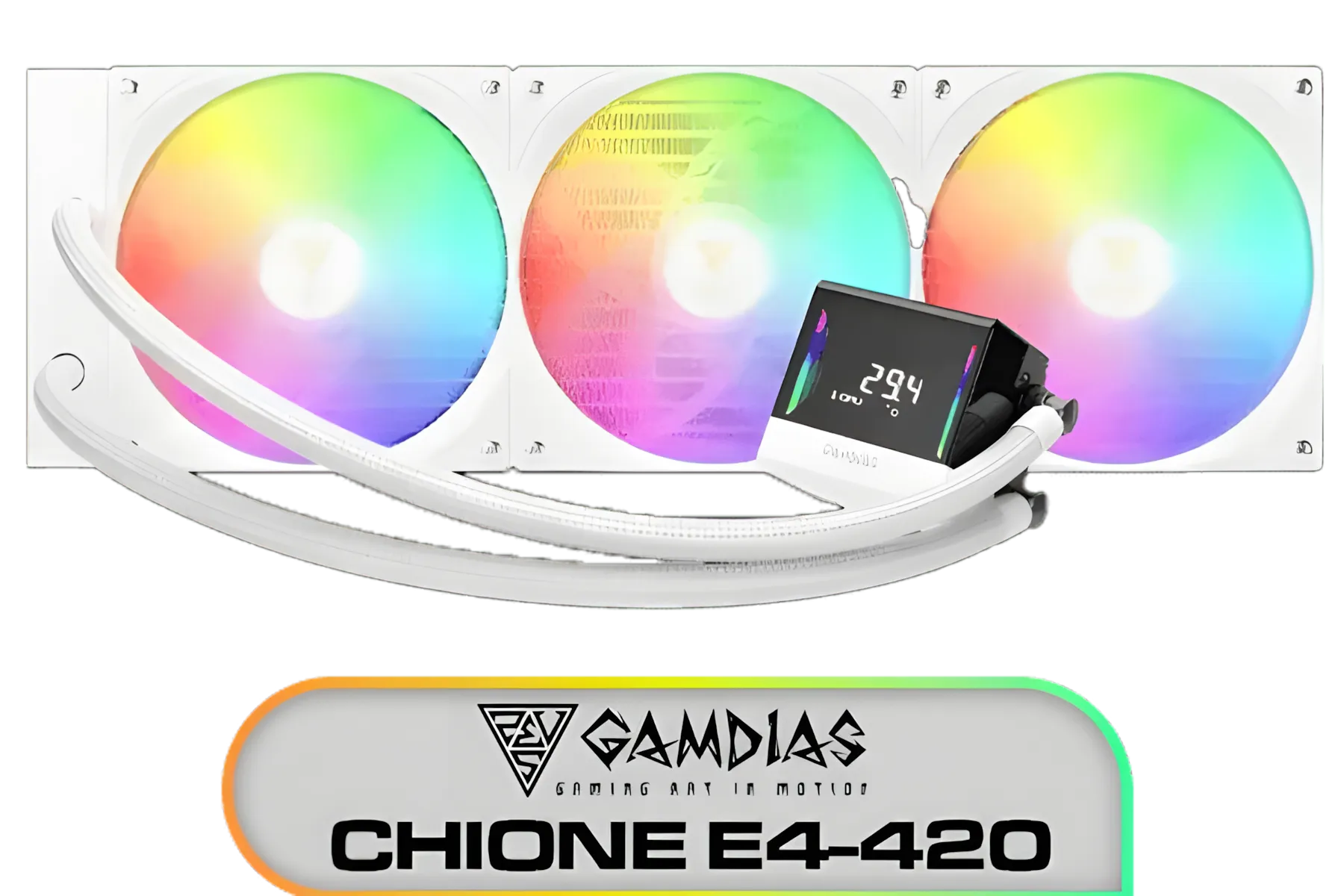
Gamdias Chione E4-420 Liquid Cooler - White / Hydraulic PWM Fans / Dual Infinite Mirror / Real-time Digital Display / Patented PWM Pump / Motherboard Sync ARGB / CHIONE-E4-420-WH
R999.00In Stock

Gamdias Chione E4-360 Liquid Cooler - White / Hydraulic PWM Fans / Dual Infinite Mirror / Real-time Digital Display / Patented PWM Pump / Motherboard Sync ARGB / CHIONE-E4-360-WH
R1999.00In Stock

CORSAIR iCUE Link H100i RGB Liquid CPU Cooler - Black / 240mm AIO / QX120 RGB Fans / Fits Intel® LGA 1700, AMD® AM5 / iCUE Link System Hub Included / CW-9061001-WW
R3599.00In Stock

Gamemax Sigma 620 LCD Air Cooler - Black / 2.8" LCD for stats or images / Dual 120mm fans with 6 heatpipes / Supports up to 245W TDP / SIGMA-620-LCD-BK
R1199.00In Stock
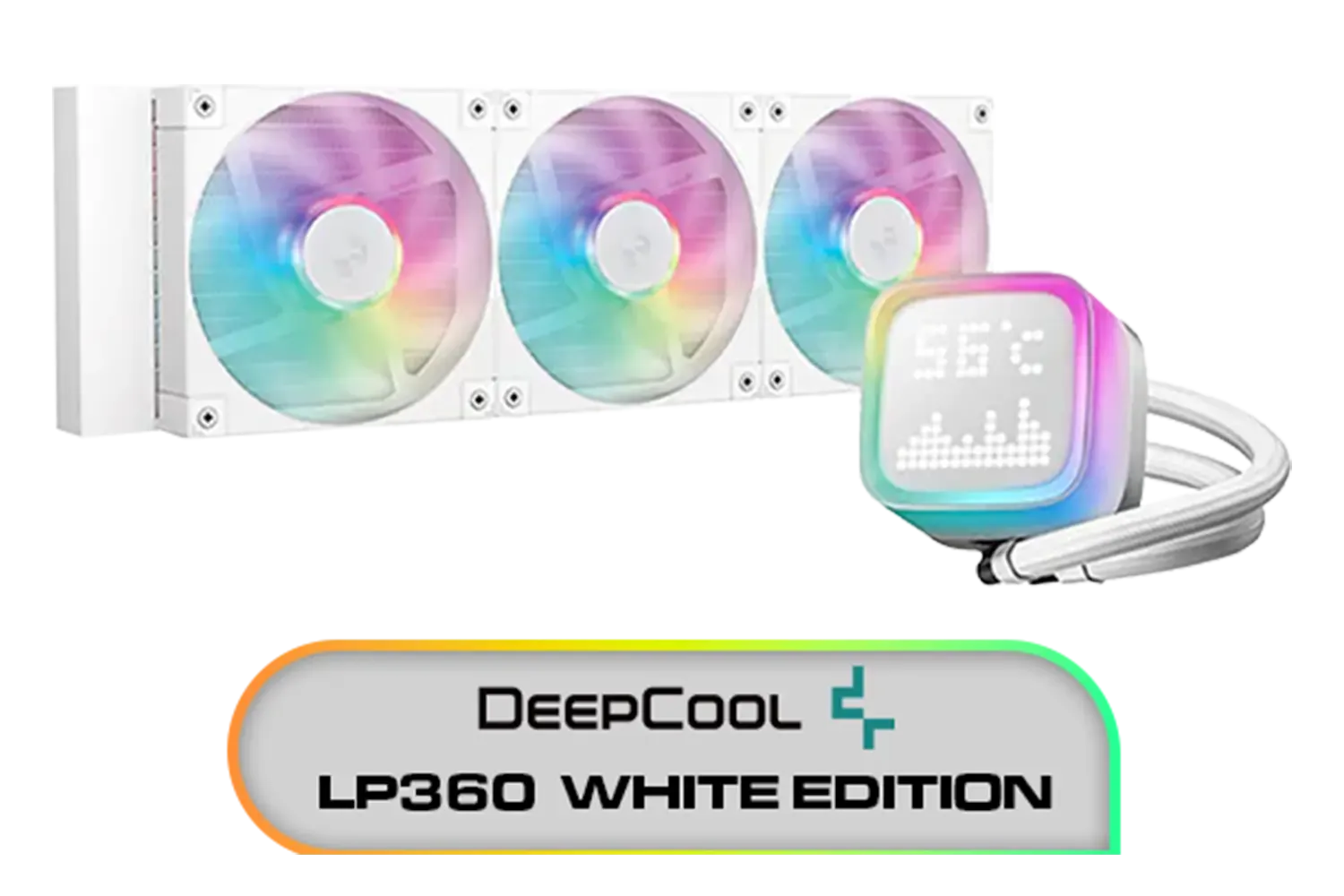
DeepCool LP360 Liquid Cooler - White / 360mm Radiator / LED Digital Display / 3x ARGB Fans Included / Compatible with AMD & Intel / LP360-WH
R2399.00In Stock
Beyond the Looks: Practical Perks of Panoramic Visibility
While the aesthetic appeal is undeniable, excellent panoramic PC case visibility offers tangible benefits that every builder can appreciate. Think of it as a window into your system's health. You can spot a dusty filter, a struggling fan, or a loose cable at a glance, potentially preventing performance issues before they start.
This clear view also simplifies maintenance and upgrades. No more fumbling in the dark or removing multiple panels just to swap out a RAM stick. With a panoramic case, your components are accessible and easy to work with. It transforms a routine clean-up from a chore into a moment of pride, allowing you to admire your handiwork. This level of transparency encourages cleaner builds and better cable management from the get-go.
Making Your Build Showcase-Worthy 🔧
Achieving that clean, professional look inside a glass case is all about smart component selection. With everything on display, every part contributes to the final aesthetic. This is where the details truly matter, turning a good build into a great one. The goal is to create a cohesive and visually stunning interior that performs as brilliantly as it looks.

DeepCool LS520S Zero Dark All In One Liquid CPU Cooler, 240mm Radiator, 2 x 120mm Deepcool Fans, Intel/AMD / LS520S-Zero-Dark
R1599.00In Stock
Gamemax Sigma 620 LCD Air Cooler - Black / 2.8" LCD for stats or images / Dual 120mm fans with 6 heatpipes / Supports up to 245W TDP / SIGMA-620-LCD-BK
R1199.00In Stock

Corsair iCUE Link Titan 360 RX RGB All-In-One 360mm Liquid CPU Cooler / Three high-performance RX120 RGB fans / Extreme cooling performance / Three high-performance RX120 RGB fans / CW-9061021-WW
R3599.00In Stock

Fracta Design Celsius+ S28 Prisma 280MM Water Cooling Unit, Black, 2AL-14 PWM ARGB Fan / FD-W-2-S2802
R2599.00In Stock
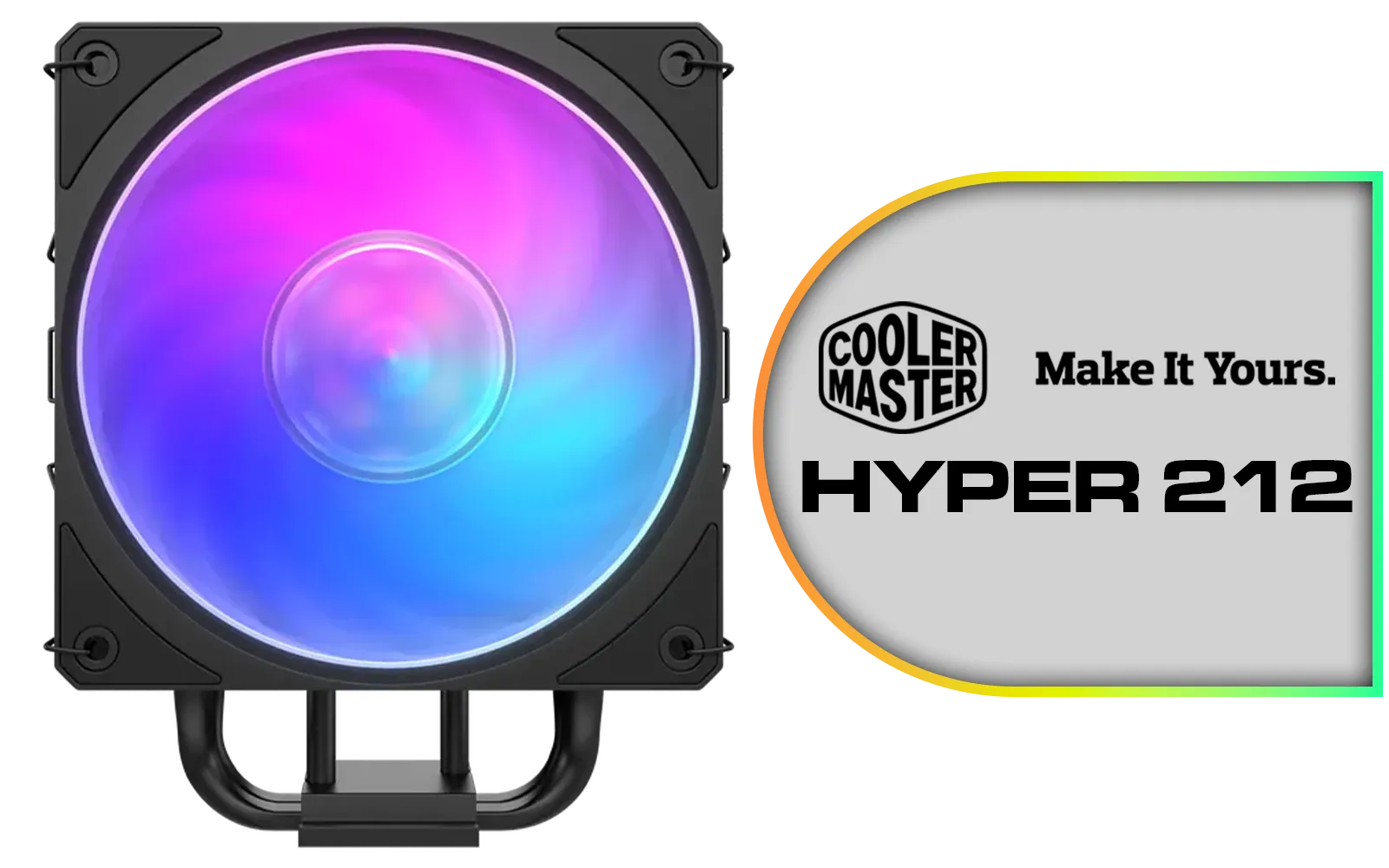
Cooler Master Hyper 212 3DHP Black ARGB Air Cooler / Superior Thermal Performance with 3DHP Heat Pipe Technology / Includes Mobius 120mm Fan / 2050 RPM Fan Speed / Supports Intel LGA 1851, 1700, 1200, 1151, 1150, 1155, 1156 & AMD AM5, AM4 Sockets / MAY-T2HP-217PA-R1
R799.00In Stock
DeepCool LP360 Liquid Cooler - White / 360mm Radiator / LED Digital Display / 3x ARGB Fans Included / Compatible with AMD & Intel / LP360-WH
R2399.00In Stock
The Centrepiece: Your CPU Cooler
Your CPU cooler is often the visual anchor of your motherboard. Instead of a bulky air cooler that can obscure your RAM and VRMs, many builders who prioritise panoramic visibility opt for liquid cooling. With a wide range of CPU coolers available, you can find one that perfectly matches your theme.
Modern AIO liquid coolers are designed with aesthetics in mind, featuring stunning RGB lighting, infinity mirrors, and even customisable LCD screens. Top-tier brands like Corsair lead the pack with their iCUE ecosystem, while innovators like Deepcool push the boundaries with unique, anti-leak pump designs that look incredible.
TIP FOR YOU
RGB Sync Pro Tip 💡
To achieve a seamless lighting effect, try to stick to components within one brand's ecosystem (like Corsair's iCUE or ASUS's Aura Sync). If you mix brands, use a universal control app like SignalRGB to synchronise all your different RGB components and create a unified, breathtaking light show.
Choosing the Right Radiator Size
The radiator is a key part of your AIO, and its size impacts both cooling and visual balance. For a high-TDP chip like a Core i9 or Ryzen 9, a beefy 360mm radiator not only offers the best thermal performance but also fills out larger panoramic cases beautifully. For most gaming builds, a versatile 240mm radiator provides a fantastic balance of cooling power and compatibility, fitting neatly in mid-tower cases without overwhelming the interior.
EK 280mm AIO D-RGB All-in-One CPU Liquid Cooler / Water Cooling Computer Parts / 140mm Fan / EK-Vardar High-Performance PMW Fans / Outstanding Thermal Conductivity / Support - Intel 115X/1200/2066, AMD AM4 / EK-AIO-280-D-RGB
R2699.00In Stock
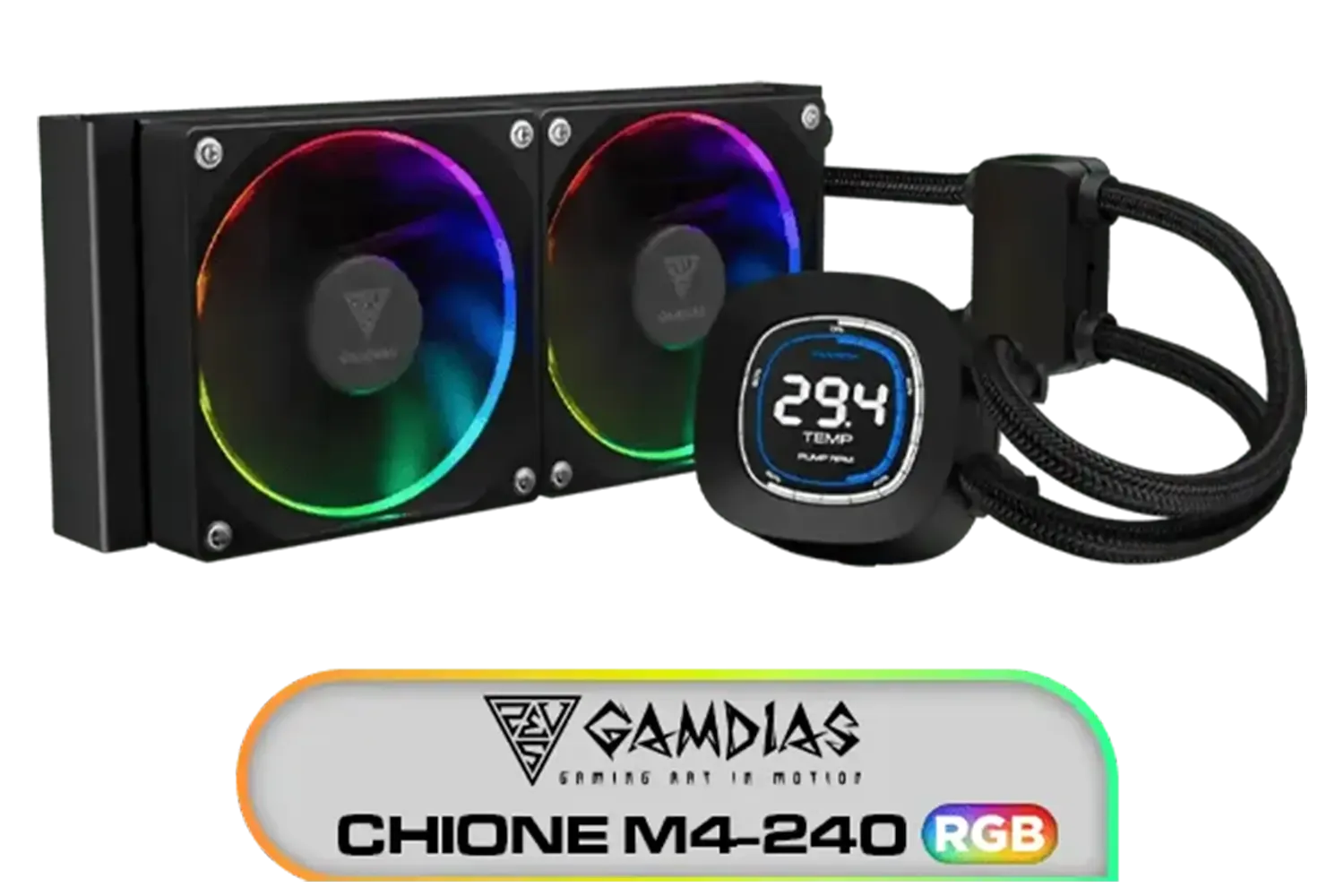
Gamdias CHIONE M4-240 CPU Liquid Cooler, 2X 120mm ARGB PWM Fans, RGB Sync with motherboards, Rotatable 2.1" LCD Displays / CHIONE-M4-240
R799.00In Stock
CORSAIR iCUE Link H100i RGB Liquid CPU Cooler - Black / 240mm AIO / QX120 RGB Fans / Fits Intel® LGA 1700, AMD® AM5 / iCUE Link System Hub Included / CW-9061001-WW
R3599.00In Stock

Cooler Master MasterLiquid 360 Ion ARGB Close-Loop AIO Liquid Cooler / Customize Pump / 2.1-Inch Customizable LCD Screen / 360mm Radiator / AMD Ryzen AM5/AM4 / Intel LGA1851/1700/1200 / MLY-D36M-A24PZ-R1
R5699.00In Stock
DeepCool LP360 Liquid Cooler - White / 360mm Radiator / LED Digital Display / 3x ARGB Fans Included / Compatible with AMD & Intel / LP360-WH
R2399.00In Stock
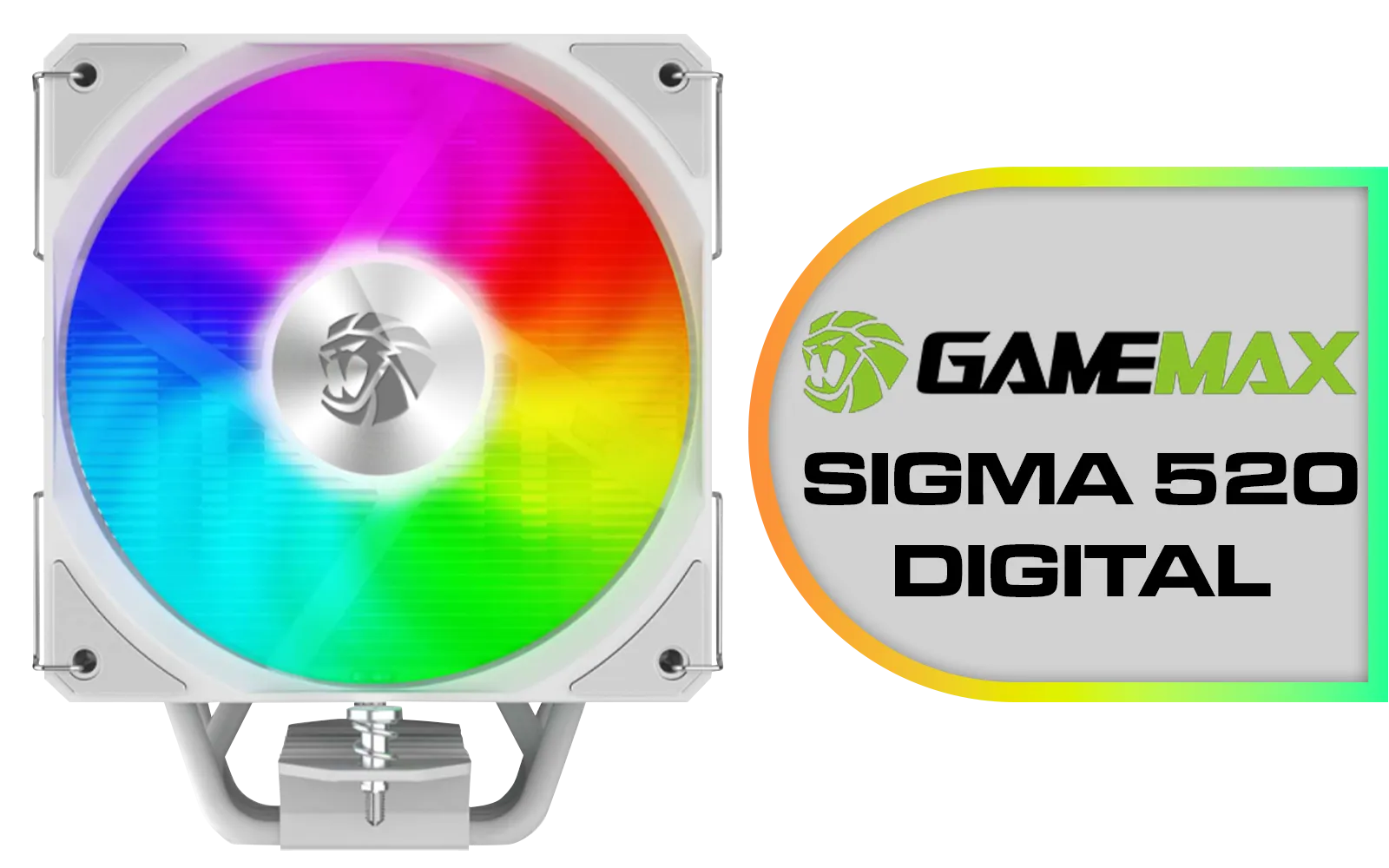
Gamemax Sigma 520 Digital Air Cooler - White / 220W Maximum Thermal Power / 74.8CFM High Airflow / Supports Intel Gen12, Gen13 & AMD CPUs / PWM Intelligent Temperature Control Fan / Sigma-520-Digital-WH
R699.00In Stock
Is a Panoramic PC Case Right for You?
So, should your next build feature edge-to-edge tempered glass? If you take pride in your component choices and enjoy the process of building and maintaining your rig, the answer is a resounding yes. The improved panoramic PC case visibility connects you to your machine in a way a solid steel box never could.
It’s an investment in the experience of PC ownership. While it might require a bit more effort to keep the glass clean and the cables tidy, the payoff is a stunning centrepiece that reflects your passion for performance and style. It’s your creation, after all… why not show it off? 🚀
Ready to Build Your Masterpiece? Your powerful components deserve to be seen. A panoramic case is the perfect canvas to showcase your passion. Explore our incredible range of PC cases and find the perfect frame for your ultimate rig.
Related Products
Corsair iCUE Link Titan 360 RX RGB All-In-One 360mm Liquid CPU Cooler / Three high-performance RX120 RGB fans / Extreme cooling performance / Three high-performance RX120 RGB fans / CW-9061021-WW
R3599.00In Stock

DeepCool LQ360 Liquid Cooler - Black / 360mm Radiator / Rotating magnetic cover / 3x ARGB Fans Included / 600–2400 RPM adjustable fan speed / Compatible with AMD & Intel / LQ360
R2499.00In Stock
Gamemax Sigma 520 Digital Air Cooler - White / 220W Maximum Thermal Power / 74.8CFM High Airflow / Supports Intel Gen12, Gen13 & AMD CPUs / PWM Intelligent Temperature Control Fan / Sigma-520-Digital-WH
R699.00In Stock

CORSAIR iCUE Link H100i RGB Liquid CPU Cooler - 240mm AIO - QX120 RGB Fans - Fits Intel® LGA 1700, AMD® AM5 - iCUE Link System Hub Included - White / CW-9061005-WW
R3899.00In Stock
DeepCool LP360 Liquid Cooler - White / 360mm Radiator / LED Digital Display / 3x ARGB Fans Included / Compatible with AMD & Intel / LP360-WH
R2399.00In Stock
EK 280mm AIO D-RGB All-in-One CPU Liquid Cooler / Water Cooling Computer Parts / 140mm Fan / EK-Vardar High-Performance PMW Fans / Outstanding Thermal Conductivity / Support - Intel 115X/1200/2066, AMD AM4 / EK-AIO-280-D-RGB
R2699.00In Stock
It’s how clearly you view components in a panoramic glass pc case, shaped by lighting, tempered glass reflections, and cable routing.
Not if planned. Follow panoramic pc case airflow tips: clear intakes, tidy cables, dust filters, and balanced fan curves to keep temps low.
Use glare reduction tempered glass film, angle LEDs away from glass, pick matte diffusers, and avoid direct window light to cut reflections.
Yes. Vertical GPU mount visibility is excellent, but ensure clearance and side intake so fans aren’t starved and GPU temps stay in check.
Edge strips and neutral 4000–5000K LEDs provide even case lighting for visibility; avoid direct LEDs pointing at glass to limit glare.
Apply RGB cable management tips: route behind the tray, shorten runs, hide hubs, and use combs so the panoramic view stays clean.
Use positive pressure and filters for dust management panoramic cases, then clean with microfiber and isopropyl to keep panels spotless.











