Razer Huntsman V3 Pro TKL Maintenance Guide
razer huntsman v3 pro tkl maintenance: Follow step-by-step cleaning, switch care, firmware updates, and storage tips to keep peak feel and reliability for years. ✅🧹
|
Loading tags...

You’ve dropped some serious ZAR on the Razer Huntsman V3 Pro TKL, a beast of a keyboard built for pure performance. But just like a high-performance car, it needs a tune-up to stay at the top of its game. This simple Razer Huntsman V3 Pro TKL maintenance guide isn't just about cleaning... it's about protecting your investment and ensuring every keystroke is as crisp and responsive as the day you unboxed it. Let’s get it looking and feeling brand new. 🚀
MONSTER Airmars KMH7 USB Mechanical Gaming Keyboard / Full key Without Conflict / Monster Optical Mechanical Axis / Waterproof Protect / Double Color Injection Molded Keycap / AIRMARS-KMH7-KB
R1399.00In Stock

Gamdias Hermes E3 Gaming Keyboard Brown Switch--Black / GAMDIAS Certified Mechanical Switches / 61Key Mechanical Keyboard / Ergonomic design / HERMES-E3-BRN
R129.00In Stock

Glorious Gaming Wrist Pad/Rest - Compact - Stealth Edition - Mechanical Keyboards, Stitched Edges, Ergonomic | 12x4 inches | 0.7in/17mm Thick (GSW-75-STEALTH)
R349.00In Stock

Logitech G713 Wired Mechanical Gaming Keyboard with LIGHTSYNC RGB Lighting, Tactile Switches (GX Brown), and Keyboard Palm Rest, PC and Mac Compatible - White Mist / 920-010422
R3999.00In Stock
MARVO KG935 RGB Mechanical Gaming Keyboard - Blue Switch / Hot-Swappable Marvo Mechanical Switches / Customizable Rainbow Backlighting Modes / Durable Double Injection Keycaps / 1.6m Braided Type-C Cable / MARVO KG935
R499.00In Stock

Logitech MK295 Wireless Keyboard And Mouse Combo / Long Battery Life / Durable And Reliable / Full-Size, Spill-Resistant Design / 920-009800
R569.00In Stock
Why Regular Maintenance is Non-Negotiable
Let's be real, your gaming station sees a lot of action. Dust, crumbs from those late-night sessions, and natural oils from your fingers can build up over time. For the Huntsman V3 Pro TKL, this gunk can interfere with its Gen-2 Analog Optical Switches, potentially leading to sticky keys or inconsistent actuation. Proper, regular cleaning ensures peak performance when every millisecond counts. It's a small effort to protect one of the most crucial premium gaming keyboards in your arsenal.
Your Essential Huntsman V3 Pro TKL Cleaning Kit 🔧
You don't need a high-tech lab to perform proper Razer Huntsman V3 Pro TKL maintenance. Most of what you need is probably already in your house.
Here’s your checklist:
- Keycap Puller: Usually included with high-end keyboards. If not, they are cheap and essential.
- Soft-bristled Brush: A clean paintbrush or a new makeup brush works wonders.
- Can of Compressed Air: For blasting away stubborn dust and debris.
- Microfibre Cloth: To avoid scratches and lint.
- Isopropyl Alcohol (Optional): A small amount on a cotton swab for tough grime.
- A Bowl of Warm, Soapy Water: For bathing the keycaps.

Logitech K400 PLUS Wireless Touch Keyboard / 10-Meter Wireless Range / 18-Months Battery Life / Media-Friendly / 920-007145
R529.00In Stock
Gamdias AURA GK2 60% Multicolor Gaming Keyboard - White & Black / Dual Colorway Keycaps / 61Key Mechanical Keyboard / Tactile Mechanical Switches / 9 Built-In Lighting Effects / AURA GK2 WB
R699.00In Stock

Glorious Gaming Wrist Pad/Rest - Full Standard Size - Stealth - Mechanical Keyboards,Stitched Edges,Ergonomic | 17.5x4 inches/(0.7in/17mm) Thick (GSW-100-STEALTH)
R349.00In Stock

Glorious Mechanical Keyboard Keycaps - Black / Standard 105 Keys / UK Keyboard Layout / Double Shot Injection Legends / Backlight LED Compatible / Unique Dual-layer Casing / Designed to Improve LED Glow / G-104-Black
R399.00In Stock

Logitech MK220 Wireless Keyboard And Mouse Combo / Long Battery Life / 10 re-programmable keys / Full-size, spill-resistant keyboard / Instant media Access / Logitech Unifying Receiver / 920-003161
R449.00In Stock
Logitech MK235 Wireless Keyboard And Mouse Combo / Familiar Keyborad Layout / Long Battery Life / Built To Last / Reliable Wireless / 920-007931
R449.00In Stock
Step-by-Step Razer Huntsman V3 Pro TKL Maintenance Guide
Ready to get started? This process should take about 30-45 minutes and will leave your keyboard feeling factory-fresh.
Step 1: Disconnect and Prep
Before you do anything, unplug your keyboard from your PC. This prevents any accidental key presses and, more importantly, is a crucial safety step. It's also a good idea to snap a quick photo of your keyboard's layout with your phone… just in case you forget where a specific key goes.
Step 2: Keycap Removal and Deep Clean
Gently use your keycap puller to lift each keycap straight up. Avoid wiggling them side-to-side. Once they're all off, drop them into your bowl of warm, soapy water and let them soak for about 20 minutes. Afterwards, give them a gentle scrub, rinse them thoroughly, and lay them out on a towel to air dry completely. This is the secret to keeping the glow on vibrant RGB keyboards looking sharp. ✨

Razer Huntsman V2 Optical Gaming Keyboard - Clicky Purple Switch / Doubleshot PBT keycaps / 100 Million Keystroke Lifespan / HyperPolling Technology / Up to true 8000 Hz Polling Rate / Fully programmable keys / Gaming mode option / Aluminum matte top plate / RZ03-03930300-R3M1
R2499.00In Stock
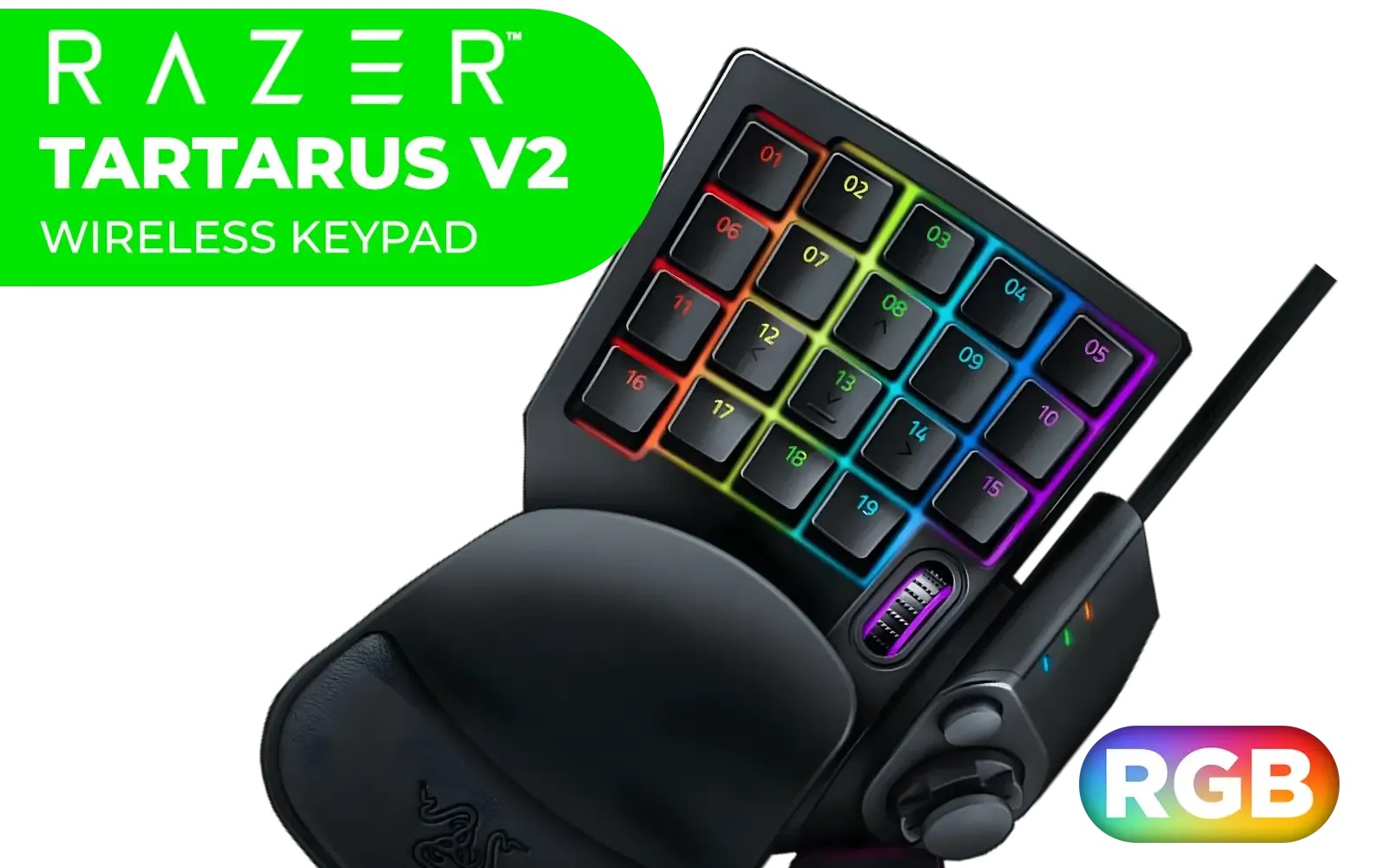
Razer Tartarus V2 Chroma Gaming Keypad / Mecha-Membrane switches / Programmable Keys / Ergonomic Design / Detachable palm rest / RZ07-02270100-R3M1
R2199.00In Stock
Logitech K400 PLUS Wireless Touch Keyboard / 10-Meter Wireless Range / 18-Months Battery Life / Media-Friendly / 920-007145
R529.00In Stock

Glorious Aura V2 145-Key PBT Mechanical Keyboard Keycaps - Black / Full-size standard 145 Key / PBT Keys / LED Light Compatible / US Layout / Fits most mechanical keyboards / Compatible with GMMK 2 & GMMK PRO / <span style="color:red; font-size: 16px;">*Keyboard not Included*</span> / GLO-KC-AURA2-B
R599.00In Stock

Razer Huntsman V2 TKL Tenkeyless Gaming Keyboard: Fastest Linear Optical Switches Gen2 w/Sound Dampeners & 8000Hz Polling Rate - Detachable TypeC Cable - Doubleshot PBT Keycaps - Ergonomic Wrist Rest / RZ03-03940100-R3M1
R2999.00In Stock

SteelSeries Apex 3 TKL RGB Gaming Keyboard – Tenkeyless Compact Form Factor - 8-Zone RGB Illumination – IP32 Water & Dust Resistant – Whisper Quiet Gaming Switch – Gaming Grade Anti-Ghosting / 64831
R1299.00In Stock
Step 3: Clearing Out the Keyboard Chassis
With the keycaps off, you can now see the keyboard's base plate. Turn the keyboard upside down and give it a gentle shake to dislodge any large debris. Next, take your soft brush and sweep out anything left between the switch housings. For the final clean, use your can of compressed air to blast away any remaining fine dust particles.
TIP FOR YOU
Compressed Air Pro Tip 💨
Always use compressed air in short, controlled bursts. Never shake the can during use, and keep it upright to prevent the liquid propellant from spraying out, which can damage sensitive components. It's about precision, not power!
Step 4: Cable and Connection Care
While the keycaps are drying, give the detachable USB-C cable a wipe-down with your microfibre cloth. Check the ports on both the keyboard and your PC for any dust buildup. A clean, secure connection is vital for performance, which is a key advantage of reliable wired gaming keyboards. If cable management is a constant headache, exploring some clutter-free wireless options for your next upgrade might be a thought.
Step 5: Reassembly and Final Polish
Once you are 100% sure the keycaps are dry, you can start putting your keyboard back together. Gently press each keycap back onto its corresponding switch until you feel a satisfying click. Use your photo from Step 1 as a guide. After reassembly, give the entire keyboard a final wipe with a clean microfibre cloth.
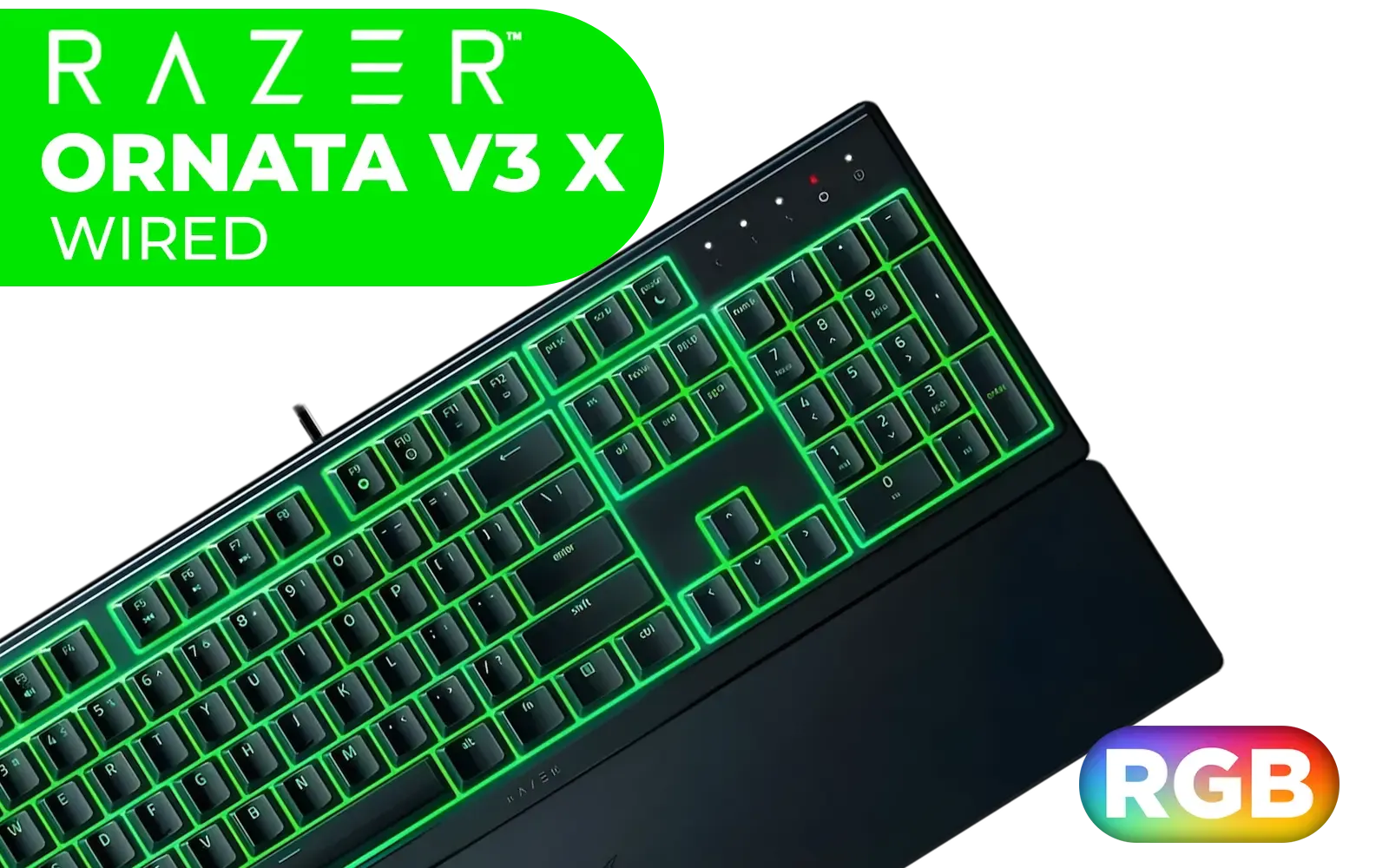
Razer Ornata V3 X Gaming Keyboard: Low-Profile Keys - Silent Membrane Switches - UV-Coated Keycaps - Spill Resistant - Chroma RGB Lighting - Ergonomic Wrist Rest - Classic Black / RZ03-04470100-R3M1
R1199.00In Stock

Logitech Pebble 2 Wireless Combo - Tonal White / Slim Keyboard / Multi-device Bluetooth / Keyboard and mouse / Customizable keys and button / Up to 10m / 920-012240
R1039.00In Stock
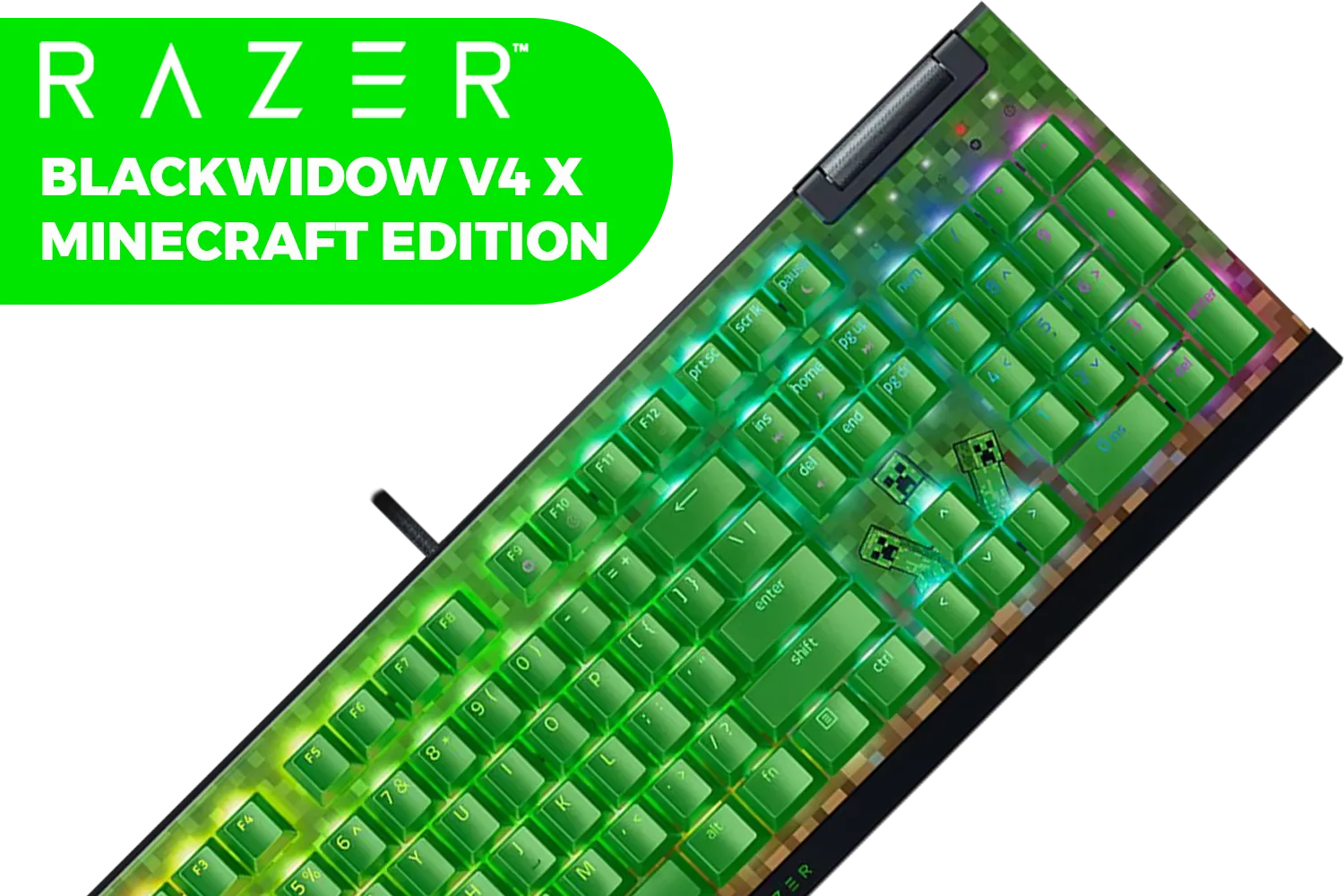
Razer BlackWidow V4 X Mechanical Gaming Keyboard - Minecraft Edition (Green switch) / 6 Dedicated Macro Keys / Chroma RGB / Doubleshot ABS Keycaps / Dedicated Media Roller / RZ03-04704100-R3M1
R3999.00In Stock

Razer BlackWidow V3 Mini 65% Wireless Mechanical Gaming Keyboard: HyperSpeed Wireless - Green Tactile & Clicky Switches - Doubleshot ABS Keycaps - 200Hrs Battery Life / RZ03-03890100-R3M1
R3799.00In Stock
Glorious Aura V2 145-Key PBT Mechanical Keyboard Keycaps - Black / Full-size standard 145 Key / PBT Keys / LED Light Compatible / US Layout / Fits most mechanical keyboards / Compatible with GMMK 2 & GMMK PRO / <span style="color:red; font-size: 16px;">*Keyboard not Included*</span> / GLO-KC-AURA2-B
R599.00In Stock

SteelSeries Apex 9 Mini FaZe Clan Edition – HotSwap Optical Mini Keyboard – 60% Compact Design – Optical Switches – RGB Customization – Aluminum Alloy Frame – Double Shot PBT Keycap / 64853
R4999.00In Stock
Beyond Cleaning: Firmware and Software Health
A complete Huntsman V3 Pro TKL cleaning routine also includes digital maintenance. Regularly check Razer Synapse for any firmware updates for your keyboard. These updates often include performance enhancements, bug fixes, and optimisations that keep your hardware running at its absolute best.
Ready for Your Next Competitive Edge? A well-maintained keyboard is a powerful tool, but the quest for the perfect setup never ends. Whether you're upgrading or starting fresh, explore our massive range of gaming keyboards and find the perfect board to dominate the competition in South Africa.
Related Products
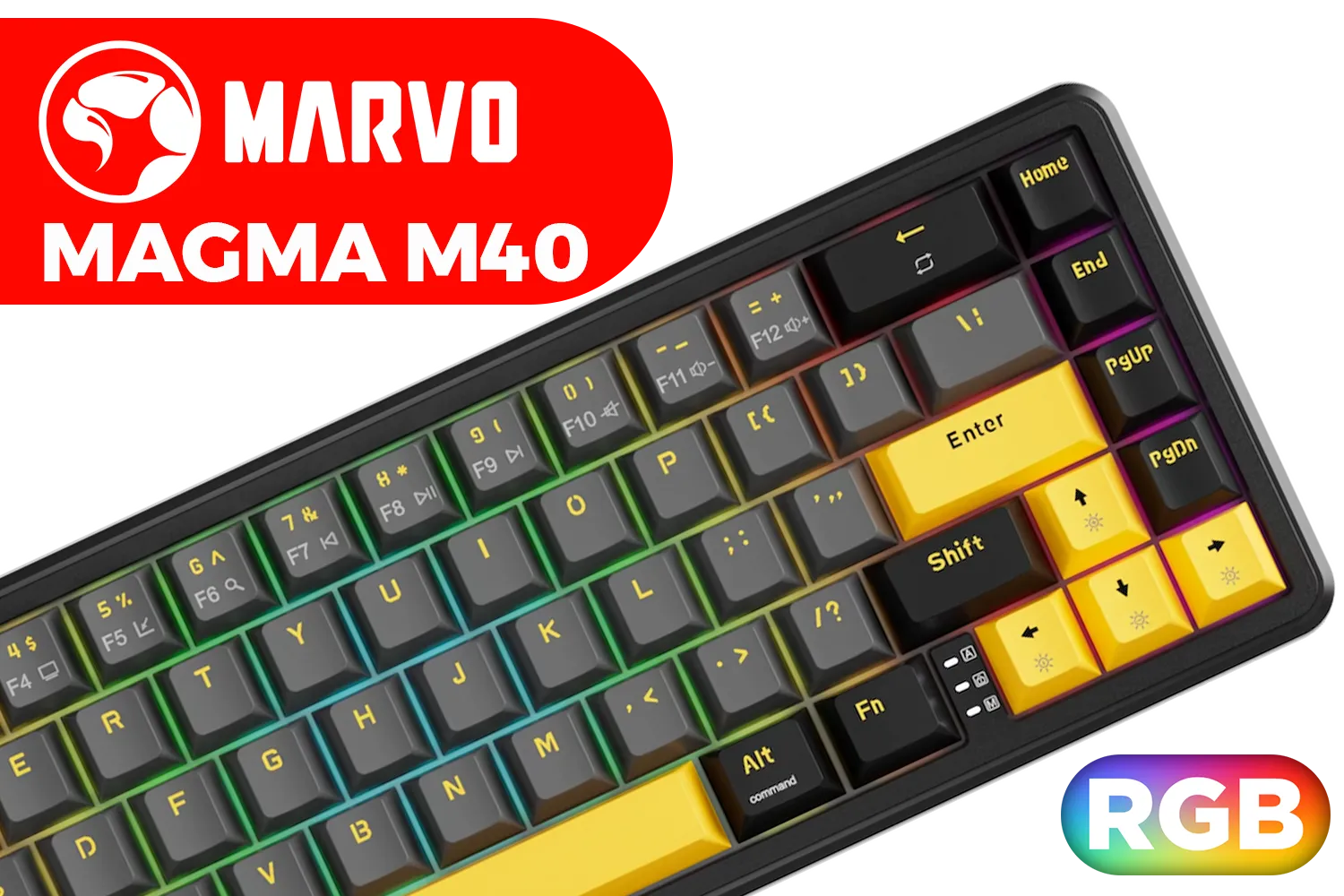
MARVO Magma M40 KG964 Magnetic Gaming Keyboard / Ultra-Fast 8K Polling Rate / Compact 67-Key Layout / Vibrant RGB Lighting / Snap Tap Support + Software Control / KG964
R599.00In Stock
Logitech MK220 Wireless Keyboard And Mouse Combo / Long Battery Life / 10 re-programmable keys / Full-size, spill-resistant keyboard / Instant media Access / Logitech Unifying Receiver / 920-003161
R449.00In Stock

Gamdias Hermes M4 Hybrid Wireless Gaming Keyboard / Lag-free Wired/ Wireless/ BT mode / Certified Mechanical Switches / Dual Colorway Keycaps / Type-C to A Braided Cable / Anti-ghosting with N-key rollover / HERMES M4 Hybrid
R799.00In Stock

Glorious Gateron BLUE Mechanical Keyboard Switches / 120 Pack / Compatible With MX Based Keyboards / Compatible With MX Keycaps / PLATE Mounted / Transparent Switch Housing / SMD Led Compatible / GAT-BLUE
R699.00In Stock

Glorious GPBT 114-Keys Premium PBT Mechanical Keyboard Keycaps - Rain Forest / Compatible with GMMK PRO & GMMK 2 / Fits Most Full-size/TKL Compact Keyboards / Non-Transparent Keycaps / US Layout / <span style="color:red; font-size: 16px;">*Keyboard not Included*</span> / GLO-KC-GPBT-RF
R799.00In Stock
Logitech MK295 Wireless Keyboard And Mouse Combo / Long Battery Life / Durable And Reliable / Full-Size, Spill-Resistant Design / 920-009800
R569.00In Stock
Do light cleaning weekly and a deeper clean every 3–6 months. Lubrication or switch work only as needed or annually for heavy use.
Yes. Use a keycap puller and follow guides to avoid pulling stabilizers. Cleaning under keycaps prevents grime-related issues.
Use a soft brush, compressed air, isopropyl wipes, and a keycap puller. These tools prevent damage while maintaining feel.
Lubrication can improve feel but voids warranties. Only lube if comfortable opening switches and use plastic-safe lubricants.
Regular firmware updates fix bugs and improve stability. Check Razer Synapse and back up profiles before updating firmware.
Store flat in a dry case or sleeve, avoid direct sunlight, and keep keycaps covered to prevent dust and UV fade.
Clean under keycaps, check firmware, and test switches. Replace faulty switches or contact support if hardware issue persists.