



Sim Racing Ergonomics: Prevent Back Pain in Endurance Races
Master sim racing ergonomics to dominate the track without the ache. Proper posture and rig adjustment are key to surviving endurance races. 🏎️ Stop letting back pain ruin your lap times and learn the perfect setup today! 🏁
|
Loading tags...

You’ve just survived a brutal 60-minute stint at Monza. The adrenaline is pumping, you’ve secured the podium... but that sharp, nagging ache in your lower back is stealing the victory lap thunder. Sound familiar? For many South African sim racers, physical fatigue cuts a race short long before tyre wear does. The secret to endurance isn't just raw talent; it's perfecting your sim racing ergonomics to prevent back pain and maintain peak focus.
![[BLACK/GREEN] Vertagear Racing Series S-Line SL3800 Gaming Chairs / 100KG Weight Limit / Easy Assembly / Adjustable Seat Height / VG-SL3800SE_MG](https://img.evetech.co.za/repository/ProductImages/vertagear-sl3800-gaming-chair-black-green-1500px-v1.webp)
[BLACK/GREEN] Vertagear Racing Series S-Line SL3800 Gaming Chairs / 100KG Weight Limit / Easy Assembly / Adjustable Seat Height / VG-SL3800SE_MG
R5799.00In Stock
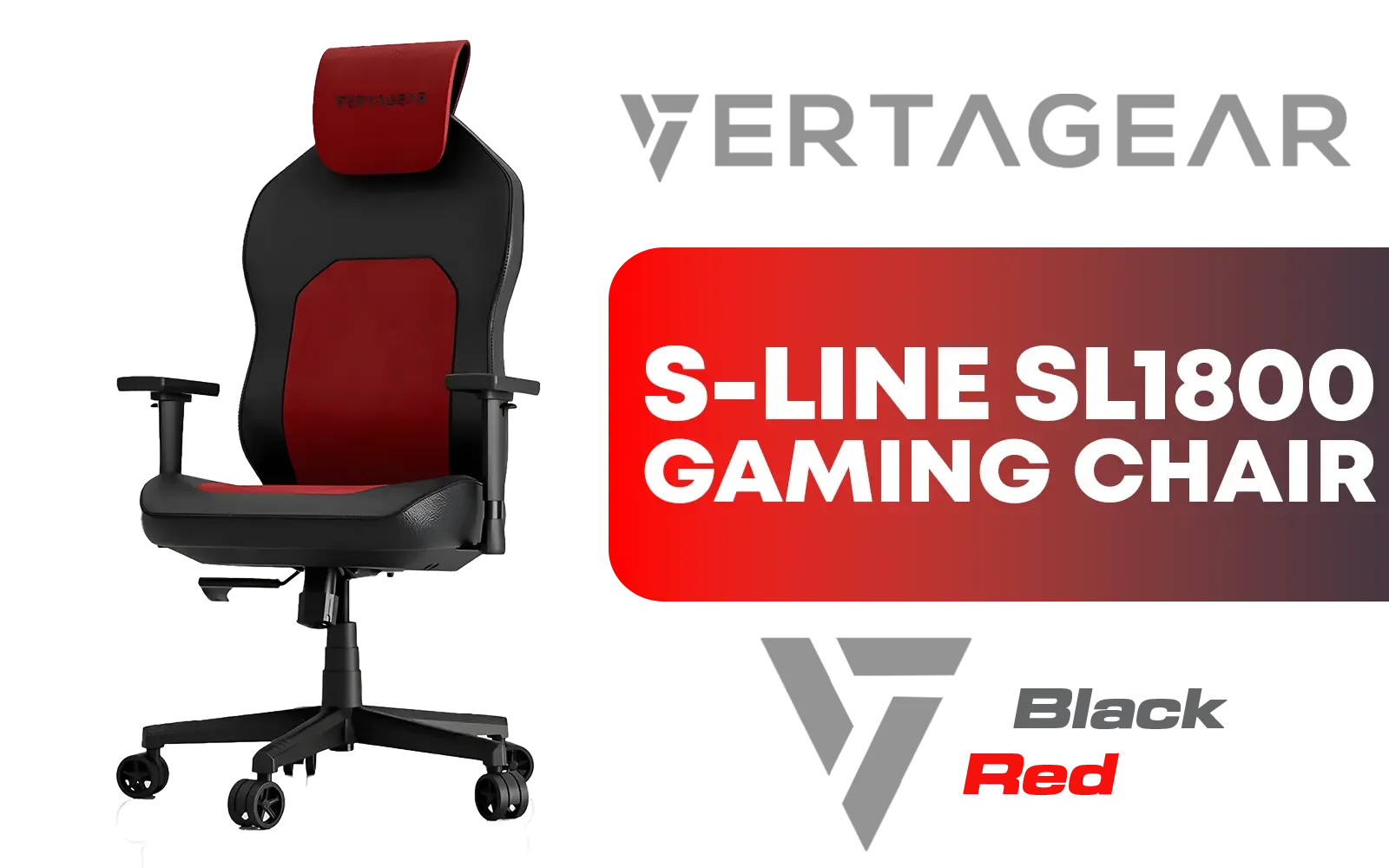
Vertagear Racing Series S-Line SL1800 Office Gaming Chair - Black/Red / VG-SL1800_BR
R3699.00In Stock
![[BLACK/BLUE] Vertagear Racing Series P-Line PL4800 Gaming Chairs / 163KG Weight Limit / Easy Assembly / Adjustable Seat Height / VG-PL4800SE_MB](https://img.evetech.co.za/repository/ProductImages/vertagear-pl4800-gaming-chair-black-blue-1800px-v2.webp)
[BLACK/BLUE] Vertagear Racing Series P-Line PL4800 Gaming Chairs / 163KG Weight Limit / Easy Assembly / Adjustable Seat Height / VG-PL4800SE_MB
R7999.00In Stock
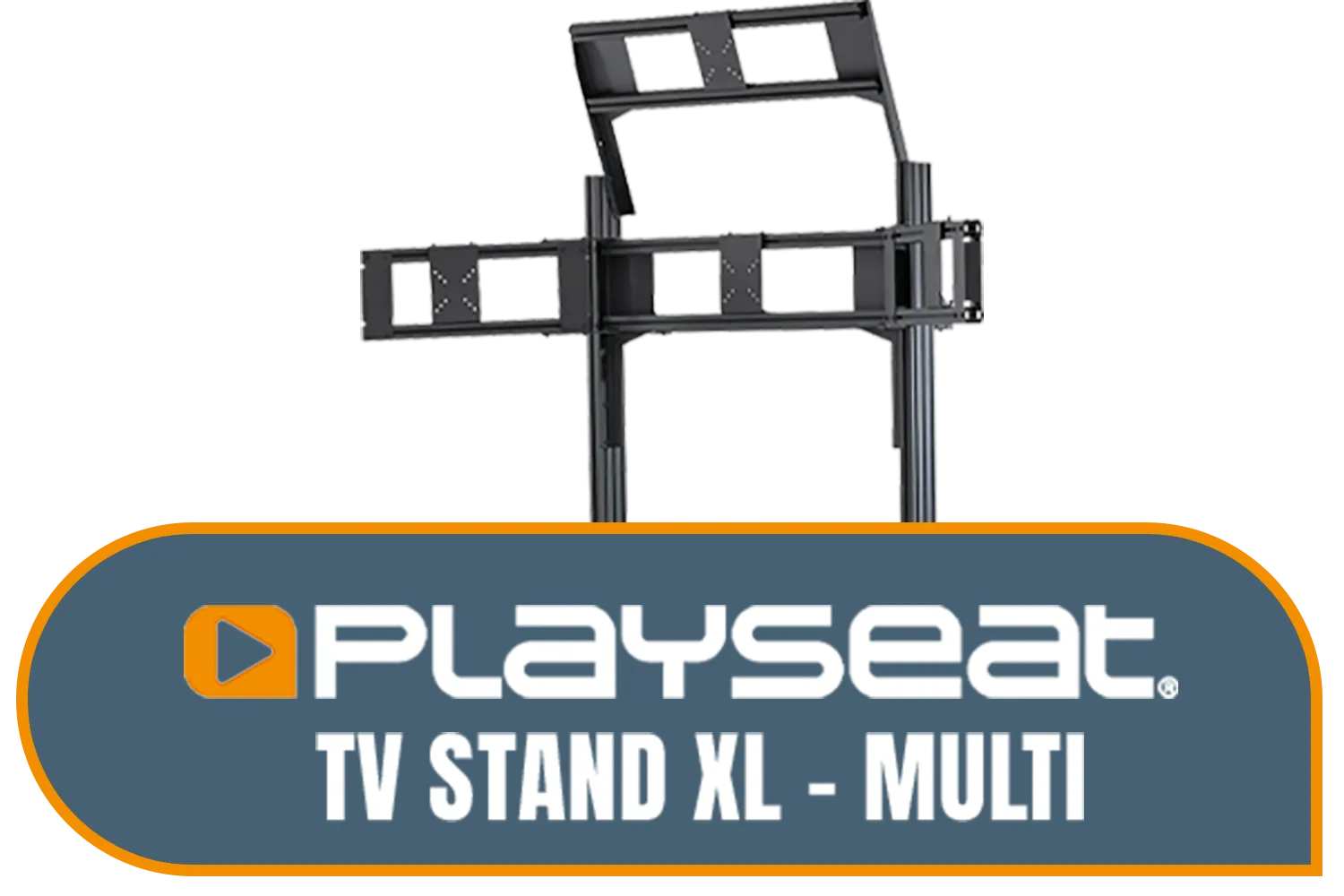
Playseat TV Stand XL - Multi / Steel Frame / RAC00258
R9499.00In Stock
![[BLACK/BLUE] Vertagear Racing Series S-Line SL3800 Gaming Chairs / 100KG Weight Limit / Easy Assembly / Adjustable Seat Height / VG-SL3800SE_MB](https://img.evetech.co.za/repository/ProductImages/vertagear-sl3800-gaming-chair-black-blue-1800px-v002.webp)
[BLACK/BLUE] Vertagear Racing Series S-Line SL3800 Gaming Chairs / 100KG Weight Limit / Easy Assembly / Adjustable Seat Height / VG-SL3800SE_MB
R5499.00In Stock
![[BLACK/GREEN] Vertagear Racing Series P-Line PL6800 Gaming Chairs / 181KG Weight Limit / Easy Assembly / Adjustable Seat Height / VG-PL6800SE_MG](https://img.evetech.co.za/repository/ProductImages/vertagear-pl6800-gaming-chair-black-green-1800px-v2.webp)
[BLACK/GREEN] Vertagear Racing Series P-Line PL6800 Gaming Chairs / 181KG Weight Limit / Easy Assembly / Adjustable Seat Height / VG-PL6800SE_MG
R7799.00In Stock
Why Your Sim Racing Ergonomics Is Non-Negotiable
Think of your rig as your cockpit. In a real race car, everything is moulded to the driver for maximum control and minimum fatigue. Your home setup deserves the same respect. Proper sim racing ergonomics isn't just about comfort; it's a performance multiplier. It ensures your inputs are consistent, reduces the risk of repetitive strain injury, and allows you to stay laser-focused from the green light to the chequered flag. Ignoring it is like leaving horsepower on the table.
A poor setup forces your body into unnatural positions. Your muscles tense up to compensate, leading to:
- Lower Back Pain: The most common complaint, usually from a bad seat angle or reaching for the pedals.
- Shoulder & Neck Strain: Caused by a steering wheel that’s too high, too low, or too far away.
- Wrist & Forearm Fatigue: An incorrect wheel angle can put immense pressure on your wrists, especially with powerful direct-drive wheels.
Dialing in Your Cockpit for Peak Performance 🔧
Getting your posture right is the foundation of good ergonomics for sim racing. Let’s break down the key adjustments to create a pain-free driving position that feels like a natural extension of your body.
### The Seat: Your Command Centre
Your seat is the single most important ergonomic component. A wobbly office chair just won't cut it for serious racing.
- Angle: Your back should be firmly supported, with a slight recline of around 100-110 degrees. You shouldn't be bolt upright or slouched like you're in a beach chair.
- Height & Distance: Adjust the seat so that when you fully depress the brake pedal, you still have a slight bend in your knee. This prevents hyperextension and gives you maximum braking force. Investing in a purpose-built chassis from brands like Playseat makes achieving this perfect posture infinitely easier than modifying a desk chair.
![[BLACK/RED] Vertagear Racing Series S-Line SL5800 Gaming Chairs / 113KG Weight Limit / Easy Assembly / Adjustable Seat Height / VG-SL5800SE_BR](https://img.evetech.co.za/repository/ProductImages/vertagear-sl5800-gaming-chair-black-red-1800px-v2.webp)
[BLACK/RED] Vertagear Racing Series S-Line SL5800 Gaming Chairs / 113KG Weight Limit / Easy Assembly / Adjustable Seat Height / VG-SL5800SE_BR
R6999.00In Stock
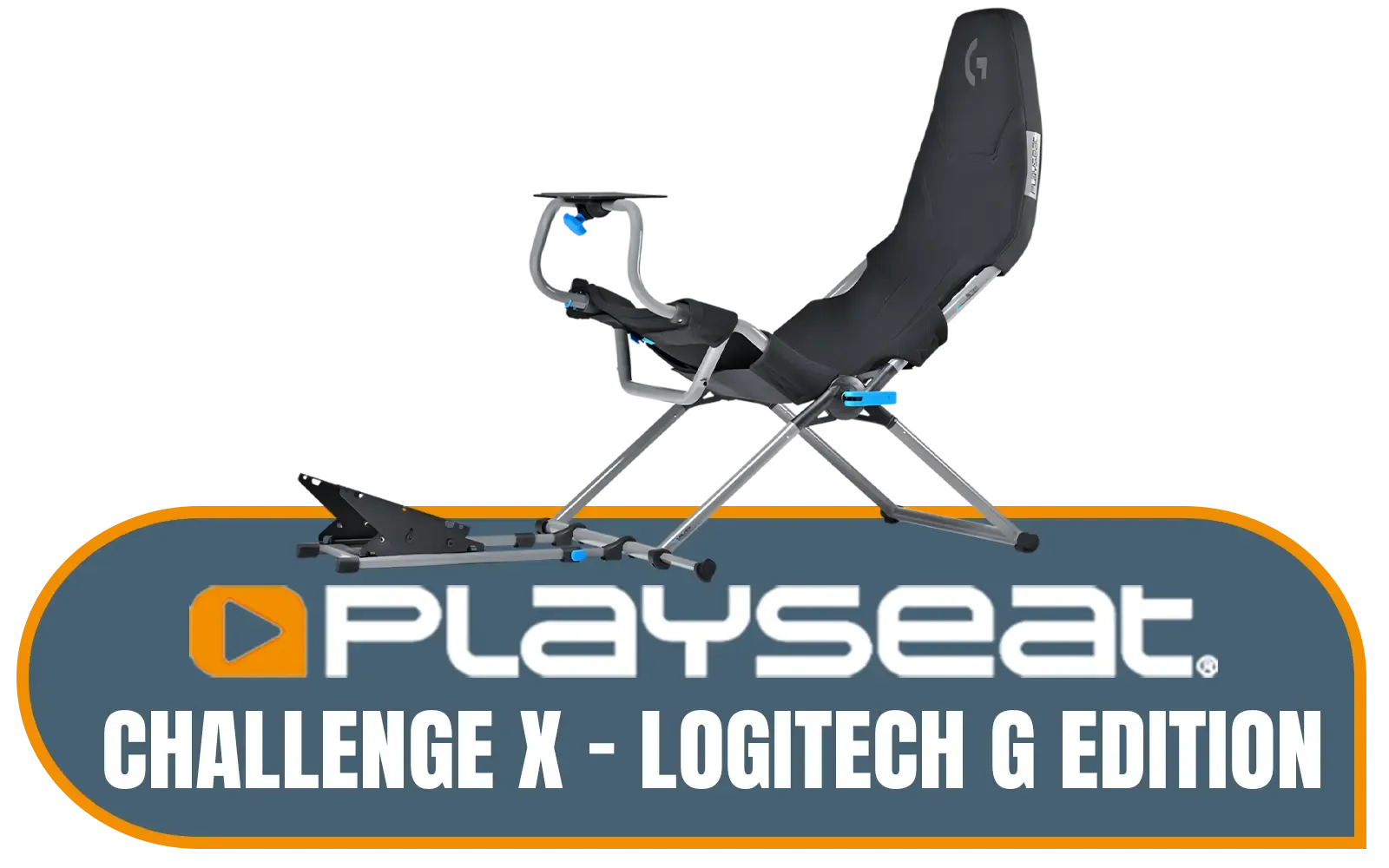
Playseat Challenge X - Logitech G Edition - Adjustable Straps for Seat Firmness - Breathable ActiFit™ Material for Comfort - Compatible with All Steering Wheels - Suitable for Children and Adults / G00248
R6499.00In Stock

Playseat® Trophy Pro Racing Seat - Developed with Race Drivers and Esports Athletes - Supports All Consoles and PC - Compatible with Direct Drive Wheels - Pedal Plate Optimized for Braking Force - Playseat® ActiFit™ Material for Breathability — Black / RAP00304
R14299.00In Stock

Playseat Tv Stand - PRO 3s
R5799.00In Stock
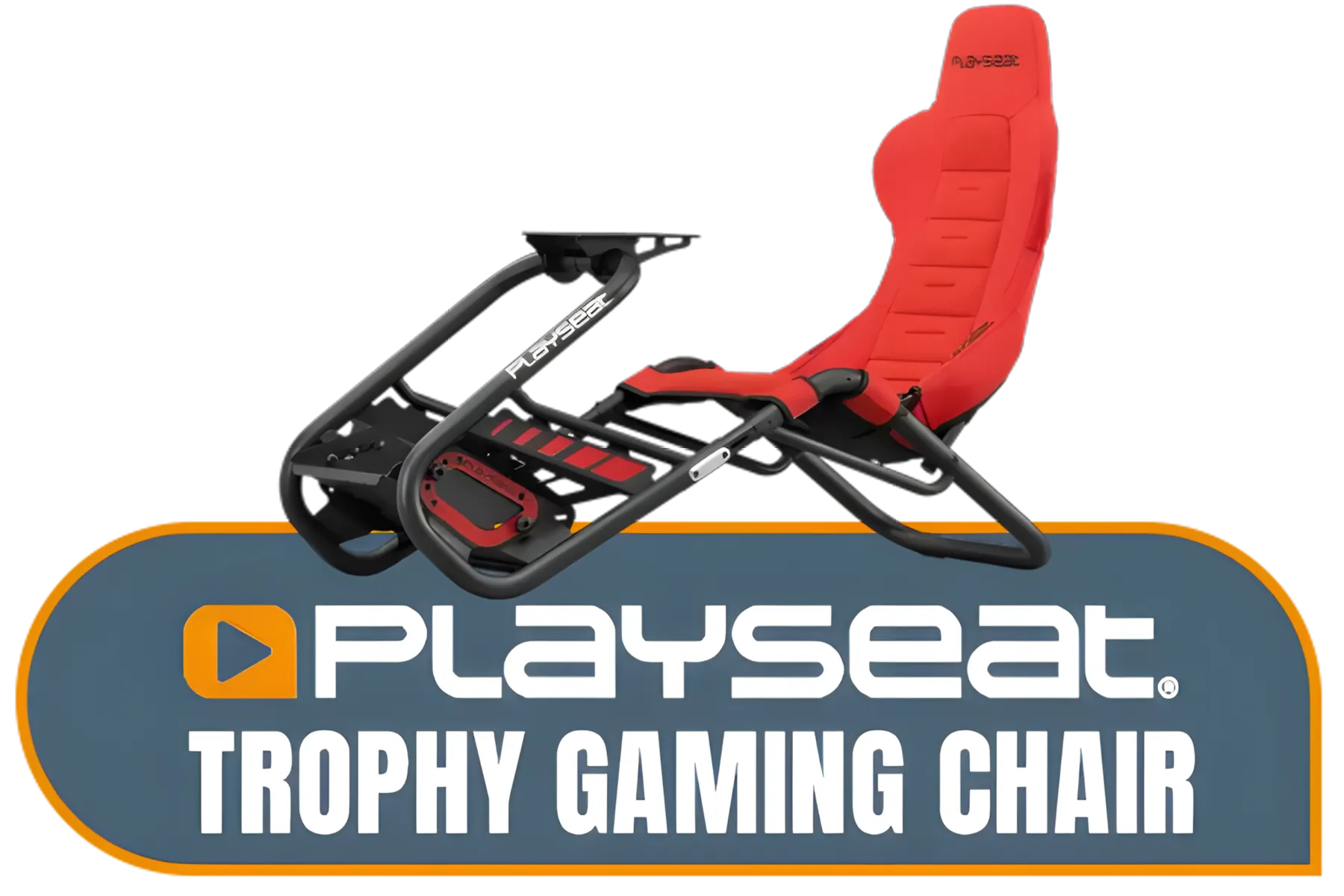
Playseat® Trophy Gaming Chair - Playseat Trophy Gaming Chair - Pedal Plate Optimized for Braking Force - Works with All Consoles and PC - Supports All Steering Wheels and Pedals - Gaming - Compatible with Direct Drive Wheels - Fully Adjustable for Ideal Fit — Red / RAP00314
R13999.00In Stock

Playseat Direct Drive Adapter / RAC00260
R4899.00In Stock
### Wheel & Pedals: Your Connection to the Road
Once your seat is sorted, it’s time to position your controls. This is where you translate thought into action, so precision is key.
- Wheel Position: With your shoulders back against the seat, you should be able to rest your wrists on the top of the wheel. When gripping it, your elbows should have a comfortable bend of about 90-120 degrees. This relaxed position prevents shoulder fatigue.
- Pedal Placement: Your feet should rest naturally on the pedals without you having to stretch or cramp your ankles. Ensure the pedals are secure and don't move under heavy braking. High-quality pedal sets from specialists like Thrustmaster often offer adjustability to match your ergonomic needs perfectly.
TIP FOR YOU
The FOV Pro Tip 🚀
Your Field of View (FOV) is a huge part of ergonomic comfort. An incorrect FOV can cause eye strain and motion sickness. Use an online FOV calculator! You'll need your monitor size and the distance from your eyes to the screen. A correct FOV makes judging braking points and apexes feel more natural, directly translating to better lap times.
Fine-Tuning for Endurance Race Dominance
With the core components of your sim racing ergonomics locked in, the final step is to refine the small details. Your monitor should be positioned so the centre of the screen is at your eye level, preventing you from craning your neck up or down. Keep your keyboard and mouse within easy reach for navigating menus without awkward stretching.

Playseat Seat Slider Accessory for Game Chair / Designed for Playseats Racing Seats / Users Adjust Racing Chair to Accommodate / Double-Locking Adjustable Sliding Handle / Compatible with Playseat Evolution, GT, and Flightseat Models / Assemble with just 4 Mounting Screws / RAC00072
R999.00In Stock
Playseat Challenge X - Logitech G Edition - Adjustable Straps for Seat Firmness - Breathable ActiFit™ Material for Comfort - Compatible with All Steering Wheels - Suitable for Children and Adults / G00248
R6499.00In Stock
![[BLACK/PURPLE] Vertagear Racing Series S-Line SL3800 Gaming Chairs / 100KG Weight Limit / Easy Assembly / Adjustable Seat Height / VG-SL3800SE_MP](https://img.evetech.co.za/repository/ProductImages/vertagear-sl3800-gaming-chair-black-purple-1800px-v002.webp)
[BLACK/PURPLE] Vertagear Racing Series S-Line SL3800 Gaming Chairs / 100KG Weight Limit / Easy Assembly / Adjustable Seat Height / VG-SL3800SE_MP
R3499.00In Stock
![[Open Box] [BLACK/RED] Vertagear Racing Series S-Line SL3800 Gaming Chairs / 100KG Weight Limit / Easy Assembly / Adjustable Seat Height / VG-SL3800SE_BR](https://img.evetech.co.za/repository/ProductImages/vertagear-sl3800-gaming-chair-black-red-1800px-v3.webp)
[Open Box] [BLACK/RED] Vertagear Racing Series S-Line SL3800 Gaming Chairs / 100KG Weight Limit / Easy Assembly / Adjustable Seat Height / VG-SL3800SE_BR
R5599.00In Stock
![[BLACK/WHITE] Vertagear Racing Series P-Line PL6800 Gaming Chairs / 181KG Weight Limit / Easy Assembly / Adjustable Seat Height / VG-PL6800SE_WT](https://img.evetech.co.za/repository/ProductImages/vertagear-pl6800-gaming-chair-black-white-1800px-v002.webp)
[BLACK/WHITE] Vertagear Racing Series P-Line PL6800 Gaming Chairs / 181KG Weight Limit / Easy Assembly / Adjustable Seat Height / VG-PL6800SE_WT
R7799.00In Stock

Logitech G923 TRUEFORCE Racing Wheel for XBOX AND PC. Features next gen force feedback, launch assist control, premium build, RPM indicator, on-wheel controls, progressive brake pedall / 941-000158
R8999.00In Stock
Remember, ergonomics is a continuous process of refinement. What feels good for a 20-minute sprint might need a tiny tweak for a 2-hour endurance race. Listen to your body, make micro-adjustments, and don't be afraid to experiment. A comfortable driver is a fast and consistent driver. Once you have your posture dialled in, you can browse a massive selection of accessories and upgrades from our complete sim racing category to complete your ultimate setup. ✨
Ready to Build Your Pain-Free Cockpit? Don't let back pain rob you of your podium finish. A proper ergonomic setup is the best upgrade you can make for performance and longevity in the sport. Explore our huge range of sim racing gear and build the rig that will carry you to victory, comfortably.
Related Products
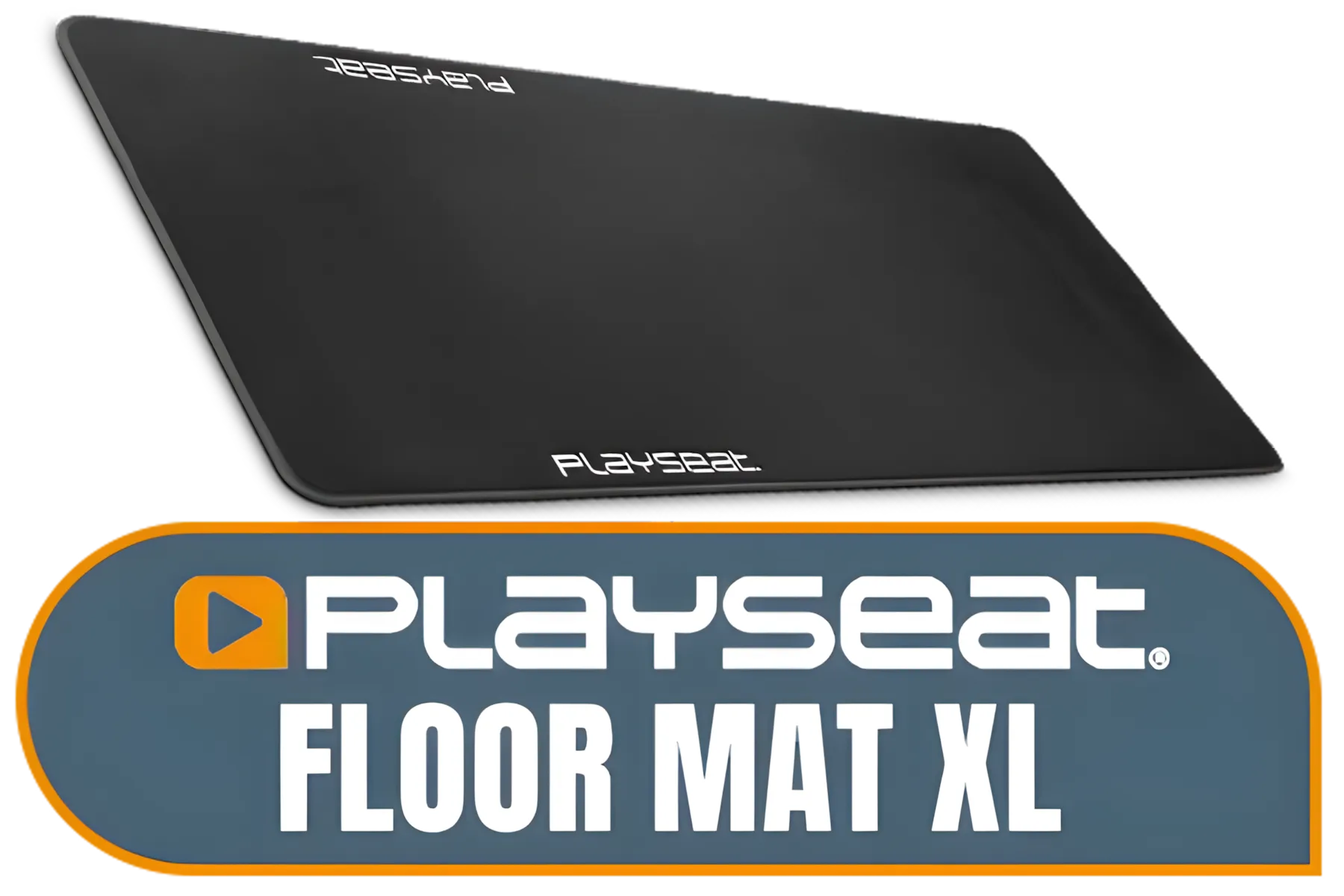
Playseat Floor Mat XL / Anti-slip Layer Underneath / Protects all Types of Floors / Easy To keep Clean and Tidy / Soft Cloth Fabric Coating on Top / Features Official Playseat Logos / Dimensions (LxW): 156,5x68 cm / RAC00178
R1699.00In Stock

Logitech Gaming G29 Driving Force Racing Wheel / For Playstation 3 and Playstation 4 / Dual-Motor Force / Easy-Access Game Controls / 900° Steering / Easy-Access Game Controls / 941-000112
R6299.00In Stock
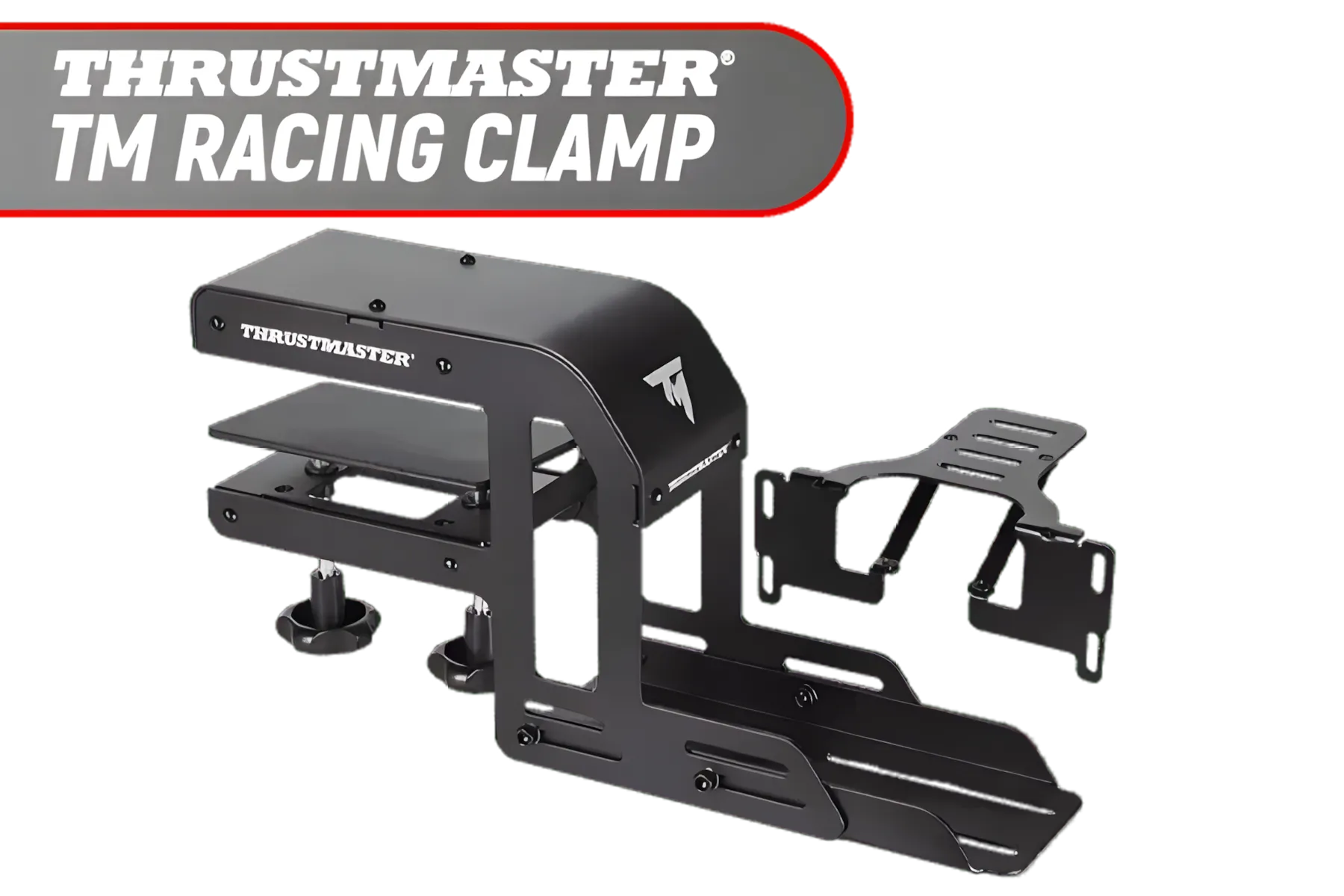
Thrustmaster TM Racing Clamp / PC, PS4, XBOX One, PlayStation 4 / Rock-solid Table Clamp / Robust Secure And Firm Attachment System / Adjustable For Many Different Setups / Designed For Desks/Tables / TM4060094
R1899.00In Stock

Playseat Sensation Pro - Sim Platform - Right / Works With The Playseat® Sensation Pro / Easy to Mount / Fully Adjustable / rac00250
R4699.00In Stock
[BLACK/PURPLE] Vertagear Racing Series S-Line SL3800 Gaming Chairs / 100KG Weight Limit / Easy Assembly / Adjustable Seat Height / VG-SL3800SE_MP
R3499.00In Stock
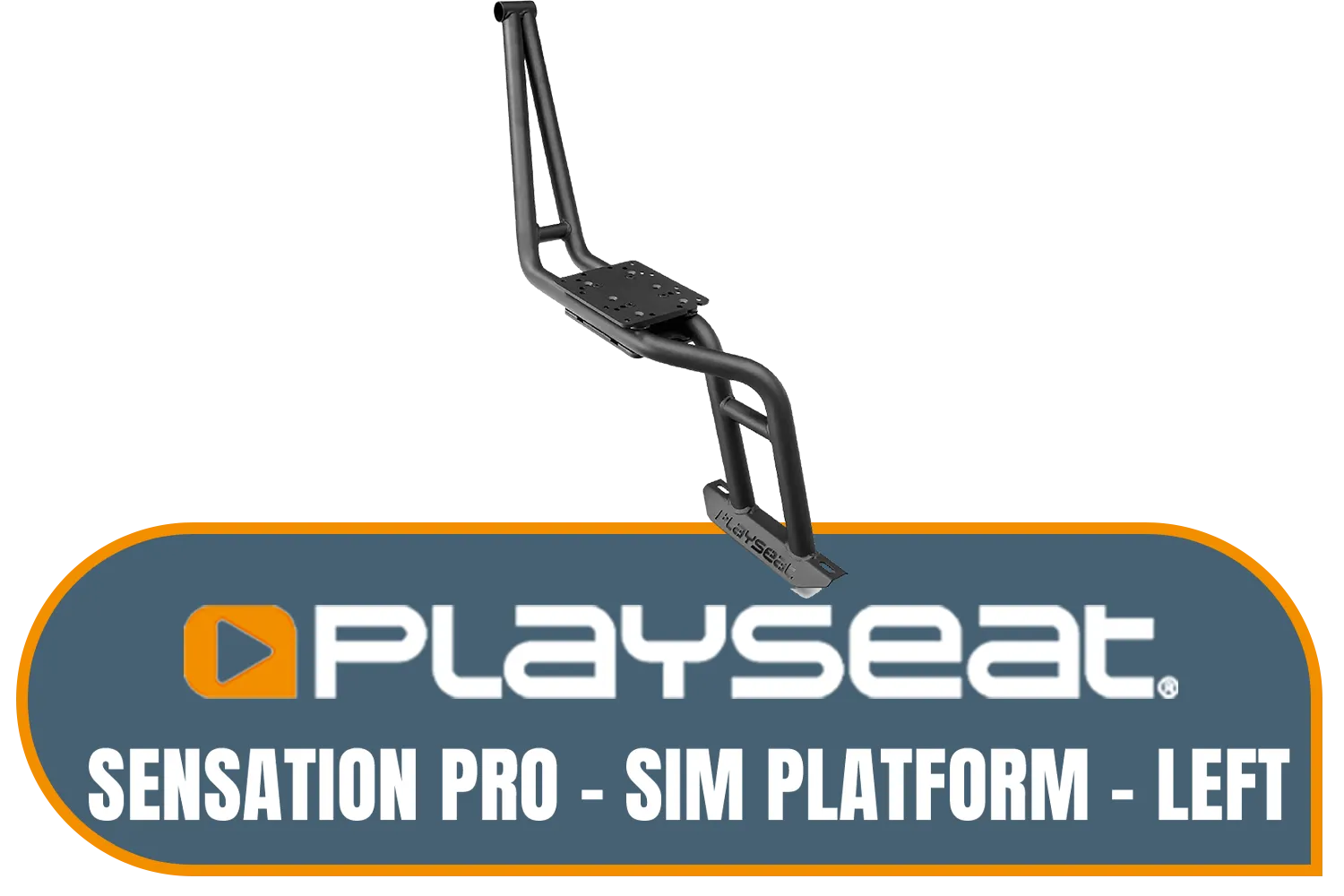
Playseat Sensation Pro - Sim Platform - Left / Works With The Playseat® Sensation Pro / Easy to Mount / Fully Adjustable / rac00252
R4299.00In Stock
The ideal sim racing ergonomics involve a reclined seat with knees slightly bent and the steering wheel positioned so wrists rest on top without stretching.
Ensure proper lumbar support, adjust pedal distance to avoid hip strain, and take breaks during endurance stints to stretch your lower back muscles.
Set your wheel height so your shoulders remain relaxed and your elbows form a 90 to 120-degree angle, reducing tension in the upper back and neck.
Bucket seats offer immersion, but for long sessions, look for seats with adjustable lumbar support or add cushions to improve sim racing ergonomics.
Adjust pedals so your legs are not fully extended when pressing hard; a slight bend at the knee prevents hyperextension and lower back strain.
Neck pain often results from a monitor placed too high or low. Center your screen at eye level to maintain a neutral neck position while driving.











