



SSD Upgrade for Video Editing: Boost Your Workflow Speed
Planning an SSD upgrade for video editing is the single best way to slash render times. 🚀 Discover how high-speed NVMe drives transform 4K workflows in South Africa. Say goodbye to dropped frames and hello to seamless creativity with Evetech's top storage picks! 🎬
|
Loading tags...

Staring at a stuttering timeline, waiting what feels like an eternity for a render to finish? We’ve all been there, boet. That lag isn't just your PC struggling; it's your old hard drive screaming for help. For South African creators, a simple SSD upgrade for video editing isn't just a luxury—it's the key to unlocking a faster, frustration-free workflow. Let's get your creative flow back on track. ⚡
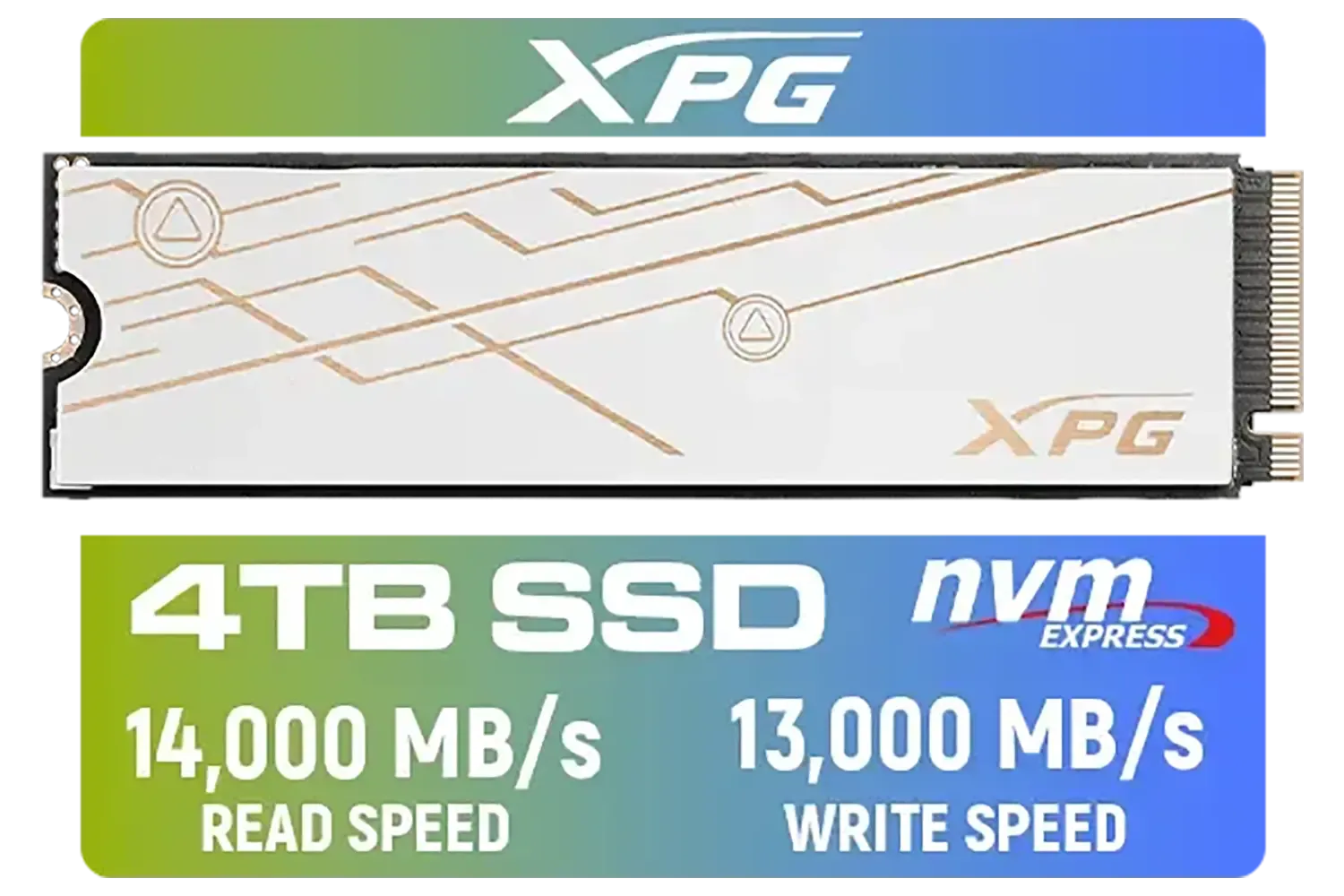
ADATA XPG Mars 980 Blade 4TB NVMe 5.0 Internal Solid State Drive / Up to 14,000MB/s Read Speed and Up to 13,000MB/s Write Speed / SMAR-980B-4TCS
R7999.00In Stock

ADATA XPG GAMMIX S55 2TB NVMe PCIe Gen4 x 4 M.2 / Read & Write Speed up to 5,000 & 3,700MB/s / Internal Solid State Drive Great for Steam Deck, Microsoft Surface and Gaming Consoles / SGAMMIXS55-2T-C
R3999.00In Stock
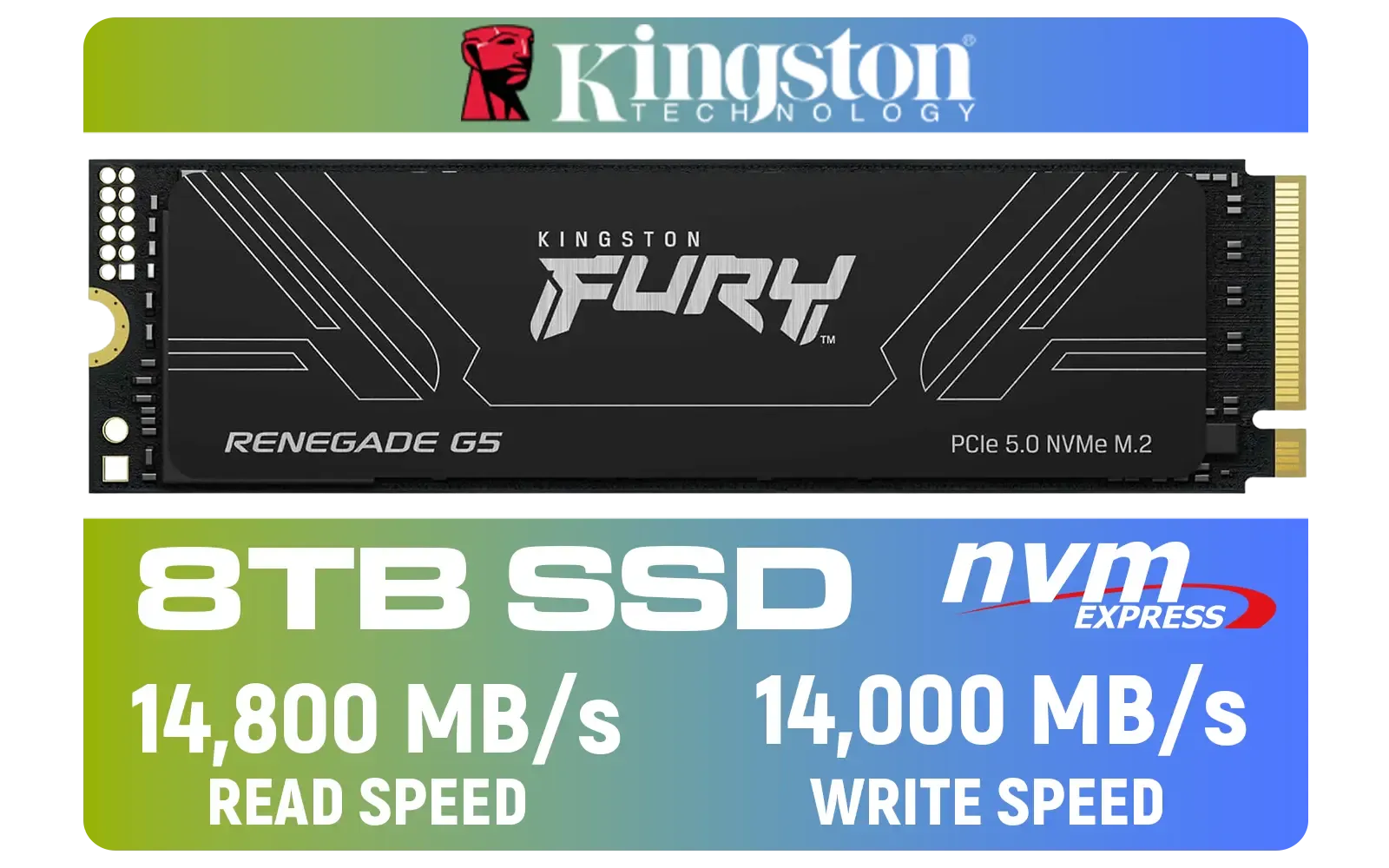
Kingston Fury Renegade G5 8TB PCIe Gen 5.0 NVMe M.2 Internal SSD / Maximum Read Speed 14,800 MB/s / Maximum Write Speed 14,000 MB/s / Advanced thermal design / SFYR2D/8T1
R17899.00In Stock
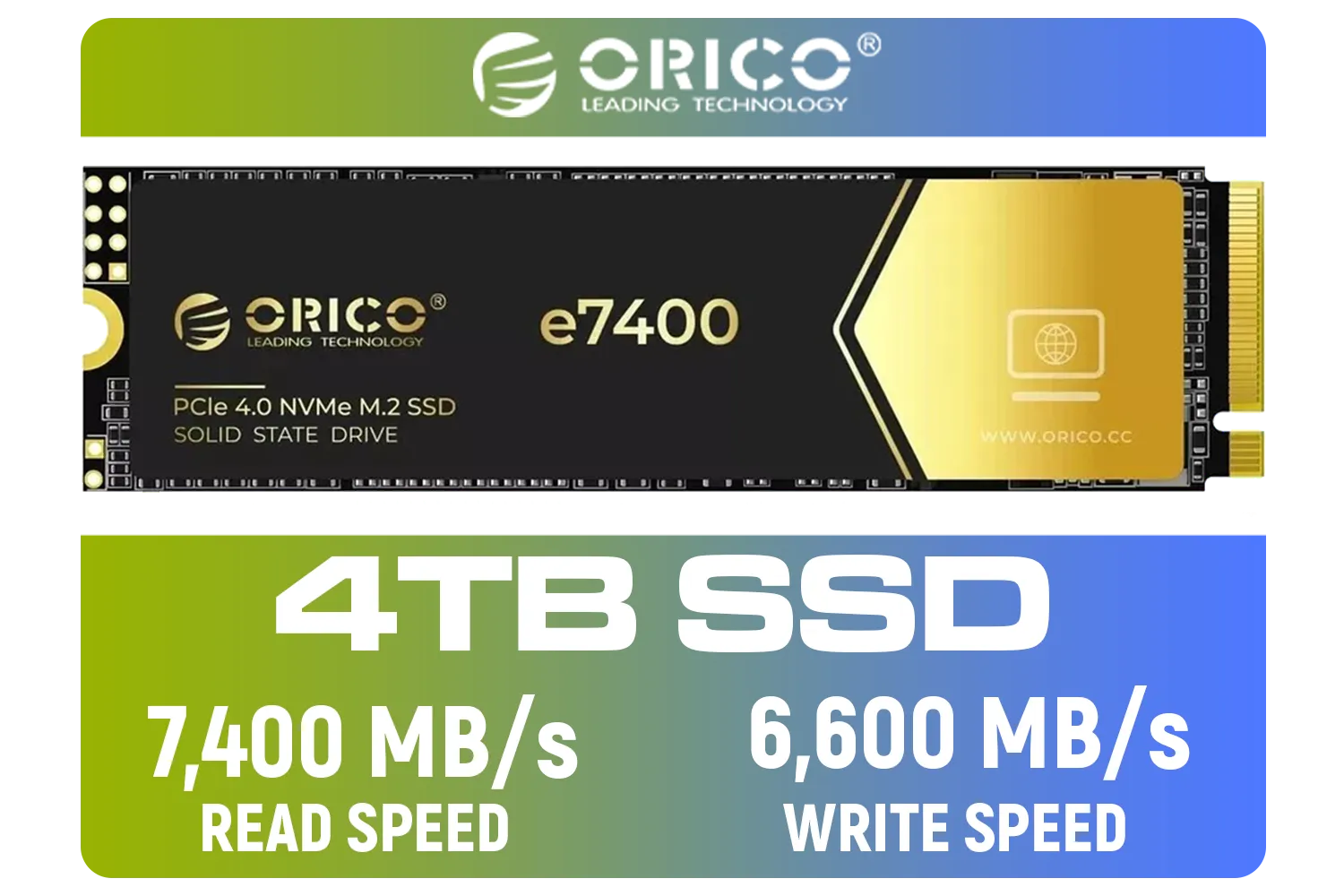
ORICO e7400 M.2 NVMe SSD - 4TB / PS5 Compatible / PCIe Gen4.0 x4 / Up to 7,400MB/s Read and 6,600MB/s Write Speeds / ORICO-e7400-4TB-GD-BP
R5949.00In Stock
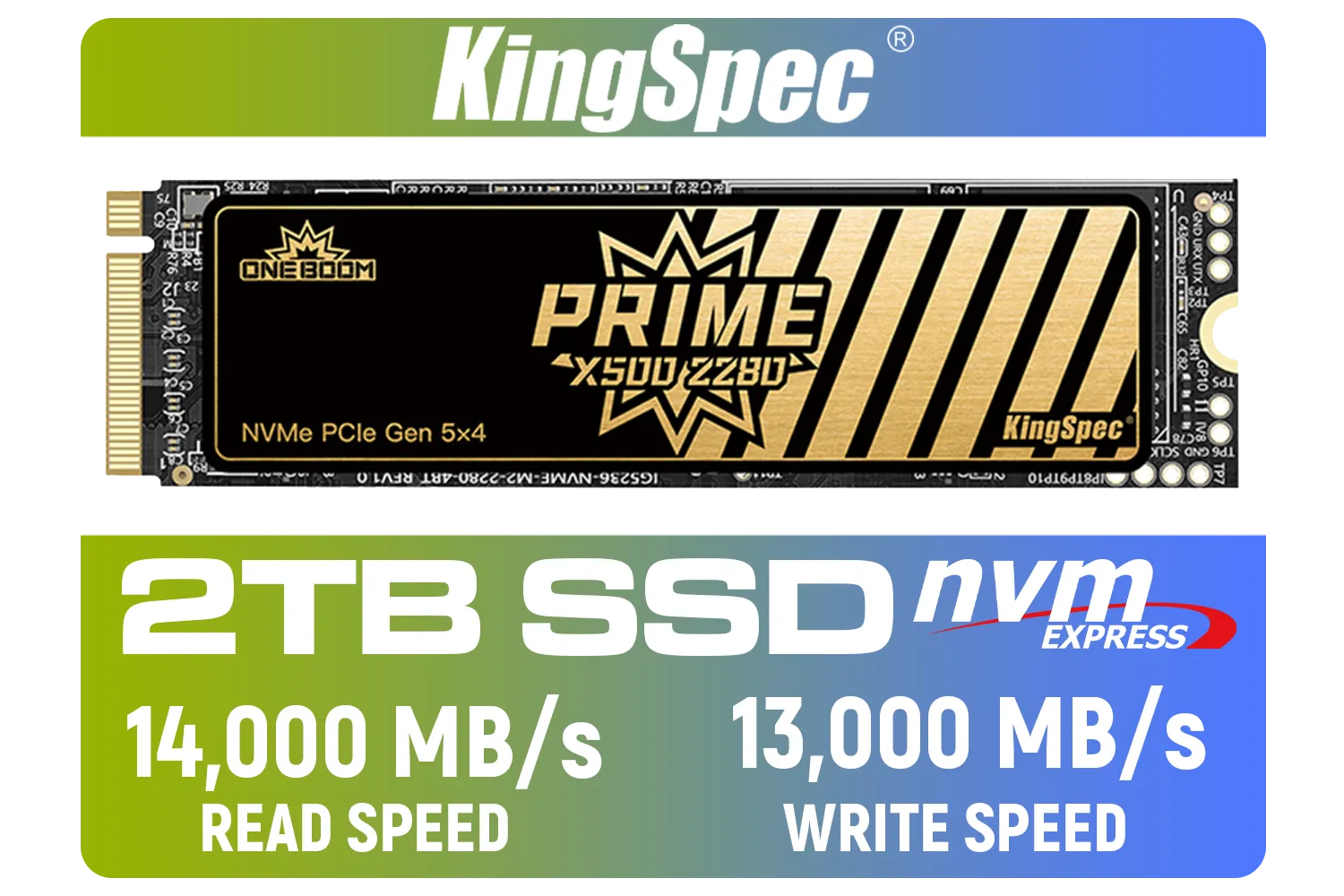
KingSpec X500 2TB NVMe Internal Solid State Drive / 3D NAND Flash Memory / PCIe Gen 5.0, M.2 2280, Up to 14 00MB/s/13 000MB/s Read/Write Speeds / X500-2280-2TB
R4499.00In Stock

Dahua L7 M.2 512GB NVMe SSD / Read: Up to 1,050 MB/s Write: Up to 895 MB/s / Shock-resistant and drop-resistant design / Aluminum body with heat dissipation / Dual Type-C/Type-A cable included / DHI-PSSD-L7-512GB
R899.00In Stock
Why Your Hard Drive is Killing Your Creative Vibe
Traditional Hard Disk Drives (HDDs) with their spinning platters are like trying to find a specific song on a cassette tape. They’re slow and mechanical. A Solid-State Drive (SSD), on the other hand, uses flash memory, making it ridiculously fast, like instantly pulling up a track on Spotify.
When you're editing video, this speed difference is massive. An SSD means:
- Faster Project Loading: Open massive 4K projects in seconds, not minutes.
- Smoother Timeline Scrubbing: Glide through your footage without frustrating stutters or dropped frames.
- Quicker Renders & Exports: Spend less time watching progress bars and more time creating.
Making the switch to an SSD is one of the most noticeable performance boosts you can give your editing rig.

Kingston KC3000 PCIe 4.0 NVMe M.2 1TB SSD - High-Performance Storage for Desktop and Laptop PCs / SKC3000S/1024G
R2799.00In Stock

Orico X7000 4TB NVMe Internal Solid State Drive SSD / Versatile storage for multiple platforms / PCIe Gen 4.0, M.2 2280 / Up to 7100MB/s Read Speed / Up to 6500MB/s Write Speed / ORICO-X7000-4TB-RD-BP
R6199.00In Stock
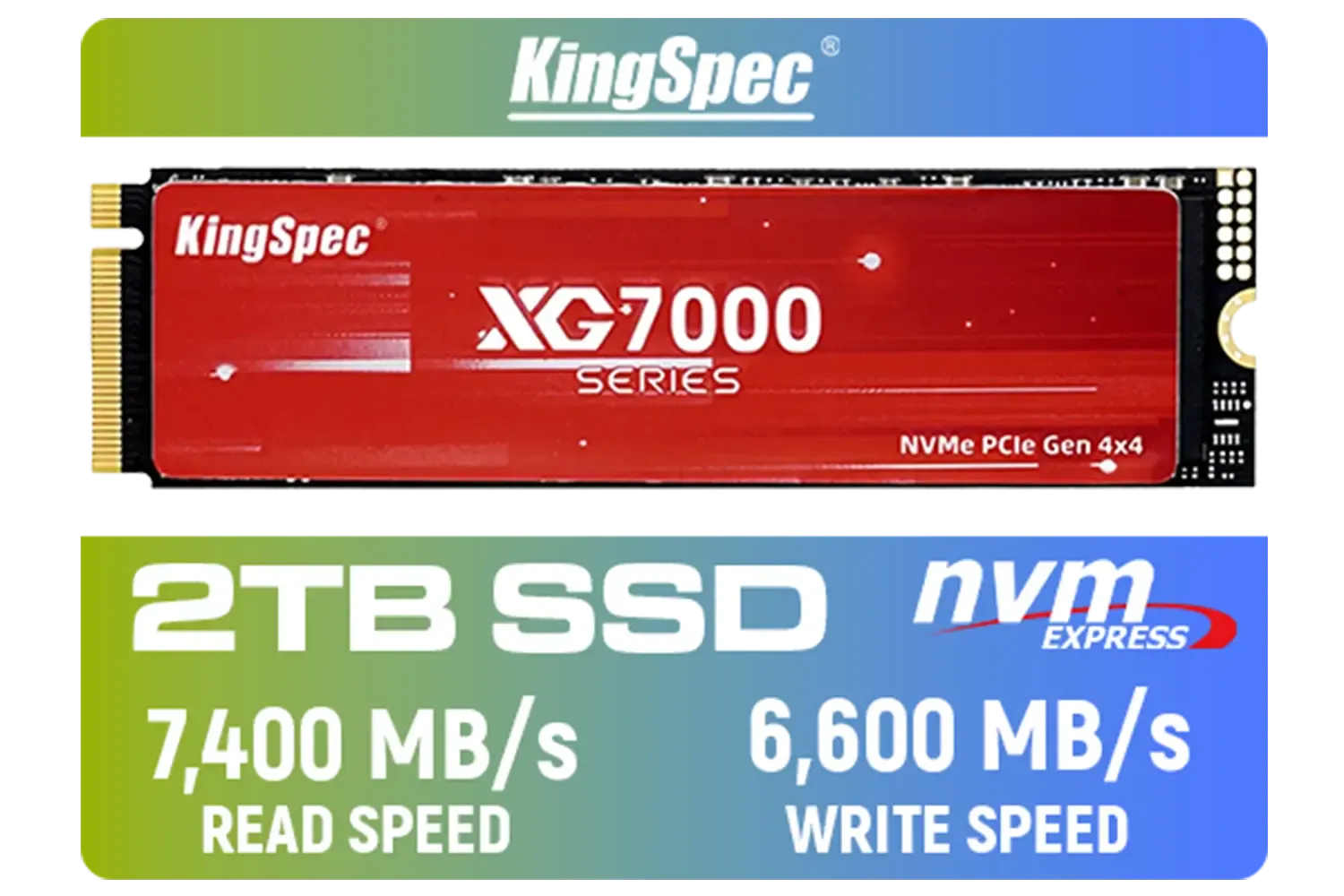
KingSpec XG7000 2TB NVMe Internal Solid State Drive SSD / QLC NAND flash memory / PCIe Gen 4.0, M.2 2280, Up to 7400MB/s/6600MB/s Read/Write Speeds / XG7000-2280-2TB
R3499.00In Stock
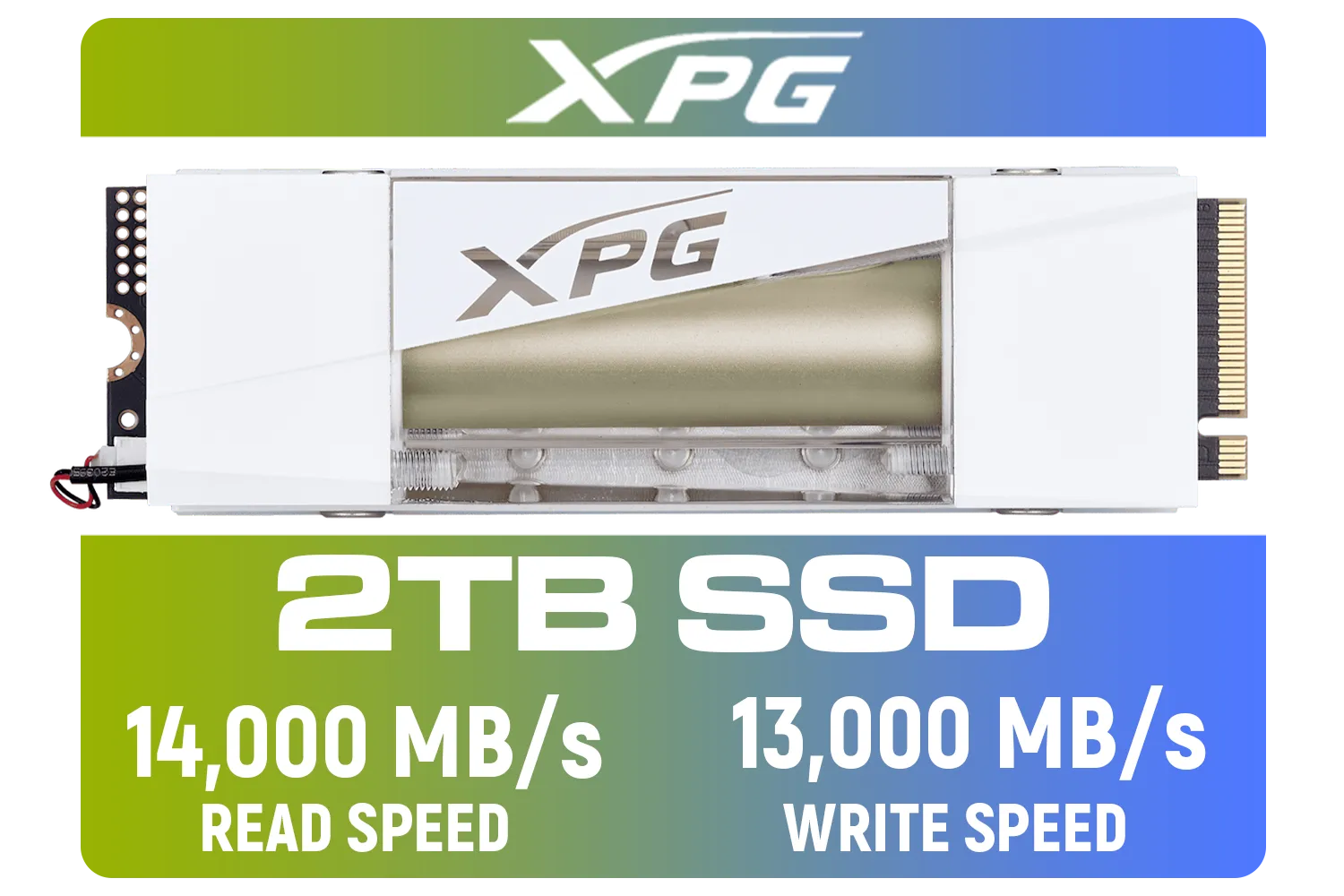
Adata Mars 980 Storm 2TB NVMe SSD / PCIe Gen5 x4 / Up to 14,000MB/s - 13,000MB Sequential Read/Write / SMAR-980S-2TCI
R4499.00In Stock
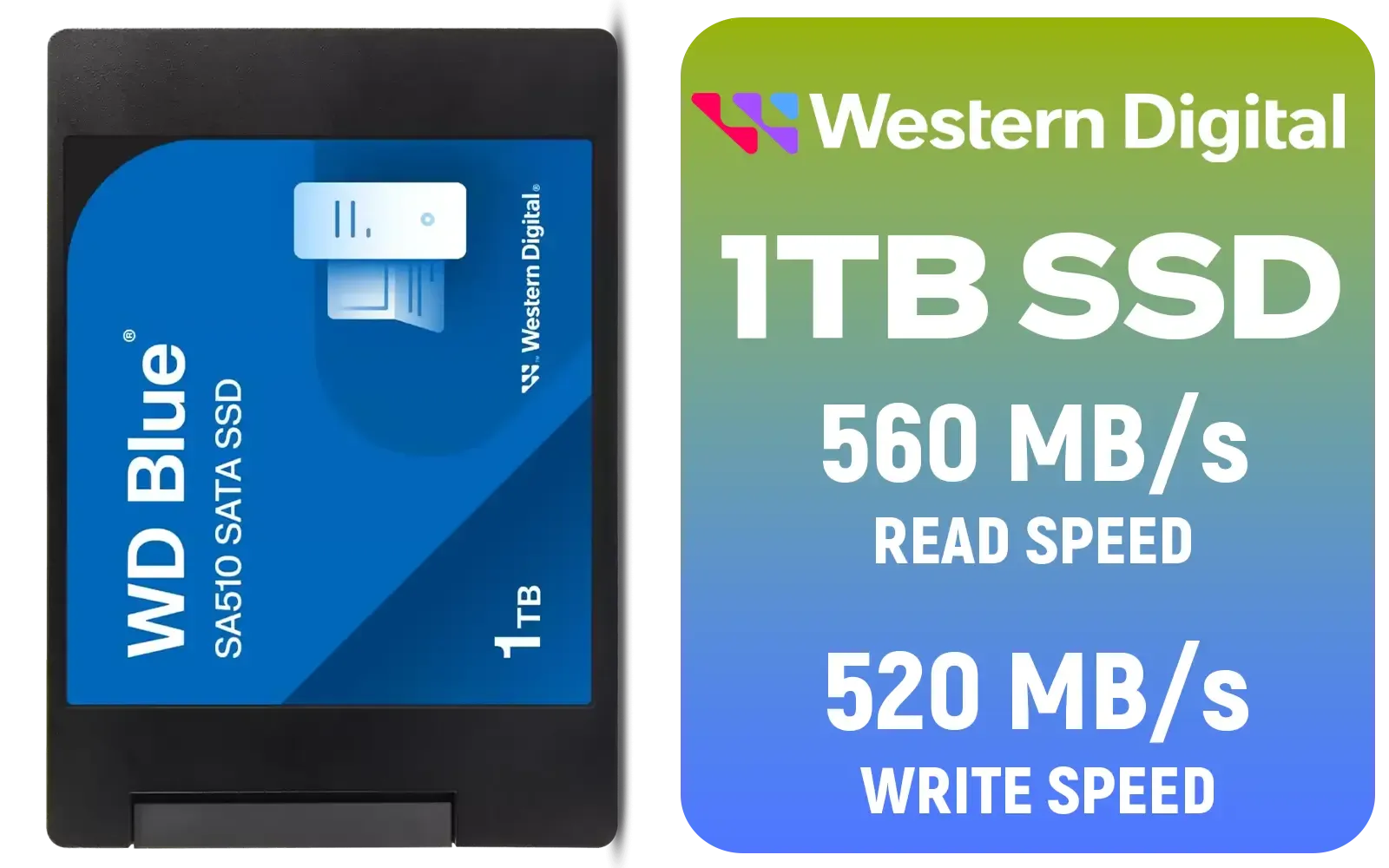
Western Digital Blue SA510 1TB 2.5" Solid State Drive (SSD) / Superior Performance / Multitasking / WD F.I.T. Lab Certified / WDS100T3B0A
R1499.00In Stock

Kingston Fury Renegade 1TB PCIe Gen 5.0 NVMe M.2 Internal SSD / Maximum Read Speed 14,200 MB/s / Maximum Write Speed 11,000 MB/s / Advanced thermal design / SFYR2S/1T0
R4199.00In Stock
Choosing the Right SSD for Your Editing Workflow
Not all SSDs are created equal. For a truly effective SSD upgrade for video editing, you need to look at NVMe (Non-Volatile Memory Express) drives. These plug directly into your motherboard's M.2 slot and are worlds faster than older SATA SSDs.
Here’s what to consider:
- Speed: Look for a PCIe Gen4 drive. They offer the latest and greatest speeds, perfect for handling high-bitrate footage.
- Capacity: Video files are huge. A 1TB drive is a great starting point, but 2TB or more is ideal if you work with 4K or 6K RAW files.
- Reliability: You need a drive that can handle constant writing and rewriting. Stick with reputable names that offer solid warranties. Here in South Africa, we have access to excellent options from brands like Klevv that deliver top-tier performance without breaking the bank.
TIP FOR YOU
Scratch Disk Pro Tip 🚀
For the ultimate performance boost, use your new NVMe SSD as a 'scratch disk'. This is where your editing software (like Premiere Pro or DaVinci Resolve) stores its cache and temporary files. By dedicating a fast drive to this task, you dramatically speed up timeline scrubbing, rendering, and effects processing. Keep your OS on one drive, your project files on another, and your scratch disk on the fastest SSD you own.
A Perfect Example: The Klevv CRAS C925G
If you're looking for a powerful yet affordable video editing SSD upgrade, it's hard to look past the Klevv CRAS C925G 1TB Gen4 NVMe SSD. This drive is a beast, boasting read speeds of up to 7,400MB/s. 🔧
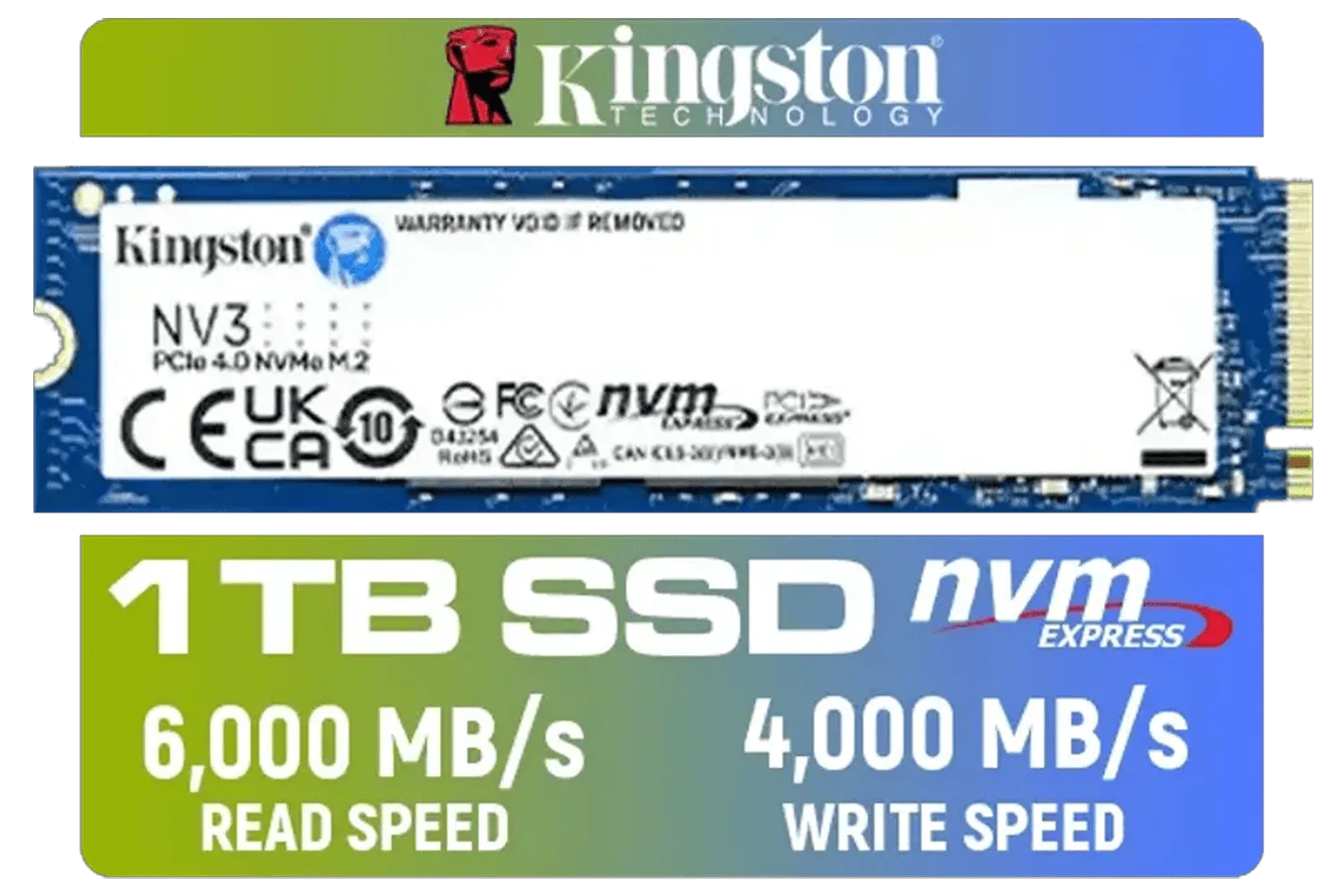
Kingston 1000G NV3 NVMe SSD / Up to 6,000MB/s Read / Up to 4,000MB/s Write / PCIe 4.0 x4 NVMe / M.2 2280 Form Factor / SNV3S/1000G
R1999.00In Stock

Teamgroup CX2 2TB SATA Internal Solid State Drive / Up to 540 Read Speed / Up to 490 Write Speed / Advanced SLC Caching technology / T253X6002T0C101
R2199.00In Stock

ADATA SD810 1000G IP68 Water Resistance Up to 2000 MB/s USB 3.2 Gen 2 USB-C External Solid State Drive - Black for iPhone 15/Pro/Max, Android / SD810-1000G-CBK
R2399.00In Stock
Adata Mars 980 Storm 2TB NVMe SSD / PCIe Gen5 x4 / Up to 14,000MB/s - 13,000MB Sequential Read/Write / SMAR-980S-2TCI
R4499.00In Stock
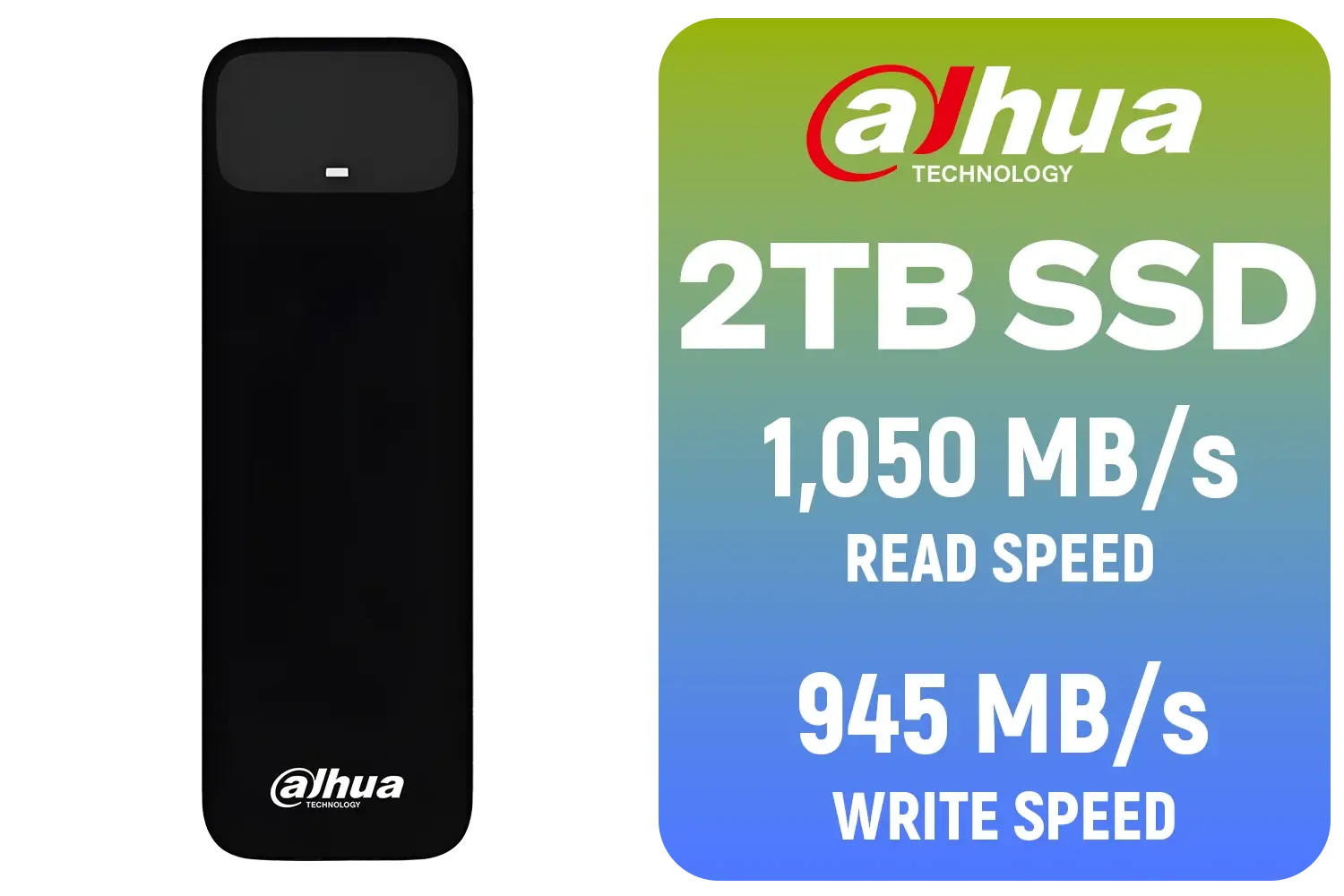
Dahua L7 M.2 2TB NVMe SSD / Read: Up to 1,050 MB/s Write: Up to 945 MB/s / Shock-resistant and drop-resistant design / Aluminum body with heat dissipation / Dual Type-C/Type-A cable included / DHI-PSSD-L7-2TB
R2699.00In Stock

Corsair MP700 PRO 1TB with Air Cooler PCIe Gen5 x4 NVMe 2.0 M.2 SSD / Up to 11,700MB/s Sequential Read / Up to 9,600MB/s Sequential Write / M.2 2280 Form Factor / CSSD-F1000GBMP700PRO
R4199.00In Stock
What does that mean for you? It means your PC can read and access your video files almost instantly. That 4K multi-cam sequence that used to bring your machine to its knees will suddenly feel light and responsive. It’s the kind of practical speed that transforms your entire editing process, making the investment a no-brainer for any serious creator.
Whether you're a YouTuber, a freelance videographer, or just passionate about making cool videos, a faster workflow means you can produce more, better content. Don't let old tech hold you back. Explore Evetech's vast range of SSDs and find the drive that matches your ambition.
Ready to Obliterate Lag? An SSD upgrade for video editing is one of the most impactful changes you can make to your PC. Stop waiting and start creating. Explore our complete range of high-speed SSDs and find the perfect drive to supercharge your workflow today.
Related Products
ADATA XPG Mars 980 Blade 4TB NVMe 5.0 Internal Solid State Drive / Up to 14,000MB/s Read Speed and Up to 13,000MB/s Write Speed / SMAR-980B-4TCS
R7999.00In Stock

ADATA XPG GAMMIX S55 1TB NVMe PCIe Gen4 x 4 M.2, R/W Speed up to 5,000/3,700MB/s, Internal Solid State Drive Great for Steam Deck, Microsoft Surface and Gaming Consoles / SGAMMIXS55-1T-C
R2499.00In Stock
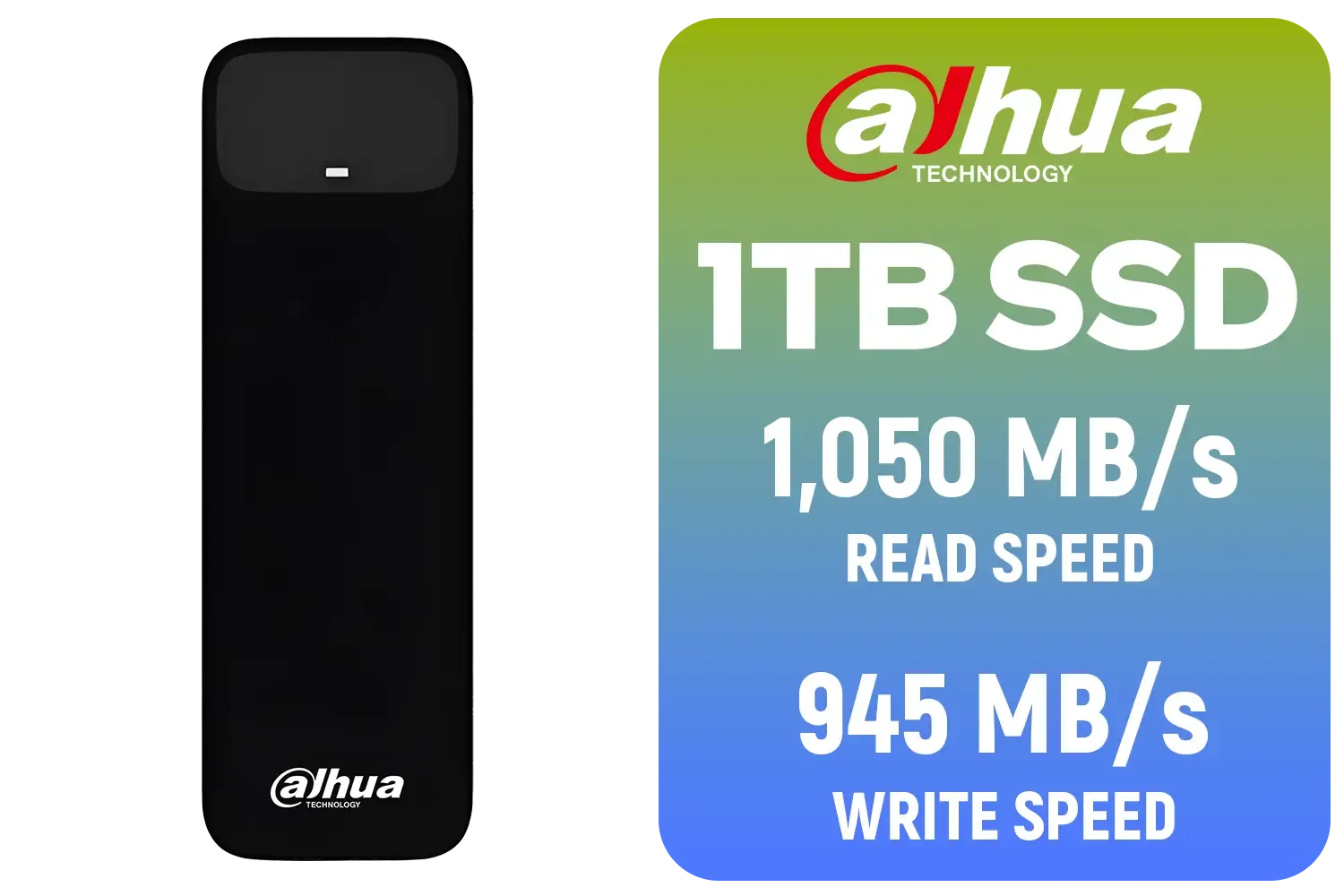
Dahua L7 M.2 1TB NVMe SSD / Read: Up to 1,050 MB/s Write: Up to 945 MB/s / Shock-resistant and drop-resistant design / Aluminum body with heat dissipation / Dual Type-C/Type-A cable included / DHI-PSSD-L7-1TB
R1499.00In Stock
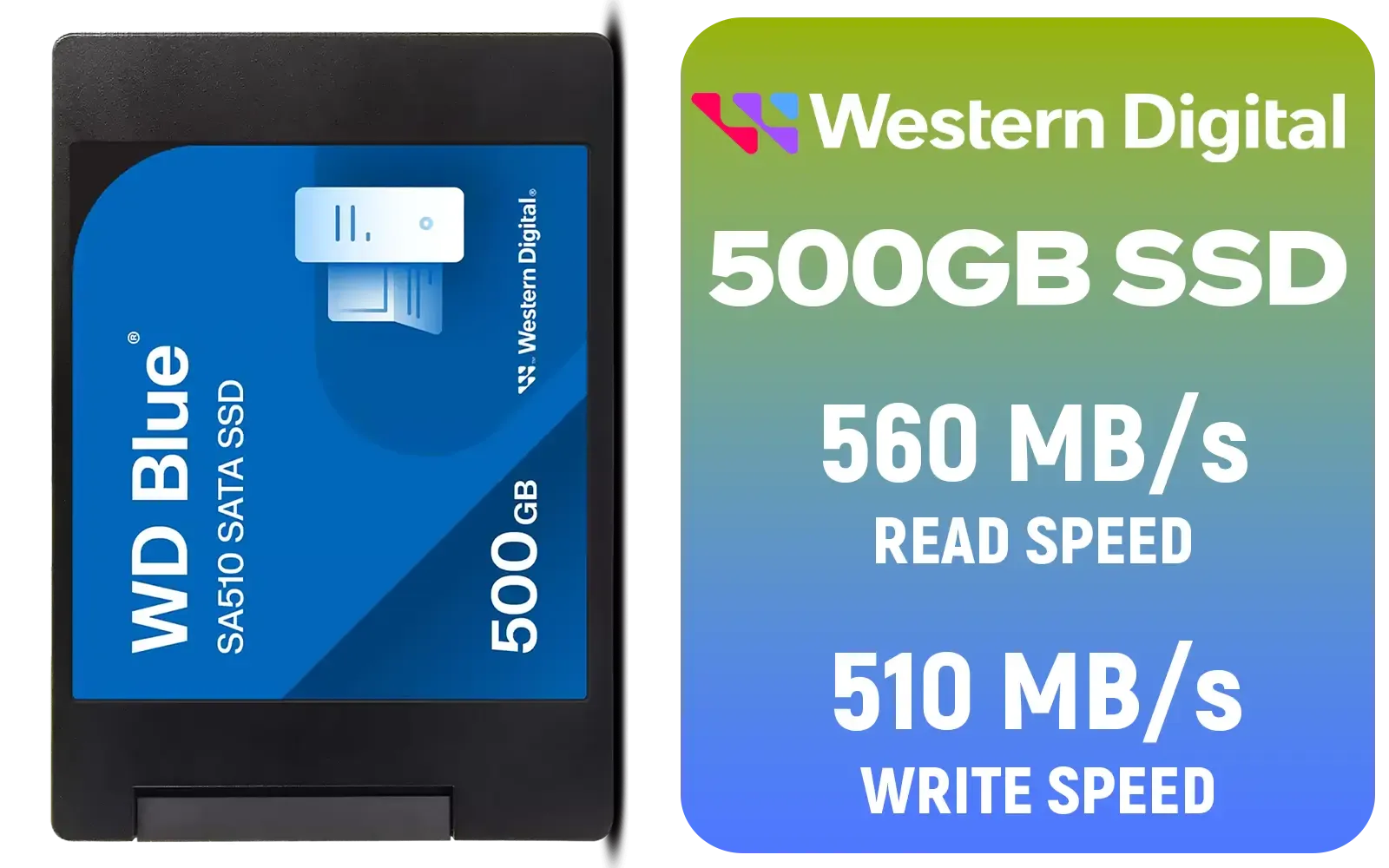
Western Digital Blue SA510 500GB 2.5" Solid State Drive (SSD) / Superior Performance / Multitasking / WD F.I.T. Lab Certified / WDS500G3B0A
R899.00In Stock

ADATA XPG Mars 980 Pro 2TB NVMe 5.0 Internal Solid State Drive / Up to 14,000MB/s Read Speed and Up to 13,000MB/s Write Speed / SMAR-980P-2TCI
R4499.00In Stock
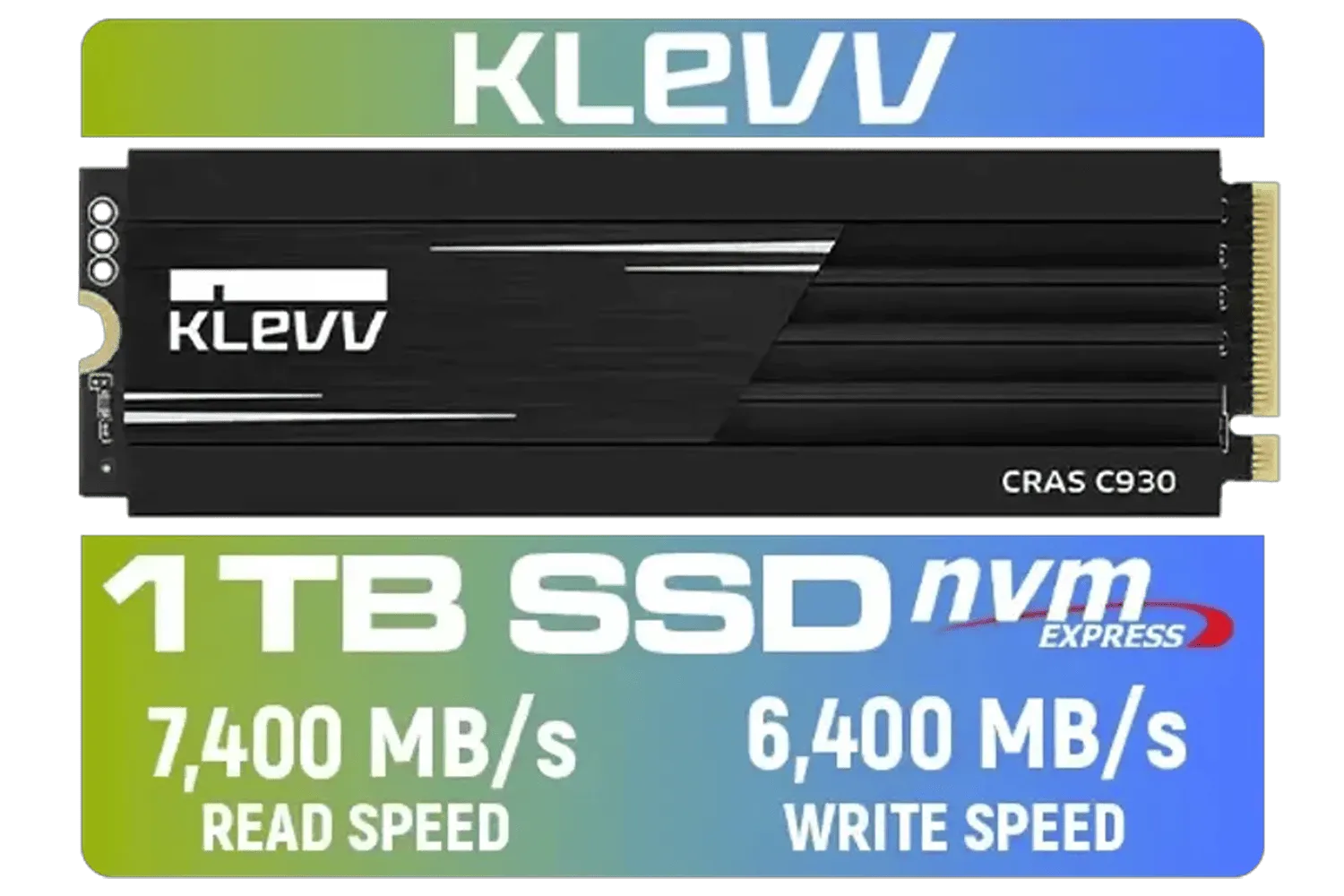
KLEVV CRAS C930 1TB M.2 NVMe PCIe Gen4x4 Internal Gaming SSD with Heatsink / Compatible with PS5 / up to 7400MB/s with DRAM Cash / K01TBM2SP0-C93
R2299.00In Stock
SSDs offer significantly faster read and write speeds, allowing for smooth playback of high-resolution footage and quicker file transfers compared to mechanical HDDs.
Yes, an NVMe SSD is highly recommended for 4K editing as it provides the high bandwidth required to scrub through dense timelines without lag or dropped frames.
For active projects, 1TB is the minimum recommended size, but 2TB or more is ideal to accommodate large raw video files and cache data comfortably.
Absolutely. Faster storage reduces the bottleneck when the CPU and GPU are writing processed data, significantly speeding up export and render times.
Yes, provided it connects via USB-C or Thunderbolt. High-speed external SSDs are excellent for portable workflows and editing on multiple machines.
A dual-drive setup is best: a fast NVMe SSD for your OS and active projects, and a large capacity HDD or secondary SATA SSD for archiving finished work.











