


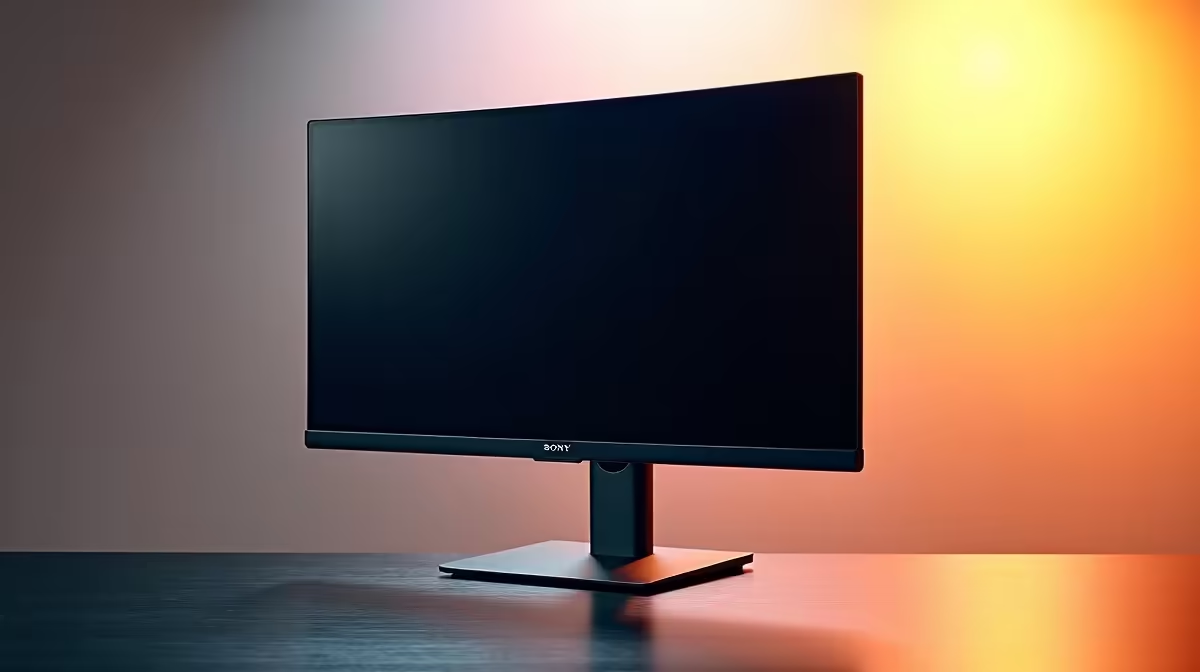
Tired of stacking books under your monitor to avoid that post-gaming neck-ache? 🤕 You're not alone. For too long, South African gamers and professionals on a budget had to choose between a great screen and good posture. But in 2025, that compromise is over. The search for the best budget monitors with adjustable stands now leads to incredible options that deliver premium ergonomics without the premium ZAR price tag. Let's find you a screen that saves your neck and your wallet.
Why an Adjustable Stand is a Must-Have
Let's be honest, a wobbly, fixed-height stand can ruin an otherwise perfect setup. Investing in an ergonomic budget monitor isn't a luxury; it's a fundamental upgrade for your health and performance. Proper screen positioning helps reduce eye strain, neck pain, and back problems that creep in after long hours of work or play.
Getting your screen to the right height and angle means more comfort, which translates to better focus during intense Warzone drops and fewer distractions when you're deep in a spreadsheet. It’s a simple change that has a massive impact on your entire computing experience, which is why our range of PC monitors prioritises variety and value.
Key Features in the Best Budget Adjustable Monitors
When you're hunting for affordable monitors with adjustable stands, "ergonomics" means more than just one feature. Look for a stand that offers the "big four" adjustments for maximum flexibility. ✨
The Core Four Ergonomic Adjustments
- Height: The most critical adjustment. It allows you to align the top of the screen with your eye level, promoting a neutral neck posture.
- Tilt: Angling the screen up or down is essential for eliminating glare from windows or overhead lights.
- Swivel: Lets you turn the monitor left or right without moving the base—perfect for showing a teammate a strategy or collaborating on a project.
- Pivot: This allows you to rotate the screen 90 degrees into a vertical (portrait) orientation. It's fantastic for coders, streamers reading chat, and anyone working with long documents.
Ergonomic Setup Pro Tip 🔧
For the perfect viewing height, sit back in your chair and look straight ahead. The top bezel of your monitor should be at or just slightly below your eye level. Your eyes should gaze slightly downwards at the centre of the screen. This simple tweak can prevent hours of neck strain!
Beyond the Stand: Gaming & Display Tech on a Budget
A great stand is crucial, but the panel itself still has to perform. Thankfully, many of the best budget monitors with adjustable stands also pack in features once reserved for high-end models. For gamers, the most important is tear-free technology.
Screen tearing happens when your graphics card's output is out of sync with your monitor's refresh rate, creating a horrible visual stutter. To fix this, most modern screens support a form of Adaptive Sync to smooth out gameplay. If you have an AMD graphics card, you'll find amazing value in FreeSync monitors. For Team Green, many affordable G-Sync compatible displays are now available, ensuring buttery-smooth visuals without breaking the bank.
Top Brands Offering Ergonomics for Less in South Africa
Finding an affordable ergonomic monitor is easier than ever, thanks to fierce competition between brands. This is great news for us consumers in SA!
Well-known brands like AOC consistently deliver feature-packed gaming and office monitors with excellent, fully adjustable stands. At the same time, value-focused options from Dahua are also worth a serious look, often providing impressive specs for their price point. And of course, you can't go wrong with reliable and well-built choices from HP, whose business-class ergonomics have trickled down to their budget-friendly consumer models.
The bottom line? You no longer have to sacrifice your posture for a decent price. The perfect ergonomic monitor is out there, waiting to complete your setup. 🚀
Ready to Upgrade Your Comfort & Your Game? Stop propping your screen up on textbooks. An adjustable stand is the key to longer, more comfortable gaming sessions and productive workdays. Explore our complete range of PC monitors and find the perfect fit for your setup and budget.











