Is your kid’s PC grinding to a halt every time they jump into a Roblox server or load up a Minecraft world? You're not alone. That slow, stuttering performance often comes down to one component: outdated storage. Finding the best safe storage for a kids PC isn't just about speed; it's about durability and giving them a smooth, frustration-free space to play and create. Let's get them back in the game, fast. 🚀
Why an SSD is the Best Upgrade for a Kid's PC
Before we dive into options, let's clear up the basics. For years, computers used Hard Disk Drives (HDDs)—spinning metal platters with a mechanical arm. Think of a tiny record player. They're slow, noisy, and fragile. One accidental knock to the PC tower could spell disaster for their saved games.
Solid-State Drives (SSDs), on the other hand, use flash memory, like a giant USB stick. They have no moving parts, making them tougher, silent, and worlds faster. For a child's setup, an SSD is the ultimate choice for safe and speedy storage. Upgrading is one of the most noticeable performance boosts you can make, and Evetech has a massive selection of solid-state drives to fit any budget.
Choosing the Right Safe Storage for a Kids PC
Not all SSDs are created equal. The type you choose depends on your budget and your PC's motherboard. Here’s a simple breakdown.
For Lightning-Fast Loading: NVMe SSDs
If you want the absolute best performance, an NVMe M.2 SSD is the answer. These little sticks plug directly into the motherboard, delivering mind-blowing speeds that make Windows boot in seconds and game levels load almost instantly. For a modern gaming or creative build, this is the top-tier choice for primary storage for a kids PC. You can explore the latest NVMe SSDs to see the fastest options available in South Africa.
For Backups and Extra Space: External SSDs
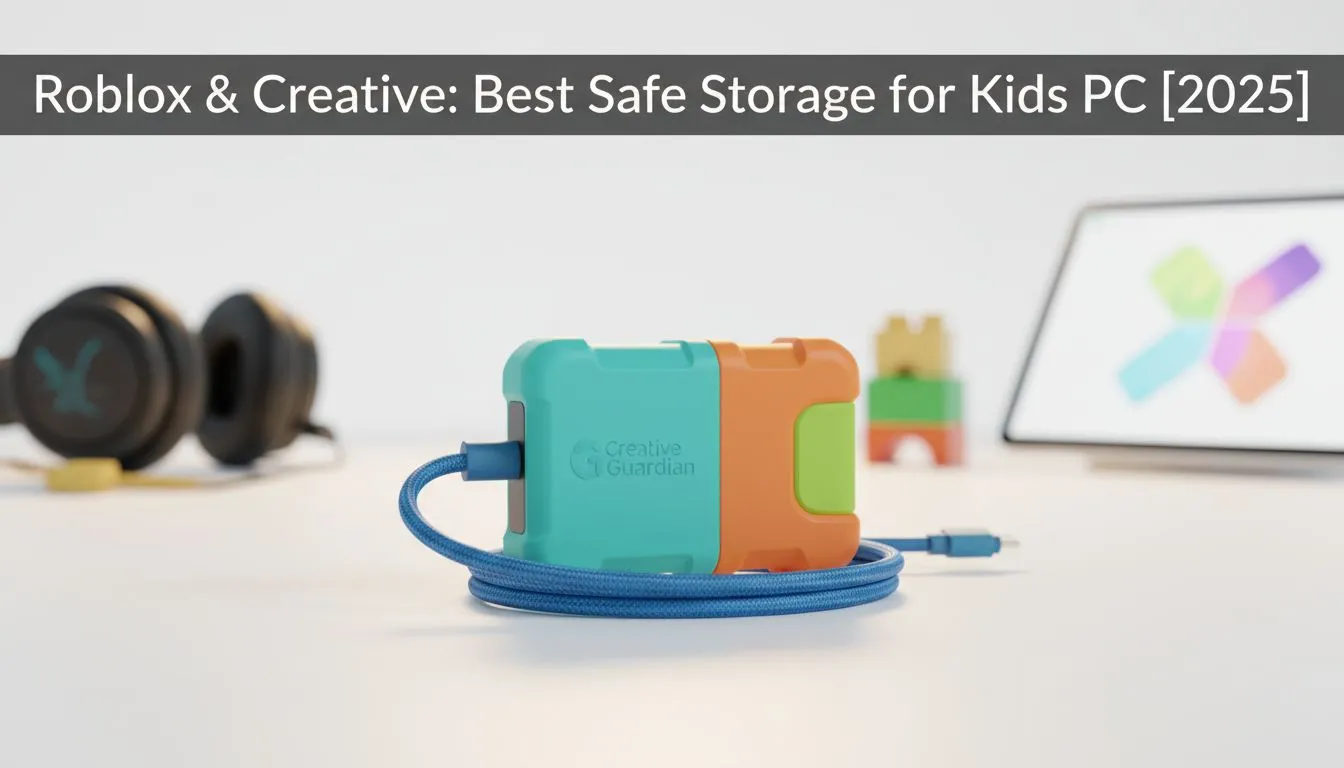
What about protecting their amazing Minecraft creations or digital art? An external SSD is a fantastic, safe storage solution for backups. They are plug-and-play, super portable, and perfect for moving files between computers. If their internal drive is getting full, a portable external SSD is also an incredibly easy way to add more game space without opening the PC case. 🎮
Easy Upgrade Pro Tip 🔧
Don't want to reinstall Windows and all their games from scratch? Many SSDs come with free cloning software. This tool copies everything from your old slow drive to your new fast SSD, bit for bit. It's a massive time-saver that gets your kids back to playing sooner!
How Much Storage Do They Really Need?
Getting the capacity right is key to building a future-proof and safe storage for a kids PC.
- 500GB: A great starting point. It’s enough for Windows, essential apps, and favourites like Roblox, Minecraft, and a few other titles.
- 1TB (1000GB): The 2025 sweet spot. This gives them plenty of room to grow their game library and save school projects or creative files without you hearing "Dad, my PC is full!" every few months.
- 2TB+: For the serious young gamer or budding content creator who has a huge library and works with large video files.
Finding a drive that balances price and performance is easy. It's always a good idea to check out the best SSD deals to get the most gigabytes for your Rands. A small investment today in the right storage will pay off with a happier, more creative kid tomorrow. ✨
Ready to Banish Lag Forever?
A fast SSD is the secret to a happy young gamer. Stop the stuttering and supercharge their creativity with the perfect storage upgrade. Explore our complete range of SSDs and find the ideal match for your child's PC today.