Why You Need a Dual Monitor Gaming Setup: Play StS 2 While Watching Twitch
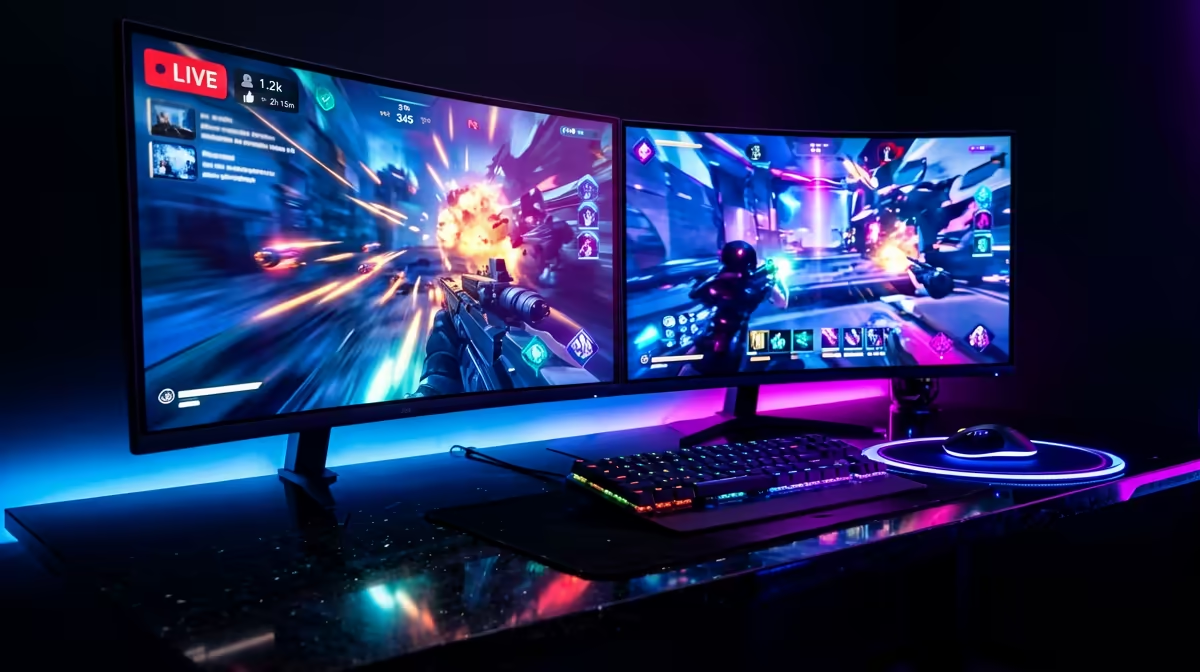
The wait for Slay the Spire 2 is almost over, and your desk deserves an upgrade. Imagine grinding through the Spire while keeping your favourite Twitch streamer’s strategy guide open on the side. With a proper Dual Monitor Gaming Setup: Play StS 2 While Watching Twitch, you can finally master the meta without constantly alt-tabbing. It is the smartest way to level up your gaming experience in South Africa today. 🚀
Optimising Your View for the Spire
Card battlers are perfect for multitasking. Since the gameplay is turn-based, you have plenty of time to engage with a live stream or chat with your community. Finding the best pc monitor deals in ZAR is the first step toward this freedom. You do not need two identical screens... a high-refresh primary display paired with a standard secondary one works wonders.
When you browse through all gaming monitors, look for features like IPS panels. These provide better viewing angles, which is vital when your second screen is angled toward you. If you want a more immersive experience for your main game, you might buy curved monitors to wrap the action around your field of vision.
Multitasking Efficiency ⚡
Windows 11 Snap Layouts or borderless windowed mode to keep your Twitch chat visible. This prevents the game from minimising when you click on your second screen to interact with the stream. It makes your Dual Monitor Gaming Setup: Play StS 2 While Watching Twitch feel much smoother.
Choosing the Right Hardware for Your Desk
Space is often the biggest hurdle for South African gamers. If your desk is slightly cramped, you could buy portable monitors to act as a dedicated chat or Discord window. These slim displays tuck away easily when you need the desk for work. 🔧
For those who want to see every detail of the new character art in StS 2, you should buy 5k 4k monitors for your primary slot. High resolution makes the text much easier to read during long gaming sessions. You can compare various brands and panel types in our main list of pc monitors to find the right balance between price and performance.
Ergonomics and Final Touches
A dual-screen life can lead to neck strain if not set up correctly. To keep your posture in check, you should buy monitor accessories such as dual gas-spring arms. These allow you to float your screens at eye level... clearing up valuable desk real estate for your mouse and keyboard. ✨
Setting up a Dual Monitor Gaming Setup: Play StS 2 While Watching Twitch is about more than just hardware. It is about creating a hub where entertainment and gaming coexist. Whether you are hunting for rare relics or just hanging out in a stream, two screens are always better than one.
Ready to Level Up Your View? A dual-screen setup is the ultimate upgrade for any serious card-battler fan in South Africa. Explore our massive range of monitor deals and find the perfect displays to conquer the Spire while staying connected.