


Master the Art of Visual Clarity in Gaming
Ever felt like you are fighting the game's graphics more than the actual opponents? In the heat of a local tournament, every frame matters. To truly dominate, you must learn how to reduce game visual clutter: optimize your visibility settings for maximum clarity. This isn't just about lowering quality... it's about removing the "cinematic" fluff that hides your enemies in a haze of bloom. ⚡
Identify the Settings That Block Your View
Modern games are packed with post-processing effects designed to make everything look like a Hollywood movie. While these look great in a trailer, they are a nightmare for competitive play. Effects like Motion Blur and Film Grain add a layer of "noise" that makes it harder to track moving targets. By choosing to reduce game visual clutter, you ensure that your eyes focus only on what matters... the enemy's head.
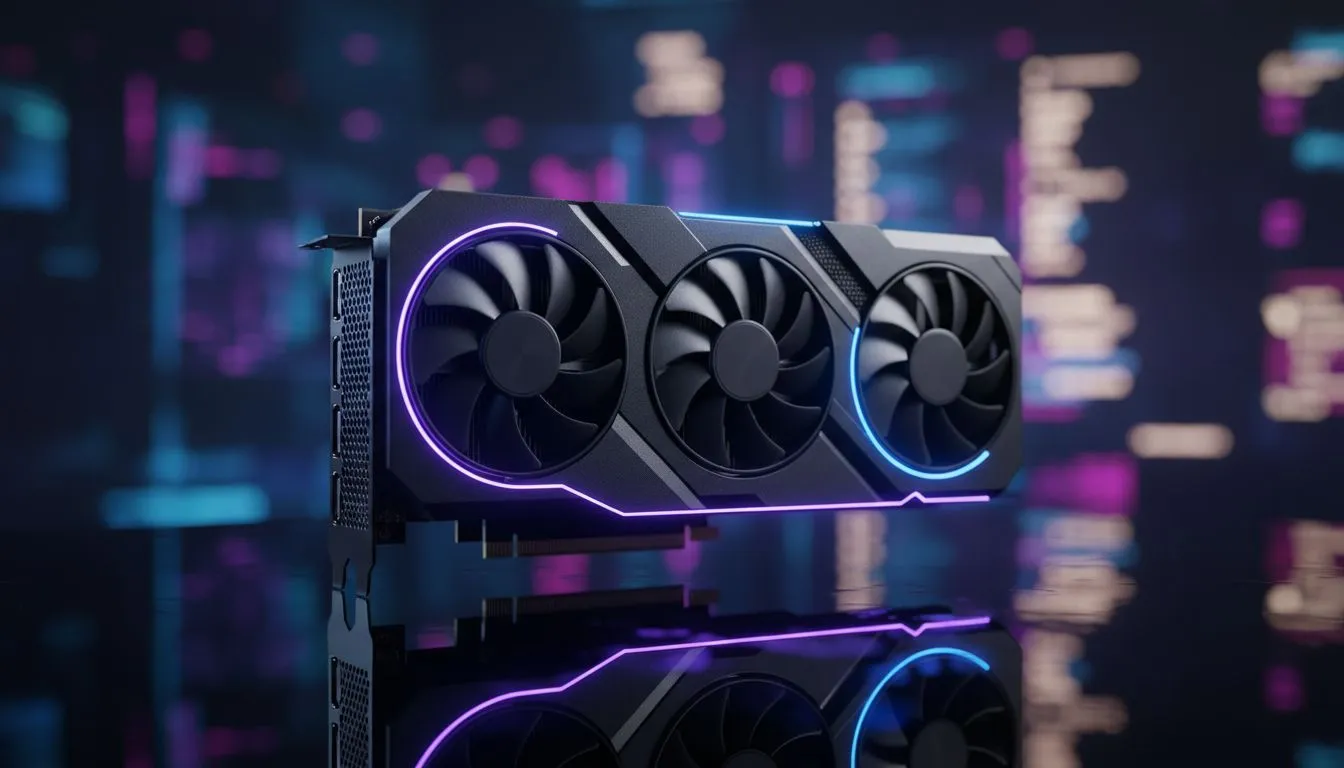
If your current hardware is struggling to maintain a high frame rate while you optimise these settings, it might be time for an upgrade. Checking out the latest NVIDIA and ATI graphics cards can give you the raw power needed to push high refresh rates without the blur.
Fine-Tuning Shadows and Lighting for Better Visibility
Shadows add depth, but they also provide perfect hiding spots for campers. Setting your shadows to "Low" or "Medium" often removes complex ambient occlusion that makes corners too dark. This is a vital step to optimize your visibility settings. You want a flat, clean look where player models stand out against the environment.
Many South African gamers prefer the reliability of MSI graphics cards because they handle these high-performance tweaks with excellent thermal management... keeping your PC cool even during a summer heatwave in Gauteng.
Visibility Pro Tip ⚡
For NVIDIA users, try increasing 'Digital Vibrance' in the control panel to 60% or 70%. This makes player models pop against dull backgrounds. For AMD users, look for 'Saturation' in the Adrenalin software to achieve the same effect without sacrificing performance.
Balancing Performance and Aesthetics
You do not need to spend R30,000 to get a clear image. Even entry-level options like Intel Arc graphics cards offer modern features like XeSS, which can help clean up an image while boosting your FPS. The goal is to find a balance where the game looks sharp but remains "readable" during fast movement.
For those who use their PC for more than just gaming, such as 3D rendering or video editing, workstation graphics cards offer incredible stability. However, for the pure gamer, the focus should always be on rasterization performance. This is where AMD Radeon graphics cards often shine, providing great value for money in the South African market. 🔧
Final Tweaks for the Competitive Edge
Always disable "Depth of Field" and "Chromatic Aberration." These settings mimic camera lens defects... things you definitely do not want when trying to spot a sniper across the map in Battlefield or Call of Duty. Once you reduce game visual clutter and optimize your visibility settings, the game might look a bit more "basic," but your kill-death ratio will certainly thank you. 🚀
Ready to See Your Enemies Clearly? Cutting through the visual noise requires the right hardware to back up your settings. For the best deals on GPUs in South Africa, explore our massive range of graphics card specials and upgrade your setup today.











