


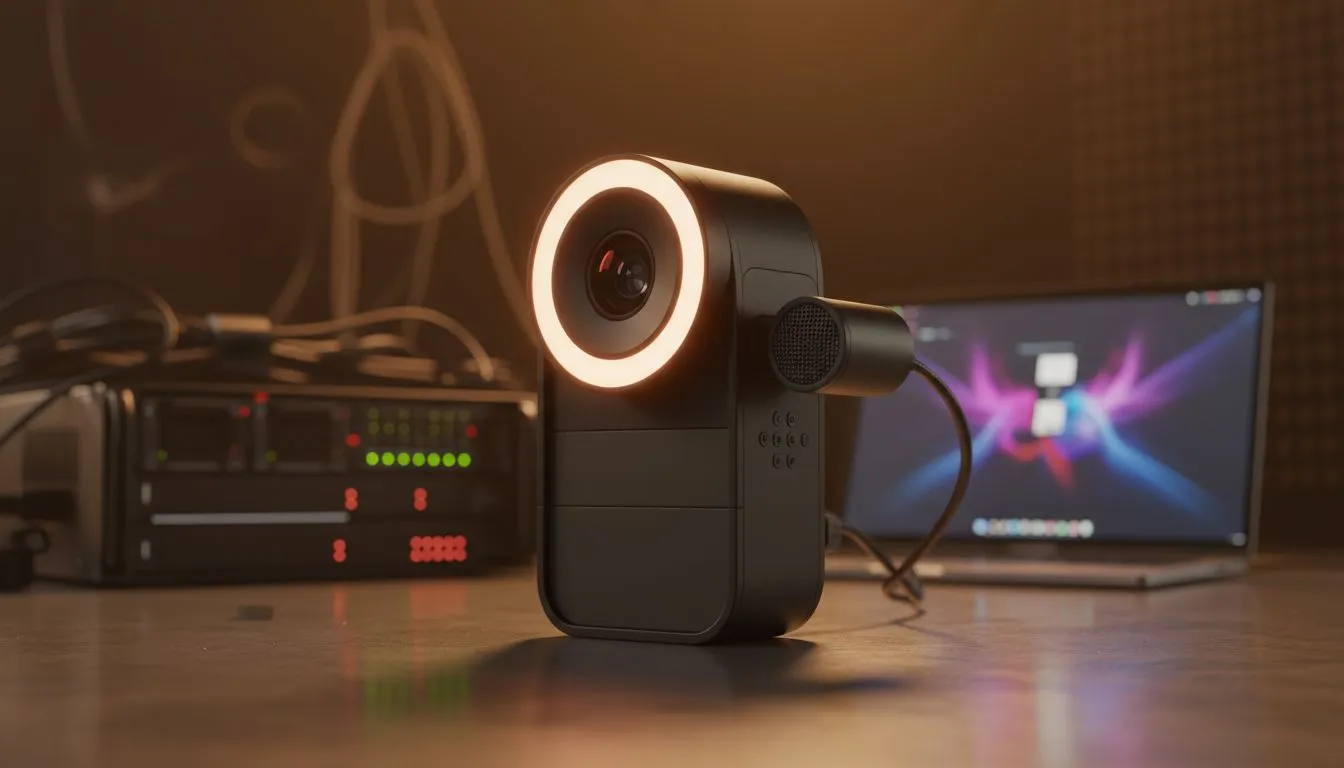
Master Your Streaming Scene Modes for Maximum Engagement
Ever wondered why some South African streamers look professional while others look like they are broadcasting from a dark cave? It isn’t just about the camera... it is about the vibe. Setting up proper streaming scene modes transforms your basic setup into a premium digital stage. Whether you are grinding Ranked in Valorant or hosting a podcast, the right atmosphere keeps your viewers coming back for more. ⚡
Why Atmospheric Scene Modes Matter
Your stream is your brand. When a viewer clicks on your link, they decide to stay within seconds. If your lighting is harsh or your background is cluttered, they might leave. Using specific streaming scene modes allows you to control the emotional journey of your audience.
For example, a "Starting Soon" scene should feel high-energy. Use bright colours and upbeat music. Conversely, a "Just Chatting" scene needs to feel intimate. Lower the brightness and use warmer tones to encourage conversation. You can find a massive range of gaming accessories to help you achieve these specific looks without breaking the bank.
Syncing Your Hardware with Your Content
Consistency is key for any local creator. You want your physical space to match what is happening on screen. If you are playing a horror game, your room should be dim. If you are playing a bright platformer, your RGB should pop.
Lighting Pro Tip ⚡
Use a key light at a 45-degree angle to your face rather than pointing it directly at you. This avoids harsh shadows and prevents that "washed out" look on camera. If you are on a budget, a simple white sheet over a desk lamp can act as a DIY diffuser for a softer glow.
Many streamers overlook the value of a dedicated stream deck or macro keys. These tools allow you to swap streaming scene modes instantly. No more awkward fumbling with your mouse mid-clutch. To get started, keep an eye on the latest gaming accessories deals to snag gear that supports one-touch transitions. 🔧
Optimising Your Space for Better Production
Your desk is the foundation of your content. A cluttered desk leads to a cluttered stream. By organising your peripherals, you create more room for lighting and cameras. This physical organisation directly impacts how you set up your streaming scene modes in software like OBS or Streamlabs.
The Essential Gear List
To truly master your atmosphere, you need the right tools. This includes:
- High-quality webcams with manual focus.
- RGB strips that sync with your system.
- Acoustic foam to dampen South African echo in tiled rooms.
- Sturdy mic arms to keep the clutter off your desk.
Exploring the Gaming Accessories category is the best way to see what fits your specific budget. Even small additions, like a new mousepad or a headphone stand, can change the entire aesthetic of your broadcast. 🚀
Remember... your audience is there for you, but they stay for the experience. Professional streaming scene modes show that you care about the quality of your content. It turns a hobby into a career. ✨
Ready to Level Up Your Stream? Creating the perfect atmosphere requires the right gear at the right price. Whether you need lighting, audio, or ergonomic support, we have you covered. Explore our massive range of gaming accessories and start building your dream studio today.











