


Dedicated Media Keys for Streamers: Improve Workflow Fast
Dedicated media keys give streamers one-touch control to mute, switch scenes, clip highlights, and adjust audio — cutting task time and boosting consistency 🎛️⚡
Read more1080p 60fps webcam buyers guide: discover affordable webcams for Discord and Twitch that deliver smooth 60 FPS, sharp 1080p video, and clear audio. Top picks under $100, setup tips, and best settings to stream with confidence 🎥⚡
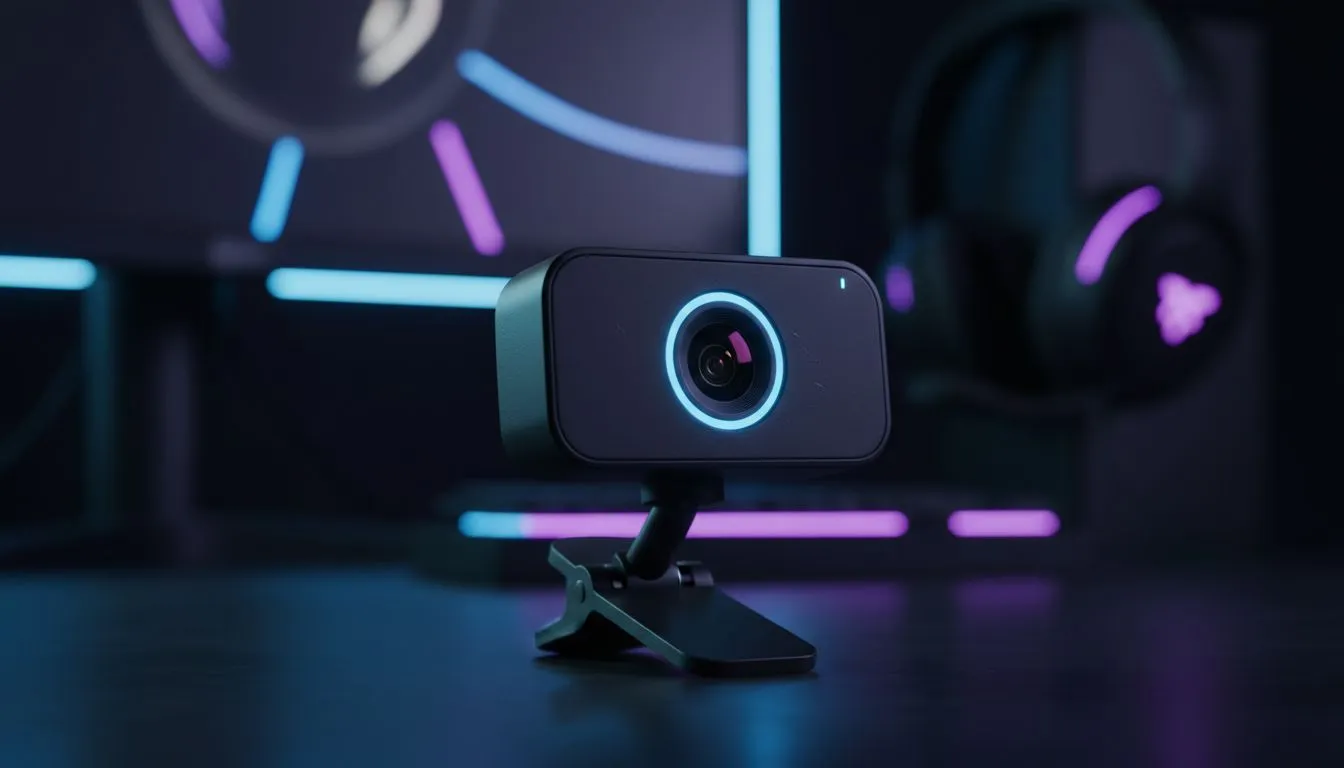
Ever notice how some streams look buttery smooth while others look like a slideshow? The secret isn't always a R20,000 DSLR. It’s the frame rate. A 1080p 60fps webcam is the new gold standard for South African creators on a budget. Whether you're climbing ranks on Discord or going live on Twitch, motion clarity is king. Let’s upgrade your look without breaking the bank. 🚀
Standard webcams capture 30 frames per second. That's fine for a Zoom meeting with your boss. But when you are celebrating a victory royale or reacting to a jump scare, 30fps creates motion blur. It looks sluggish.
Upgrading to a 1080p 60fps webcam doubles that data. Your movement looks natural and fluid. It matches the high refresh rates of modern titles. If you are recording your gameplay to edit later, you'll definitely want fast solid state drives to handle that extra video bitrate without slowing down your system.
A camera is only one piece of the puzzle. To truly look and sound professional in 2025, you need to balance your budget across your whole desk.
You can have the best camera in the world, but it will look grainy in the dark. Sensors need light to work efficiently. Investing in basic streaming essentials like a ring light or a key light will instantly improve your video quality, often more than a camera upgrade would.
You also need to see what you are doing. A dual-screen setup is vital for streamers; one screen for the game, one for OBS and chat. Check out budget-friendly PC monitors that offer IPS panels for accurate colour reproduction, ensuring you see exactly what your audience sees.
Viewers might forgive 720p video, but they will click away instantly if your audio crackles. Do not rely on the built-in microphone on your webcam. It picks up keyboard clatter and fan noise.
Don't point your light directly at your face if you wear glasses; it creates a harsh reflection. Instead, bounce the light off a white wall behind your desk or angle it 45 degrees from the side. This creates a softer, cinematic look that flatters your 1080p 60fps webcam feed.
When you are live, you need total control over your peripherals. Nothing ruins a stream like a missed input or a clunky interface.
For the FPS crowd, a lightweight gaming mouse ensures your aim is snappy. If you are more into Rocket League or Elden Ring, having reliable gaming controllers ready to go is essential.
Don't forget the noise factor. Mechanical keyboards are great, but "clicky" blue switches can annoy your Discord lobby. Look for a gaming keyboard with linear red or silent switches to keep your comms clear while you mash buttons. ✨
In 2025, you don't need to spend a fortune to look like a pro. Prioritise frame rate over 4K resolution. Focus on lighting. Ensure your audio is crisp. With the right gear, you can build a community right here in SA.
Ready to Go Live? Your streaming journey starts with the right hardware. From crystal-clear webcams to the ultimate audio setups, we've got the gear to make you shine. Browse our full range of Webcams and Streaming Gear and start creating content that demands attention.
For Discord and Twitch, choose budget models that offer 1080p 60fps, solid low-light performance, and good onboard mics; look for our best budget webcams 1080p 60fps picks.
Yes—many affordable webcams support true 1080p 60fps. Ensure your USB port and upload bandwidth match the webcam's USB webcam 1080p 60fps requirements.
Prioritize true 60 FPS capture, low-light sensitivity, autofocus, and a clean mic. Search affordable 1080p 60fps webcam for streaming to compare features.
Yes—several models deliver 1080p 60fps under $100. Check our curated list of 1080p 60fps webcam under $100 for verified budget options.
Use proper lighting, set 60 FPS in your app, connect via USB 3.0 if available, and apply recommended bitrate—follow our recommended settings for best results.
Yes—Discord supports 1080p at 60 FPS if your webcam and PC meet requirements. Choose a webcam for Discord 1080p 60fps and enable higher capture settings in the app.
Budget webcams often have serviceable mics but consider a separate mic for clear audio. Look for 'budget 1080p 60fps webcam with mic' if you need an integrated solution.
Dedicated media keys give streamers one-touch control to mute, switch scenes, clip highlights, and adjust audio — cutting task time and boosting consistency 🎛️⚡
Read more
PBT vs ABS keycaps: Clear, local guide for South African gamers—compare feel, sound, durability and where to buy. Find the best material for your budget and playstyle 🎮🇿🇦
Read more
- Multi-Function Digital Dial: define benefits - Show gamer setups and macros - Offer buying and setup tips Multi-Function Digital Dial puts programmable control at your fingertips for faster actions and smoother streaming. 🎮⚙️
Read more
- Explain benefits; - Show the science; - Compare options; - Recommend picks. Magnetic wrist rest for gaming cuts wrist strain and boosts comfort during long sessions 🕹️✨
Read more
best gaming keyboard South Africa: Learn how to pick a low-latency mechanical keyboard, choose switches, layout and budget for competitive play 🎮⚡
Read more
Best wireless keyboard and mouse combo for small desks — curated, space-saving picks that boost comfort and productivity in tight setups. Find low-profile layouts, compact mice, and reliable range to fit your compact workstation. 🖱️⌨️
Read more
Discover webcams that automatically adjust light and color for crystal-clear video calls 🎥✨. Boost your streaming quality today!

Discover webcams that blend into your workflow 🎯 Capture moments while you work, stream, or create. Upgrade your setup with smart, multitasking tech!
Dedicated media keys give streamers one-touch control to mute, switch scenes, clip highlights, and adjust audio — cutting task time and boosting consistency 🎛️⚡
PBT vs ABS keycaps: Clear, local guide for South African gamers—compare feel, sound, durability and where to buy. Find the best material for your budget and playstyle 🎮🇿🇦
- Multi-Function Digital Dial: define benefits - Show gamer setups and macros - Offer buying and setup tips Multi-Function Digital Dial puts programmable control at your fingertips for faster actions and smoother streaming. 🎮⚙️
- Explain benefits; - Show the science; - Compare options; - Recommend picks. Magnetic wrist rest for gaming cuts wrist strain and boosts comfort during long sessions 🕹️✨