


What Game Settings Work Best on 240Hz monitor?
What Game Settings Work on 240Hz monitor. Tested & verified settings for best FPS and visual quality on SA hardware budgets.
Read more1440p monitors for PUBG under R8000 guide helps SA gamers choose high-refresh, low-lag displays with the best value and performance 🎯🖥️
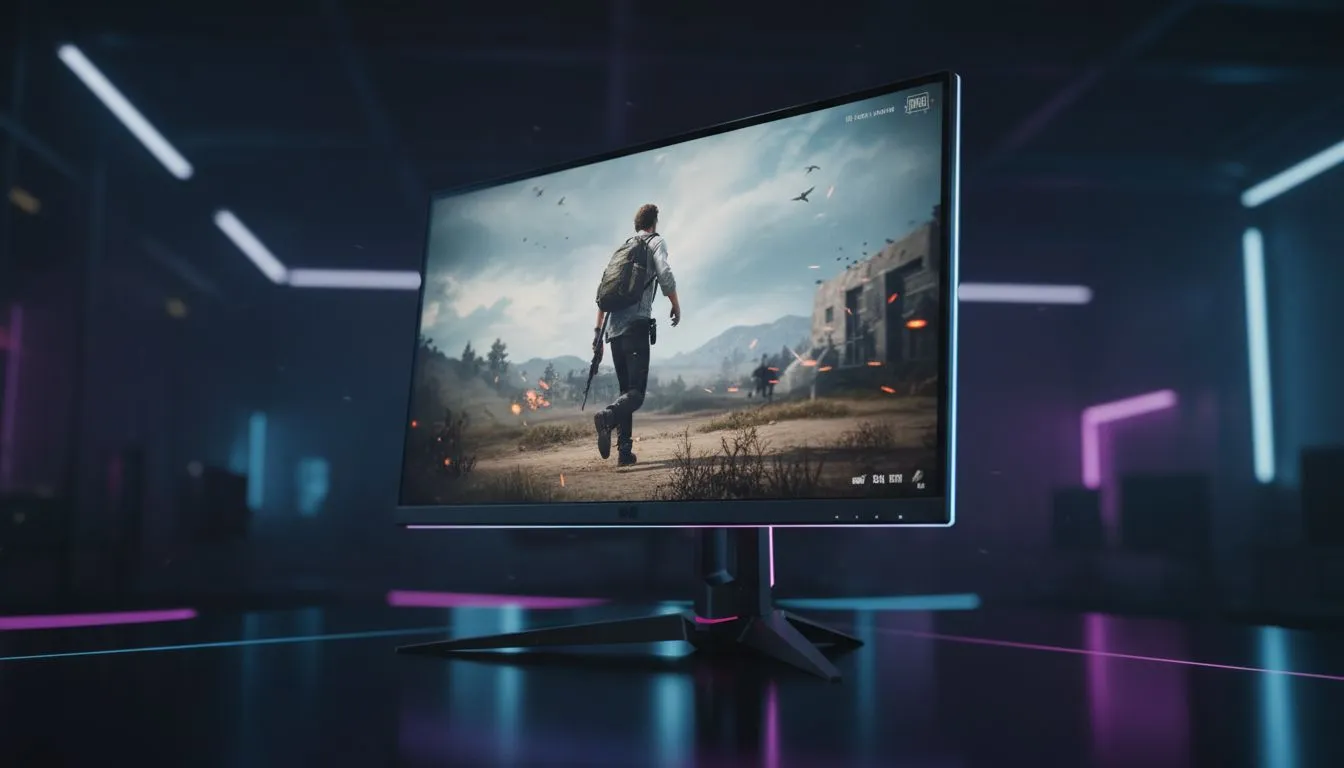
Spotting a ghillie suit in the tall grass of Erangel is a nightmare at 1080p. To truly dominate the battle royale, you need the extra pixel density that QHD offers. Finding the best 1440p Monitors for PUBG Under R8000: Top Picks (SA) doesn't have to be a struggle. We have curated options that balance speed and clarity... ensuring you never miss a pixel-sized headshot again. 🔧
The jump from 1080p to 1440p increases your pixel count by 77%. This clarity allows you to identify targets at much greater distances without the "shimmering" effect of lower resolutions. When looking for the best pc monitor deals, focus on panels that offer high refresh rates. A 144Hz or 165Hz screen makes tracking moving vehicles significantly easier.
Choosing between different pc monitors requires understanding panel technology. For PUBG, an IPS panel is usually the winner due to superior colour accuracy and viewing angles. However, modern VA panels offer deeper blacks... which helps when you are clearing out dark corners in buildings. ⚡
Speed is non-negotiable in a tactical shooter. You should browse our full range of all gaming monitors to find models with a 1ms response time (GtG). This reduces motion blur during fast 180-degree flicks. Many local gamers also prefer curved monitors to increase their peripheral immersion, making the wide vistas of Miramar feel even more expansive.
To maximise your advantage on a 1440p screen, set your 'Effects' to Low but keep 'Textures' and 'View Distance' on Ultra. This removes distracting particle clutter while keeping enemy models crisp and clear at long ranges. Also, ensure your Windows display settings match your monitor's native refresh rate!
While enthusiasts might chase 5K and 4K monitors, the R8000 price bracket is where 1440p shines. It offers the best performance-to-price ratio for mid-to-high-end GPUs like the RTX 4060 Ti or 4070. If you travel to local LANs frequently, you might even consider portable monitors as a secondary screen for Discord or stream chats. 🚀
To round out your setup, don't forget the importance of ergonomics. Investing in high-quality monitor accessories like a gas-spring arm can free up desk space for those massive mouse swipes needed for recoil control. A clean, adjustable setup ensures you stay comfortable during those long sessions chasing the next chicken dinner. ✨
Ready to Claim Your Chicken Dinner? Upgrading your visual clarity is the fastest way to improve your survival rate in PUBG. Explore our massive range of monitor specials and find the perfect 1440p display to conquer the battlegrounds today.
Look for 1440p 144Hz monitors under R8000 with low input lag and 1ms response. The best 1440p monitor for PUBG under R8000 balances refresh, contrast and price.
Yes. Several 1440p 144Hz monitor under R8000 models hit the right price-performance point — check Evetech and local deals for current stock.
IPS offers faster response and better viewing angles; VA gives deeper contrast. For PUBG, IPS 1440p monitors under R8000 often give clearer, snappier gameplay.
Adaptive sync reduces tearing and stutter. A FreeSync or G-Sync compatible 1440p monitor under R8000 improves smoothness if your GPU supports it.
Modern mid-range GPUs can run PUBG at 1440p with tuned settings. Check benchmarks for your GPU paired with a 1440p monitor for PUBG under R8000.
Prioritise refresh rate, response time, adaptive sync, panel type and input ports. These features define value in a 1440p monitor for PUBG under R8000.
Buy from Evetech, authorised retailers and SA deal sites. Compare reviews, warranty and price to find a budget 1440p gaming monitor South Africa.
What Game Settings Work on 240Hz monitor. Tested & verified settings for best FPS and visual quality on SA hardware budgets.
Read more
What Cooling Solution Works Best with 144Hz monitor in SA Climate Detailed answer with SA data, expert analysis & practical recommendations for local buyers.
Read more
What Monitor Pairs Best with 240Hz monitor for Gaming in SA Detailed answer with SA data, expert analysis & practical recommendations for local buyers.
Read more
What Monitor Pairs Best with 1440p monitor for Gaming in SA Detailed answer with SA data, expert analysis & practical recommendations for local buyers.
Read moreWhat Monitor Pairs Best with 1440p monitor for Gaming Detailed answer with SA data, expert analysis & practical recommendations for local buyers.
Read more
the 144Hz monitor for student. Plain-English explanation of what it means, why it matters & how it affects your buying decisions in SA.
Read more
Every spec on PCIe 5.0 explained in plain English. What matters for gaming and creator work in 2026, what's marketing fluff, and how each number translates to real-world performance.

A head-to-head look at WiFi 7: real-world performance, ZAR pricing and which option delivers better value for SA builders. The clear answer — no fluff.

Everything you need to set up and tune PCIe 5.0 properly: the prep work, the settings that actually matter, and the mistakes to skip. Written for SA builders in 2026.

Everything you need to set up and tune X870E Motherboard properly: the prep work, the settings that actually matter, and the mistakes to skip. Written for SA builders in 2026.

Wondering what a 512GB SSD capacity really holds? This guide breaks down how many games, photos, and documents fit on 512GB, with real-world ranges 📦💾

Every spec on vrm explained in plain English. What matters for gaming and creator work in 2026, what's marketing fluff, and how each number translates to real-world performance.

Every spec on motherboard explained in plain English. What matters for gaming and creator work in 2026, what's marketing fluff, and how each number translates to real-world performance.

Premium vs Midrange Motherboards in South Africa: real-world performance, SA pricing, power draw and which one delivers better value for your build for SA buyers. The clear answer — without the fluff.
Wondering what a 512GB SSD capacity really holds? This guide breaks down how many games, photos, and documents fit on 512GB, with real-world ranges 📦💾
Every spec on PCIe 5.0 explained in plain English. What matters for gaming and creator work in 2026, what's marketing fluff, and how each number translates to real-world performance.
A head-to-head look at WiFi 7: real-world performance, ZAR pricing and which option delivers better value for SA builders. The clear answer — no fluff.

Every spec on USB4 explained in plain English. What matters for gaming and creator work in 2026, what's marketing fluff, and how each number translates to real-world performance.