


What Game Settings Work Best on 240Hz monitor?
What Game Settings Work on 240Hz monitor. Tested & verified settings for best FPS and visual quality on SA hardware budgets.
Read more1440p monitors under R8000 deliver crisp 1440p visuals and fast refresh for PUBG players in South Africa. We test value picks, compare specs, and recommend top buys 🎯🖥️
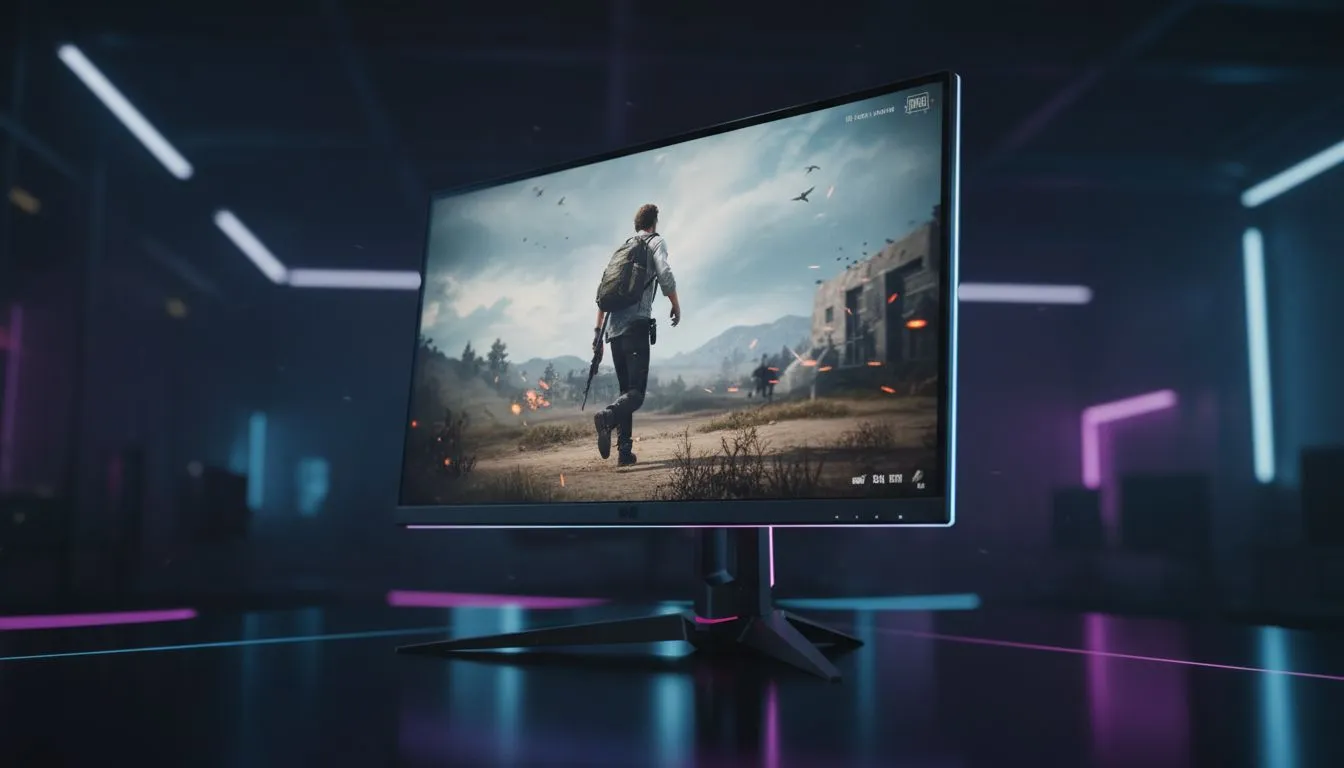
Tired of squinting at distant pixels on Erangel? Moving to a higher resolution is the single biggest upgrade for spotting enemies hiding in the grass. Finding quality 1440p monitors under R8000 for PUBG in South Africa used to be a challenge... but current tech has made high-fidelity gaming much more accessible. A 1440p display provides 77% more screen real estate than standard 1080p... giving you the clarity needed to lead your shots perfectly.
Before you drop into Pochinki, check our latest best PC monitor deals to see which high-performance screens are currently on special. 🎯
For a fast-paced shooter like PUBG, resolution is only half the battle. You need a high refresh rate to ensure smooth motion when clearing buildings or tracking a moving vehicle. Most 1440p monitors under R8000 for PUBG now offer at least 144Hz or 165Hz. This combination ensures that the image remains crisp even during high-speed flick shots.
When browsing our wide selection of PC monitors, look for models that support AMD FreeSync or NVIDIA G-Sync Compatibility. These features eliminate screen tearing... which is vital when your frame rate fluctuates in intensive late-game circles.
To maximise visibility in PUBG at 1440p, set your 'Sharpen' setting to 'On' in the in-game graphics menu. This helps define player silhouettes against complex backgrounds like the dense forests of Sanhok. Additionally, keep 'Effects' on Low to reduce visual clutter from smoke and explosions during intense firefights.
The debate between IPS and VA panels is still going strong among South African gamers. IPS panels offer superior colour accuracy and wider viewing angles... making them great if you also use your rig for work. You can explore all gaming monitors in our inventory to compare these panel types side-by-side.
If you prefer deep blacks and a more cinematic feel for your loot-and-scoot sessions, you might choose to buy curved monitors. The subtle curve helps keep the edges of the screen within your peripheral vision... allowing you to spot flankers more easily without moving your head. 🚀
Not every setup is a permanent desk fixture. If you frequently attend local LAN events or need a secondary screen for Discord and maps, you can buy portable monitors to complement your primary 1440p display.
While QHD is the sweet spot for performance, some enthusiasts who also handle heavy video editing may prefer to buy 5k 4k monitors for the extra pixel density. Regardless of your choice, remember to buy monitor accessories such as high-quality DisplayPort cables or monitor arms to optimise your ergonomic setup and reclaim desk space for that massive mousepad. ✨
Ready to Secure the Chicken Dinner? Upgrading your visual clarity is the first step toward better stats and more wins. Explore our massive range of 1440p monitor specials and find the perfect high-refresh display to dominate the battlegrounds today.
Yes — several 1440p monitors under R8000 offer high refresh and low response times. See our tested list of budget 1440p monitors for PUBG in SA.
Prioritize refresh rate (≥144Hz), response time (≤4ms), and panel type. Look for budget 1440p gaming monitor south africa options with adaptive sync.
It depends on your GPU and settings. Many mid-range cards can run PUBG at 1440p medium-high; compare your card with recommended 1440p monitors under R8000.
Buy from local retailers or Evetech for warranty and shipping in SA. Search 'cheap 1440p monitors r8000' or 'best monitors under r8000 south africa' to compare.
Yes — select IPS or fast VA panels and you'll get solid color and low input lag. Our reviews highlight value 1440p monitors r8000 that balance both.
Yes — 1440p gives better clarity and target visibility. Aim for a 1440p 144Hz monitor under R8000 for the best mix of image quality and performance.
Compare refresh, response, panel, inputs and warranty. Use our shortlist of best 1440p monitors for PUBG under R8000 to narrow choices fast.
What Game Settings Work on 240Hz monitor. Tested & verified settings for best FPS and visual quality on SA hardware budgets.
Read more
What Cooling Solution Works Best with 144Hz monitor in SA Climate Detailed answer with SA data, expert analysis & practical recommendations for local buyers.
Read more
What Monitor Pairs Best with 240Hz monitor for Gaming in SA Detailed answer with SA data, expert analysis & practical recommendations for local buyers.
Read more
What Monitor Pairs Best with 1440p monitor for Gaming in SA Detailed answer with SA data, expert analysis & practical recommendations for local buyers.
Read moreWhat Monitor Pairs Best with 1440p monitor for Gaming Detailed answer with SA data, expert analysis & practical recommendations for local buyers.
Read more
the 144Hz monitor for student. Plain-English explanation of what it means, why it matters & how it affects your buying decisions in SA.
Read more
Every spec on PCIe 5.0 explained in plain English. What matters for gaming and creator work in 2026, what's marketing fluff, and how each number translates to real-world performance.

A head-to-head look at WiFi 7: real-world performance, ZAR pricing and which option delivers better value for SA builders. The clear answer — no fluff.

Everything you need to set up and tune PCIe 5.0 properly: the prep work, the settings that actually matter, and the mistakes to skip. Written for SA builders in 2026.

Everything you need to set up and tune X870E Motherboard properly: the prep work, the settings that actually matter, and the mistakes to skip. Written for SA builders in 2026.

Wondering what a 512GB SSD capacity really holds? This guide breaks down how many games, photos, and documents fit on 512GB, with real-world ranges 📦💾

Every spec on vrm explained in plain English. What matters for gaming and creator work in 2026, what's marketing fluff, and how each number translates to real-world performance.

Every spec on motherboard explained in plain English. What matters for gaming and creator work in 2026, what's marketing fluff, and how each number translates to real-world performance.

Premium vs Midrange Motherboards in South Africa: real-world performance, SA pricing, power draw and which one delivers better value for your build for SA buyers. The clear answer — without the fluff.
Wondering what a 512GB SSD capacity really holds? This guide breaks down how many games, photos, and documents fit on 512GB, with real-world ranges 📦💾
Every spec on PCIe 5.0 explained in plain English. What matters for gaming and creator work in 2026, what's marketing fluff, and how each number translates to real-world performance.
A head-to-head look at WiFi 7: real-world performance, ZAR pricing and which option delivers better value for SA builders. The clear answer — no fluff.

Every spec on USB4 explained in plain English. What matters for gaming and creator work in 2026, what's marketing fluff, and how each number translates to real-world performance.