

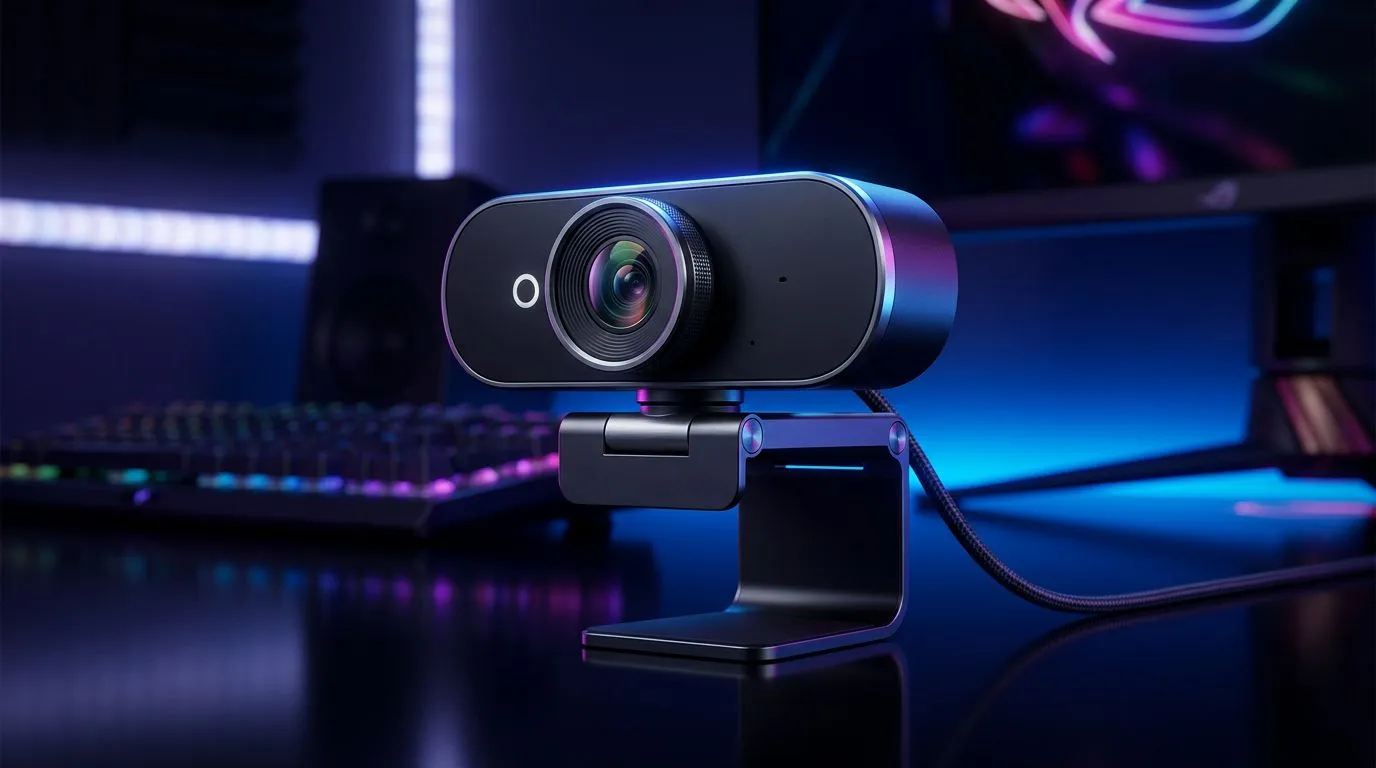
Understanding the 30fps vs 60fps Webcam Debate for Streamers ⚡
Streaming is more than just high FPS in games; your webcam quality also shapes viewers’ experience. The battle of 30fps vs 60fps webcam is often overlooked but crucial for streamers wanting seamless visuals. Imagine your face lagging or appearing jittery while you nail your game—frustrating for viewers, right? In South Africa, where internet speeds and rig specs vary widely, choosing the right webcam frame rate becomes key to smooth, engaging streams.
Why 60fps Webcams Give Streamers a Clearer Edge
Streaming with a 60fps webcam means your video captures 60 frames each second, doubling the smoothness compared to 30fps. This higher frame rate provides fluid motion, reducing blur when you move or gesticulate during commentary. For dynamic gameplay streams, this clarity keeps your audience glued to the screen. It’s why many pro streamers worldwide upgrade to 60fps webcams, even if it demands a bit more bandwidth.
However, 30fps webcams still have their place — they’re easier on your PC and internet, and they don’t require a hefty budget. You’ll find plenty of reliable options under R1000 that balance cost with decent quality, perfect for starter streamers budget webcam picks here.
Matching Webcam Frame Rate with Your Streaming Setup 🔧
Your internet upload speed and PC specs are major factors when picking between 30fps and 60fps webcams. A 60fps webcam needs more consistent bandwidth and processing power. Without that, you risk lag or stuttering—less than ideal when engaging live with viewers.
For mid-range options, webcams under R2000 often offer improved sensors and smoother 60fps capabilities. South African streamers can find solid picks that won’t throttle system performance check mid-range webcams here.
Choosing Your Webcam: Beyond Frame Rate — Quality Counts Too 🚀
A higher fps is great but only if the webcam’s resolution and lens quality support it. Full HD (1080p) at 60fps is ideal; it sharpens your image clarity with fluid motion. Luckily, there are models priced under R3000 boasting these specs, giving you crisp, smooth video without breaking the bank explore premium webcams here.
Pro Streamer Tip
Optimise your webcam placement—position your webcam slightly above eye level. It flatters your angle and keeps lighting natural, helping your stream look professional.
Practical Insights from South African Streamers
Local streamers often adapt 30fps webcams to keep streams smooth in areas with varied fibre connectivity. One streamer shared how switching to a reliable 30fps webcam at a lower resolution helped maintain chat interaction without buffering. Another upgraded to 60fps and noticed clearer face tracking and less motion blur, enhancing viewer retention. So think about your internet and rig first—then decide if the step up to 60fps is worth it for you.
Balancing Cost and Performance in South Africa
Webcam frame rate isn’t the sole factor—you need value for your rand. Evetech’s extensive webcam collection means you can find options from budget to premium without compromise. All webcams link to genuine specs and local stock, ensuring your purchase is smart and hassle-free. Browse our main selection to see what fits your setup and budget browse webcams here.
Upgrade Your Streaming Gear Today Find the perfect webcam with the right fps for your stream’s style and budget. Shop now at Evetech for performance that leaves lag in the dust.











