


RTX 5070 Valorant Optimised Settings: Best Graphics for Max FPS 2026
RTX 5070 Valorant Optimised Settings: Graphics. Real-world benchmark data, FPS numbers & performance analysis. What SA gamers can actually expect.
Read moreIs a 44000 DPI gaming mouse actually necessary? 🖱️ We break down the HERO 2 sensor capabilities to see if extreme sensitivity improves your competitive edge or if it's just marketing hype. Upgrade your aim today! 🚀
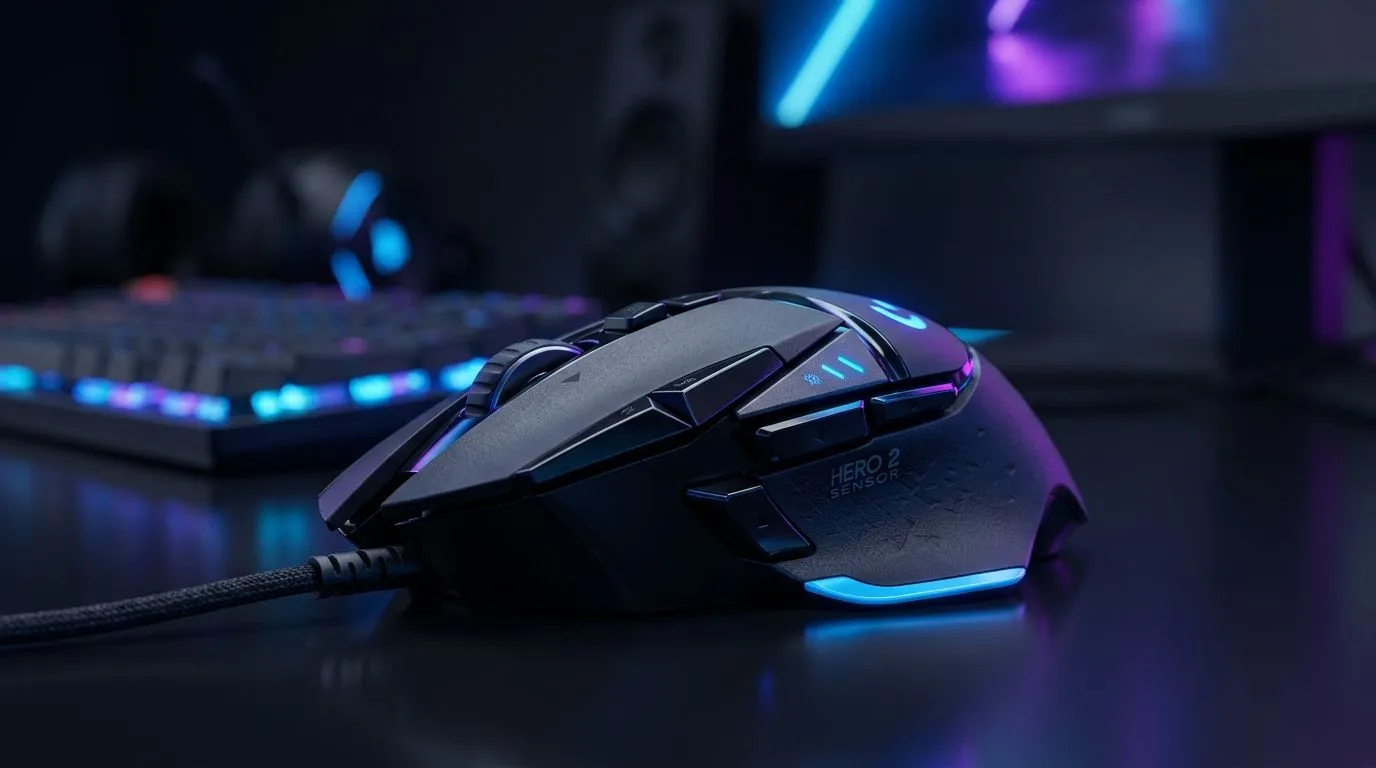
If your aim feels “off”, it’s tempting to blame DPI… especially when you see numbers like 44,000. But for South African gamers playing FPS, the better question is: does higher DPI actually improve precision, or just make specs louder? 🎯
In this Gear Review, we’ll break down what a 44,000 DPI gaming mouse can (and can’t) do, how sensor precision matters more than you think, and what to check before you buy. Because the right mouse should feel consistent on your desk, your pad, and your settings… not random after an update.
A “44000 DPI” rating is usually about maximum sensitivity, not guaranteed tracking quality. DPI simply describes how far the cursor moves on-screen for a given mouse travel distance. Precision is about how accurately the sensor tracks motion, especially during micro-adjustments.
With HERO 2-class sensor implementations, the big advantage is typically reduced jitter and more consistent movement across common gaming conditions. However, you still need to verify two things that decide whether precision becomes “real” in your match:
If you’re shopping for a mouse specifically in the 44000 DPI category, Evetech’s inventory can help you compare options quickly: Gaming mice on Evetech.
Let’s keep it practical. You’ll get more benefit from proper settings than from chasing the highest DPI figure.
Try to choose a DPI that feels stable and repeatable. Then pair it with a sensible in-game sensitivity, so you can reproduce target acquisition under pressure.
When you test a new mouse, change only one thing at a time. If you swap DPI, don’t also change Windows pointer settings, in-game acceleration, and grip style on the same day. 🚀 Small changes give cleaner feedback.
Wireless is totally workable for FPS now, but latency and power management still matter. If you’re deciding between wired and wireless, Evetech makes it easy to browse by type:
If you’re on a budget, you’re also likely thinking about value. Deals help, but precision matters too. Check what’s currently moving: best gaming mouse deals. ✨
Here’s a quick checklist you can do at home. It’s not fancy, but it works.
Not sure what accessories help? Mouse skates and pad quality can noticeably affect feel. Browse helpful additions here: mouse accessories.
If your desk setup changes often (work monitor, gaming PC, moving between rooms), take 30 seconds to note your DPI and in-game sensitivity before switching devices. Consistency beats “max settings” every time, because muscle memory fails when your baseline keeps moving.
So… is 44,000 DPI (and HERO 2-style precision) worth it?
Yes, if the mouse delivers consistent tracking, has reliable sensor behaviour across common surfaces, and you can actually set it to the DPI you’ll use in real matches.
Not necessarily, if you’re buying purely for the number and ignoring comfort, grip, weight, and how the mouse feels on your pad. Precision isn’t only a sensor spec. It’s also the interface between you, the surface, and the settings.
If you want to shop confidently, compare your options directly with Evetech’s mouse range and deals, then choose based on real use, not just headline DPI:
Ready to Find Your Perfect Match? The Mac vs Windows debate is complex, but for maximum power, choice, and value in South Africa, Windows is hard to beat. Explore our massive range of laptop specials and find the perfect machine to conquer your world.
Most professional gamers use between 400 and 1600 DPI. 44000 DPI is generally considered overkill for human precision, though it indicates a highly advanced sensor.
The HERO 2 sensor offers industry-leading power efficiency and extreme tracking accuracy, maintaining consistent performance even at ultra-high DPI levels.
Not necessarily. While high DPI sensors often track faster, accuracy is more about the sensor's ability to avoid jitter and acceleration across all sensitivity ranges.
If you are a competitive player seeking the latest HERO 2 sensor technology and extreme consistency, upgrading is worth it, even if you never use the max DPI.
Most FPS players prefer lower DPI settings (800-1200) to ensure steady, predictable aim, regardless of the maximum DPI capability of their mouse.
Yes, the HERO 2 sensor is designed for high-performance wireless gaming, significantly optimizing power consumption compared to older sensor generations.
RTX 5070 Valorant Optimised Settings: Graphics. Real-world benchmark data, FPS numbers & performance analysis. What SA gamers can actually expect.
Read more
Top Laptop with Core i7 + RX 7700S: Picks picks evaluated on performance, value & SA availability with current Rand pricing from Evetech.
Read more
When Will the RTX 6090 Launch in South Africa Detailed answer with SA data, expert analysis & practical recommendations for local buyers.

Top Valorant Settings for RTX 5070: FPS Optimisation picks evaluated on performance, value & SA availability with current Rand pricing from Evetech.

RDNA 3.5 Graphics in Ryzen AI 400? Can You Game. Plain-English explanation of what it means, why it matters & how it affects your buying decisions in SA.

GPU Price Index : December Report. Current stock data & price tracking for SA buyers. See what is available and where prices are heading.

Core i5-14600K + B760 + RTX 5060 Build Under. Full parts list, Rand pricing & expected performance. Build confidently with SA-available components.

RX 7600 Apex Legends at 4K: FPS Benchmark. Real-world benchmark data, FPS numbers & performance analysis. What SA gamers can actually expect.

RX 7900 XTX GTA 6 at 4K: FPS Benchmark & Optimal. Real-world benchmark data, FPS numbers & performance analysis. What SA gamers can actually expect.

Head-to-head comparison of RTX 5070 vs RX 9070 XT: Gaming Performance for SA gamers. Performance benchmarks, Rand pricing & which delivers better value.

GPU Setup Guide Gamers. Clear setup instructions with SA-specific considerations, troubleshooting tips & recommended components.

Top RTX 5090 Under R12000 picks evaluated on performance, value & SA availability with current Rand pricing from Evetech.

Call of Duty Warzone 2 Settings on RX 7600. Real-world benchmark data, FPS numbers & performance analysis. What SA gamers can actually expect.

GTA 6 Settings on RTX 5070 Ti: Performance. Real-world benchmark data, FPS numbers & performance analysis. What SA gamers can actually expect.