

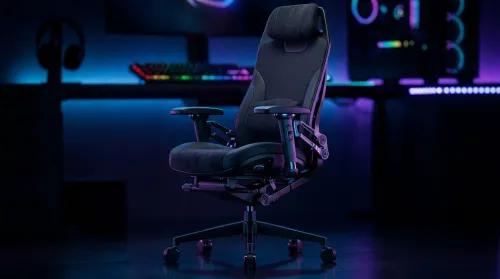
3D Armrest Ergonomic Gaming Chair Features for Comfort
Shop smart for a 3D armrest ergonomic gaming chair: key support points, adjustable lumbar, pressure relief, and smooth armrest tuning. ✅🎮 Get comfort that lasts.
Read moreWondering if a 49-inch UWQHD monitor is too big for your gaming desk? We break down ideal desk depth, viewing distance, and clearance tips so you can upgrade confidently. 🎮🛠️
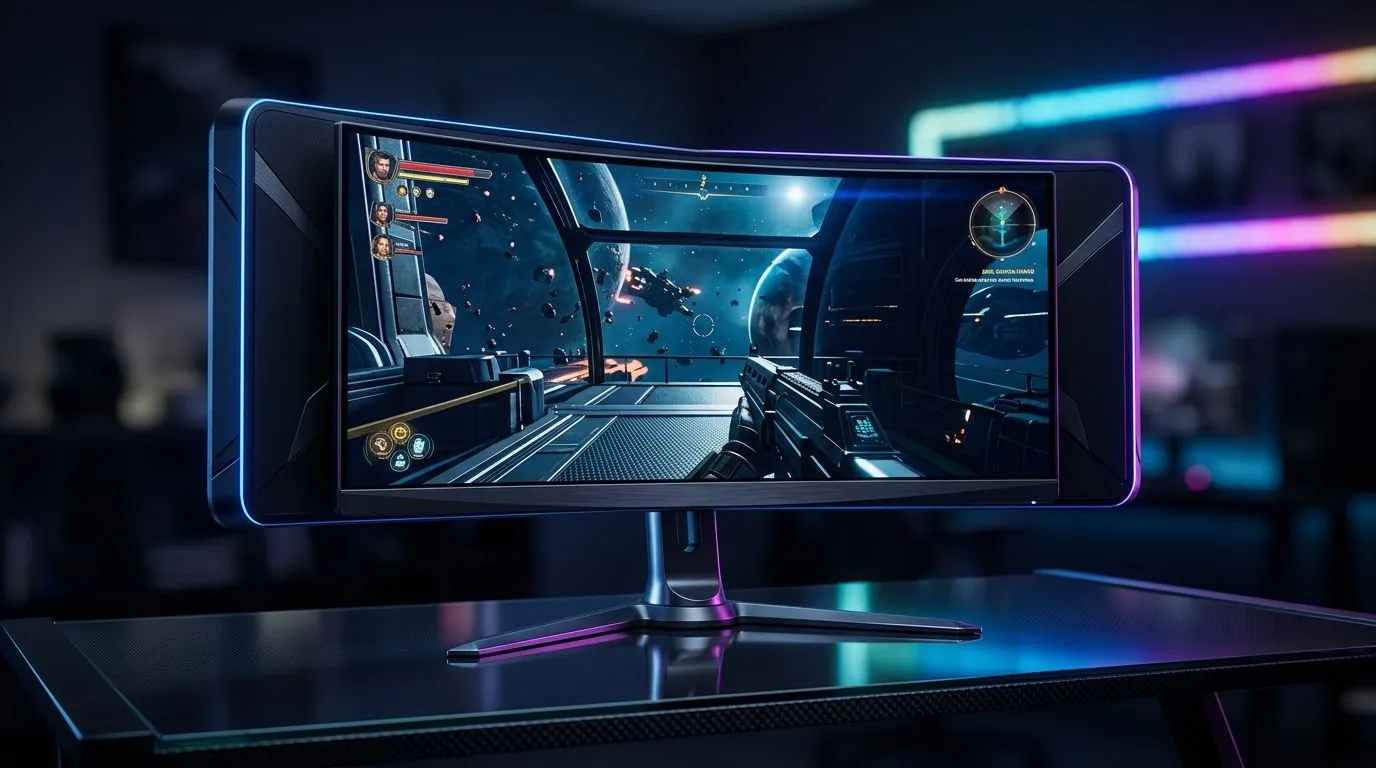
If you have ever measured your desk and thought, “This monitor looks massive,” you are not alone ⚡. A 49-inch UWQHD screen can feel like it belongs in a cockpit, not a bedroom setup in Joburg or a compact flat in Cape Town. But “too big” depends on your desk depth, viewing distance, and how you actually play. For sim racers, multitaskers, and immersive single-player fans, the extra width can feel brilliant… if the setup is right.
The short answer is no, not automatically. The better question is whether your desk can support the experience comfortably. A 49-inch ultrawide typically stretches across a very wide field of view, so a shallow desk can make the screen feel overwhelming. If you sit too close, you may find yourself turning your head more than you want.
For South African gamers, this matters because many home setups are built around practical furniture, not purpose-built battlestations. That is where desk depth becomes the deciding factor. A deeper surface gives you more breathing room, while a cramped desk can make even a premium panel feel awkward.
A 49-inch UWQHD monitor suits you best when:
If your current setup feels tight, take a look at a proper gaming desk for South African setups. A sturdier, deeper desk often solves the problem before you even touch monitor settings.
A wide monitor is not just about size… it is about ergonomics too 🔧. The wrong posture can turn an exciting upgrade into a neck-and-eye strain machine. Ideally, the top of the screen should sit near eye level, and your seated position should keep the panel within a comfortable viewing arc.
That is why monitor choice and seating should go together. If your chair forces you forward or leaves you slouching, the display will feel bigger than it should. A supportive option from gaming chairs in South Africa can make a surprising difference, especially during long sessions.
If you are constantly leaning back to take in the full screen, your desk may be too shallow. If you are leaning forward to read text, you may be too far away or need to adjust scaling. Either way, the desk layout matters as much as the monitor itself.
Not every great setup needs a giant room. Some of the best-looking rigs are built with smart spacing and a bit of planning ✨. Cable routing, stand choice, and desk accessories all affect how large the monitor feels in practice.
One practical tip is to visualise the monitor footprint before buying. Tape out the approximate width on your desk. That quick test can save a lot of regret. It also helps you judge whether your speakers, keyboard, and mouse mat will still fit comfortably.
Use masking tape to map the exact width of a 49-inch ultrawide on your desk before you buy. It is the easiest way to see whether you still have space for your keyboard, mouse, and speakers without crowding the front edge.
If you like a cleaner look, accessories can help the setup feel intentional rather than oversized. A little ambient lighting from NZXT case lighting and setup accents can visually balance a large display and make the whole rig feel more polished.
Buy it if you want immersion, width, and a more expansive workspace. Skip it if your desk is too shallow, your room is tight, or you mostly play competitive shooters and prefer a compact field of view. A large ultrawide is best when it matches your habits, not just your wishlist.
If you are building a fresh setup, consider the whole package. A monitor this size deserves furniture and accessories that support it. That is why many buyers pair it with an Arrozi gaming setup solution to keep the desk clean, stable, and easier to live with.
So, is a 49-inch UWQHD monitor too big for a gaming desk? Not if you plan properly. The right desk depth, chair height, and viewing distance can make it feel premium instead of awkward. For the right gamer, it is less “too big” and more “finally, enough screen.”
Ready to Find Your Perfect Match? The Mac vs Windows debate is complex, but for maximum power, choice, and value in South Africa, Windows is hard to beat. Explore our massive range of laptop specials and find the perfect machine to conquer your world.
A 49-inch UWQHD setup usually needs enough depth for comfortable viewing distance. Aim for several inches behind the monitor to avoid leaning and eye strain.
For a 5120x1440 ultrawide, many gamers feel best around arm to slightly farther away. Adjust until text is crisp without leaning forward.
It might, but depends on desk width and stand footprint. Measure desk span and check whether a VESA mount or arm can free space.
It can be great for situational awareness and immersion. Still, ensure refresh rate, response time, and proper desk ergonomics for consistent aiming.
Allow room for power and video cables plus peripherals like keyboard, mouse, and headset charging. Use cable guides to prevent accidental pulls.
Often yes. A compatible monitor arm can shift the display for better ergonomics, improve desk space, and simplify cable routing.
If you find yourself leaning, reaching, or straining to read, the monitor is likely too close or too wide. Re-check viewing distance and desk clearance.
Shop smart for a 3D armrest ergonomic gaming chair: key support points, adjustable lumbar, pressure relief, and smooth armrest tuning. ✅🎮 Get comfort that lasts.
Read more
Use this ergonomic gaming chair adjustable lumbar support checklist to spot key comfort features, avoid poor fit, and choose the right support for long sessions. 🪑✅
Read more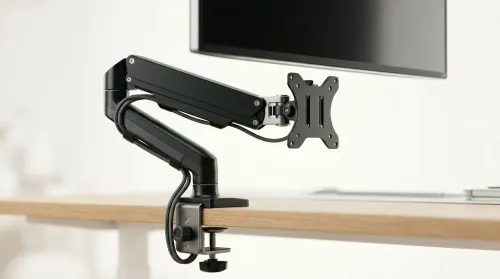
Running out of desk space? A VESA monitor arm and under-desk mount free up more room than you think. Less clutter, better ergonomics, smoother cable routing. Clear your workspace today ✅🖥️
Read more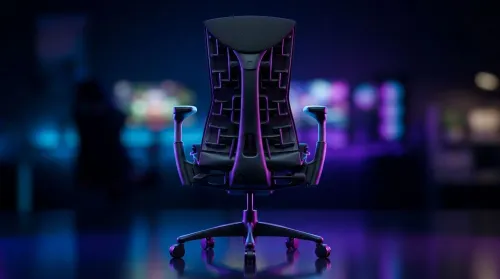
Gaming chair with adjustable lumbar support should fit your back, not fight it. We cover lockable recline and 3D armrests so you can sit longer, game better, and adjust fast. 🎮🪑
Read more
Every spec on PCIe 5.0 explained in plain English. What matters for gaming and creator work in 2026, what's marketing fluff, and how each number translates to real-world performance.

A head-to-head look at WiFi 7: real-world performance, ZAR pricing and which option delivers better value for SA builders. The clear answer — no fluff.

Everything you need to set up and tune PCIe 5.0 properly: the prep work, the settings that actually matter, and the mistakes to skip. Written for SA builders in 2026.

Everything you need to set up and tune X870E Motherboard properly: the prep work, the settings that actually matter, and the mistakes to skip. Written for SA builders in 2026.

Wondering what a 512GB SSD capacity really holds? This guide breaks down how many games, photos, and documents fit on 512GB, with real-world ranges 📦💾

Every spec on vrm explained in plain English. What matters for gaming and creator work in 2026, what's marketing fluff, and how each number translates to real-world performance.

Every spec on motherboard explained in plain English. What matters for gaming and creator work in 2026, what's marketing fluff, and how each number translates to real-world performance.

Premium vs Midrange Motherboards in South Africa: real-world performance, SA pricing, power draw and which one delivers better value for your build for SA buyers. The clear answer — without the fluff.
Wondering what a 512GB SSD capacity really holds? This guide breaks down how many games, photos, and documents fit on 512GB, with real-world ranges 📦💾
Every spec on PCIe 5.0 explained in plain English. What matters for gaming and creator work in 2026, what's marketing fluff, and how each number translates to real-world performance.
A head-to-head look at WiFi 7: real-world performance, ZAR pricing and which option delivers better value for SA builders. The clear answer — no fluff.

Every spec on USB4 explained in plain English. What matters for gaming and creator work in 2026, what's marketing fluff, and how each number translates to real-world performance.