

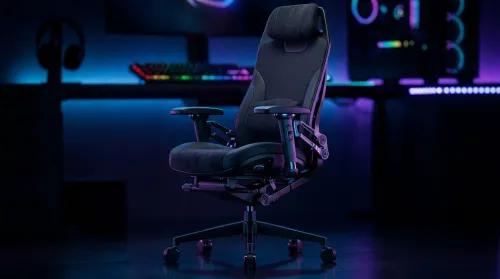
3D Armrest Ergonomic Gaming Chair Features for Comfort
Shop smart for a 3D armrest ergonomic gaming chair: key support points, adjustable lumbar, pressure relief, and smooth armrest tuning. ✅🎮 Get comfort that lasts.
Read moreGaming chair with adjustable lumbar support should fit your back, not fight it. We cover lockable recline and 3D armrests so you can sit longer, game better, and adjust fast. 🎮🪑
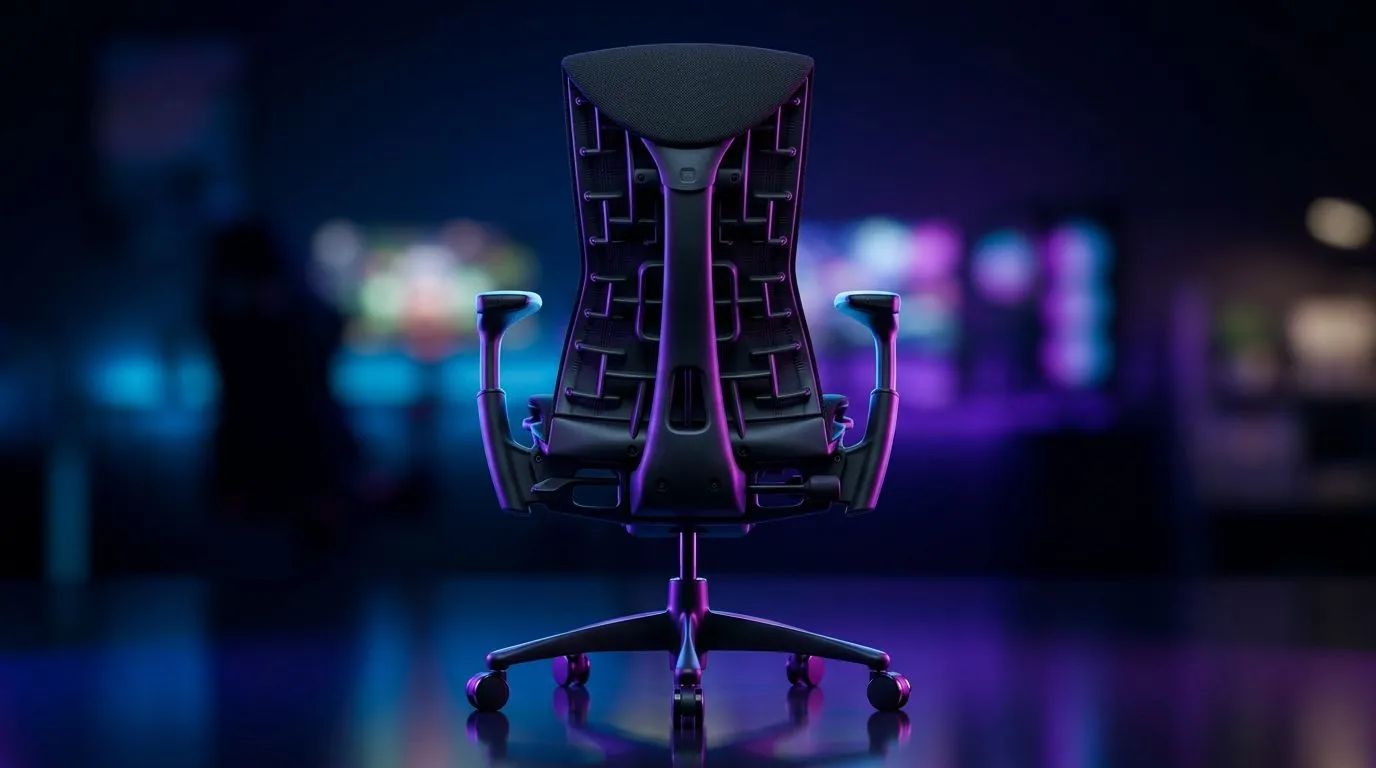
If your lower back has started filing complaints after long Overwatch sessions or a weekend of work and play, you’re not imagining it. A solid gaming chair with adjustable lumbar support can make a real difference. But not every chair that says “ergonomic” actually supports you well. The trick is knowing what to check before you spend your rand... and that’s exactly what this guide covers 🔧
A gaming chair with adjustable lumbar support is built to help the curve in your lower spine. That matters because long sitting sessions can place extra strain on your back, especially if your setup forces you to lean forward. The best chairs let you move the lumbar support up, down, in, or out so it matches your body, not the other way around.
Some chairs offer a fixed cushion. That’s better than nothing, but it’s not the same as proper adjustment. When shopping, check whether the lumbar support is:
If a product page only shows one vague “lumbar pillow”, be cautious. True adjustability gives you finer control over posture, especially if you game and work from the same chair.
A chair can be packed with features and still feel wrong. Your height, desk height, and monitor position all matter. If your desk is too high, your shoulders rise. If your chair sits too low, your lower back rounds. That’s why pairing your seat with one of Evetech’s gaming desks can help create a better overall posture. A good desk and chair should work together, not fight each other.
Not every upgrade is worth the cash, but some absolutely are. In South Africa, where buyers often want the best balance of price and comfort, these are the features that usually pay off:
You want your feet flat on the floor and your knees comfortably bent. If the seat is too deep, it can press behind your knees. Too shallow, and you lose thigh support.
A chair that reclines too freely can feel sloppy. A tension knob lets you decide how much resistance you want. That helps when you’re alternating between intense gaming and relaxed browsing.
At minimum, look for armrests that can move up and down. Better still is 3D or 4D adjustment. Your elbows should rest naturally without lifting your shoulders.
A wobbly chair gets old fast. Check for a strong base and wheels that suit your floor type. A chair should roll easily without feeling loose.
South African summers can be brutal. Breathable fabric or perforated materials can feel cooler than cheaper vinyl-like finishes, especially in warmer rooms.
I once spent a full week testing a “comfortable” chair that looked perfect on paper. The problem wasn’t the padding... it was the lumbar height. A tiny adjustment solved the soreness. That’s the kind of detail many buyers miss.
If your gaming corner is evolving, it helps to plan the full space. Evetech’s gaming setups can be useful if you want a more cohesive desk-and-chair layout rather than mixing random pieces.
Adjust your chair before you judge it. Sit all the way back, set your feet flat, and move the lumbar support until it sits in the small of your back. If you feel pressure too high up, it’s probably in the wrong place.
It may not affect lumbar support directly, but a well-lit room helps reduce slouching caused by eye strain. If your setup still feels flat, a little ambient lighting can make the space more inviting. You can explore options like PC case lighting accessories to finish the look. ✨
Many buyers focus on style first. That’s understandable. Gaming chairs do tend to look dramatic. But a flashy seat that hurts after two hours is poor value.
In South Africa, support and stock availability matter just as much as feature lists. If a chair is only available through grey imports, replacement parts can become a headache later. That’s why browsing Evetech’s gaming chairs in South Africa is a smart starting point. You can compare options that are easier to buy, ship, and support locally.
Before you click buy, ask these questions:
If the answer is “yes” to most of those, you’re probably on the right track. Comfort isn’t a luxury when you spend hours at a desk. It’s part of the kit.
Ready to Find Your Perfect Match? The Mac vs Windows debate is complex, but for maximum power, choice, and value in South Africa, Windows is hard to beat. Explore our massive range of laptop specials and find the perfect machine to conquer your world.
Look for height and depth adjustability so the lumbar pad matches your lower back curve for better posture during long sessions.
Check the recline lock positions and stability to ensure the chair holds at your preferred angle without drifting.
3D armrests typically offer more movement for height and angle, helping you align elbows and reduce shoulder strain.
Start with lumbar height near your belt line, then adjust depth until you feel support without forcing your spine forward.
Breathable upholstery, quality cushioning, and supportive foam help reduce heat buildup and maintain comfort for long hours.
It can help by improving posture and support, but it should be paired with proper setup and breaks.
Prioritize adjustable lumbar support, stable lockable recline, and 3D armrests for consistent positioning and less fatigue.
Shop smart for a 3D armrest ergonomic gaming chair: key support points, adjustable lumbar, pressure relief, and smooth armrest tuning. ✅🎮 Get comfort that lasts.
Read more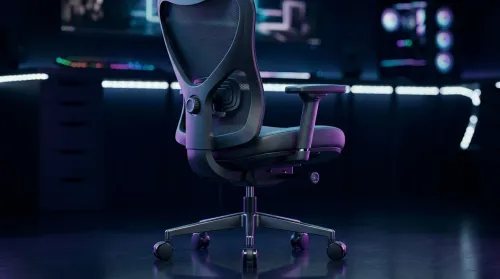
Use this ergonomic gaming chair adjustable lumbar support checklist to spot key comfort features, avoid poor fit, and choose the right support for long sessions. 🪑✅
Read more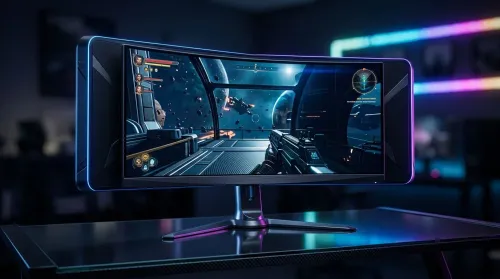
Wondering if a 49-inch UWQHD monitor is too big for your gaming desk? We break down ideal desk depth, viewing distance, and clearance tips so you can upgrade confidently. 🎮🛠️
Read more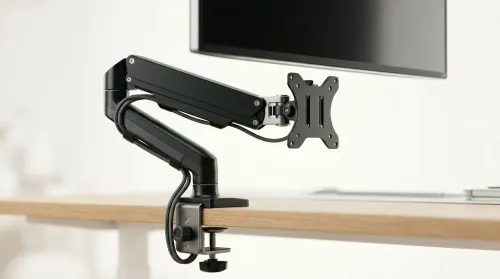
Running out of desk space? A VESA monitor arm and under-desk mount free up more room than you think. Less clutter, better ergonomics, smoother cable routing. Clear your workspace today ✅🖥️
Read more
Every spec on PCIe 5.0 explained in plain English. What matters for gaming and creator work in 2026, what's marketing fluff, and how each number translates to real-world performance.

A head-to-head look at WiFi 7: real-world performance, ZAR pricing and which option delivers better value for SA builders. The clear answer — no fluff.

Everything you need to set up and tune PCIe 5.0 properly: the prep work, the settings that actually matter, and the mistakes to skip. Written for SA builders in 2026.

Everything you need to set up and tune X870E Motherboard properly: the prep work, the settings that actually matter, and the mistakes to skip. Written for SA builders in 2026.

Wondering what a 512GB SSD capacity really holds? This guide breaks down how many games, photos, and documents fit on 512GB, with real-world ranges 📦💾

Every spec on vrm explained in plain English. What matters for gaming and creator work in 2026, what's marketing fluff, and how each number translates to real-world performance.

Every spec on motherboard explained in plain English. What matters for gaming and creator work in 2026, what's marketing fluff, and how each number translates to real-world performance.

Premium vs Midrange Motherboards in South Africa: real-world performance, SA pricing, power draw and which one delivers better value for your build for SA buyers. The clear answer — without the fluff.
Wondering what a 512GB SSD capacity really holds? This guide breaks down how many games, photos, and documents fit on 512GB, with real-world ranges 📦💾
Every spec on PCIe 5.0 explained in plain English. What matters for gaming and creator work in 2026, what's marketing fluff, and how each number translates to real-world performance.
A head-to-head look at WiFi 7: real-world performance, ZAR pricing and which option delivers better value for SA builders. The clear answer — no fluff.

Every spec on USB4 explained in plain English. What matters for gaming and creator work in 2026, what's marketing fluff, and how each number translates to real-world performance.