

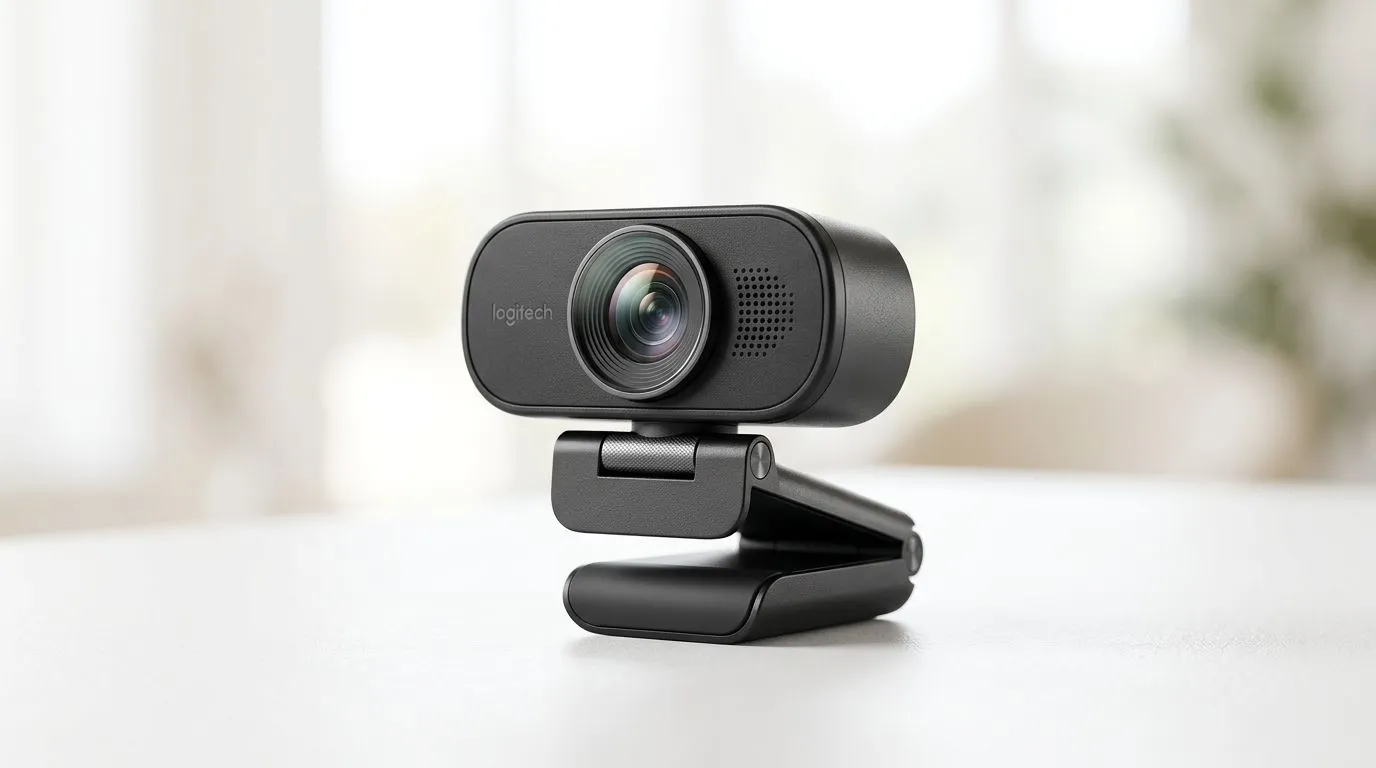
Autofocus webcam: Improve Live Stream Video Quality — Fast Hook 🎮✨
South African streamers: tired of your face hunting for focus mid‑game? An autofocus webcam can stop that wobble and make your stream look pro without a studio rig. In this guide you'll learn how autofocus works, which settings to tweak, and where to buy reliable models in ZAR — fast, practical tips that actually improve your live stream video quality.
Why an autofocus webcam matters for SA streamers
Autofocus webcams keep you sharp when you move, change lighting, or hold up a prop. That matters on Twitch, YouTube, or during client pitch streams. If you’re browsing options, start with Evetech’s main webcam category to compare models and specs in one place: shop webcams at Evetech. Citing the store pages helps you match features to price before committing.
Choosing the right autofocus webcam for your budget 🔧
Budget can be tight, so consider what level of autofocus you need. For entry-level setups and casual streamers, look at webcams under R1,000 for basic 720p–1080p autofocus models — see budget webcams under R1,000. Mid-range buyers who want better low‑light performance and smoother tracking should check options up to R2,000; those often include larger sensors and better autofocus algorithms. For higher-end streamers who want crisp 1080p/4K with reliable continuous autofocus, compare models up to R3,000 to find advanced features and build quality.
- Entry: reliable 1080p autofocus can be found cheaply, ideal for beginner streams. (See R1,000 list)
- Mid: improved low‑light and face‑tracking are common in the R2,000 bracket.
- High: 4K webcams and precision autofocus live in the R3,000 range.
Each price‑filtered page above will show live stock and current ZAR pricing, so you can plan your upgrade.
Setup tips to get sharper autofocus and smoother streams
Small tweaks often beat costly upgrades. Place the webcam at eye level, add soft frontal light, and avoid busy background motion that confuses autofocus. Use camera controls in your streaming app to lock exposure or limit autofocus hunting.
Quick Setup Tip ✨
Position the webcam at least 50–70cm from your face, use a soft LED panel or ring light, and disable face recognition features if they make focus jitter. These tiny moves stabilise autofocus and improve perceived video quality.
Also keep drivers and camera firmware updated; manufacturers sometimes push autofocus improvements via updates. If the autofocus still hunts, try a model with manual focus override.
Quick checklist before you go live
- Eye‑level mount and stable tripod or clip.
- Soft front light; avoid overhead bulbs that cast shadows.
- Test autofocus with motion: lean in/out, wave a hand.
- Verify bitrate and resolution in your streaming software.
- If you need options, browse mid and high tiers here: compare mid-range webcams up to R2,000 and higher-end options up to R3,000.
Final thoughts
Autofocus webcams won’t fix poor lighting or overloaded CPUs, but they make you look consistently sharper on-camera. Tweak placement and lighting first; then upgrade sensibly based on budget and the features you actually use.
Ready to Find Your Perfect Match? The Mac vs Windows debate is complex, but for maximum power, choice, and value in South Africa, Windows is hard to beat. Explore our massive range of laptop specials and find the perfect machine to conquer your world.











