


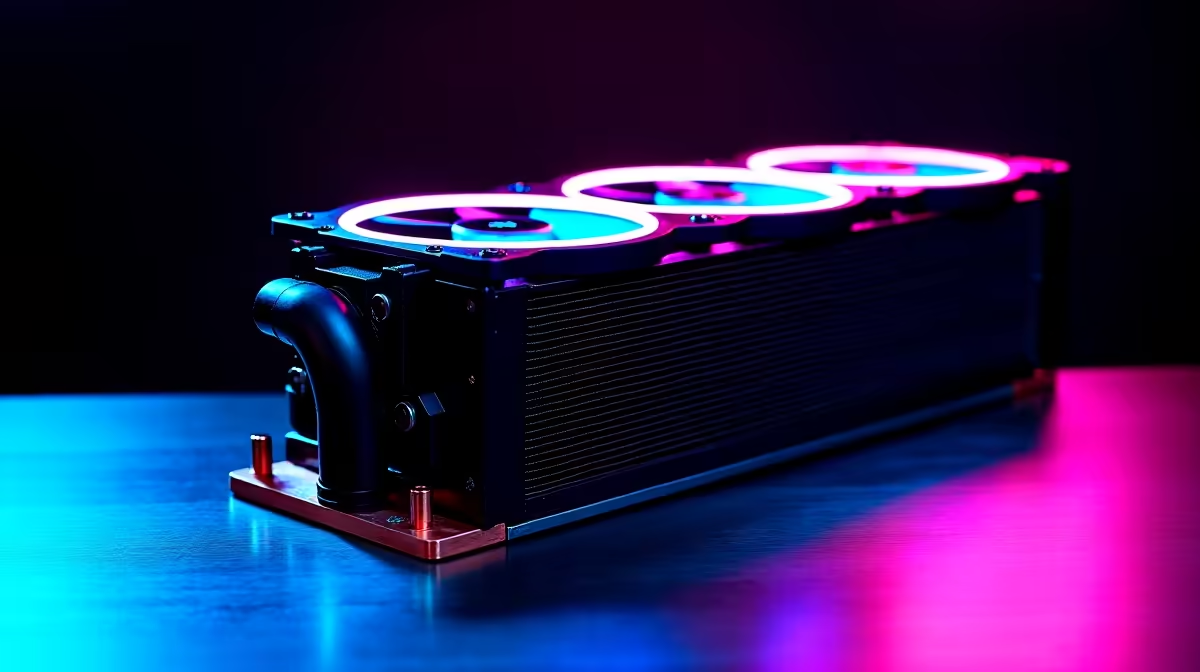
Cooling the Ryzen 7 9700X effectively is straightforward once you know what the chip actually needs - it runs cool and efficient by Zen 5 standards, making a 280mm AIO a strong choice that won’t leave thermal headroom on the table. The right 280mm AIO keeps the 9700X below 75°C under sustained all-core load while operating quietly enough for home office and gaming environments.
Quick Answer
What is the best 280mm AIO for the Ryzen 7 9700X?: The Ryzen 7 9700X has a 65W TDP and responds well to quality cooling. Top 280mm AIO options for 2026 include the Arctic Liquid Freezer III 280, Corsair iCUE H115i Elite, and DeepCool LE720. All three hit sub-70°C peak temperatures under full load, with noise levels staying under 35dB in balanced fan profiles.
🔧 Why a 280mm AIO for the Ryzen 7 9700X?
The Ryzen 7 9700X operates at a 65W TDP, considerably lower than the Ryzen 9 9900X or 9950X. This means it doesn’t demand extreme cooling, but a quality 280mm AIO unlocks the chip’s full boost potential and eliminates thermal throttling during extended gaming sessions or multi-threaded workloads.
A 280mm radiator (two 140mm fans) offers meaningfully better thermal capacity than a 240mm unit while typically running quieter - larger fans spin slower for the same airflow. For the 9700X, this translates to peak temperatures consistently in the 65–72°C range under all-core Cinebench loads and 60–68°C under sustained gaming.
Case compatibility is the main constraint. Verify your case supports a 280mm top or front mount before purchasing. Most mid-tower and full-tower cases in South Africa sold through Evetech accommodate 280mm radiators, but compact micro-ATX builds may be restricted to 240mm.
📊 Temperature & Noise: Top Performers Compared
Arctic Liquid Freezer III 280 The Liquid Freezer III consistently ranks among the best value 280mm AIOs globally. Its integrated VRM fan and high static-pressure 140mm fans deliver excellent heat transfer. On the 9700X, expect peak temperatures of 67–72°C at stock, with noise levels around 30–33dB in a balanced profile. The pump noise is minimal, and the included fan curve management via Arctic’s software keeps things near-silent at idle.
Corsair iCUE H115i Elite Capellix XT Corsair’s 280mm unit performs similarly to the Liquid Freezer III in peak thermals but adds RGB aesthetics and deep iCUE software integration. On the 9700X, it sits around 68–74°C under sustained load. The magnetic levitation fans are quiet at mid-speed profiles (32–35dB). Best suited for builders who want RGB ecosystem consistency and Corsair’s polished software suite.
DeepCool LE720 DeepCool’s LE720 offers premium performance at a competitive price point. The 9700X tests at 65–70°C under full load with the LE720 - among the best results in the 280mm class. Noise levels sit at 31–34dB under load. Build quality is excellent, and the mounting system is straightforward on AM5 boards.
Cooler Master MasterLiquid 280 Atmos A solid mid-range option. The 9700X sits at 70–75°C under peak load - still well within safe margins. Noise performance is competitive at 33–36dB. Recommended for builders who prioritize price-to-performance.
💡 Installation Tips for AM5 Compatibility
All four recommended AIOs support AM5 via included brackets. The Ryzen 7 9700X uses the standard AM5 socket, and AMD’s recommended mounting torque is 0.45–0.50 Nm per bolt - finger-tight with a quarter turn is the practical equivalent.
Apply thermal paste in a small pea-sized amount at the center of the IHS. AMD’s integrated heat spreader on Zen 5 chips spreads paste evenly when the AIO cold plate is mounted. Avoid pre-applied thermal pads if your AIO ships with them - aftermarket paste consistently outperforms in testing.
For fan orientation, mount the radiator at the top of your case as an exhaust for best results. Front-mount intake works well in cases with strong positive pressure airflow but can push warm radiator air toward GPU and VRMs in some configurations.
❓ Frequently Asked Questions
Is a 280mm AIO overkill for the Ryzen 7 9700X? Not overkill - right-sized. The 9700X’s 65W TDP means a quality 240mm AIO would also cope, but the 280mm adds headroom for overclocking, eliminates fan spin-up during bursts, and typically runs quieter. If budget is tight, a 240mm performs well on the 9700X. If case space allows and you want set-and-forget cooling, go 280mm.
What AM5 motherboard should I pair with a 280mm AIO build? For 9700X builds, B650 motherboards offer excellent value without overpaying for X670E features you won’t use at 65W TDP. Ensure your chosen board has a quality VRM for sustained boost performance.
Does the 9700X benefit from delidding or liquid metal? No. The 9700X’s soldered IHS and Zen 5’s efficient architecture mean standard thermal paste application achieves excellent contact. Delidding voids warranty and offers negligible benefit on this chip.
Evetech carries AMD Ryzen 7 Processors and Liquid CPU Coolers — check live stock and pricing before you buy.
Ready to Find Your Perfect Match? Shop at Evetech








