


Dedicated Media Keys for Streamers: Improve Workflow Fast
Dedicated media keys give streamers one-touch control to mute, switch scenes, clip highlights, and adjust audio — cutting task time and boosting consistency 🎛️⚡
Read morebest 4K 120Hz capture card guide for 2025 — compare low-latency models, passthrough, and price to record flawless 4K 120Hz gameplay 🎮📹
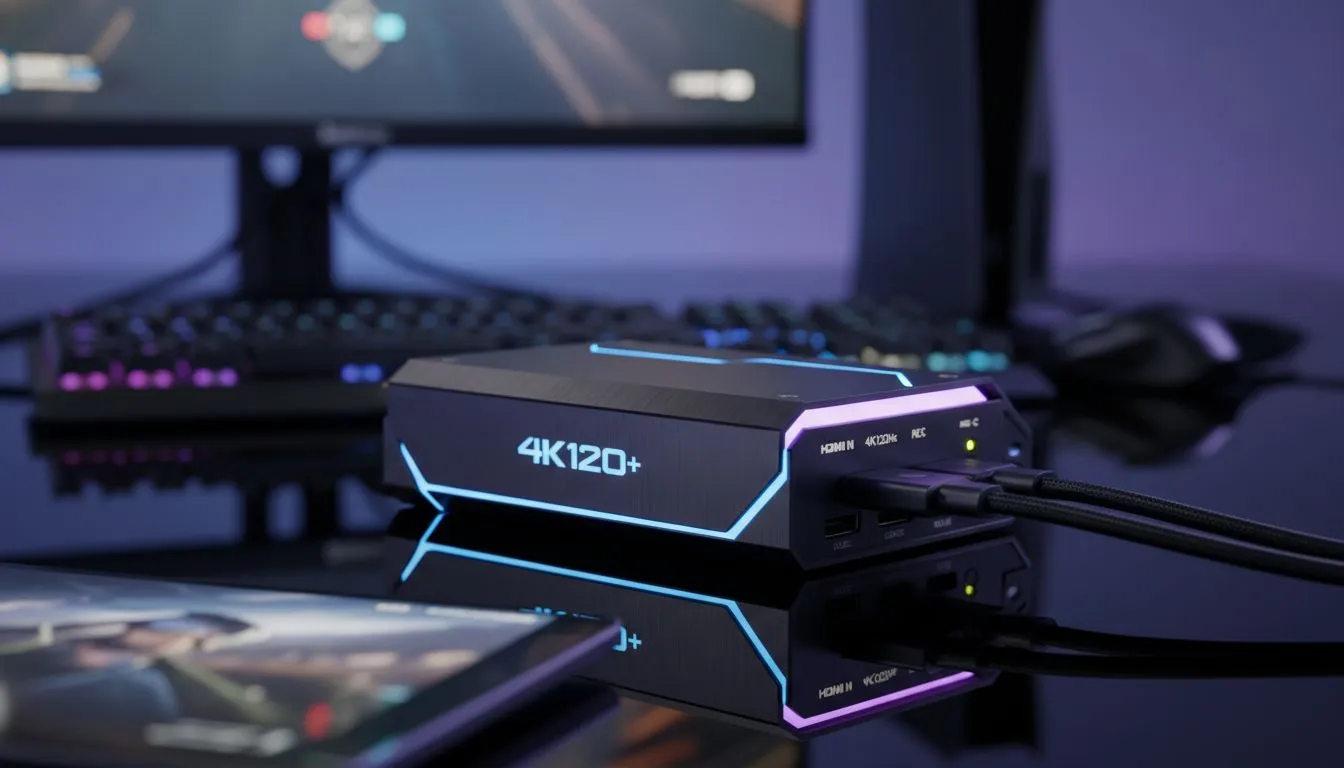
You’ve got the beastly rig or the latest console... so why does your stream look like a slideshow from 2015? To truly showcase next-gen graphics, you need the Best 4K 120Hz Capture Card 2025 has to offer. It’s time to stop compromising between smooth gameplay and crisp visuals. Let's unlock the full potential of your setup right here in South Africa.
Gone are the days when 1080p 60fps was the ceiling. With the power of the Xbox Series X, PS5, and high-end NVIDIA 40-Series cards, gamers are pushing pixels faster than ever. However, capturing that footage without losing quality is a challenge.
The main hurdle? Bandwidth. Older capture cards bottleneck your signal, forcing you to play at lower resolutions just so your stream can keep up. The latest generation of capture cards utilises HDMI 2.1 technology, allowing for massive data throughput. This means you can play and capture in stunning fidelity.
Before you hit "Go Live," you need to ensure your local experience is flawless. This is where "passthrough" comes in. A quality card sends the video signal to your OBS software while simultaneously sending a lag-free signal to your screen.
If your passthrough lags, your competitive edge vanishes. You can't stream what you can't see instantly. Ensure your high-refresh-rate display supports HDMI 2.1 to match the capabilities of these top-tier capture cards. If your monitor is capped at 60Hz, that expensive capture card won't magically make your game smoother.
A capture card is just the heart of your streaming essentials kit. To handle 4K 120Hz footage, the rest of your PC needs to keep up.
Recording raw 4K footage generates massive files—sometimes gigabytes per minute. If you are recording locally for YouTube edits later, a standard hard drive will choke. You need lightning-fast NVMe solid state drives to prevent dropped frames and write errors during those clutch moments.
Visuals are king, but bad audio kills viewer retention instantly. Pair your 4K video with crystal clear broadcast-quality microphones to ensure your commentary is as crisp as your gameplay. You should also monitor your audio levels accurately with reliable studio-grade headsets so you know exactly what your chat is hearing.
Don't bottle-neck your expensive gear with a cheap cable. Ensure you are using Ultra High Speed HDMI 2.1 cables for both the input (Console PC to Card) and the output (Card to Monitor). Standard HDMI 2.0 cables cap out at 4K 60Hz, meaning you'll lose that buttery smooth 120Hz feel instantly.
For the console warriors using precision gaming controllers on PS5 or Xbox, an external USB capture card is often the easiest route. It offers plug-and-play simplicity.
However, if you are a dual-PC streamer, an internal PCIe card is usually superior for latency. Even if your streaming PC is doing the heavy lifting, you still need a reliable gaming mouse and a responsive mechanical keyboard to manage your OBS scenes, transitions, and chat interaction efficiently.
Whether you are looking at Elgato, AverMedia, or other premium brands, the goal is future-proofing. Investing in the best 4K 120Hz capture card now means you won't need to upgrade when the PS5 Pro or next-gen GPUs become even more common in South African homes.
Prioritise HDMI 2.1, check your PC's USB bandwidth (or PCIe slots), and get ready to create content that stands out in a crowded feed. ✨
Level Up Your Stream Today Ready to broadcast in breathtaking quality? Don't let your hardware hold you back. Browse our full range of capture cards and streaming gear to find the perfect setup for your budget and ambition.
Yes. Use a dedicated capture card that lists 4K 120Hz support and low latency to record native 4K 120Hz gameplay without dropped frames.
PCIe cards often deliver lower latency, but high-end external 4k 120hz capture card models with USB4/Thunderbolt can also handle 4K120 recording.
You need a strong CPU, NVMe storage, and a GPU that supports 4K120 passthrough; check capture card system requirements for best results.
Look for models advertising 4k 120hz passthrough and low latency; many top picks in our list focus on reliable passthrough performance.
Budget 4k capture card options exist but may limit bitrate or features; compare best budget 4k capture card reviews before you buy.
Most platforms limit bitrate or resolution; you can record 4K 120Hz locally with a capture card and stream at platform-supported settings.
Critical. Low latency 4k capture card models keep gameplay responsive during recording and reduce input lag for competitive play.
Dedicated media keys give streamers one-touch control to mute, switch scenes, clip highlights, and adjust audio — cutting task time and boosting consistency 🎛️⚡
Read more
PBT vs ABS keycaps: Clear, local guide for South African gamers—compare feel, sound, durability and where to buy. Find the best material for your budget and playstyle 🎮🇿🇦
Read more
- Multi-Function Digital Dial: define benefits - Show gamer setups and macros - Offer buying and setup tips Multi-Function Digital Dial puts programmable control at your fingertips for faster actions and smoother streaming. 🎮⚙️
Read more
- Explain benefits; - Show the science; - Compare options; - Recommend picks. Magnetic wrist rest for gaming cuts wrist strain and boosts comfort during long sessions 🕹️✨
Read more
best gaming keyboard South Africa: Learn how to pick a low-latency mechanical keyboard, choose switches, layout and budget for competitive play 🎮⚡
Read more
Best wireless keyboard and mouse combo for small desks — curated, space-saving picks that boost comfort and productivity in tight setups. Find low-profile layouts, compact mice, and reliable range to fit your compact workstation. 🖱️⌨️
Read more
Discover webcams that automatically adjust light and color for crystal-clear video calls 🎥✨. Boost your streaming quality today!

Discover webcams that blend into your workflow 🎯 Capture moments while you work, stream, or create. Upgrade your setup with smart, multitasking tech!
Dedicated media keys give streamers one-touch control to mute, switch scenes, clip highlights, and adjust audio — cutting task time and boosting consistency 🎛️⚡
PBT vs ABS keycaps: Clear, local guide for South African gamers—compare feel, sound, durability and where to buy. Find the best material for your budget and playstyle 🎮🇿🇦
- Multi-Function Digital Dial: define benefits - Show gamer setups and macros - Offer buying and setup tips Multi-Function Digital Dial puts programmable control at your fingertips for faster actions and smoother streaming. 🎮⚙️
- Explain benefits; - Show the science; - Compare options; - Recommend picks. Magnetic wrist rest for gaming cuts wrist strain and boosts comfort during long sessions 🕹️✨