


What Game Settings Work Best on 240Hz monitor?
What Game Settings Work on 240Hz monitor. Tested & verified settings for best FPS and visual quality on SA hardware budgets.
Read more- Best battery laptops for gaming: top picks - Keep Valorant running during loadshedding - Battery-saving settings & portable power - Quick buying guide: runtime vs performance Find the best battery laptops for gaming to play Valorant during loadshedding — long runtimes, efficiency tips, and top portable picks 🎮⚡
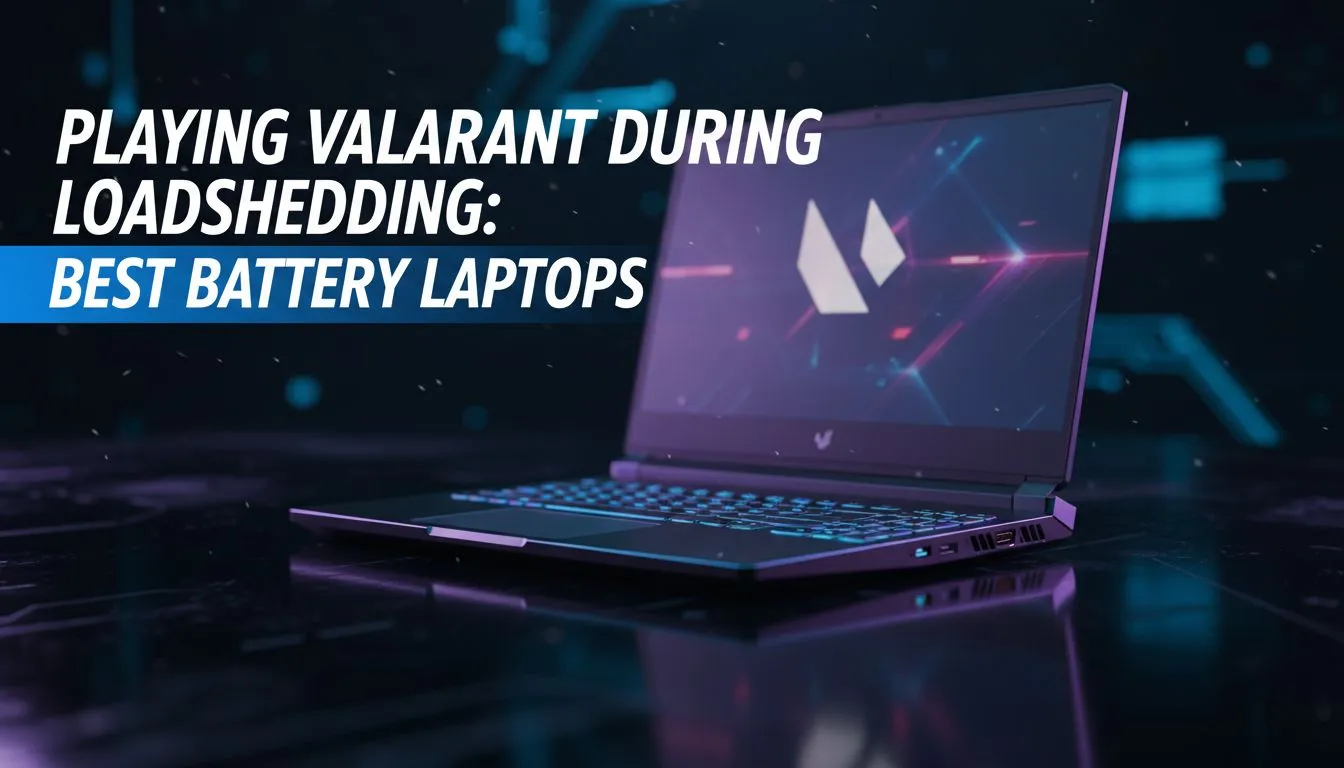
It is the final round on Ascent... the score is tied 12-12... and then the hum of the fridge stops. Loadshedding just hit. For most South African players, the game is over. But with the best battery laptops for gaming, you can stay in the server. You can finish that clutch play while the rest of the neighbourhood goes dark. ⚡
AMD has made massive strides in power efficiency recently. Their Ryzen processors are famous for sipping power while delivering high frame rates. If you want to play Valorant during loadshedding, these chips offer the best balance of performance and endurance. You can find several Ryzen laptop deals that keep your session alive much longer than older, power-hungry hardware.
Intel's latest hybrid architecture also helps with modern efficiency. By using "E-cores" for background tasks, the system preserves the main battery for your primary gaming needs. This ensures your frame rates stay stable even when the lights are out. Browse these Intel laptops on special to see how modern engineering fights back against the local power grid. 🔧
To maximise your playtime, lower your screen brightness to 50% and cap your in-game frame rate to 60 FPS. This reduces the power draw from both the display and the GPU... giving you those extra few minutes needed to finish the match without your machine shutting down.
A dedicated graphics card usually drains power fast... but modern software allows for specific battery-saving modes. Using geforce rtx gaming laptops on special gives you access to AI features like DLSS. This reduces the actual rendering load on your hardware... which extends your playtime significantly during a blackout. ✨
You do not need to spend a fortune to stay online during Stage 4. There are many fantastic gaming laptops under R20k that offer decent battery capacity for titles like Valorant or League of Legends. These machines are perfect for students or casual gamers who need reliability during scheduled power cuts.
Selecting the right machine involves looking at the Watt-hour (Whr) rating of the battery. A larger battery paired with efficient components is the secret to long sessions. Browse the best gaming laptop deals at Evetech to compare specs and find a high-capacity model that fits your budget. 🚀
Ready to Defeat Loadshedding? Don't let the power schedule dictate your rank in Valorant. With the right hardware, you can keep the lights on in-game even when the room goes dark. Explore our massive range of laptop specials and find the perfect machine to conquer your world.
Yes — with the best battery laptops for gaming and battery-saving settings you can play Valorant for hours during loadshedding.
Look for efficient CPUs, power-optimized GPUs and large batteries. Long battery life gaming laptops often use Max-Q or integrated graphics for longer runtimes.
Expect roughly 2–6 hours depending on GPU, screen brightness and settings; long battery life gaming laptops sit at the top of that range.
Yes — enable battery-saving profiles, cap frame rate and lower settings to extend runtime with battery-saving settings and efficient components.
Many lightweight gaming laptops balance efficiency and power, delivering longer runtimes without excessive bulk—ideal for loadshedding.
High-capacity USB-C PD power banks or DC power stations can work. Check wattage, laptop PD support and compatibility with portable power solutions.
Balance both—choose an efficient CPU/GPU and larger battery. Our buying guide explains the tradeoffs between runtime vs performance.
What Game Settings Work on 240Hz monitor. Tested & verified settings for best FPS and visual quality on SA hardware budgets.
Read more
What Cooling Solution Works Best with 144Hz monitor in SA Climate Detailed answer with SA data, expert analysis & practical recommendations for local buyers.
Read more
What Monitor Pairs Best with 240Hz monitor for Gaming in SA Detailed answer with SA data, expert analysis & practical recommendations for local buyers.
Read more
What Monitor Pairs Best with 1440p monitor for Gaming in SA Detailed answer with SA data, expert analysis & practical recommendations for local buyers.
Read moreWhat Monitor Pairs Best with 1440p monitor for Gaming Detailed answer with SA data, expert analysis & practical recommendations for local buyers.
Read more
the 144Hz monitor for student. Plain-English explanation of what it means, why it matters & how it affects your buying decisions in SA.
Read more
Every spec on PCIe 5.0 explained in plain English. What matters for gaming and creator work in 2026, what's marketing fluff, and how each number translates to real-world performance.

A head-to-head look at WiFi 7: real-world performance, ZAR pricing and which option delivers better value for SA builders. The clear answer — no fluff.

Everything you need to set up and tune PCIe 5.0 properly: the prep work, the settings that actually matter, and the mistakes to skip. Written for SA builders in 2026.

Everything you need to set up and tune X870E Motherboard properly: the prep work, the settings that actually matter, and the mistakes to skip. Written for SA builders in 2026.

Wondering what a 512GB SSD capacity really holds? This guide breaks down how many games, photos, and documents fit on 512GB, with real-world ranges 📦💾

Every spec on vrm explained in plain English. What matters for gaming and creator work in 2026, what's marketing fluff, and how each number translates to real-world performance.

Every spec on motherboard explained in plain English. What matters for gaming and creator work in 2026, what's marketing fluff, and how each number translates to real-world performance.

Premium vs Midrange Motherboards in South Africa: real-world performance, SA pricing, power draw and which one delivers better value for your build for SA buyers. The clear answer — without the fluff.
Wondering what a 512GB SSD capacity really holds? This guide breaks down how many games, photos, and documents fit on 512GB, with real-world ranges 📦💾
Every spec on PCIe 5.0 explained in plain English. What matters for gaming and creator work in 2026, what's marketing fluff, and how each number translates to real-world performance.
A head-to-head look at WiFi 7: real-world performance, ZAR pricing and which option delivers better value for SA builders. The clear answer — no fluff.

Every spec on USB4 explained in plain English. What matters for gaming and creator work in 2026, what's marketing fluff, and how each number translates to real-world performance.