


What Game Settings Work Best on 240Hz monitor?
What Game Settings Work on 240Hz monitor. Tested & verified settings for best FPS and visual quality on SA hardware budgets.
Read more• Audit hiss-sensitive models • Compare wired vs wireless • Prioritise clarity and comfort • Recommend picks by budget Best headphones for Control 2 tested to reveal hiss, improve clarity, and match your playstyle — wired and wireless picks with buying tips. 🎧🔍
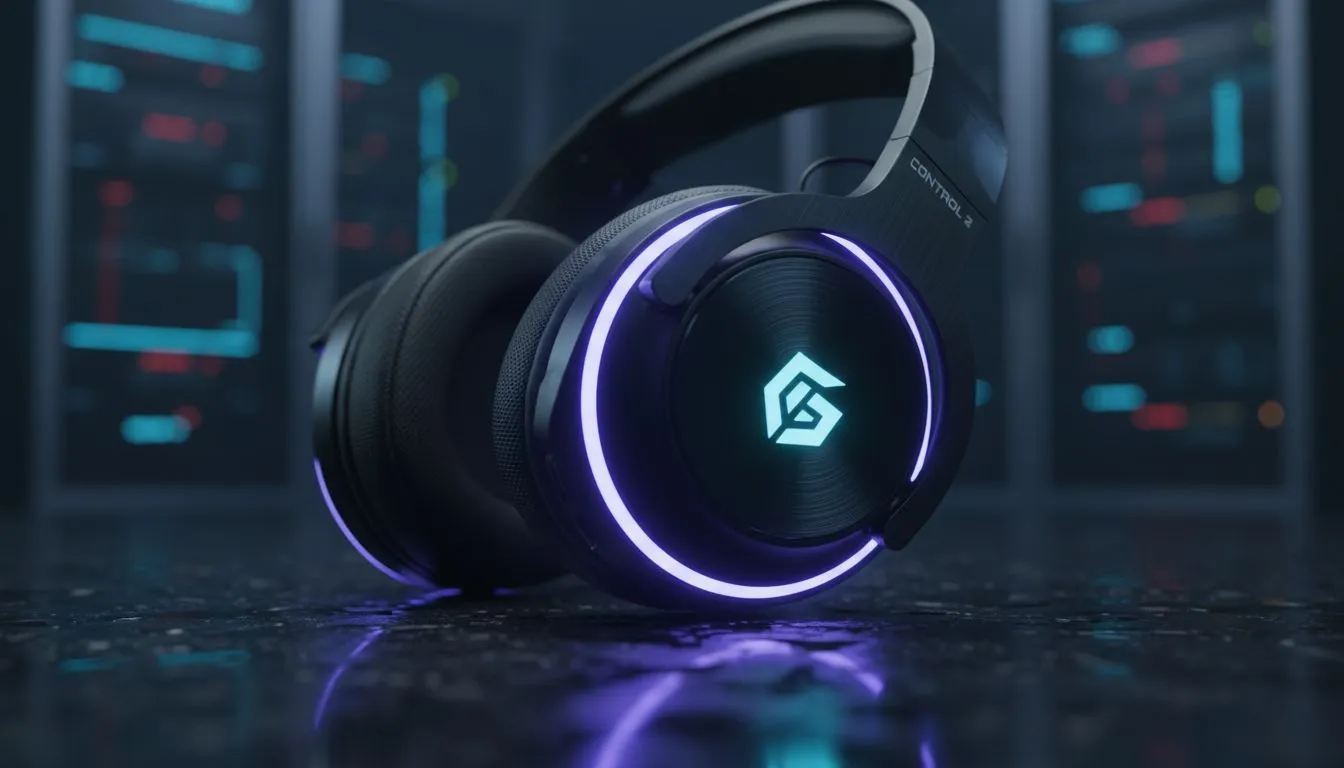
The Oldest House is a place of shifting shadows and unsettling echoes. To survive this supernatural labyrinth, your ears are as important as your Service Weapon. Finding the best headphones for Control 2 ensures you hear the Hiss before they strike. Generic audio setups often fail to capture the subtle, eerie whispers of the Bureau. Remedy Entertainment uses sound to tell stories that visuals alone cannot reach. You can find many headphone and headset options that cater to this level of detail. A great headset allows you to pinpoint exactly where an enemy is lurking ✨.
This is vital when navigating the shifting corridors of the Research Sector. We recommend the Razer Barracuda X Chroma Wireless Headset Phantom White for its versatility 🚀. It offers a clean aesthetic and powerful sound for your South African setup. This headset features multi-platform connectivity for your PC and console needs. If you prefer a different style, check out other Razer headphones and headsets. Choosing the right gear will help you survive the Bureau's darkest corners. Spatial audio is the key to mastering the game's difficult encounters ⚡.
On Windows, enable Spatial Sound by right-clicking the speaker icon in your taskbar. Select Windows Sonic for Headphones to immediately improve your 3D awareness in the Oldest House. It makes tracking the Hiss much easier during intense combat.
Make sure your drivers are updated to optimise your listening experience. The right frequency response can make the Hiss chants sound bone-chillingly real. Invest in quality audio to experience the full colour of Remedy's world 🔧. Don't let poor sound quality ruin your journey through the Oldest House. The Bureau is waiting... and it is louder than you think.
Ready to Hear Every Whisper? Don't let the Hiss catch you off guard in the Oldest House. Explore our full range of gaming headsets and find the perfect gear to survive Control 2.
Low hiss gaming headphones and high-fidelity headphones for Control 2 reveal subtle background noise and detail without muddying mids.
Wired headphones for PC gaming Control 2 often deliver lower noise floor, but modern wireless headphones for Control 2 can match clarity with low latency.
Open-back high-fidelity headphones for Control 2 give wider soundstage, while closed-back models reduce bleed and can hide ambient hiss.
Adjust Control 2 audio settings, use a dedicated DAC, and choose headphones for Control 2 hiss reduction to lower noise floor and improve clarity.
Some budget headphones for Control 2 hiss are surprisingly revealing, but mid-range best gaming headphones for Control 2 often offer cleaner sound.
Prioritise high-fidelity headphones for Control 2 or well-reviewed gaming models that list low distortion and clear treble response.
Yes—poor mic preamps can introduce hiss. Use headsets with good preamps or separate mics while using best headphones for Control 2.
What Game Settings Work on 240Hz monitor. Tested & verified settings for best FPS and visual quality on SA hardware budgets.
Read more
What Cooling Solution Works Best with 144Hz monitor in SA Climate Detailed answer with SA data, expert analysis & practical recommendations for local buyers.
Read more
What Monitor Pairs Best with 240Hz monitor for Gaming in SA Detailed answer with SA data, expert analysis & practical recommendations for local buyers.
Read more
What Monitor Pairs Best with 1440p monitor for Gaming in SA Detailed answer with SA data, expert analysis & practical recommendations for local buyers.
Read moreWhat Monitor Pairs Best with 1440p monitor for Gaming Detailed answer with SA data, expert analysis & practical recommendations for local buyers.
Read more
the 144Hz monitor for student. Plain-English explanation of what it means, why it matters & how it affects your buying decisions in SA.
Read more
Every spec on PCIe 5.0 explained in plain English. What matters for gaming and creator work in 2026, what's marketing fluff, and how each number translates to real-world performance.

A head-to-head look at WiFi 7: real-world performance, ZAR pricing and which option delivers better value for SA builders. The clear answer — no fluff.

Everything you need to set up and tune PCIe 5.0 properly: the prep work, the settings that actually matter, and the mistakes to skip. Written for SA builders in 2026.

Everything you need to set up and tune X870E Motherboard properly: the prep work, the settings that actually matter, and the mistakes to skip. Written for SA builders in 2026.

Wondering what a 512GB SSD capacity really holds? This guide breaks down how many games, photos, and documents fit on 512GB, with real-world ranges 📦💾

Every spec on vrm explained in plain English. What matters for gaming and creator work in 2026, what's marketing fluff, and how each number translates to real-world performance.

Every spec on motherboard explained in plain English. What matters for gaming and creator work in 2026, what's marketing fluff, and how each number translates to real-world performance.

Premium vs Midrange Motherboards in South Africa: real-world performance, SA pricing, power draw and which one delivers better value for your build for SA buyers. The clear answer — without the fluff.
Wondering what a 512GB SSD capacity really holds? This guide breaks down how many games, photos, and documents fit on 512GB, with real-world ranges 📦💾
Every spec on PCIe 5.0 explained in plain English. What matters for gaming and creator work in 2026, what's marketing fluff, and how each number translates to real-world performance.
A head-to-head look at WiFi 7: real-world performance, ZAR pricing and which option delivers better value for SA builders. The clear answer — no fluff.

Every spec on USB4 explained in plain English. What matters for gaming and creator work in 2026, what's marketing fluff, and how each number translates to real-world performance.