


What Game Settings Work Best on 240Hz monitor?
What Game Settings Work on 240Hz monitor. Tested & verified settings for best FPS and visual quality on SA hardware budgets.
Read more- best laptop for Warzone: evaluate CPU, GPU, display - prioritize high FPS, thermals & portability - recommend budget, mid, flagship picks 🎮⚡ Target: commercial & informational
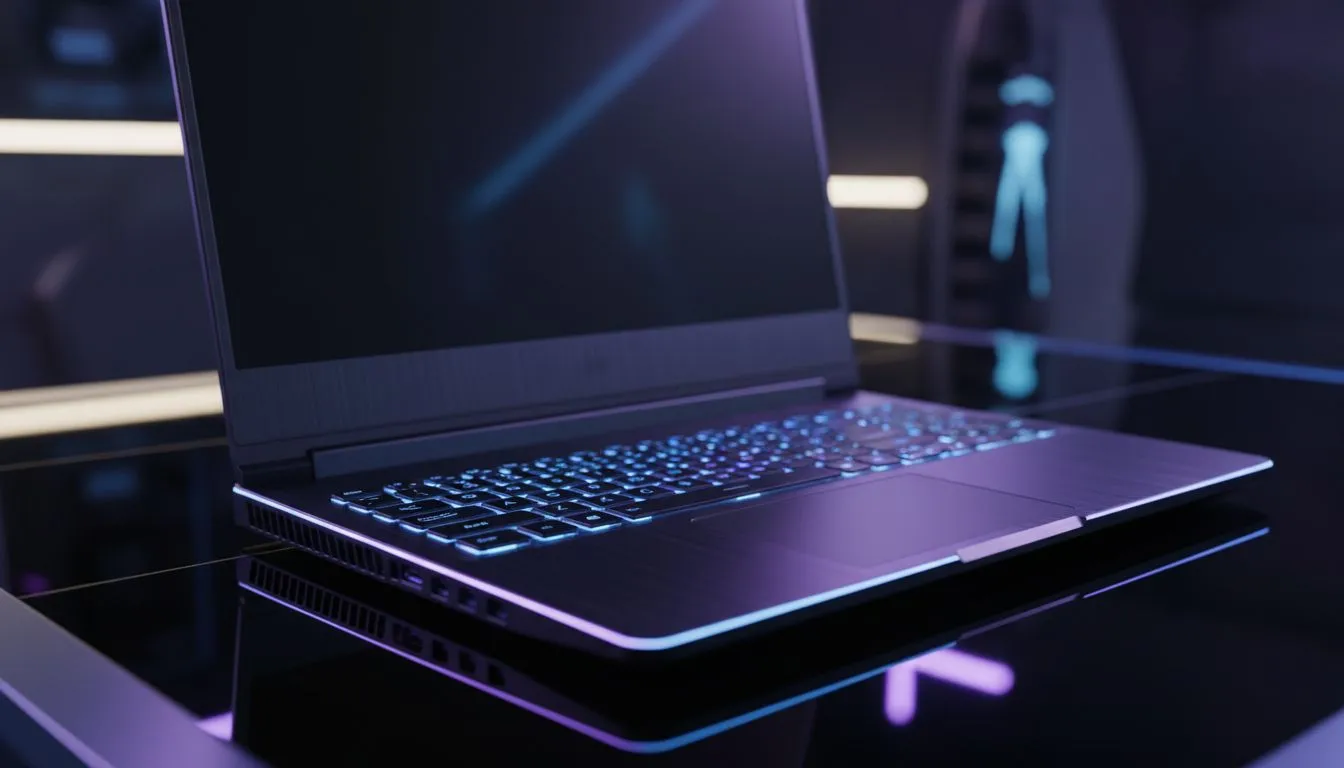
Dropping into the latest Warzone map requires more than just skill. It requires hardware that won't stutter when the circle closes in. For South African gamers facing high pings and fierce competition... finding the Best Laptop for Warzone: 2026 Buying Guide helps you navigate the sea of specs. You need high frame rates to stay competitive in every lobby you join. 🚀
Warzone has evolved into a visual powerhouse. By 2026... the engine demands significant VRAM and multi-threaded processing. To maintain a steady 144 FPS at 1080p, you cannot compromise on the GPU. We recommend looking at geforce rtx gaming laptops on special to leverage the latest AI frame generation technologies. These features are vital for keeping gameplay fluid during intense firefights in urban zones.
We know that high-end tech can be pricey in ZAR. However... you do not need to break the bank to get a decent experience. There are fantastic options for those starting their journey. You can find capable gaming laptops under r20k that handle competitive settings with ease. While you might not play on "Ultra" settings... these machines ensure you stay in the fight without breaking your budget.
Disable "Weapon Motion Blur" and "World Motion Blur" in the graphics settings. This makes spotting enemies much easier while moving quickly through buildings... it also slightly reduces the load on your GPU for a cleaner image.
Warzone is notoriously heavy on the CPU. It calculates physics and player positions constantly. If you prefer the efficiency and thermal management of Team Red... exploring ryzen laptop deals is a great move. These processors excel at multitasking if you plan to stream your gameplay. On the other hand... for those who want the highest possible single-core clock speeds, our intel laptops on special provide the raw power needed to push your frame rates to the limit. ✨
In 2026... a 60Hz screen is no longer enough for competitive shooters. You need at least 144Hz or 240Hz to see enemies before they see you. Rapid response times help reduce ghosting when you are clearing corners in buildings. To find the most balanced hardware configurations... check out the best gaming laptop deals currently in stock. Look for panels with high colour accuracy so you can spot camouflaged players in the shadows. 🔧
Ready to Find Your Perfect Match? The Best Laptop for Warzone: 2026 Buying Guide highlights that power and value must go hand in hand. For maximum performance and the best tech deals in South Africa, Evetech has you covered. Explore our massive range of laptop specials and find the perfect machine to conquer the battlefield.
Aim for an 8-core CPU, RTX 40-series or equivalent GPU, 16GB+ RAM and an NVMe SSD to run Warzone at high FPS; check Warzone laptop GPU requirements.
Yes. A 144Hz laptop delivers smoother gameplay; pair it with a capable GPU to sustain frames. See laptop display for Warzone 144hz guides.
Yes at reduced settings. Look for GTX 1650/RTX 3050 class GPUs and 16GB RAM for a reliable budget laptop for Warzone experience.
Very. Strong cooling sustains FPS during long fights; choose models with robust fans, vapor chambers or use cooling pads. See laptop cooling for Warzone tips.
Choose RTX 40-series or AMD high-end equivalents for max FPS. For 144Hz play prioritize GPU performance—search RTX laptop for Warzone picks.
15-inch thin models favor portability; 17-inch options usually offer better thermals and sustained FPS. Check portable gaming laptop for Warzone reviews.
Lower textures, disable ray tracing and cap resolution to boost FPS. Follow laptop settings for Warzone performance guides for best results.
What Game Settings Work on 240Hz monitor. Tested & verified settings for best FPS and visual quality on SA hardware budgets.
Read more
What Cooling Solution Works Best with 144Hz monitor in SA Climate Detailed answer with SA data, expert analysis & practical recommendations for local buyers.
Read more
What Monitor Pairs Best with 240Hz monitor for Gaming in SA Detailed answer with SA data, expert analysis & practical recommendations for local buyers.
Read more
What Monitor Pairs Best with 1440p monitor for Gaming in SA Detailed answer with SA data, expert analysis & practical recommendations for local buyers.
Read moreWhat Monitor Pairs Best with 1440p monitor for Gaming Detailed answer with SA data, expert analysis & practical recommendations for local buyers.
Read more
the 144Hz monitor for student. Plain-English explanation of what it means, why it matters & how it affects your buying decisions in SA.
Read more
Every spec on PCIe 5.0 explained in plain English. What matters for gaming and creator work in 2026, what's marketing fluff, and how each number translates to real-world performance.

A head-to-head look at WiFi 7: real-world performance, ZAR pricing and which option delivers better value for SA builders. The clear answer — no fluff.

Everything you need to set up and tune PCIe 5.0 properly: the prep work, the settings that actually matter, and the mistakes to skip. Written for SA builders in 2026.

Everything you need to set up and tune X870E Motherboard properly: the prep work, the settings that actually matter, and the mistakes to skip. Written for SA builders in 2026.

Wondering what a 512GB SSD capacity really holds? This guide breaks down how many games, photos, and documents fit on 512GB, with real-world ranges 📦💾

Every spec on vrm explained in plain English. What matters for gaming and creator work in 2026, what's marketing fluff, and how each number translates to real-world performance.

Every spec on motherboard explained in plain English. What matters for gaming and creator work in 2026, what's marketing fluff, and how each number translates to real-world performance.

Premium vs Midrange Motherboards in South Africa: real-world performance, SA pricing, power draw and which one delivers better value for your build for SA buyers. The clear answer — without the fluff.
Wondering what a 512GB SSD capacity really holds? This guide breaks down how many games, photos, and documents fit on 512GB, with real-world ranges 📦💾
Every spec on PCIe 5.0 explained in plain English. What matters for gaming and creator work in 2026, what's marketing fluff, and how each number translates to real-world performance.
A head-to-head look at WiFi 7: real-world performance, ZAR pricing and which option delivers better value for SA builders. The clear answer — no fluff.

Every spec on USB4 explained in plain English. What matters for gaming and creator work in 2026, what's marketing fluff, and how each number translates to real-world performance.