


What Game Settings Work Best on 240Hz monitor?
What Game Settings Work on 240Hz monitor. Tested & verified settings for best FPS and visual quality on SA hardware budgets.
Read moreBest laptops for CS2 under R35000 — Find tested, high-performance laptops that run CS2 at smooth frame rates with 144Hz options, strong GPUs and reliable cooling. 🎮⚡
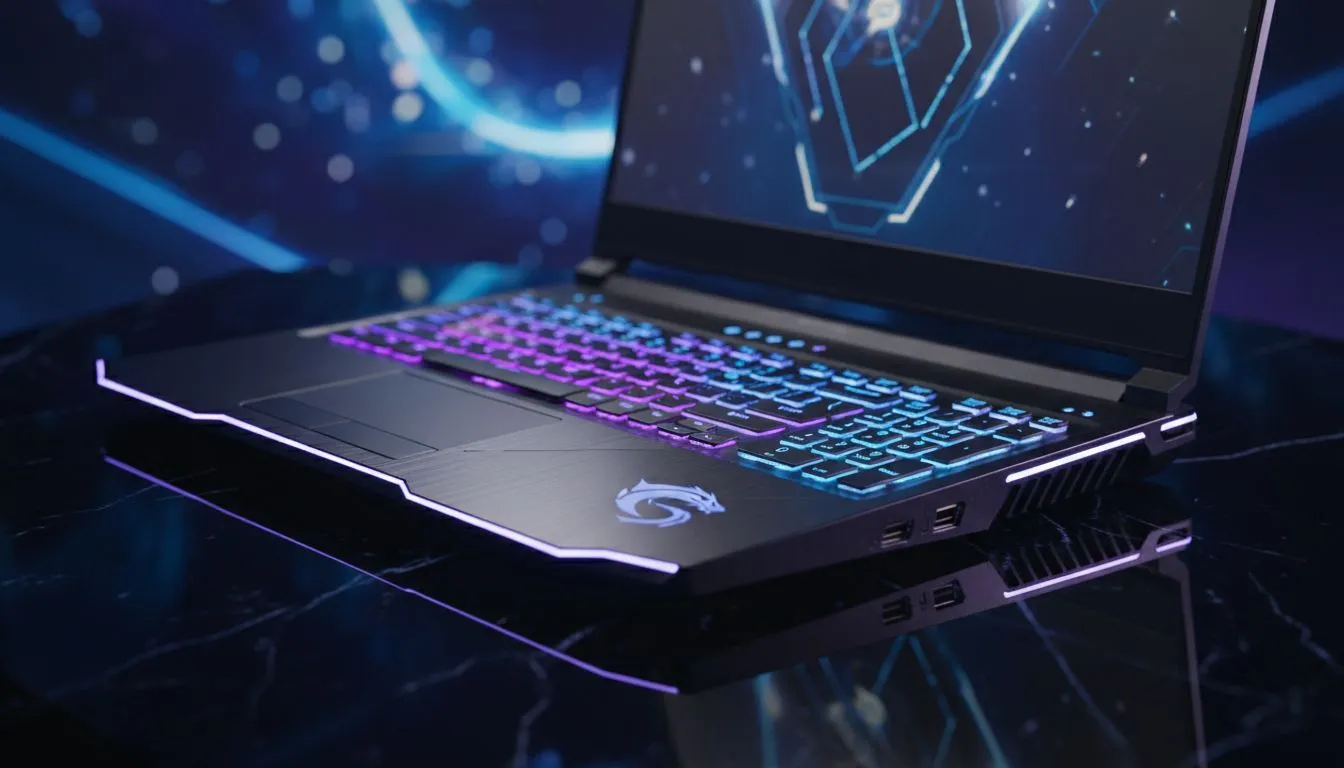
Counter-Strike 2 has raised the stakes for competitive shooters in South Africa. To climb the Premier ranks, you need hardware that maintains high frame rates during intense utility executes on Ancient or Mirage. Finding the best laptops for CS2 under R35000 is about more than just raw power... it is about finding a machine that balances a high-refresh display with a reliable cooling system. ⚡
While CS2 is notoriously heavy on the processor, you cannot ignore the importance of a modern graphics card for maintaining visual clarity. In the current market, aiming for an NVIDIA 40-series card is the smartest way to future-proof your setup. When browsing the latest RTX gaming laptops on special, look for the RTX 4060 or 4070 variants. These cards support DLSS 3.5 and Reflex technology, which significantly reduces input latency... a vital factor when you are holding a pixel-perfect angle with an AWP.
The Source 2 engine loves fast clock speeds. If you are leaning towards Team Blue, looking at Intel-powered laptops on special will reveal that 13th and 14th Gen i7 processors are the sweet spot for this budget. They handle the physics calculations of smoke grenades without breaking a sweat.
On the other hand, AMD fans can find incredible value in the Zen 4 architecture. You can explore Ryzen laptop deals to find chips that offer exceptional multi-threaded performance and better battery efficiency for when you need to get some work done between matches. Both platforms provide the "smooth play" promised in our title, provided they are paired with at least 16GB of high-speed RAM.
To truly optimise your experience, always play while connected to wall power and set your Windows Power Plan to 'Best Performance'. Additionally, ensure your laptop screen is set to its maximum refresh rate in the display settings, as many high-end panels default to 60Hz out of the box to save battery.
You do not always have to spend the full R35,000 to get a "lekker" experience. If you are a student or a casual player, you might find that highly competitive gaming laptops under R20,000 can still push over 144 FPS on competitive settings. However, pushing your budget closer to the R30k mark ensures you get a 165Hz or 240Hz panel, which makes tracking moving targets significantly easier. 🎯
Before you make your final choice, check out the best gaming laptop deals currently available in South Africa. Look for models with "Mux Switches" which allow the display to communicate directly with the dedicated GPU, bypassing the integrated graphics for a noticeable frame rate boost in titles like CS2. 🚀
Ready to Find Your Perfect Match? The search for the best laptops for CS2 under R35000 ends here. Whether you need raw Intel speed or efficient Ryzen power, we have the stock to get you into the server with an edge. Explore our massive range of laptop specials and find the perfect machine to conquer your world.
Look for models with GTX 1650 or RTX 3050-class GPUs, 8–16GB RAM and SSD storage for the best laptops for CS2 under R35000.
Yes — a GTX 1650 or RTX 3050-equivalent GPU, 8+GB RAM and SSD delivers stable 60–144 FPS depending on settings and display.
Prioritise GPU power, a 120–144Hz display, 8–16GB RAM, SSD storage and good cooling for reliable CS2 performance.
Yes — several budget models offer 120–144Hz panels; hunt seasonal sales and R35000 gaming laptop deals to find them.
Prioritise the GPU (GTX 1650/3050 class) first, then CPU and RAM; balanced specs give the best CS2 frame rates on a budget.
Check Evetech deals, local retailers and refurb listings for R35000 gaming laptop deals and seasonal discounts across South Africa.
Yes — refurbished RTX 3050 or GTX 1650 laptops can offer strong value; always verify warranty, battery health and seller reviews.
What Game Settings Work on 240Hz monitor. Tested & verified settings for best FPS and visual quality on SA hardware budgets.
Read more
What Cooling Solution Works Best with 144Hz monitor in SA Climate Detailed answer with SA data, expert analysis & practical recommendations for local buyers.
Read more
What Monitor Pairs Best with 240Hz monitor for Gaming in SA Detailed answer with SA data, expert analysis & practical recommendations for local buyers.
Read more
What Monitor Pairs Best with 1440p monitor for Gaming in SA Detailed answer with SA data, expert analysis & practical recommendations for local buyers.
Read moreWhat Monitor Pairs Best with 1440p monitor for Gaming Detailed answer with SA data, expert analysis & practical recommendations for local buyers.
Read more
the 144Hz monitor for student. Plain-English explanation of what it means, why it matters & how it affects your buying decisions in SA.
Read more
Every spec on PCIe 5.0 explained in plain English. What matters for gaming and creator work in 2026, what's marketing fluff, and how each number translates to real-world performance.

A head-to-head look at WiFi 7: real-world performance, ZAR pricing and which option delivers better value for SA builders. The clear answer — no fluff.

Everything you need to set up and tune PCIe 5.0 properly: the prep work, the settings that actually matter, and the mistakes to skip. Written for SA builders in 2026.

Everything you need to set up and tune X870E Motherboard properly: the prep work, the settings that actually matter, and the mistakes to skip. Written for SA builders in 2026.

Wondering what a 512GB SSD capacity really holds? This guide breaks down how many games, photos, and documents fit on 512GB, with real-world ranges 📦💾

Every spec on vrm explained in plain English. What matters for gaming and creator work in 2026, what's marketing fluff, and how each number translates to real-world performance.

Every spec on motherboard explained in plain English. What matters for gaming and creator work in 2026, what's marketing fluff, and how each number translates to real-world performance.

Premium vs Midrange Motherboards in South Africa: real-world performance, SA pricing, power draw and which one delivers better value for your build for SA buyers. The clear answer — without the fluff.
Wondering what a 512GB SSD capacity really holds? This guide breaks down how many games, photos, and documents fit on 512GB, with real-world ranges 📦💾
Every spec on PCIe 5.0 explained in plain English. What matters for gaming and creator work in 2026, what's marketing fluff, and how each number translates to real-world performance.
A head-to-head look at WiFi 7: real-world performance, ZAR pricing and which option delivers better value for SA builders. The clear answer — no fluff.

Every spec on USB4 explained in plain English. What matters for gaming and creator work in 2026, what's marketing fluff, and how each number translates to real-world performance.