


What Game Settings Work Best on 240Hz monitor?
What Game Settings Work on 240Hz monitor. Tested & verified settings for best FPS and visual quality on SA hardware budgets.
Read moreBest monitor dota 2: Decide between 240Hz and 4K with clear guidance on latency, frame clarity and value to win more matches. 🎯🖥️
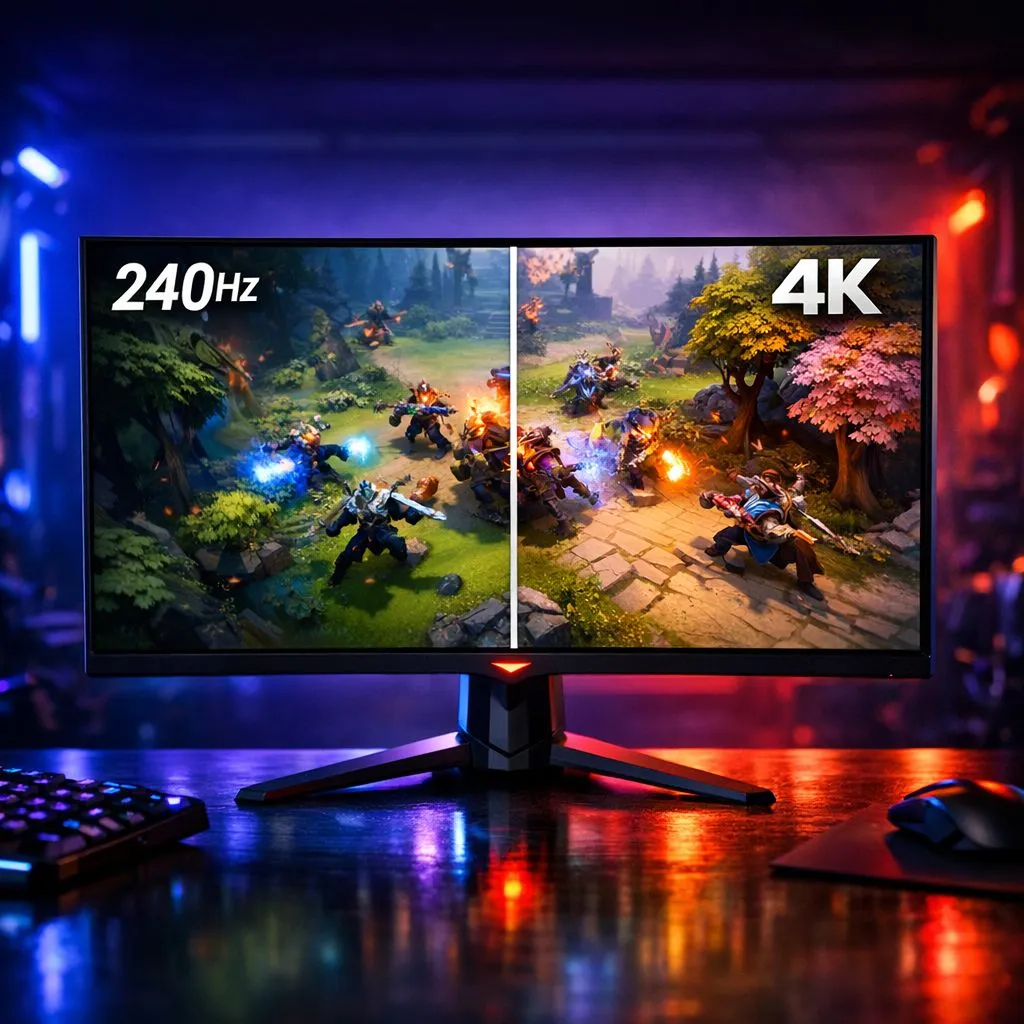
In the frantic teamfights of Dota 2, every millisecond counts. Whether you're landing a perfect Black Hole or dodging a Sunstrike, your display determines how quickly you react. For South African players looking for the Best Monitor Dota 2: 240Hz vs 4K - 2026 Guide, the choice between blistering refresh rates and stunning clarity has never been more relevant. Let's break down which path leads to more MMR. 🚀
Dota 2 isn't just about strategy... it's about mechanical precision. A 240Hz panel offers a level of fluidity that 60Hz or even 144Hz screens simply cannot match. When you browse all gaming monitors, you'll notice that the pros almost always opt for higher refresh rates over resolution. This reduces input lag and makes tracking fast-moving heroes like Anti-Mage or Puck significantly easier.
The smoothness of 240Hz allows you to see animations more clearly, which is vital for last-hitting under pressure. While the jump from 144Hz to 240Hz is more subtle than the jump from 60Hz, it provides that extra layer of "locked-in" feel that competitive players crave.
If you prefer your games to look like a cinematic masterpiece, 4K is the way to go. Seeing the intricate details on your hero's cosmetics in UHD is a treat for the eyes. You can buy 5k and 4k monitors that make the Radiant and Dire sides of the map look incredibly vibrant and sharp.
However, keep in mind that driving 4K requires a beefy GPU to maintain stable frames during heavy ultimate usage... like a Refresher Orb Enigma combo. If your frame rate dips below 60 during a fight, the visual clarity of 4K won't save you from a team wipe.
For Dota 2, many pros prefer a 24-inch or 27-inch screen size. Anything larger can make it harder to keep an eye on the mini-map without physically moving your head, which can lead to missed ganks and lost objectives.
We know that tech prices in ZAR can fluctuate, making it essential to find the right balance for your budget. Finding the best monitor for Dota 2 means looking for the best pc monitor deals currently available. You don't always need to spend a fortune to get a competitive edge. There are plenty of reliable PC monitors that offer 144Hz or 165Hz as a middle ground between budget and extreme performance.
Some players swear by immersion to keep their focus sharp. If you want the map to wrap around your field of vision, you might want to buy curved monitors. They help reduce eye strain during those marathon five-game loss streaks. 🔧
Conversely, if you're a student or a digital nomad who still wants to grind rank, you can buy portable monitors to keep up your rank while away from your main desk. These are surprisingly capable and fit right into a laptop bag.
A great screen is only half the battle. To truly optimise your experience and ensure your hardware isn't holding you back, don't forget to buy monitor accessories like high-quality desk mounts or premium DisplayPort cables. Using the wrong cable can often limit your refresh rate, meaning you won't actually see the 240Hz you paid for. ✨
Ready to Find Your Perfect Match? Choosing the right display is the first step toward climbing the leaderboard. Whether you want the speed of 240Hz or the beauty of 4K, we have the stock to get you there. Explore our massive range of monitor specials and find the perfect machine to conquer the Ancient.
For competitive Dota 2, 240Hz improves responsiveness and reduces input lag; 4K offers sharper visuals but may cost FPS.
A 240Hz monitor helps reaction time and smoothness, giving a measurable edge in fast engagements.
Yes — a 4K monitor boosts clarity and detail, ideal if you prioritise visual fidelity over max frame rates.
Prioritise low input lag and refresh rate for competitive play; choose higher resolution if visuals matter more than raw speed.
Many midrange GPUs struggle at native 4K with high settings; consider 1440p or a 240Hz 1080p monitor for consistent FPS.
Yes — G-SYNC or FreeSync reduce tearing and stutter, improving consistency on both 240Hz and 4K monitors.
Look for models with low input lag, fast IPS or TN panels, and reliable adaptive sync for the best 240Hz performance.
What Game Settings Work on 240Hz monitor. Tested & verified settings for best FPS and visual quality on SA hardware budgets.
Read more
What Cooling Solution Works Best with 144Hz monitor in SA Climate Detailed answer with SA data, expert analysis & practical recommendations for local buyers.
Read more
What Monitor Pairs Best with 240Hz monitor for Gaming in SA Detailed answer with SA data, expert analysis & practical recommendations for local buyers.
Read more
What Monitor Pairs Best with 1440p monitor for Gaming in SA Detailed answer with SA data, expert analysis & practical recommendations for local buyers.
Read moreWhat Monitor Pairs Best with 1440p monitor for Gaming Detailed answer with SA data, expert analysis & practical recommendations for local buyers.
Read more
the 144Hz monitor for student. Plain-English explanation of what it means, why it matters & how it affects your buying decisions in SA.
Read more
Every spec on PCIe 5.0 explained in plain English. What matters for gaming and creator work in 2026, what's marketing fluff, and how each number translates to real-world performance.

A head-to-head look at WiFi 7: real-world performance, ZAR pricing and which option delivers better value for SA builders. The clear answer — no fluff.

Everything you need to set up and tune PCIe 5.0 properly: the prep work, the settings that actually matter, and the mistakes to skip. Written for SA builders in 2026.

Everything you need to set up and tune X870E Motherboard properly: the prep work, the settings that actually matter, and the mistakes to skip. Written for SA builders in 2026.

Wondering what a 512GB SSD capacity really holds? This guide breaks down how many games, photos, and documents fit on 512GB, with real-world ranges 📦💾

Every spec on vrm explained in plain English. What matters for gaming and creator work in 2026, what's marketing fluff, and how each number translates to real-world performance.

Every spec on motherboard explained in plain English. What matters for gaming and creator work in 2026, what's marketing fluff, and how each number translates to real-world performance.

Premium vs Midrange Motherboards in South Africa: real-world performance, SA pricing, power draw and which one delivers better value for your build for SA buyers. The clear answer — without the fluff.
Wondering what a 512GB SSD capacity really holds? This guide breaks down how many games, photos, and documents fit on 512GB, with real-world ranges 📦💾
Every spec on PCIe 5.0 explained in plain English. What matters for gaming and creator work in 2026, what's marketing fluff, and how each number translates to real-world performance.
A head-to-head look at WiFi 7: real-world performance, ZAR pricing and which option delivers better value for SA builders. The clear answer — no fluff.

Every spec on USB4 explained in plain English. What matters for gaming and creator work in 2026, what's marketing fluff, and how each number translates to real-world performance.