


What Game Settings Work Best on 240Hz monitor?
What Game Settings Work on 240Hz monitor. Tested & verified settings for best FPS and visual quality on SA hardware budgets.
Read moreBest monitor for PUBG guidance: compare 240Hz TN and IPS panels to pick the fastest, clearest display for competitive play in 2026. We test input lag, motion clarity, color, and value to help you buy smarter. 🎯🖥️
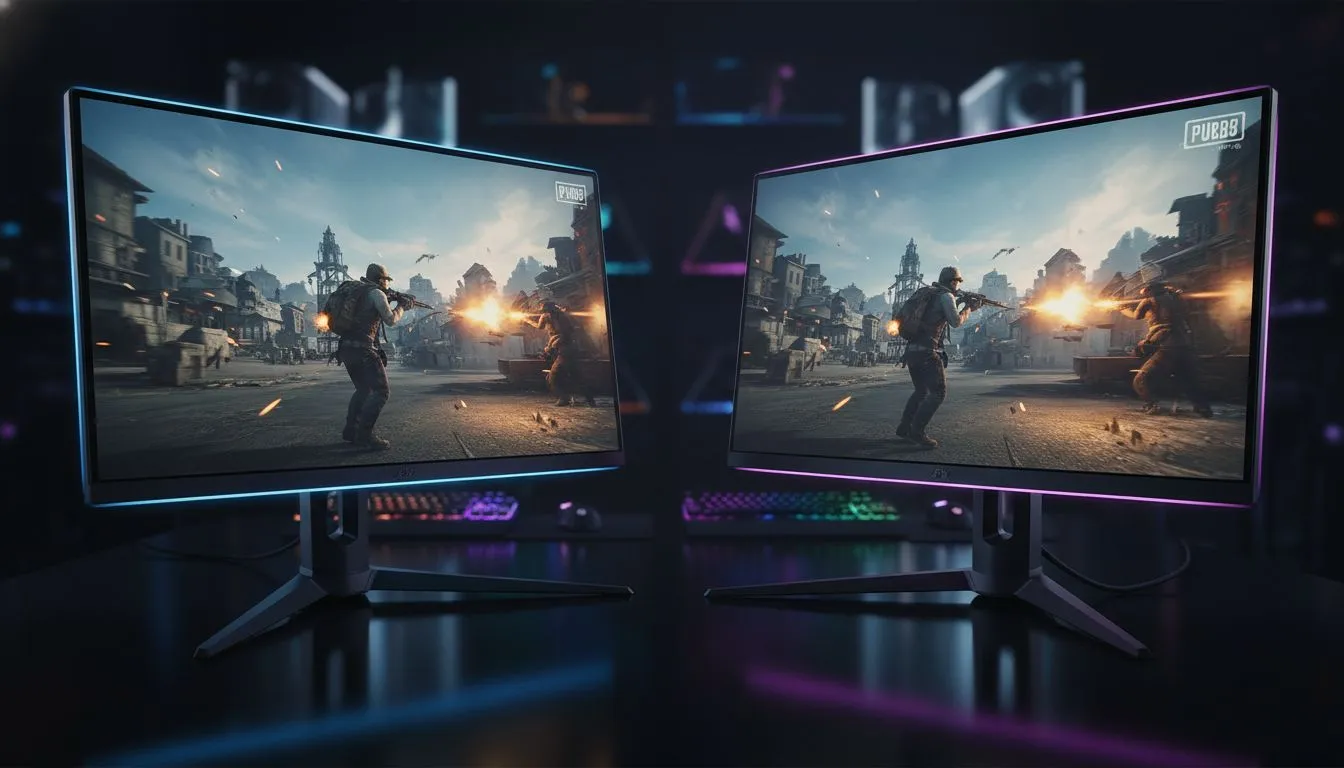
Landing in the final circle of a PUBG match requires more than just luck... your hardware must react as fast as your instincts. In 2026, the debate over the Best Monitor for PUBG: 240Hz TN vs IPS has reached a fever pitch. South African gamers are looking for that perfect balance of speed and clarity to secure those elusive chicken dinners. Let’s see which panel tech helps you spot enemies before they spot you. 🔧
Speed is the lifeblood of Battle Royale titles. When you are scanning the horizon of Erangel, every millisecond counts. High refresh rates ensure your view remains fluid during high speed vehicle chases or intense close-quarters combat in Pochinki. You can find excellent PC monitors that cater specifically to these demanding frame rates.
TN (Twisted Nematic) panels have long been the gold standard for pure speed. They offer the lowest response times, which is vital for competitive integrity. However, IPS (In-Plane Switching) technology has closed the gap significantly. Choosing between a 240Hz TN vs IPS often comes down to your budget and visual preferences. Many of the best PC monitor deals in South Africa now feature fast IPS panels that rival TN in speed while offering superior colour accuracy. ⚡
To reduce input lag in PUBG, always disable V-Sync in your in-game settings. If you experience screen tearing, use G-Sync or FreeSync on your 240Hz display. This keeps your frames synced with your monitor's refresh rate without the heavy latency penalty of traditional V-Sync, ensuring your aim remains true.
If you are still playing on 60Hz or 144Hz, you are essentially playing in the past. A 240Hz display updates the image every 4.17 milliseconds. This reduction in motion blur makes it much easier to track a moving target at 400 metres with a Kar98k. You can browse all gaming monitors to see how affordable this high-end tech has become in ZAR. 🚀
For those who want the sharpest possible image, you can buy 5k 4k monitors for incredible detail. Just remember that hitting 240Hz at 4K requires a beastly GPU. If you prefer a more cinematic experience, you might buy curved monitors to increase your immersion. These screens wrap around your vision, making it easier to track movement in your periphery.
Professional players often stick to flat 24-inch or 27-inch screens for consistent focus. If you are a mobile gamer or attend local South African LAN events, you might even consider to buy portable monitors for gaming on the go. Don't forget to look at monitor accessories like high-speed DisplayPort 2.1 cables. These ensure you actually get that 240Hz output without signal degradation. ✨
Whether you choose the raw speed of TN or the vibrant visuals of IPS, 240Hz is the definitive Best Monitor for PUBG choice for 2026. It makes the difference between a missed shot and a headshot when the blue zone is closing in.
Ready to Find Your Perfect Match? The 240Hz TN vs IPS debate is complex, but for maximum performance and value in South Africa, Evetech has you covered. Explore our massive range of monitor specials and find the perfect display to secure your next chicken dinner.
240Hz TN offers lower input lag and motion clarity; IPS provides better colors and viewing angles. For competitive PUBG choose 240Hz TN, for visuals pick IPS.
240Hz helps in high-frame competitive play by reducing perceived latency and improving aim tracking. It's worth it if you run high FPS.
Yes. Modern IPS panels can hit 240Hz with low response times, giving good color and solid competitive performance.
Response time directly affects motion clarity and ghosting. Aim for 1-4ms on 240Hz monitors for smooth PUBG gameplay.
1080p paired with 240Hz is standard for max FPS. 1440p 240Hz is viable if your GPU can sustain high frame rates.
Budget 240Hz TN monitors offer speed but can lack color accuracy. They are a strong choice if you value competitive advantage on a budget.
For competitive play prioritize refresh rate and low input lag. For streaming and single-player balance color accuracy with a capable IPS 240Hz panel.
What Game Settings Work on 240Hz monitor. Tested & verified settings for best FPS and visual quality on SA hardware budgets.
Read more
What Cooling Solution Works Best with 144Hz monitor in SA Climate Detailed answer with SA data, expert analysis & practical recommendations for local buyers.
Read more
What Monitor Pairs Best with 240Hz monitor for Gaming in SA Detailed answer with SA data, expert analysis & practical recommendations for local buyers.
Read more
What Monitor Pairs Best with 1440p monitor for Gaming in SA Detailed answer with SA data, expert analysis & practical recommendations for local buyers.
Read moreWhat Monitor Pairs Best with 1440p monitor for Gaming Detailed answer with SA data, expert analysis & practical recommendations for local buyers.
Read more
the 144Hz monitor for student. Plain-English explanation of what it means, why it matters & how it affects your buying decisions in SA.
Read more
Every spec on PCIe 5.0 explained in plain English. What matters for gaming and creator work in 2026, what's marketing fluff, and how each number translates to real-world performance.

A head-to-head look at WiFi 7: real-world performance, ZAR pricing and which option delivers better value for SA builders. The clear answer — no fluff.

Everything you need to set up and tune PCIe 5.0 properly: the prep work, the settings that actually matter, and the mistakes to skip. Written for SA builders in 2026.

Everything you need to set up and tune X870E Motherboard properly: the prep work, the settings that actually matter, and the mistakes to skip. Written for SA builders in 2026.

Wondering what a 512GB SSD capacity really holds? This guide breaks down how many games, photos, and documents fit on 512GB, with real-world ranges 📦💾

Every spec on vrm explained in plain English. What matters for gaming and creator work in 2026, what's marketing fluff, and how each number translates to real-world performance.

Every spec on motherboard explained in plain English. What matters for gaming and creator work in 2026, what's marketing fluff, and how each number translates to real-world performance.

Premium vs Midrange Motherboards in South Africa: real-world performance, SA pricing, power draw and which one delivers better value for your build for SA buyers. The clear answer — without the fluff.
Wondering what a 512GB SSD capacity really holds? This guide breaks down how many games, photos, and documents fit on 512GB, with real-world ranges 📦💾
Every spec on PCIe 5.0 explained in plain English. What matters for gaming and creator work in 2026, what's marketing fluff, and how each number translates to real-world performance.
A head-to-head look at WiFi 7: real-world performance, ZAR pricing and which option delivers better value for SA builders. The clear answer — no fluff.

Every spec on USB4 explained in plain English. What matters for gaming and creator work in 2026, what's marketing fluff, and how each number translates to real-world performance.