

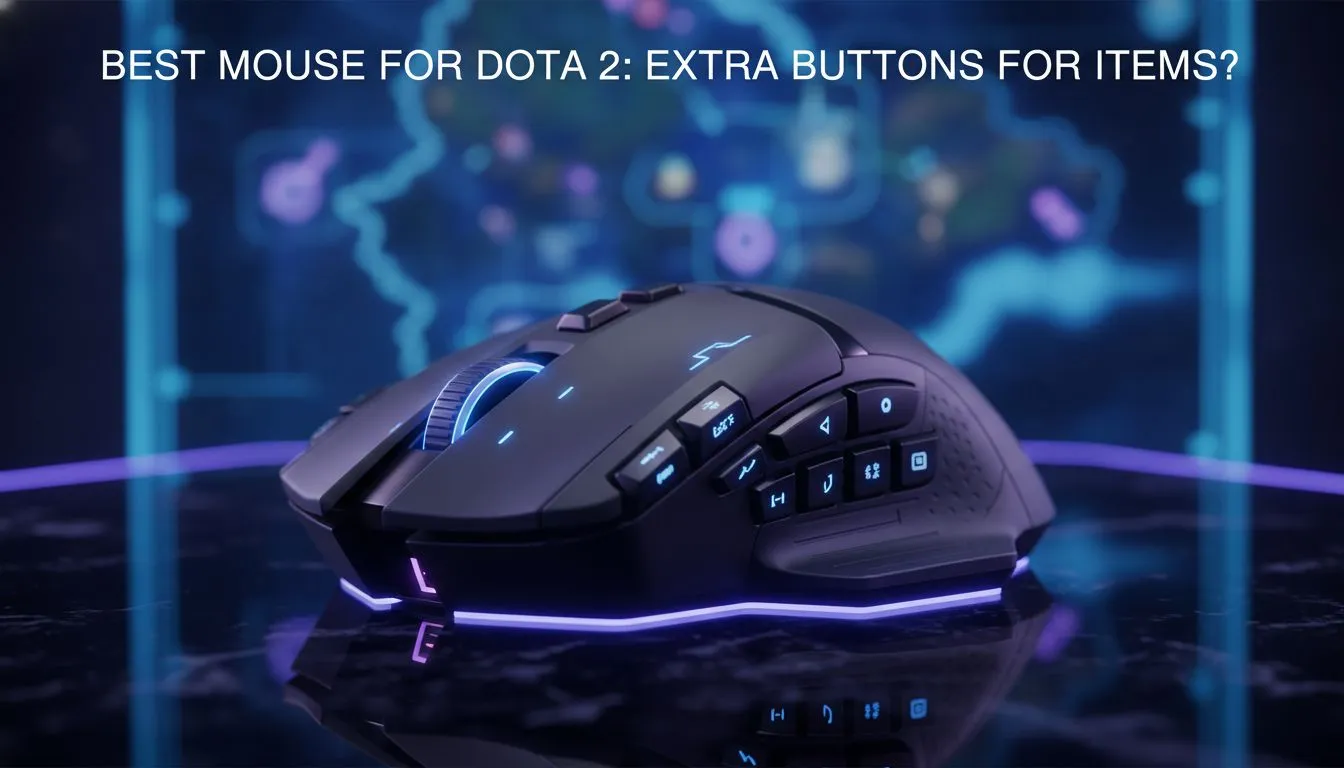
Why You Need the Best Mouse for Dota 2
You are sixty minutes into a grueling match... the high ground is at stake. Your fingers scramble for your Black King Bar while dodging a Chronosphere. Every millisecond matters when defending your Ancient. Finding the best mouse for Dota 2 with extra buttons for item control is about more than comfort... it is about survival. South African gamers need gear that handles high-pressure teamfights with precision. ⚡
Precision and Extra Buttons for Item Control
Dota 2 is a game of complex inputs... managing your courier, neutral items, and active abilities simultaneously. A standard office peripheral simply won't cut it. When you browse the latest gaming mouse category at Evetech, look for models with at least two or three thumb buttons. Assigning your Blink Dagger or Scythe of Vyse to a dedicated side button reduces travel time for your left hand. This allows you to focus purely on spell casting and positioning.
Choosing Between Wired and Wireless Performance
Stability is vital during ranked matches on South African servers. Many professionals still prefer a wired mouse for its zero-latency connection and lightweight feel. However, modern sensor technology has evolved. You can now opt for a high-performance wireless mouse that offers the same polling rates without the cable drag. This freedom of movement is excellent for those massive screen pans during chaotic skirmishes. 🚀
Dota 2 Macro Tip ⚡
Avoid using complex macros for ability combos as they can lead to bans. Instead, use your mouse software to bind 'Quickcast' to your extra side buttons. This ensures your items trigger the moment you press the button, saving precious frames during a gank.
Ergonomics and Long-Term Comfort
Grinding MMR takes hours... and hand fatigue is the enemy of consistency. The best mouse for Dota 2 should fit your grip style perfectly. Whether you use a palm, claw, or fingertip grip, the weight distribution must feel natural. Check out the best gaming mouse deals to find premium sensors that track accurately on any surface. A mouse that is too heavy will slow down your reaction time... while one that is too small might cause cramping during those long weekend sessions.
Maintaining Your Competitive Edge
Even the finest hardware requires upkeep to stay at peak performance. Dust and grime can interfere with your sensor or cause buttons to double-click. Investing in quality mouse accessories like replacement skates or a premium pad can extend the life of your gear. Keeping your setup clean ensures your extra buttons for item control remain tactile and responsive for every crucial play. ✨
Ready to Find Your Perfect Match? The Dota 2 meta is complex, but for maximum precision, customisation, and value in South Africa, the right gear is essential. Explore our massive range of gaming mouse specials and find the perfect tool to conquer the lanes.








