

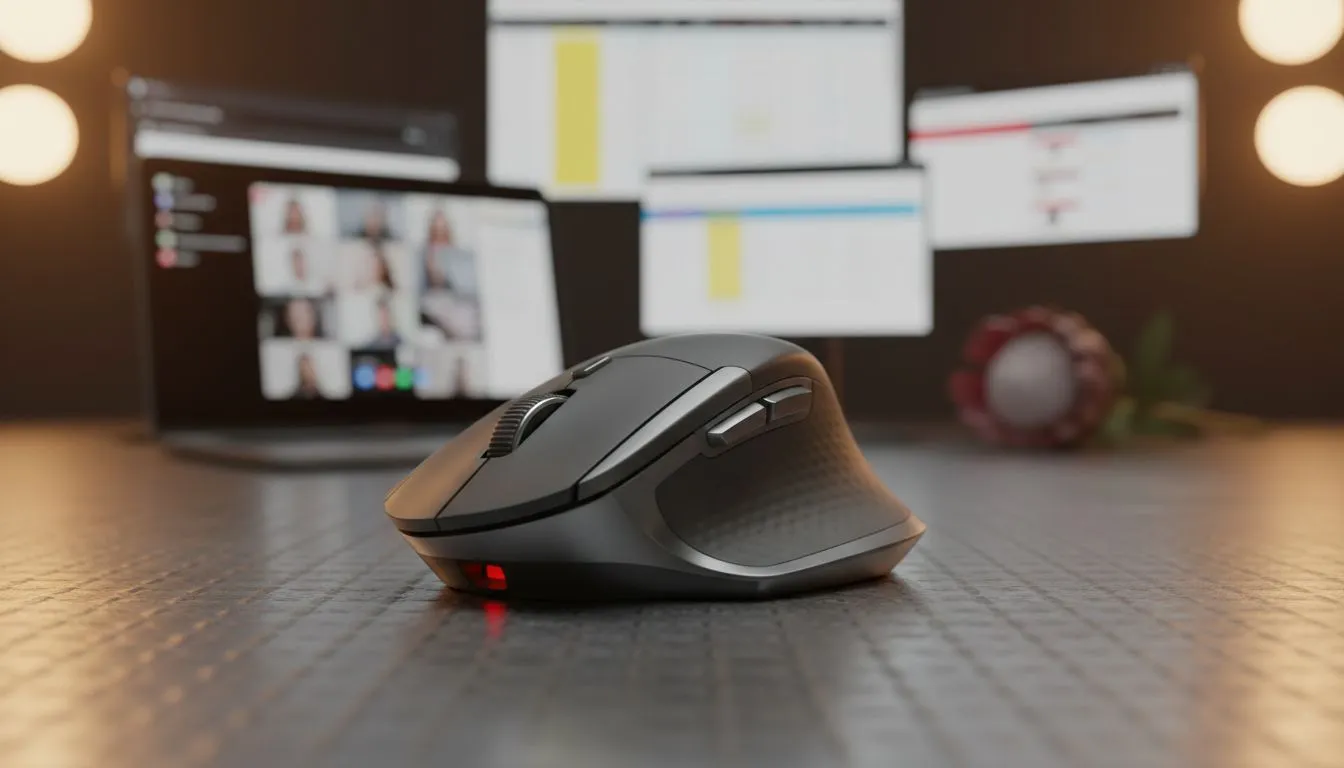
Working from home in South Africa often means juggling endless Teams calls while navigating massive Excel sheets. That generic office mouse bundled with your PC isn't doing your wrist any favours. Finding the best mouse for work from home is about more than just clicking... it is about ergonomics, precision, and saving time. Whether you are crunching numbers or managing projects, the right gear makes the difference. 🖱️
Why Precision Matters for Spreadsheets and Teams
When you are deep in a complex spreadsheet, every pixel counts. A mouse with a high-quality sensor allows you to highlight specific cells without overshooting. While often marketed for play, a high-performance gaming mouse offers the precision and adjustable DPI settings needed for pixel-perfect adjustments in professional software.
Many of these devices feature programmable buttons. You can map your most-used Teams shortcuts, like "Mute" or "Raise Hand", directly to your thumb buttons. This small change saves seconds throughout the day... which adds up to hours over a month. You do not have to break the bank either, as there are always best gaming mouse deals available for those looking to upgrade their home office on a budget.
Wireless Freedom vs Wired Reliability
The debate between wired and wireless is largely about your desk aesthetic and mobility needs. For a clean, cable-free desk setup that looks professional during video calls, choosing a wireless mouse is the way to go. Modern wireless technology is just as fast as its wired counterparts, ensuring no lag during critical multitasking.
Productivity Pro Tip ⚡
On Windows, use the PowerToys FancyZones utility to create custom snap layouts for your windows. It's a lifesaver for managing multiple apps on an ultrawide monitor, letting you organise your Teams chat, spreadsheet, and browser windows perfectly for a seamless workflow.
However, if you prefer zero latency and never want to worry about charging batteries or finding a spare AA, a reliable wired mouse remains a solid choice. These are often lighter and more affordable, making them a practical pick for a dedicated workstation. ⚡
Ergonomics and Long-Term Comfort
South African professionals are spending more time at their desks than ever. Repetitive strain is a real concern when you are clicking through thousands of rows of data. Look for a mouse that supports your natural grip style. A larger mouse often provides better palm support, reducing the tension in your forearm.
To keep your setup smooth and prevent wear on your desk, don't forget to check out mouse accessories like high-quality pads or ergonomic wrist rests. A good surface ensures the sensor tracks accurately, which prevents the frustration of a skipping cursor during a high-stakes presentation. ✨
Choosing the best mouse for work from home is an investment in your daily comfort and efficiency. By picking a device that fits your hand and your workflow, you turn a mundane tool into a powerful productivity partner. 🚀
Ready to Find Your Perfect Match? The right mouse can transform your workday from a chore into a breeze. For maximum precision, comfort, and value in South Africa, our curated selection is hard to beat. Explore our massive range of mouse specials and find the perfect tool to conquer your daily tasks.








