


Dedicated Media Keys for Streamers: Improve Workflow Fast
Dedicated media keys give streamers one-touch control to mute, switch scenes, clip highlights, and adjust audio — cutting task time and boosting consistency 🎛️⚡
Read more• Evaluate sensors • Tune DPI & buttons • Speed looting. Best mouse for Tarkov: pick a responsive, ergonomic mouse to loot faster and manage inventory efficiently; top picks, settings and budget options. 🖱️⚡
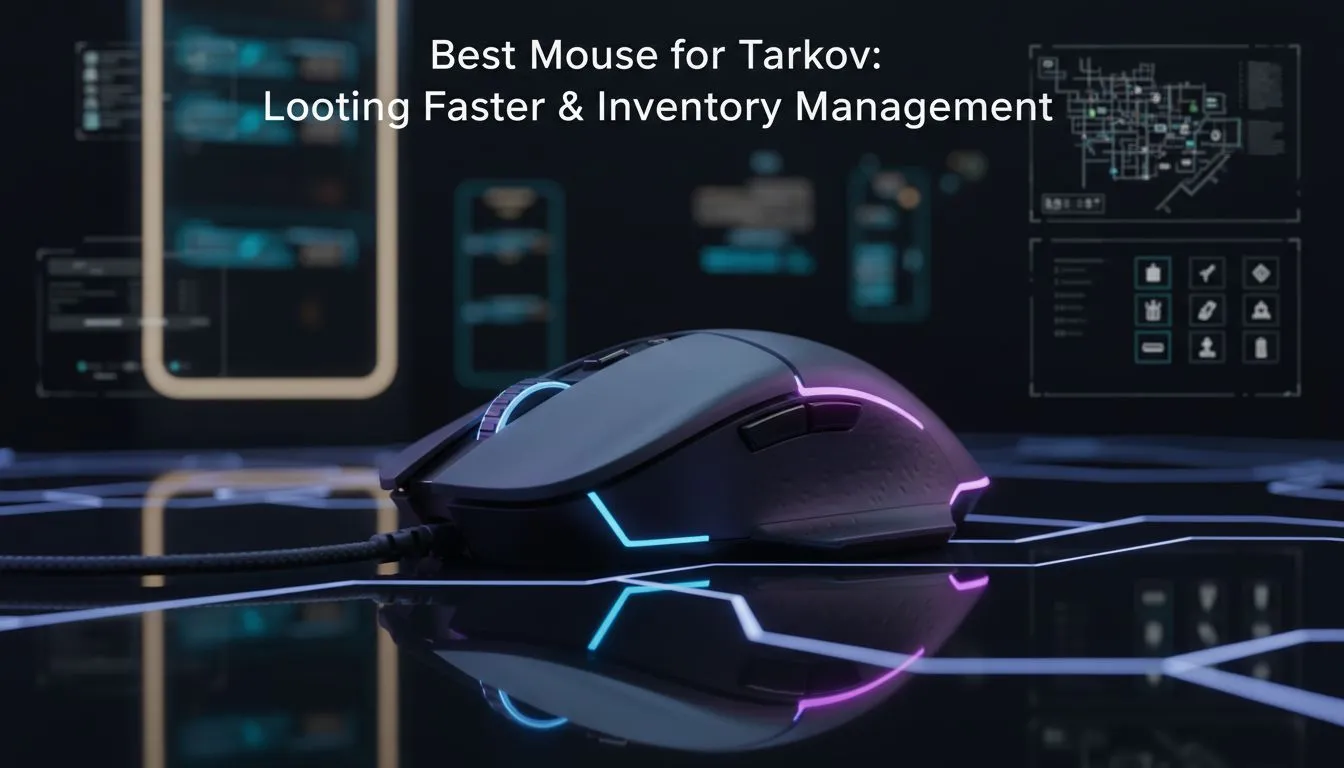
Surviving a raid in Escape from Tarkov is about more than just aim. It is about how quickly you can strip a PMC’s gear and disappear into the shadows. When you are looting a body in the middle of a high-traffic zone, your hardware is your lifeline. Finding the best mouse for Tarkov is the difference between extracting with a GPU or ending up back in the hideout with nothing.
Tarkov is a game of pixels. Whether you are holding a tight angle in Dorms or sniping from Dome on Reserve, you need a sensor that does not skip. A high-quality sensor ensures that your muscle memory translates perfectly to the screen. Many local players prefer the latency-free response of a wired mouse to ensure that no interference ruins a potential headshot.
In South Africa, where we often deal with higher pings to international servers, reducing local input lag is vital. A mouse with a high polling rate can help smooth out your movements. This makes it easier to track targets through heavy brush or during chaotic night raids. 🔧
Rebind your 'Examine' key to the middle mouse button and 'Discard' to a side thumb button. This allows you to clear inventory slots and identify new loot instantly without moving your hand from the WASD keys. It saves precious seconds when looting in the open.
Inventory management is a mini-game within Tarkov. You need to rotate items, check magazines, and drag loot into your backpack at lightning speed. Having a few extra programmable buttons can change how you interact with your stash. When browsing the huge variety of gaming mouse options available, look for models with at least two side buttons.
These buttons can be mapped to tactical devices or your discard key. This ensures you spend less time looking at a menu and more time looking for threats. If you prefer a clean desk setup, the modern freedom of a wireless mouse is unmatched, offering the same speed as wired counterparts without the cable drag. 🚀
Tarkov sessions rarely last just thirty minutes. Between the raids, the flea market flipping, and the hideout upgrades, you are clicking thousands of times. An ergonomic shape prevents wrist fatigue during those marathon weekend sessions. You can often find premium ergonomic gaming mouse deals that offer high-end sensors at a more accessible ZAR price point.
To truly optimise your experience, don't forget essential mouse accessories like high-speed cloth pads. A smooth surface ensures that your mouse feet don't wear down prematurely while you are frantically dragging heavy armor sets into your inventory. ✨
The "lightweight" trend in gaming mice is particularly useful for Tarkov. Low-weight mice allow for quicker flick shots when a Scav surprises you around a corner. They also reduce the effort required for constant micro-adjustments while looting. Aim for something under 80 grams if you want to stay agile in the Tarkov streets.
Ready to Loot Like a Pro? Don't let a sluggish sensor be the reason you lose your best gear set. Whether you need the precision of a wired setup or the speed of a lightweight wireless build, we have the gear to help you extract. Explore our massive range of gaming mice and start dominating the Norvinsk region today.
The best mouse for Tarkov balances accurate sensors, programmable buttons and low weight so you can loot faster and manage inventory reliably.
Use moderate DPI (800–1600) and adjust in-game sensitivity; this gives control for precise aiming and fast looting in Tarkov mouse settings.
4–8 programmable buttons are ideal: use side buttons for quick hotkeys to speed looting and streamline inventory management in Tarkov.
Yes. A lightweight mouse improves flicks and reduces fatigue, helping you loot faster—pair it with a reliable sensor for accuracy.
Claw or fingertip grips give quicker micro-adjustments for fast looting; palm grip favors stability for longer fights and inventory pauses.
Modern wireless mice match wired latency; choose low-latency wireless or wired for guaranteed responsiveness when you need fast response mouse for Tarkov.
Turn off angle snapping, set DPI to 800–1600, 1000Hz polling, and bind quick-toggle buttons to inventory actions to speed looting and sorting.
Dedicated media keys give streamers one-touch control to mute, switch scenes, clip highlights, and adjust audio — cutting task time and boosting consistency 🎛️⚡
Read more
PBT vs ABS keycaps: Clear, local guide for South African gamers—compare feel, sound, durability and where to buy. Find the best material for your budget and playstyle 🎮🇿🇦
Read more
- Multi-Function Digital Dial: define benefits - Show gamer setups and macros - Offer buying and setup tips Multi-Function Digital Dial puts programmable control at your fingertips for faster actions and smoother streaming. 🎮⚙️
Read more
- Explain benefits; - Show the science; - Compare options; - Recommend picks. Magnetic wrist rest for gaming cuts wrist strain and boosts comfort during long sessions 🕹️✨
Read more
best gaming keyboard South Africa: Learn how to pick a low-latency mechanical keyboard, choose switches, layout and budget for competitive play 🎮⚡
Read more
Best wireless keyboard and mouse combo for small desks — curated, space-saving picks that boost comfort and productivity in tight setups. Find low-profile layouts, compact mice, and reliable range to fit your compact workstation. 🖱️⌨️
Read more
Discover webcams that automatically adjust light and color for crystal-clear video calls 🎥✨. Boost your streaming quality today!
Read more
Discover webcams that blend into your workflow 🎯 Capture moments while you work, stream, or create. Upgrade your setup with smart, multitasking tech!
Read more Dedicated media keys give streamers one-touch control to mute, switch scenes, clip highlights, and adjust audio — cutting task time and boosting consistency 🎛️⚡
Read more PBT vs ABS keycaps: Clear, local guide for South African gamers—compare feel, sound, durability and where to buy. Find the best material for your budget and playstyle 🎮🇿🇦
Read more - Multi-Function Digital Dial: define benefits - Show gamer setups and macros - Offer buying and setup tips Multi-Function Digital Dial puts programmable control at your fingertips for faster actions and smoother streaming. 🎮⚙️
Read more - Explain benefits; - Show the science; - Compare options; - Recommend picks. Magnetic wrist rest for gaming cuts wrist strain and boosts comfort during long sessions 🕹️✨
Read more