


What Game Settings Work Best on 240Hz monitor?
What Game Settings Work on 240Hz monitor. Tested & verified settings for best FPS and visual quality on SA hardware budgets.
Read more- Assess CPU/GPU balance; - Measure real MSFS FPS; - Match budget to settings Best MSFS laptop: Compare models, benchmarks, and buying tips to run Microsoft Flight Simulator smoothly ✈️💻
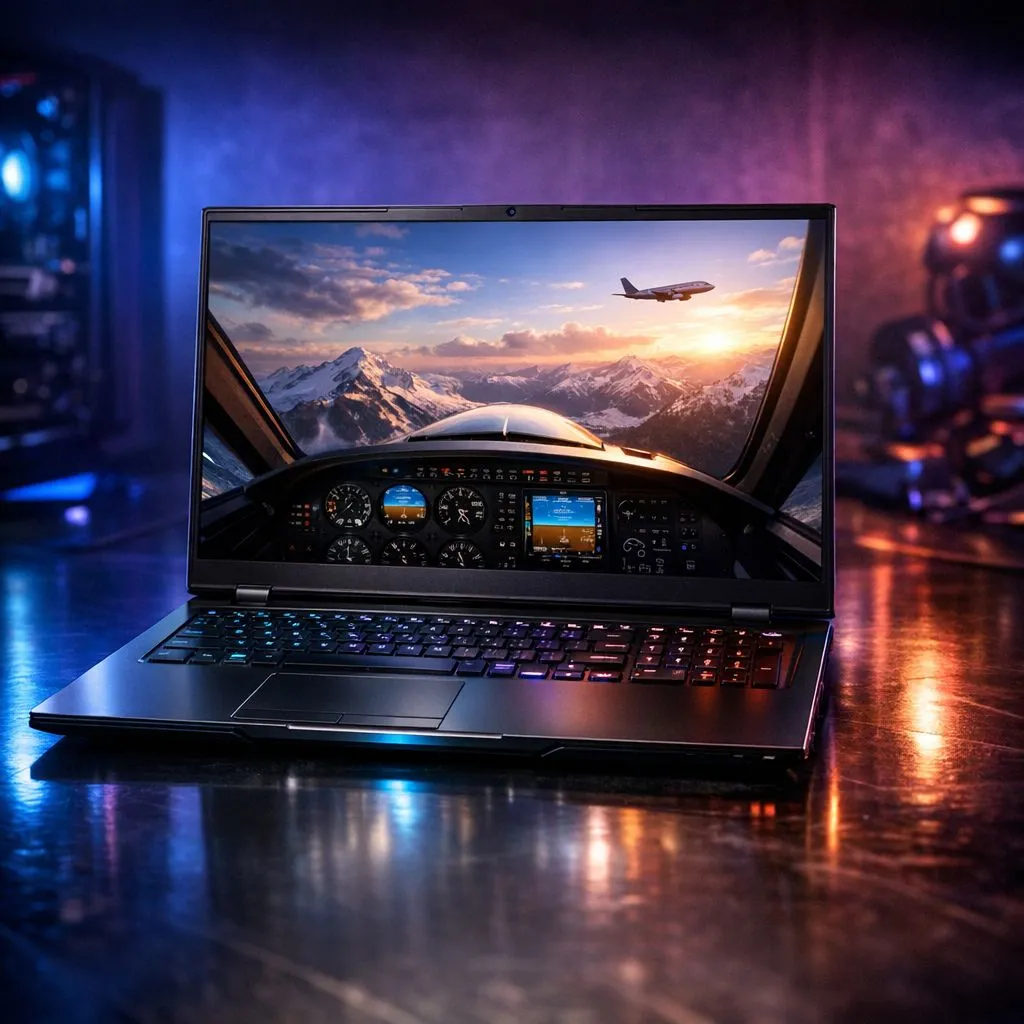
Flying over Table Mountain or the Drakensberg in Microsoft Flight Simulator (MSFS) is breathtaking, but only if your hardware doesn't stutter. Finding the best MSFS laptop in South Africa means balancing raw CPU power with thermal efficiency. You need a machine that handles photogrammetry without breaking a sweat. Let’s dive into which models actually deliver a smooth cockpit experience while you cruise across our local skies. ✈️
Microsoft Flight Simulator is notoriously heavy on the processor. It calculates complex aerodynamics and real-time weather data constantly. When deciding which model plays Microsoft Flight Simulator best, you must prioritise high clock speeds.
Intel chips are often the go-to for flight enthusiasts because of their strong single-core performance. You can find several powerful Intel laptops on special that maintain the high frequencies needed for busy international airports like OR Tambo. If you prefer the efficiency and multi-core prowess of Team Red, our Ryzen laptop deals offer incredible performance for long-haul flights.
Always plug your laptop into wall power and set your Windows Power Plan to 'Best Performance' before launching MSFS. This prevents the CPU from throttling during critical landing approaches. For an extra boost, enable 'Hardware-Accelerated GPU Scheduling' in your Windows display settings to reduce latency.
The best MSFS laptop needs more than just a fast brain... it needs a serious GPU. Rendering 4K textures and volumetric clouds requires significant VRAM. Modern NVIDIA cards are a massive help here because of DLSS 3 Frame Generation. This technology can practically double your frame rate in the cockpit.
We highly recommend looking at GeForce RTX gaming laptops on special to ensure you have access to these AI-driven features. Aim for at least 16GB of RAM... though 32GB is the sweet spot for avoiding stutters when flying over dense urban areas. 🚀
You do not always need to spend a fortune to get airborne. While the top-end machines are impressive, many mid-range options provide a fantastic 1080p experience. You can buy gaming laptops under R20k that will run the sim comfortably on medium to high settings.
For those who want the absolute premium experience with every slider turned to Ultra, keep an eye on our best gaming laptop deals for flagship hardware. These machines feature the cooling systems required to keep the best MSFS laptop running cool during a six-hour flight from Cape Town to Johannesburg. ✨
Ready to Earn Your Wings? Finding the right hardware for flight simulation can be a challenge, but we have the perfect rig waiting for you. Explore our massive range of laptop specials and find the perfect machine to conquer the virtual skies today.
Prioritise a strong GPU (RTX 30/40 series), a 6+ core CPU, 16GB+ RAM, and fast NVMe storage for smooth MSFS performance.
High settings need an RTX 4070/4080 class GPU, an i7/Ryzen 7 CPU, and 32GB RAM to sustain stable FPS in dense areas.
Some thin-and-light models with RTX GPUs can run MSFS at medium settings, but expect thermal limits and lower sustained FPS.
VRAM matters: 8GB minimum for 1080p high, 10–12GB+ recommended for 1440p/ultra textures and VR on MSFS.
Both perform well; Ryzen 7 and Intel i7 cores offer strong single and multi-thread results. Choose based on thermal design and benchmarks.
Expect to spend AUD 2,000+ for a capable MSFS laptop; higher budgets unlock better GPUs, cooling, and sustained FPS.
MSFS is power-hungry; battery life will be short under load. Use mains power for best performance and stable FPS.
What Game Settings Work on 240Hz monitor. Tested & verified settings for best FPS and visual quality on SA hardware budgets.
Read more
What Cooling Solution Works Best with 144Hz monitor in SA Climate Detailed answer with SA data, expert analysis & practical recommendations for local buyers.
Read more
What Monitor Pairs Best with 240Hz monitor for Gaming in SA Detailed answer with SA data, expert analysis & practical recommendations for local buyers.
Read more
What Monitor Pairs Best with 1440p monitor for Gaming in SA Detailed answer with SA data, expert analysis & practical recommendations for local buyers.
Read moreWhat Monitor Pairs Best with 1440p monitor for Gaming Detailed answer with SA data, expert analysis & practical recommendations for local buyers.
Read more
the 144Hz monitor for student. Plain-English explanation of what it means, why it matters & how it affects your buying decisions in SA.
Read more
Every spec on PCIe 5.0 explained in plain English. What matters for gaming and creator work in 2026, what's marketing fluff, and how each number translates to real-world performance.

A head-to-head look at WiFi 7: real-world performance, ZAR pricing and which option delivers better value for SA builders. The clear answer — no fluff.

Everything you need to set up and tune PCIe 5.0 properly: the prep work, the settings that actually matter, and the mistakes to skip. Written for SA builders in 2026.

Everything you need to set up and tune X870E Motherboard properly: the prep work, the settings that actually matter, and the mistakes to skip. Written for SA builders in 2026.

Wondering what a 512GB SSD capacity really holds? This guide breaks down how many games, photos, and documents fit on 512GB, with real-world ranges 📦💾

Every spec on vrm explained in plain English. What matters for gaming and creator work in 2026, what's marketing fluff, and how each number translates to real-world performance.

Every spec on motherboard explained in plain English. What matters for gaming and creator work in 2026, what's marketing fluff, and how each number translates to real-world performance.

Premium vs Midrange Motherboards in South Africa: real-world performance, SA pricing, power draw and which one delivers better value for your build for SA buyers. The clear answer — without the fluff.
Wondering what a 512GB SSD capacity really holds? This guide breaks down how many games, photos, and documents fit on 512GB, with real-world ranges 📦💾
Every spec on PCIe 5.0 explained in plain English. What matters for gaming and creator work in 2026, what's marketing fluff, and how each number translates to real-world performance.
A head-to-head look at WiFi 7: real-world performance, ZAR pricing and which option delivers better value for SA builders. The clear answer — no fluff.

Every spec on USB4 explained in plain English. What matters for gaming and creator work in 2026, what's marketing fluff, and how each number translates to real-world performance.