


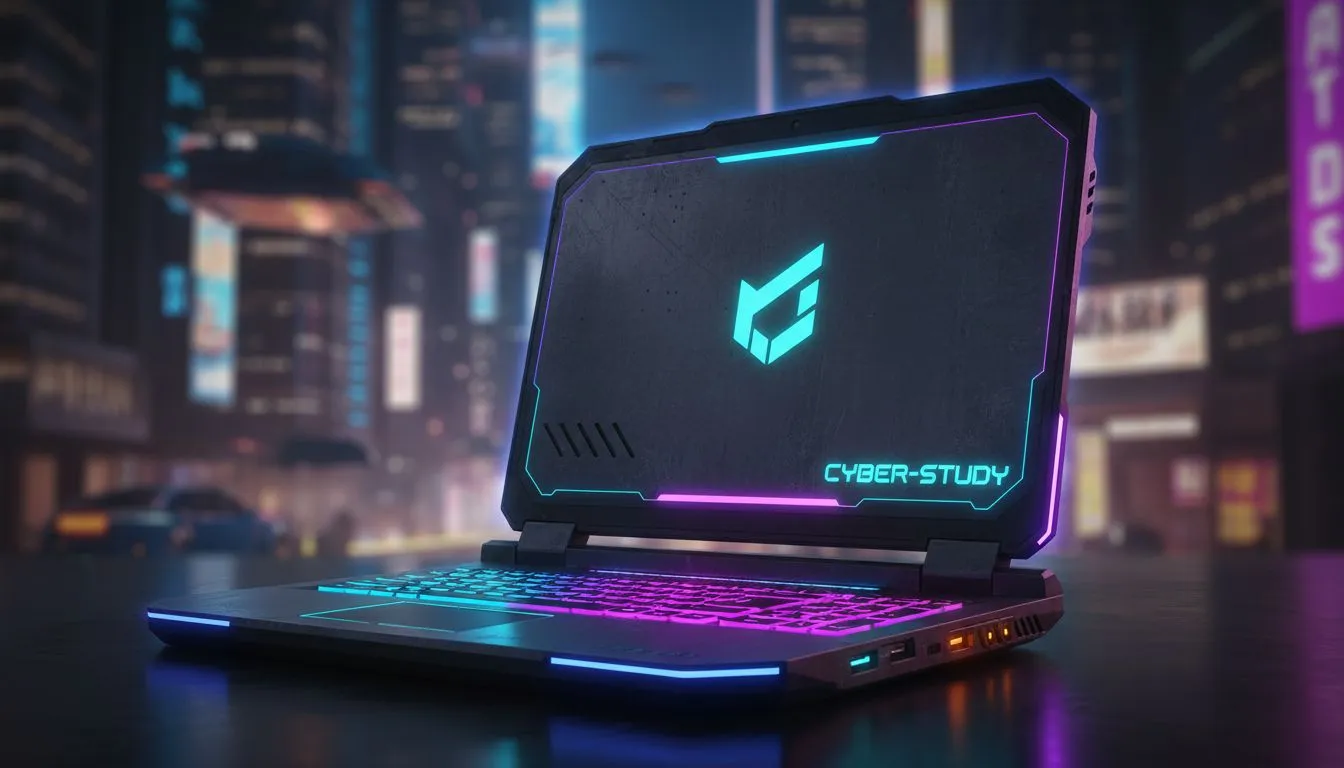
Finding the Sweet Spot Between Lectures and Night City
Being a student in South Africa means juggling heavy workloads and even heavier gaming sessions. You need a device that handles complex spreadsheets by day and the neon chaos of Night City by night. Finding the best student laptop for Cyberpunk: study & play is about balancing raw power with portability. You do not want a brick in your backpack, but you cannot compromise on frame rates. 🚀
When you are sitting in a lecture hall at UP or Wits, your laptop needs to be silent and efficient. However, once the sun sets and the load shedding schedule allows, that same machine needs to push pixels fast enough to keep up with V’s adventures. To achieve this, we look at modern processors that offer high thread counts for multitasking. If you are a fan of the blue team, you can find some incredible intel laptops on special that provide the single-core speed necessary for both high-end gaming and snappy software response.
Choosing Your Processor: Team Blue or Team Red?
The heart of your machine determines how well you can multitask between research papers and open-world exploration. While Intel is a fantastic choice, many students prefer the efficiency and integrated graphics performance of AMD. Modern Ryzen chips are known for their power-to-heat ratio, which is vital for slim student notebooks. You can browse the latest Ryzen laptop deals to find a processor that handles multi-threaded workloads... like rendering a video for a project while downloading a massive game update in the background.
Power Management Pro Tip ⚡
When on campus, use the 'Efficiency Mode' in Windows 11 to limit background processes. This preserves battery life for your long afternoon lectures. When you get home and plug into the wall, switch to 'Best Performance' to ensure Cyberpunk 2077 has access to every watt of power your GPU needs for those neon reflections.
Visuals That Bring Night City to Life
Cyberpunk 2077 is famously demanding on hardware, especially if you want to see the gorgeous ray-traced reflections of Dogtown. To get the most out of the game's visuals without your frame rate tanking, look for a machine with a modern GPU. Specifically, GeForce RTX gaming laptops on special are the gold standard here. These cards support DLSS 3.5, which uses AI to generate extra frames... making the game feel buttery smooth even on a mid-range student budget. ✨
Staying Within a Student Budget in South Africa
We know that being a student often means watching your Rands carefully. You might think a high-end gaming experience is out of reach, but that is not necessarily true. There are plenty of options to buy gaming laptops under R20k that still pack enough punch to run modern titles at respectable settings. It is all about choosing the right compromise... perhaps opting for 16GB of RAM instead of 32GB to save some cash for your textbooks.
If you are looking for the absolute peak of value, it is worth checking the curated list of the best gaming laptop deals currently available. These selections often feature last-gen flagship hardware that still crushes modern benchmarks. Remember, a laptop is an investment for your entire degree... choose a machine that will still be relevant by the time you graduate. 🔧
Ready to Find Your Perfect Match? The Best Student Laptop for Cyberpunk: Study & Play is waiting for you. For maximum power, choice, and value in South Africa, our curated selections are hard to beat. Explore our massive range of laptop specials and find the perfect machine to conquer your academics and your gaming backlog.











