


What Game Settings Work Best on 240Hz monitor?
What Game Settings Work on 240Hz monitor. Tested & verified settings for best FPS and visual quality on SA hardware budgets.
Read moreCurved monitor for video editing supercharges timelines and multitasking — maximize screen real estate, improve color focus, and speed edits with ultrawide curvature. ⚡🎬
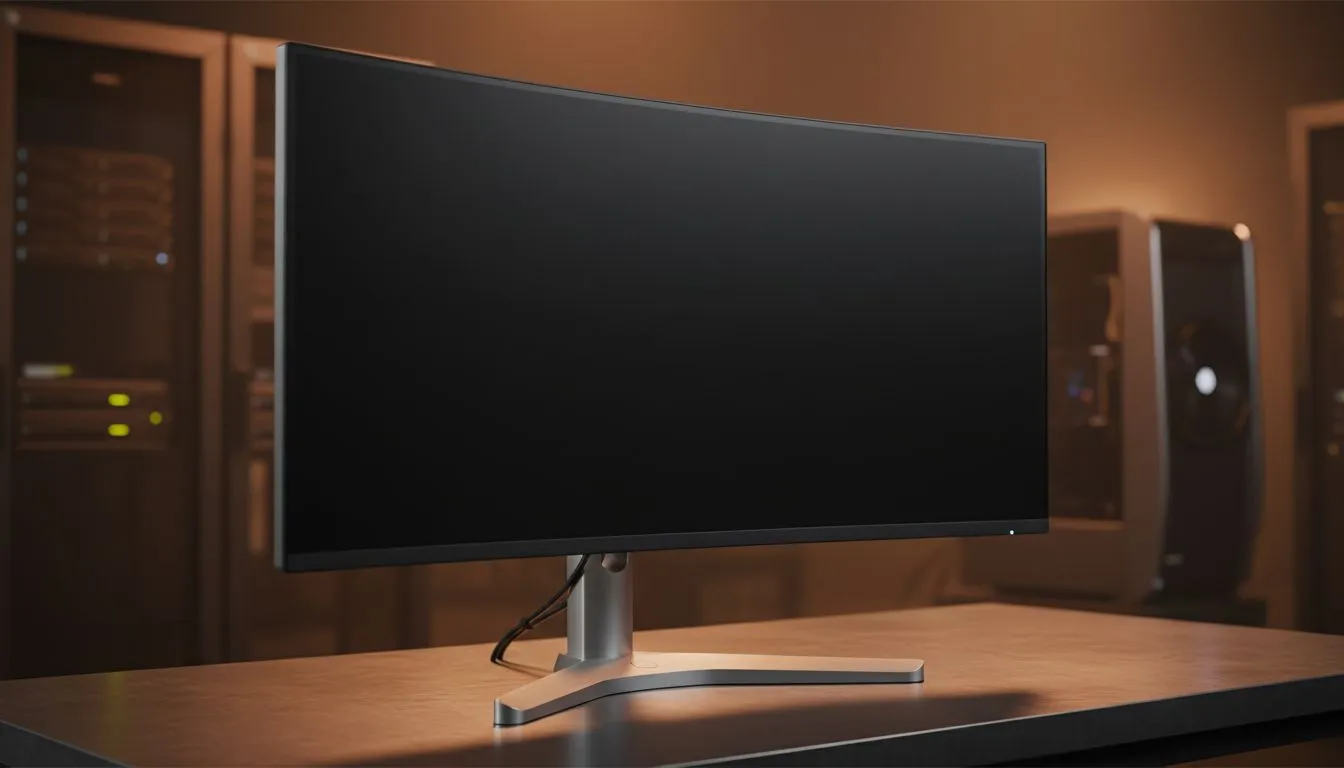
Tired of squinting at tiny timelines in Premiere Pro? A curved monitor for video editing might be the missing piece in your creative setup. It mimics the natural arc of your eye... making long editing sessions in your South African studio much more comfortable. By wrapping the screen around your field of view, you see more of your project without moving your head constantly. 🔧
When you dive into a massive PC monitor selection, the choices can feel overwhelming. For editors, the curve provides a consistent focal distance. This reduces eye strain when you are scanning from the start of your timeline to the final export settings. It creates a sense of depth that flat panels often lack.
On Windows, use the PowerToys FancyZones utility to create custom snap layouts for your windows. It's a lifesaver for managing multiple apps on an ultrawide monitor, letting you organise your timeline, preview window, and asset folders perfectly for video editing.
Colour grading is vital for professional results. You should prioritise an IPS panel because it offers the widest viewing angles. This ensures your colours stay true, even at the edges of the curve. While some traditionalists still prefer a flat screen for architectural work, the immersion of a curved screen is hard to ignore for narrative storytelling. 🚀
While editing isn't high-speed gaming, smooth playback matters during review. Monitors with Adaptive Sync help eliminate screen tearing during preview sessions. If you use a high-end NVIDIA card, look for G-Sync support. AMD users will find great value in FreeSync technology. These features ensure your playback remains buttery smooth while you scrub through 4K footage. ✨
Investing in your workspace is about more than just raw power. It is about how you interact with your art. Choosing a curved monitor for video editing allows you to see the big picture... literally. Whether you are cutting a wedding video in Cape Town or a commercial in Sandton, the extra width helps you stay organised. Better organisation leads to faster turnarounds and happier clients. ⚡
Ready to Find Your Perfect Match? The Mac vs Windows debate is complex, but for maximum power, choice, and value in South Africa, Windows is hard to beat. Explore our massive range of curved monitors and find the perfect machine to conquer your world.
A curved ultrawide monitor editing workflow boosts timeline visibility, reduces eye strain, and enables side-by-side panels for faster cuts.
Choose IPS/VA panels with wide gamut (99% sRGB or higher) and low Delta E—this ensures a color-accurate curved display for editors.
Yes—an ultrawide curved monitor for Premiere Pro expands timeline width and sequence context, speeding multicam and color workflows.
Use a hardware calibrator, apply factory LUTs, and follow curved monitor calibration for editing steps to keep colors consistent across the curve.
For most editors, 21:9 or 32:9 curved monitor aspect ratio for editing gives ample timeline space and easier multitasking.
Yes—seamless curved display multitasking reduces window switching and keeps multiple angles visible for faster decision-making.
Look for 3440x1440 or 5120x1440 resolution, accurate panels, and good contrast—many best curved monitors for video editing fall below $1000.
What Game Settings Work on 240Hz monitor. Tested & verified settings for best FPS and visual quality on SA hardware budgets.
Read more
What Cooling Solution Works Best with 144Hz monitor in SA Climate Detailed answer with SA data, expert analysis & practical recommendations for local buyers.
Read more
What Monitor Pairs Best with 240Hz monitor for Gaming in SA Detailed answer with SA data, expert analysis & practical recommendations for local buyers.
Read more
What Monitor Pairs Best with 1440p monitor for Gaming in SA Detailed answer with SA data, expert analysis & practical recommendations for local buyers.
Read moreWhat Monitor Pairs Best with 1440p monitor for Gaming Detailed answer with SA data, expert analysis & practical recommendations for local buyers.
Read more
the 144Hz monitor for student. Plain-English explanation of what it means, why it matters & how it affects your buying decisions in SA.
Read more
Every spec on PCIe 5.0 explained in plain English. What matters for gaming and creator work in 2026, what's marketing fluff, and how each number translates to real-world performance.

A head-to-head look at WiFi 7: real-world performance, ZAR pricing and which option delivers better value for SA builders. The clear answer — no fluff.

Everything you need to set up and tune PCIe 5.0 properly: the prep work, the settings that actually matter, and the mistakes to skip. Written for SA builders in 2026.

Everything you need to set up and tune X870E Motherboard properly: the prep work, the settings that actually matter, and the mistakes to skip. Written for SA builders in 2026.

Wondering what a 512GB SSD capacity really holds? This guide breaks down how many games, photos, and documents fit on 512GB, with real-world ranges 📦💾

Every spec on vrm explained in plain English. What matters for gaming and creator work in 2026, what's marketing fluff, and how each number translates to real-world performance.

Every spec on motherboard explained in plain English. What matters for gaming and creator work in 2026, what's marketing fluff, and how each number translates to real-world performance.

Premium vs Midrange Motherboards in South Africa: real-world performance, SA pricing, power draw and which one delivers better value for your build for SA buyers. The clear answer — without the fluff.
Wondering what a 512GB SSD capacity really holds? This guide breaks down how many games, photos, and documents fit on 512GB, with real-world ranges 📦💾
Every spec on PCIe 5.0 explained in plain English. What matters for gaming and creator work in 2026, what's marketing fluff, and how each number translates to real-world performance.
A head-to-head look at WiFi 7: real-world performance, ZAR pricing and which option delivers better value for SA builders. The clear answer — no fluff.

Every spec on USB4 explained in plain English. What matters for gaming and creator work in 2026, what's marketing fluff, and how each number translates to real-world performance.