


What Game Settings Work Best on 240Hz monitor?
What Game Settings Work on 240Hz monitor. Tested & verified settings for best FPS and visual quality on SA hardware budgets.
Read moreErgonomic chair setup for gamers who work all day: configure lumbar, armrests, tilt, and desk height for play and productivity. Get quick adjustments, posture tips, and accessory picks to avoid fatigue. 🪑⚡
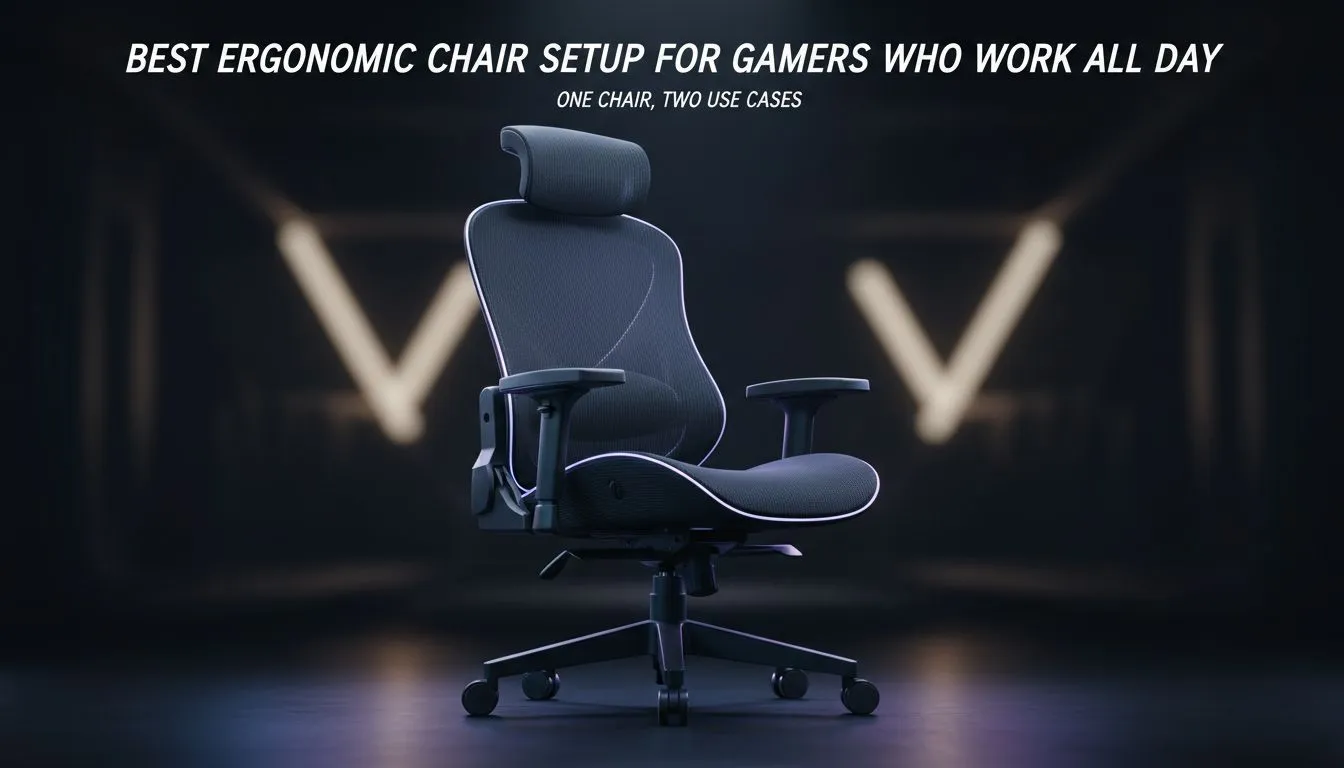
Most South African gamers spend more time in their seats than in their beds. Whether you are grinding ranked matches or finishing a corporate report... an ergonomic chair setup for gamers: one chair, two uses is the ultimate goal. You need comfort that lasts through the 9-to-5 and the late-night raids. Let us look at how to master your workspace ergonomics for maximum health and performance. 🔧
A proper setup starts with your posture. Your feet should rest flat on the floor. Your knees should be at a 90-degree angle. Many people forget that their desk height is just as important as the chair. If your desk is too high... you will strain your shoulders. A high-quality chair allows you to adjust the armrests to match your desk surface. This creates a seamless transition between typing an email and clutching a 1v4.
To protect your spine, aim for three 90-degree angles. One at your ankles, one at your knees, and one at your hips. Keep your monitor at eye level to avoid "gamer neck." This simple adjustment reduces long-term fatigue and keeps you focused during intense sessions.
When you use one chair for two purposes, your hardware needs to keep up too. A comfortable seat is useless if your PC is sluggish. To ensure your system handles work and play smoothly... consider upgrading to the latest M.2 2280 SSDs. Fast storage reduces boot times for both Windows and your favourite Steam titles.
If you are dealing with massive spreadsheets or 4K video editing... the NVME interface is essential. It provides the bandwidth needed for modern multitasking. A versatile SSD range allows you to choose the right capacity for your budget in ZAR. High-speed storage ensures that when you switch from "Work Mode" to "Game Mode"... there is zero lag. ⚡
Longevity is the name of the game in South Africa. We want gear that lasts. Just as you look for a chair with durable foam... you should look for reliable hardware. For those pushing the absolute limits of technology... Gen 5 speeds offer the next level of data transfer.
Reliability matters when your livelihood and your rank are on the line. Many local pros trust Western Digital drives for their consistent performance. Additionally... looking at ADATA M.2 2280 options can provide excellent value for money. Your ergonomic chair setup for gamers: one chair, two uses is only complete when your physical comfort matches your digital speed. ✨
Do not settle for a setup that leaves you aching after three hours. Adjust your lumbar support to fit the natural curve of your back. Take a five-minute break every hour to stretch. When your body is supported and your PC is fast... you become unstoppable. 🚀
Ready to Find Your Perfect Match? Your back deserves the best support while your PC deserves the best speed. For the ultimate comfort and performance in South Africa, we have you covered. Explore our massive range of gaming chair specials and find the perfect throne to conquer your world.
Start with seat height for 90-degree knees, set lumbar to support lower back, adjust armrests to elbow height, and set tilt for upright focus.
Set chair height so feet sit flat and knees are about 90 degrees; monitor top at eye level for both gaming and work comfort.
Keep lumbar support steady for long sessions; increase firmness slightly for intense gaming posture and relax it a touch for typing.
Position armrests at elbow height to keep shoulders relaxed; allow slight clearance for mouse movement and keyboard reach.
Use a mild forward tilt for focused typing, a neutral upright for work, and a slight recline with lock for relaxed gaming breaks.
Yes—proper ergonomic chair setup for gamers can support all-day work when adjusted for lumbar, seat depth, and armrest alignment.
Add adjustable lumbar cushions, a footrest, a monitor riser, and a memory foam seat pad to boost comfort and posture.
What Game Settings Work on 240Hz monitor. Tested & verified settings for best FPS and visual quality on SA hardware budgets.
Read more
What Cooling Solution Works Best with 144Hz monitor in SA Climate Detailed answer with SA data, expert analysis & practical recommendations for local buyers.
Read more
What Monitor Pairs Best with 240Hz monitor for Gaming in SA Detailed answer with SA data, expert analysis & practical recommendations for local buyers.
Read more
What Monitor Pairs Best with 1440p monitor for Gaming in SA Detailed answer with SA data, expert analysis & practical recommendations for local buyers.
Read moreWhat Monitor Pairs Best with 1440p monitor for Gaming Detailed answer with SA data, expert analysis & practical recommendations for local buyers.
Read more
the 144Hz monitor for student. Plain-English explanation of what it means, why it matters & how it affects your buying decisions in SA.
Read more
Every spec on PCIe 5.0 explained in plain English. What matters for gaming and creator work in 2026, what's marketing fluff, and how each number translates to real-world performance.

A head-to-head look at WiFi 7: real-world performance, ZAR pricing and which option delivers better value for SA builders. The clear answer — no fluff.

Everything you need to set up and tune PCIe 5.0 properly: the prep work, the settings that actually matter, and the mistakes to skip. Written for SA builders in 2026.

Everything you need to set up and tune X870E Motherboard properly: the prep work, the settings that actually matter, and the mistakes to skip. Written for SA builders in 2026.

Wondering what a 512GB SSD capacity really holds? This guide breaks down how many games, photos, and documents fit on 512GB, with real-world ranges 📦💾

Every spec on vrm explained in plain English. What matters for gaming and creator work in 2026, what's marketing fluff, and how each number translates to real-world performance.

Every spec on motherboard explained in plain English. What matters for gaming and creator work in 2026, what's marketing fluff, and how each number translates to real-world performance.

Premium vs Midrange Motherboards in South Africa: real-world performance, SA pricing, power draw and which one delivers better value for your build for SA buyers. The clear answer — without the fluff.
Wondering what a 512GB SSD capacity really holds? This guide breaks down how many games, photos, and documents fit on 512GB, with real-world ranges 📦💾
Every spec on PCIe 5.0 explained in plain English. What matters for gaming and creator work in 2026, what's marketing fluff, and how each number translates to real-world performance.
A head-to-head look at WiFi 7: real-world performance, ZAR pricing and which option delivers better value for SA builders. The clear answer — no fluff.

Every spec on USB4 explained in plain English. What matters for gaming and creator work in 2026, what's marketing fluff, and how each number translates to real-world performance.