

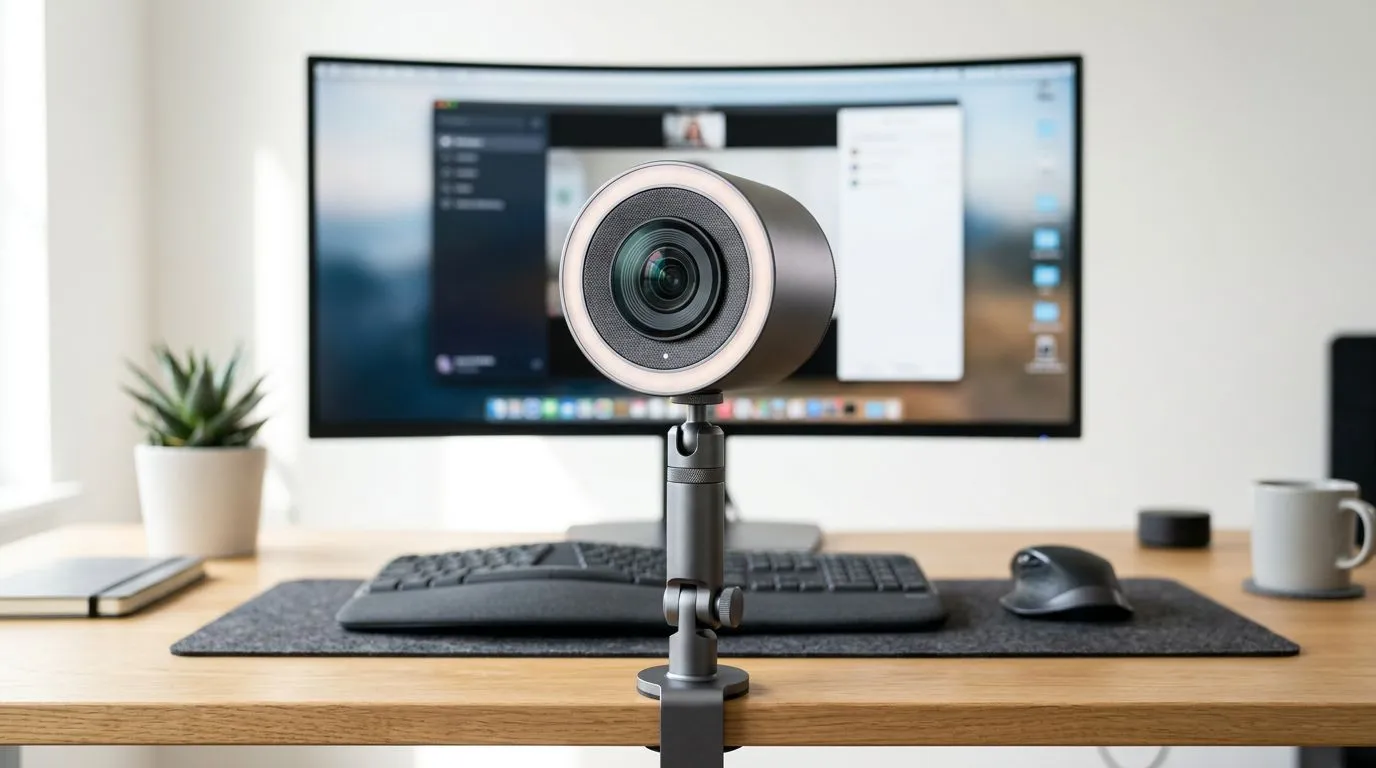
External webcam vs ring-light camera: what every South African streamer should know
Many local streamers wonder: "External Webcam vs Ring Light Camera: Which Is Better for Streaming?" If you stream on Twitch, YouTube or TikTok from Cape Town to Jozi, the answer balances image quality, lighting control and budget. This quick read helps you pick gear that actually improves your stream — not just your setup's look. 🚀
External webcam vs ring-light camera: image and optics matters
External webcams typically offer larger sensors, dedicated autofocus and built-in microphones tuned for video calls and streams. That makes them better for crisp face tracking and consistent exposure. If you want reliable 1080p/60fps or 4K options, check the broad webcam selection at Evetech to compare models and specs (many are listed with clear product details) — https://www.evetech.co.za/PC-Components/buy-webcams-145.aspx.
Ring-light camera setups are really about lighting first. A ring light paired with a smartphone or mirrorless camera flattens shadows and gives an even glow. That’s great for makeup streams or close-up face cams, but it can look flat if overused. For many streamers, a hybrid approach wins: a dedicated external webcam for framing and a soft ring light for flattering illumination.
External webcam vs ring-light camera: budget choices in ZAR
If cost matters, you can find reliable entry-level webcams under R1,000 (good for casual streaming) — see options under R1,000 here: https://www.evetech.co.za/PC-Components/buy-webcams-145.aspx?max-price=1000.
For smoother motion and better low-light performance, the R1,000–R2,000 bracket offers noticeable upgrades — browse mid-range picks here: https://www.evetech.co.za/PC-Components/buy-webcams-145.aspx?max-price=2000.
Want top-end features like 4K, wide dynamic range and stronger low-light sensors? Expect to look higher, around R3,000 and above — curated high-end webcams here: https://www.evetech.co.za/PC-Components/buy-webcams-145.aspx?max-price=3000. ✨
External webcam vs ring-light camera: streaming setup tips
- Aim for even, slightly soft light. Place the ring light just above eye level.
- If you wear glasses, angle the light to avoid big reflections.
- Use a webcam with hardware autofocus to keep your face sharp while you move.
Streaming Lighting Tip ✨
Place a soft ring light slightly above eye level, angled down a little. Use a diffuser or lower the power to avoid blown-out highlights. Pair this with a dedicated external webcam for better framing and autofocus.
External webcam vs ring-light camera: audio and other trade-offs
Remember: your viewers notice audio more than video. A great webcam helps, but a proper mic or USB audio interface will improve perceived stream quality the most. If you stream with overlays and scene changes, a webcam with reliable drivers and software support reduces troubleshooting time.
For a quick browse of available webcams and to compare specs side by side, Evetech’s main webcam category helps you filter by resolution, framerate and price: https://www.evetech.co.za/PC-Components/buy-webcams-145.aspx. Use those filters before you buy to match your streaming goals.
Final micro-story: why this choice matters
I once helped a local speedrunner swap from a cheap ring light to a proper external webcam plus a softbox. Within a week their new subs climbed. Not because the picture was perfect, but because the face felt real and the stream had fewer technical hiccups. Small, practical upgrades compound fast.
Ready to Find Your Perfect Match? The Mac vs Windows debate is complex, but for maximum power, choice, and value in South Africa, Windows is hard to beat. Explore our massive range of laptop specials and find the perfect machine to conquer your world.











