That familiar feeling... you’re deep into a ranked match, the final circle is closing in, but your eyes are burning. That stinging, tired sensation can cut a great gaming session short. What if the culprit isn't just the late hour, but your screen itself? Investing in one of the best gaming monitors for eye strain isn't just about comfort; it's about protecting your vision so you can play longer and perform better. Let's dive in. 🚀
Why Your Old Screen is a Strain
Many standard office or older PC monitors weren't built for the marathon sessions gamers pull. They often hide two secret culprits behind that screen glare: invisible flicker and harsh blue light. These factors combined can lead to what’s known as Computer Vision Syndrome (CVS), leaving you with headaches, blurred vision, and dry eyes. Upgrading to a modern display designed for visual comfort can make a world of difference.
Key Tech in Gaming Monitors for Eye Strain
So, what should you look for? Modern gaming monitors pack specific technologies designed to combat eye fatigue. It’s not just marketing fluff; these features genuinely help.
Flicker-Free Technology is a Must
Ever notice a faint shimmer on your screen out of the corner of your eye? That’s Pulse-Width Modulation (PWM) flicker, a rapid on-off cycle used to control brightness on older screens. While often invisible, your brain and eyes still process it, leading to fatigue. Flicker-Free technology uses a different method (Direct Current) to maintain brightness, providing a stable, constant light source that’s much easier on your eyes. A good monitor for eye strain will always list this as a key feature.
Taming Blue Light
Blue light is a high-energy part of the visible light spectrum that can mess with your sleep cycle and contribute to digital eye strain. The best gaming monitors for eye strain come with built-in Low Blue Light (LBL) modes. These modes filter out the most harmful blue light wavelengths, often shifting the screen to a warmer, more comfortable colour tone without completely ruining your game’s visuals. Look for TUV Rheinland certification as a mark of a genuinely effective low blue light solution across all gaming monitors.
Ergonomics: Your First Line of Defence
Technology is great, but a poorly positioned screen will cause strain no matter what. Having your monitor at the wrong height forces you to crane your neck and strain your eyes. Look for a monitor with a stand that offers height, tilt, and swivel adjustments. Getting the top of the screen level with your eyes is the goal. If your dream monitor has a basic stand, don't stress... a good VESA mount or one of our monitor accessories can solve that problem easily.
The 20-20-20 Rule 👓
Your monitor is only half the battle. Remember to practice the 20-20-20 rule during long sessions. Every 20 minutes, look at something 20 feet (about 6 metres) away for at least 20 seconds. This simple habit helps your eye muscles relax and prevents focusing fatigue. It's a free upgrade for your eyes!
Beyond the Basics: Do Refresh Rate and Resolution Help?
While Flicker-Free and LBL are the heavy hitters, other specs play a supporting role in creating a comfortable viewing experience.
A higher refresh rate (144Hz or more) makes motion on screen incredibly smooth. This fluidity can reduce the cognitive load on your brain and eyes as they track fast-moving objects, which may lead to less fatigue over time. Similarly, the crisp detail on high-resolution 4K monitors means text and in-game elements are sharper, so you spend less time squinting to make out details.
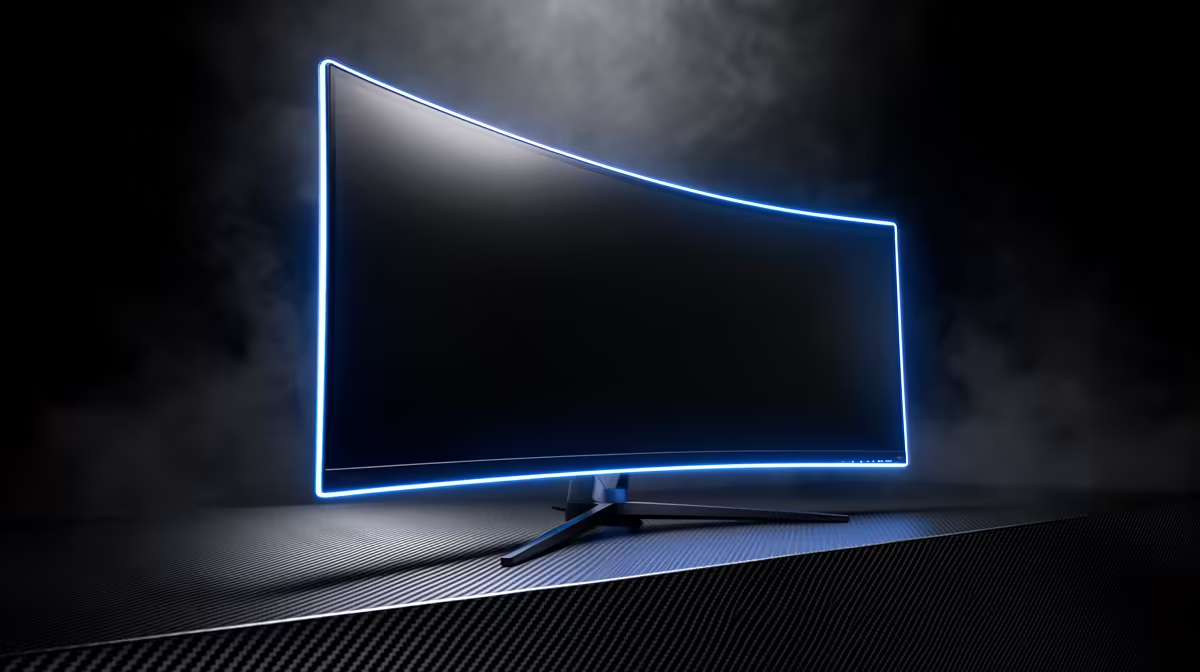
Even the shape of your screen matters. Many gamers find that curved monitors reduce eye strain because their shape mimics the natural curvature of your vision. This can create a more immersive feel and may require less eye movement to see the edges of the screen. And this eye-care tech isn't just for your main battle station; even modern portable monitors are now incorporating these features for comfortable gaming on the go. ✨
Choosing the right gaming monitor for eye strain is a long-term investment in your health and your hobby. By prioritising features like Flicker-Free tech, Low Blue Light modes, and solid ergonomics, you’re not just buying a new piece of gear; you’re buying more comfortable, longer, and more enjoyable gaming sessions. Why let tired eyes be the reason you log off?
Ready to Game Longer Without the Strain?
Tired of ending your sessions with burning eyes? A monitor built for visual comfort is one of the best investments a serious gamer can make. Explore our huge range of eye-care gaming monitors and find the perfect screen to protect your vision.