

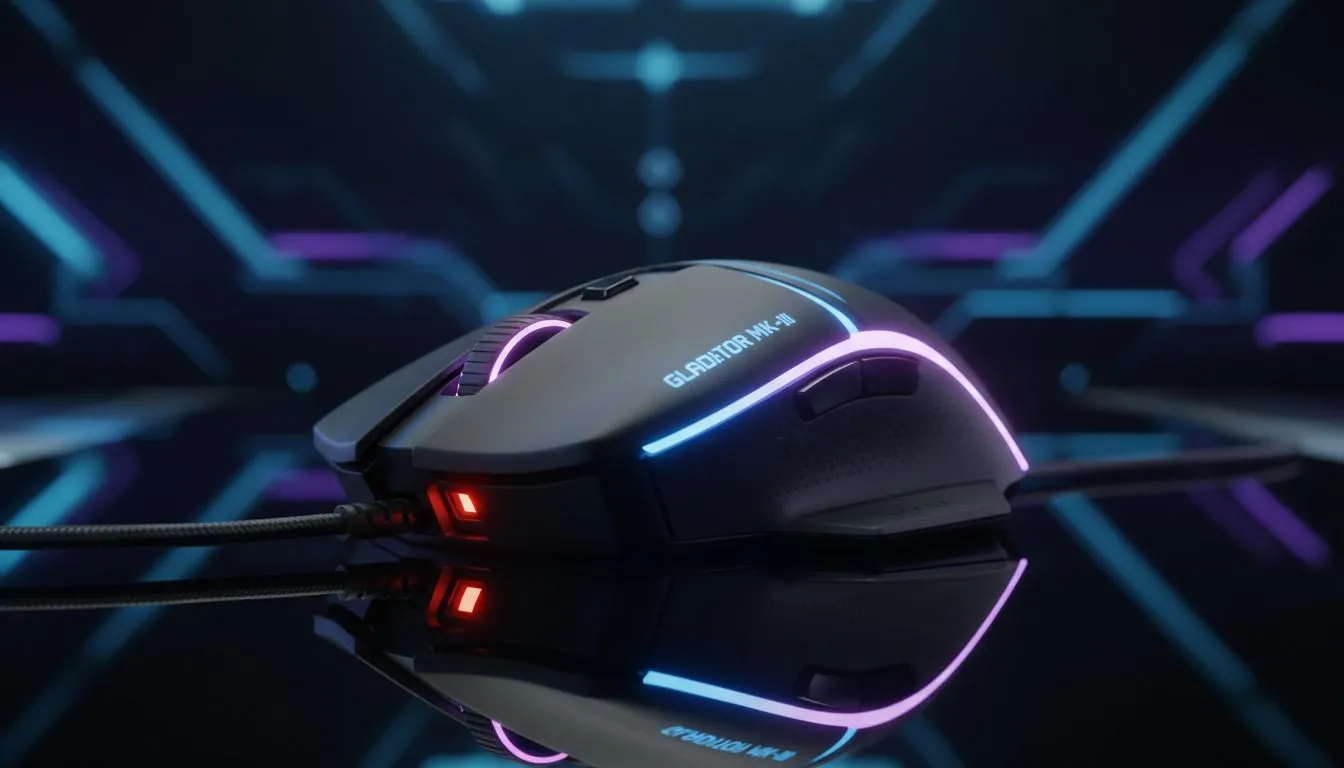
Why Gaming Mouse Sensor Precision is the FPS King
Ever missed a crucial headshot in Counter-Strike 2 or Valorant because your crosshair seemed to skip? It is incredibly frustrating. In South Africa, where local servers mean every millisecond of low latency counts, your hardware must be flawless. Understanding gaming mouse sensor precision isn't just for the pros... it is the difference between a clutch win and a tilt-inducing loss. 🎯
The Tech Behind 1:1 Tracking
At its core, sensor precision is about 1:1 tracking. This means if you move your hand exactly five centimetres on your desk, your on-screen reticle moves the corresponding distance without any artificial "correction" or jitter. High-end sensors, like those found in a modern gaming mouse, use advanced optical imaging to map the surface beneath them thousands of times per second.
When you are flicking across the screen to catch a flanker, you need a sensor that can keep up with high-speed movement. This is measured in IPS (Inches Per Second). If your sensor has a low IPS rating, it will "spin out" during fast movements. You can find incredible best gaming mouse deals starting from under R600 that offer high IPS ratings to ensure your aim stays true. ⚡
Cutting the Cord Without Losing Accuracy
There used to be a myth that serious gamers only used cables. That has changed. Modern wireless mouse technology now rivals, and sometimes beats, traditional wired connections. Brands have optimised their wireless protocols to eliminate interference... ensuring that gaming mouse sensor precision remains intact even without a physical tether.
Of course, some purists still prefer the classic feel. A high-quality wired mouse is often lighter and never needs a battery charge. Whichever you choose, the goal is the same: zero smoothing and zero acceleration. 🔧
Sensor Maintenance Tip ⚡
Always keep your sensor lens clean. A single tiny hair or a speck of South African dust can interfere with the optical beam, causing your cursor to stutter or jump. Use a quick blast of compressed air every few weeks to keep your tracking pixel-perfect.
Don't Forget the Surface
Even the most expensive sensor will struggle on a bad surface. A worn-out desk or a cheap, shiny pad can cause tracking errors. Investing in the right mouse accessories like a premium cloth or hard-surface pad allows the sensor to "read" the texture more accurately. This consistency is what builds muscle memory over time. 🚀
Ready to Find Your Perfect Match? Sensor precision is the foundation of every great play. Whether you need the freedom of wireless or the reliability of a wired setup, we have the gear to help you climb the ranks. Explore our massive range of gaming mice and find the perfect tool to dominate the lobby.








