


What Game Settings Work Best on 240Hz monitor?
What Game Settings Work on 240Hz monitor. Tested & verified settings for best FPS and visual quality on SA hardware budgets.
Read moreLaptop for League of Legends: find the best 2026 laptops with the right CPU, GPU, display and network for smooth FPS and low latency. ⚡️ Clear buying tiers and config tips.
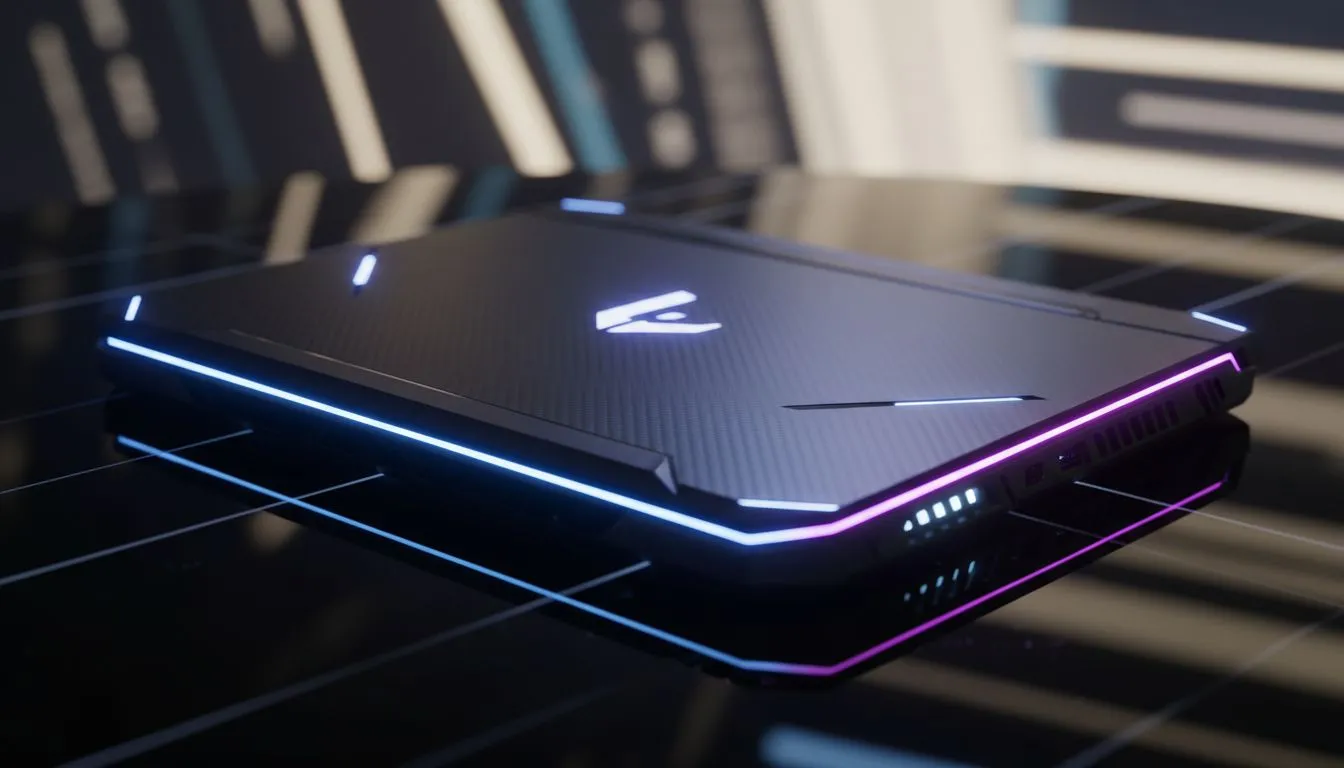
Climbing the ranks in Summoner’s Rift from a sunny South African suburb requires more than just sharp reflexes. You need hardware that won't stutter when the team fight breaks out at the Elder Drake. Finding the ideal laptop for League of Legends in our 2026 Buying Guide is about identifying that sweet spot between cost and high-refresh performance. Let's ensure your next carry isn't held back by lag... ⚡
League of Legends isn't the most demanding title, but it rewards high frame rates. In 2026, a stable 144 FPS is the baseline for competitive play. To achieve this, you need a processor that handles rapid instructions without breaking a sweat. Many local players find incredible value in Intel laptops on special because of their high single-core clock speeds. These speeds are vital for maintaining fluid movement during chaotic late-game skirmishes.
If you enjoy streaming your matches or keeping Discord open, efficiency is your best friend. Modern architecture has come a long way. You can find excellent Ryzen laptop deals that offer superb battery life and multi-threaded performance. This ensures your background apps don't steal precious resources from your match. 🚀
Always play with your laptop plugged into a power source and set your Windows Power Plan to 'Best Performance'. This prevents the CPU from throttling, which is the most common cause of random frame drops during intense League of Legends matches.
While the integrated graphics of 2026 are impressive, a dedicated GPU remains the gold standard. A dedicated card ensures that every ability animation is crisp and clear. For those wanting to play at 1440p or ultra settings, browsing GeForce RTX gaming laptops on special is a smart move. These machines utilise AI-driven upscaling to keep your visuals sharp while keeping the heat levels manageable.
You don't need to spend fifty thousand Rand to reach Challenger. South African gamers have more choices than ever before. If you are looking for a reliable machine that hits the performance targets without breaking the bank, check out gaming laptops under R20k. These entry-level powerhouses are more than capable of handling League of Legends at high settings. ✨
Buying a laptop is an investment in your gaming future. It is often worth looking at the best gaming laptop deals to find a machine with a bit more headroom. A laptop with 16GB of RAM and a fast NVMe SSD will ensure that your load times remain low and your system stays snappy for years to come. 🔧
Ready to Find Your Perfect Match? The Mac vs Windows debate is complex, but for maximum power, choice, and value in South Africa, Windows is hard to beat. Explore our massive range of laptop specials and find the perfect machine to conquer your world.
Aim for a modern quad-core CPU, GTX 1650/RTX 3050 or better, 8–16GB RAM, and a 1080p 120–144Hz display for stable FPS.
A dedicated GPU (GTX 1650 or RTX 3050+) gives consistent high FPS and headroom for settings — useful for competitive play and streaming.
Yes — budget laptops with integrated or entry GPUs can hit 60+ FPS at medium settings; look for at least 8GB RAM and an SSD for snappier load times.
Choose 1080p with 120–144Hz for smooth gameplay and low input lag. IPS panels give better color and viewing angles for streaming and viewing.
Very important — use Wi‑Fi 6/6E or a wired connection to reduce ping and packet loss; low latency matters more than raw FPS in ranked matches.
Gaming drains battery fast; expect 1–2 hours under load. For portability, choose laptops with efficient CPUs and the option to toggle power modes.
League is CPU-light but benefits from balanced CPU (modern quad/hex-core) and a mid-range GPU for higher refresh rates and stability.
What Game Settings Work on 240Hz monitor. Tested & verified settings for best FPS and visual quality on SA hardware budgets.
Read more
What Cooling Solution Works Best with 144Hz monitor in SA Climate Detailed answer with SA data, expert analysis & practical recommendations for local buyers.
Read more
What Monitor Pairs Best with 240Hz monitor for Gaming in SA Detailed answer with SA data, expert analysis & practical recommendations for local buyers.
Read more
What Monitor Pairs Best with 1440p monitor for Gaming in SA Detailed answer with SA data, expert analysis & practical recommendations for local buyers.
Read moreWhat Monitor Pairs Best with 1440p monitor for Gaming Detailed answer with SA data, expert analysis & practical recommendations for local buyers.
Read more
the 144Hz monitor for student. Plain-English explanation of what it means, why it matters & how it affects your buying decisions in SA.
Read more
Every spec on PCIe 5.0 explained in plain English. What matters for gaming and creator work in 2026, what's marketing fluff, and how each number translates to real-world performance.

A head-to-head look at WiFi 7: real-world performance, ZAR pricing and which option delivers better value for SA builders. The clear answer — no fluff.

Everything you need to set up and tune PCIe 5.0 properly: the prep work, the settings that actually matter, and the mistakes to skip. Written for SA builders in 2026.

Everything you need to set up and tune X870E Motherboard properly: the prep work, the settings that actually matter, and the mistakes to skip. Written for SA builders in 2026.

Wondering what a 512GB SSD capacity really holds? This guide breaks down how many games, photos, and documents fit on 512GB, with real-world ranges 📦💾

Every spec on vrm explained in plain English. What matters for gaming and creator work in 2026, what's marketing fluff, and how each number translates to real-world performance.

Every spec on motherboard explained in plain English. What matters for gaming and creator work in 2026, what's marketing fluff, and how each number translates to real-world performance.

Premium vs Midrange Motherboards in South Africa: real-world performance, SA pricing, power draw and which one delivers better value for your build for SA buyers. The clear answer — without the fluff.
Wondering what a 512GB SSD capacity really holds? This guide breaks down how many games, photos, and documents fit on 512GB, with real-world ranges 📦💾
Every spec on PCIe 5.0 explained in plain English. What matters for gaming and creator work in 2026, what's marketing fluff, and how each number translates to real-world performance.
A head-to-head look at WiFi 7: real-world performance, ZAR pricing and which option delivers better value for SA builders. The clear answer — no fluff.

Every spec on USB4 explained in plain English. What matters for gaming and creator work in 2026, what's marketing fluff, and how each number translates to real-world performance.