


Dedicated Media Keys for Streamers: Improve Workflow Fast
Dedicated media keys give streamers one-touch control to mute, switch scenes, clip highlights, and adjust audio — cutting task time and boosting consistency 🎛️⚡
Read moreMousepad thickness for gaming influences wrist alignment, tracking, and pressure relief—vital for long sessions. Compare thickness ranges and pick the best pad for comfort and performance. 🎮🖱️
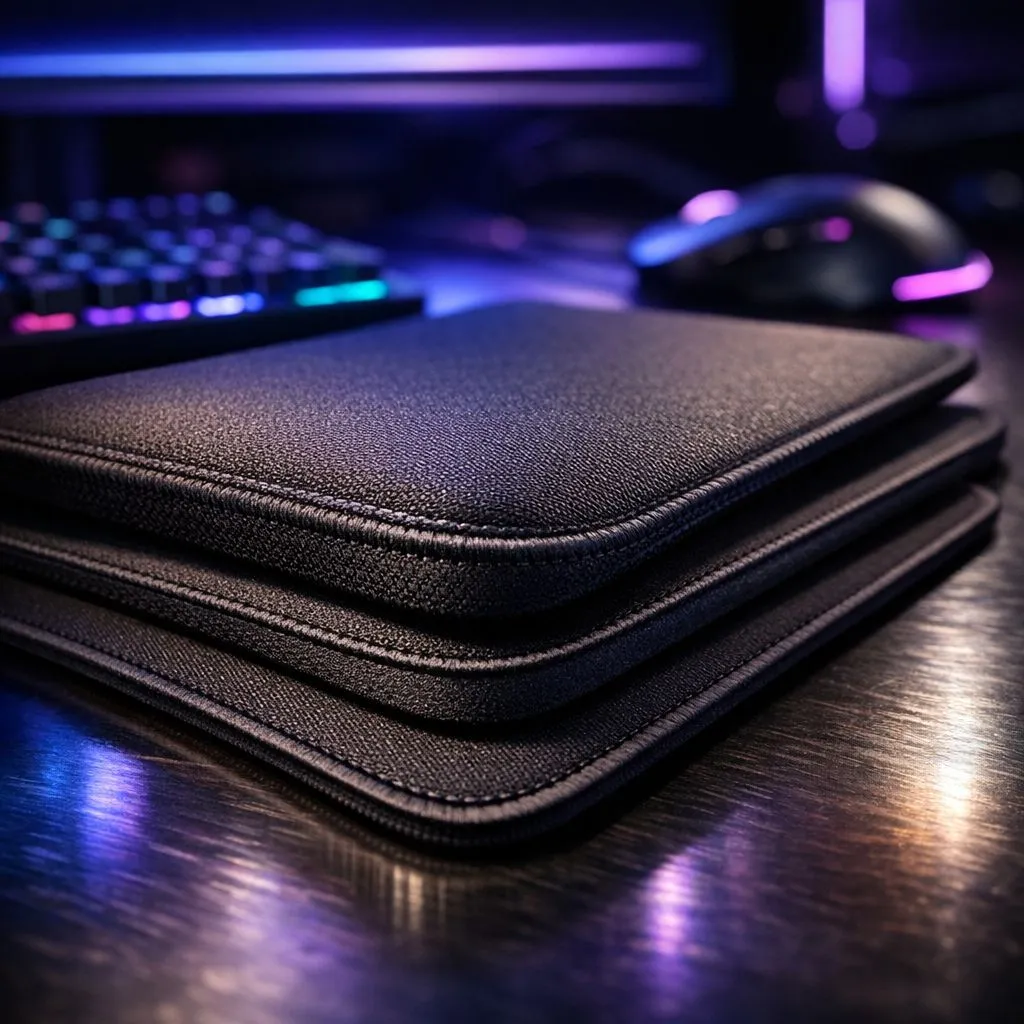
Ever been deep in a tense Valorant clutch, only for your wrist to start aching? Or maybe a tiny bump on your desk threw off that perfect flick shot. You've got the best mouse and keyboard, but what about the surface beneath them? The right mousepad thickness for gaming isn't just about looks; it's a critical piece of gear for ensuring comfort in long sessions and maintaining pinpoint accuracy. Let's find your perfect match.
When you're upgrading your setup, the mousepad is often an afterthought. But the thickness of that surface directly impacts three key areas: comfort, stability, and tracking. A thicker pad offers more cushioning for your wrist, reducing fatigue during marathon gaming weekends. It can also absorb small imperfections on your desk, creating a perfectly flat and consistent surface for your mouse sensor to read. Understanding this is the first step when you explore the vast world of gaming mousepads.
The ideal gaming mousepad thickness balances plush comfort with a responsive, firm surface, ensuring your in-game performance is never compromised.
Mousepads generally fall into three thickness categories. Each offers a distinct feel and is suited to different types of gamers and setups.
These pads offer the most direct connection to your desk. With minimal cushioning, you get a very fast, low-friction glide that feels incredibly consistent. If you have a perfectly smooth desk and prioritise raw speed for games like Apex Legends or Quake, a thin pad is a fantastic choice. For gamers on a budget who want a solid surface, brands like Marvo offer some great options in this category.
This is the sweet spot for most gamers. A 3mm or 4mm pad provides a noticeable amount of cushioning for wrist support without feeling mushy. It offers enough give to smooth over minor desk imperfections while remaining firm enough for precise, snappy mouse movements. It's no surprise that many of the most popular pads, like the legendary Steelseries Gaming Mouse Pads, often hit this sweet spot for balanced performance.
If maximum comfort in long sessions is your top priority, or if your desk has a noticeably uneven or textured surface, a thick mousepad is your best friend. The extra foam provides luxurious wrist support and creates an ultra-stable base for your mouse. Some players also find the slight "sinking" effect helps with stopping power for precise aiming. You can check out options like the Evetech Mousepad range for plush comfort that lasts.
Before you click "buy" on that massive desk mat, grab a tape measure. Ensure you have enough space for the pad you want, leaving room for your monitor stand and other peripherals. An oversized pad that has to be bent or folded will ruin your gaming surface and defeat the purpose of getting a smooth, consistent mat.
Beyond thickness, the physical footprint of your mousepad is crucial. Low-DPI arm aimers need a massive surface area to avoid running out of room during a firefight. For these players, it's wise to consider an Extended size mousepad that fits both your keyboard and mouse.
For the ultimate clean aesthetic and unrestricted movement, you can go all out with an XXL desk mat that covers your entire desk.
Finally, don't forget about the vibe. Do you want your setup to pop? A mousepad with vibrant RGB lighting can tie your whole battlestation together. Or, do you prefer a clean, professional look? A simple, stealthy non-RGB look is timeless and distraction-free. The choice is yours.
Ready to Find Your Perfect Glide? Choosing the right mousepad thickness for gaming is a personal journey, but it's one that pays off in comfort and performance. From ultra-thin surfaces to plush, thick pads, the perfect foundation for your mouse awaits. Explore our huge range of gaming mousepads and find the ideal match for your setup today.
Thicker mousepads add cushioning and raise forearm support, reducing pressure and wrist strain during long gaming sessions. Try medium thickness for balance.
Low to medium thickness (about 2–3mm) preserves precise tracking for FPS play. For accuracy-focused users, prioritize surface over extreme padding.
Not necessarily. Tracking depends more on surface material; thick pads with firm tops keep consistent sensor reads while boosting comfort.
Soft, medium-thickness pads often balance comfort and control, easing wrist fatigue while maintaining reliable tracking for extended play.
Yes. Proper thickness improves forearm alignment and pressure distribution, helping cut fatigue and discomfort over prolonged gaming sessions.
Typically 3–5mm suits ergonomic setups, providing cushion without destabilizing movements. Check ideal mousepad thickness for wrist support.
Thickness mainly changes cushioning; surface material drives glide speed. Padding can slightly alter the feel and perceived speed of movement.
Dedicated media keys give streamers one-touch control to mute, switch scenes, clip highlights, and adjust audio — cutting task time and boosting consistency 🎛️⚡
Read more
PBT vs ABS keycaps: Clear, local guide for South African gamers—compare feel, sound, durability and where to buy. Find the best material for your budget and playstyle 🎮🇿🇦
Read more
- Multi-Function Digital Dial: define benefits - Show gamer setups and macros - Offer buying and setup tips Multi-Function Digital Dial puts programmable control at your fingertips for faster actions and smoother streaming. 🎮⚙️
Read more
- Explain benefits; - Show the science; - Compare options; - Recommend picks. Magnetic wrist rest for gaming cuts wrist strain and boosts comfort during long sessions 🕹️✨
Read more
best gaming keyboard South Africa: Learn how to pick a low-latency mechanical keyboard, choose switches, layout and budget for competitive play 🎮⚡
Read more
Best wireless keyboard and mouse combo for small desks — curated, space-saving picks that boost comfort and productivity in tight setups. Find low-profile layouts, compact mice, and reliable range to fit your compact workstation. 🖱️⌨️
Read more
Discover webcams that automatically adjust light and color for crystal-clear video calls 🎥✨. Boost your streaming quality today!

Discover webcams that blend into your workflow 🎯 Capture moments while you work, stream, or create. Upgrade your setup with smart, multitasking tech!
Dedicated media keys give streamers one-touch control to mute, switch scenes, clip highlights, and adjust audio — cutting task time and boosting consistency 🎛️⚡
PBT vs ABS keycaps: Clear, local guide for South African gamers—compare feel, sound, durability and where to buy. Find the best material for your budget and playstyle 🎮🇿🇦
- Multi-Function Digital Dial: define benefits - Show gamer setups and macros - Offer buying and setup tips Multi-Function Digital Dial puts programmable control at your fingertips for faster actions and smoother streaming. 🎮⚙️
- Explain benefits; - Show the science; - Compare options; - Recommend picks. Magnetic wrist rest for gaming cuts wrist strain and boosts comfort during long sessions 🕹️✨