


What Game Settings Work Best on 240Hz monitor?
What Game Settings Work on 240Hz monitor. Tested & verified settings for best FPS and visual quality on SA hardware budgets.
Read more- OLED for Minecraft benefits - Optimize shader settings for OLED - Monitor picks and anti-burn tips Discover how OLED for Minecraft transforms shaders with deeper blacks and lifelike colour, plus settings and buying tips. 🎮✨
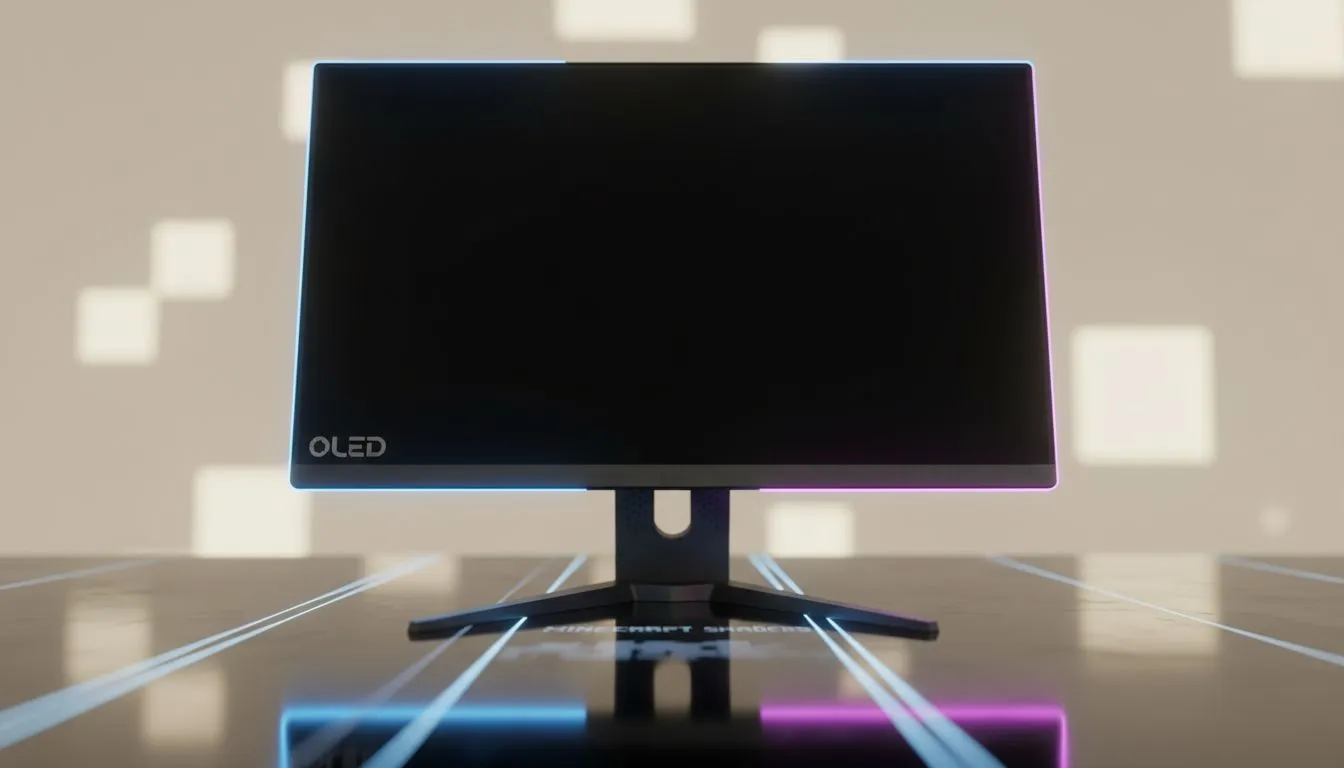
Think Minecraft is just for low-res pixels? Think again. When you pair high-end shaders with an OLED panel, the blocky world transforms into a cinematic masterpiece. In South Africa, where loadshedding makes every gaming minute precious, you want the best visual experience possible. Let's look at why OLED for Minecraft is the ultimate upgrade for your setup... ✨
Minecraft shaders like Complementary or SEUS rely heavily on lighting and shadows. Traditional LCD screens often struggle with "blooming" or greyish blacks in dark areas. Because OLED pixels turn off completely, the shadows in your deep-slate mines look genuinely pitch black. This contrast makes torchlight pop with a vibrant, warm glow that standard displays simply cannot replicate.
If you are hunting for the best PC monitor deals in South Africa, focusing on panel technology is vital. An OLED screen ensures that every sunbeam filtering through a jungle canopy looks realistic. The colours are richer, the highlights are brighter... and the immersion is second to none.
Exploring The End or the Nether becomes a completely different experience on a high-end display. The void of The End finally looks like an endless abyss rather than a dark grey box. When browsing through the latest PC monitors, look for models that support HDR. This high dynamic range allows the glowing purple of Enderman eyes to stand out against the darkness.
Evetech offers a wide selection of all gaming monitors that cater to different budgets. However, for the Minecraft enthusiast, OLED remains the gold standard for visual fidelity. 🔧
To get the most out of your OLED for Minecraft, always enable 'Bloom' and 'Lens Flare' in your shader settings. These effects take full advantage of the per-pixel brightness of OLED panels, making sunsets and lava pools look incredibly lifelike without washing out the surrounding dark blocks.
Not every setup is the same. Some players prefer the wrap-around immersion of curved monitors to fill their peripheral vision with lush biomes. Others might be on the move and require the flexibility of portable monitors for a quick session at a friend's house. 🚀
If you want the crispest lines possible, stepping up to 5K and 4K monitors ensures that even the tiniest details in your texture packs are visible. Don't forget to check your ergonomic setup too. Proper monitor accessories like gas-spring arms can help you position your screen perfectly to avoid glare... which is essential for maintaining that perfect OLED black level.
Investing in an OLED display isn't just about a single game. It is about future-proofing your entire digital experience. From the deep blacks of a horror game to the vibrant landscapes of a sandbox builder, the difference is night and day. If you want your shaders to look real, the hardware is just as important as the software.
Ready to Find Your Perfect Match? The Minecraft experience is only as good as the screen you view it on. For the best contrast, colour, and value in South Africa, our curated selection is hard to beat. Explore our massive range of monitor specials and find the perfect display to bring your blocky world to life.
Yes. OLED for Minecraft delivers deeper blacks and higher contrast that make shaders appear richer and more realistic.
OLED can develop burn-in. Use pixel shift, avoid static HUDs, lower brightness, and enable screen protection to reduce risk.
Lower in-game brightness, enable HDR if available, tweak contrast and shadow detail to get lifelike shader rendering on OLED.
Choose OLEDs with low response time, true 10-bit color, HDR support and 120Hz+ refresh for top shader performance.
Generally yes — OLED's per-pixel blacks and superior contrast make shaders look more realistic than on LED displays.
OLED laptops show richer colour, but ensure the GPU and thermals can handle complex shaders for smooth play.
Reduce static UI, lower peak brightness, enable auto-dimming and use varied content to avoid image retention on OLED.
What Game Settings Work on 240Hz monitor. Tested & verified settings for best FPS and visual quality on SA hardware budgets.
Read more
What Cooling Solution Works Best with 144Hz monitor in SA Climate Detailed answer with SA data, expert analysis & practical recommendations for local buyers.
Read more
What Monitor Pairs Best with 240Hz monitor for Gaming in SA Detailed answer with SA data, expert analysis & practical recommendations for local buyers.
Read more
What Monitor Pairs Best with 1440p monitor for Gaming in SA Detailed answer with SA data, expert analysis & practical recommendations for local buyers.
Read moreWhat Monitor Pairs Best with 1440p monitor for Gaming Detailed answer with SA data, expert analysis & practical recommendations for local buyers.
Read more
the 144Hz monitor for student. Plain-English explanation of what it means, why it matters & how it affects your buying decisions in SA.
Read more
Every spec on PCIe 5.0 explained in plain English. What matters for gaming and creator work in 2026, what's marketing fluff, and how each number translates to real-world performance.

A head-to-head look at WiFi 7: real-world performance, ZAR pricing and which option delivers better value for SA builders. The clear answer — no fluff.

Everything you need to set up and tune PCIe 5.0 properly: the prep work, the settings that actually matter, and the mistakes to skip. Written for SA builders in 2026.

Everything you need to set up and tune X870E Motherboard properly: the prep work, the settings that actually matter, and the mistakes to skip. Written for SA builders in 2026.

Wondering what a 512GB SSD capacity really holds? This guide breaks down how many games, photos, and documents fit on 512GB, with real-world ranges 📦💾

Every spec on vrm explained in plain English. What matters for gaming and creator work in 2026, what's marketing fluff, and how each number translates to real-world performance.

Every spec on motherboard explained in plain English. What matters for gaming and creator work in 2026, what's marketing fluff, and how each number translates to real-world performance.

Premium vs Midrange Motherboards in South Africa: real-world performance, SA pricing, power draw and which one delivers better value for your build for SA buyers. The clear answer — without the fluff.
Wondering what a 512GB SSD capacity really holds? This guide breaks down how many games, photos, and documents fit on 512GB, with real-world ranges 📦💾
Every spec on PCIe 5.0 explained in plain English. What matters for gaming and creator work in 2026, what's marketing fluff, and how each number translates to real-world performance.
A head-to-head look at WiFi 7: real-world performance, ZAR pricing and which option delivers better value for SA builders. The clear answer — no fluff.

Every spec on USB4 explained in plain English. What matters for gaming and creator work in 2026, what's marketing fluff, and how each number translates to real-world performance.