


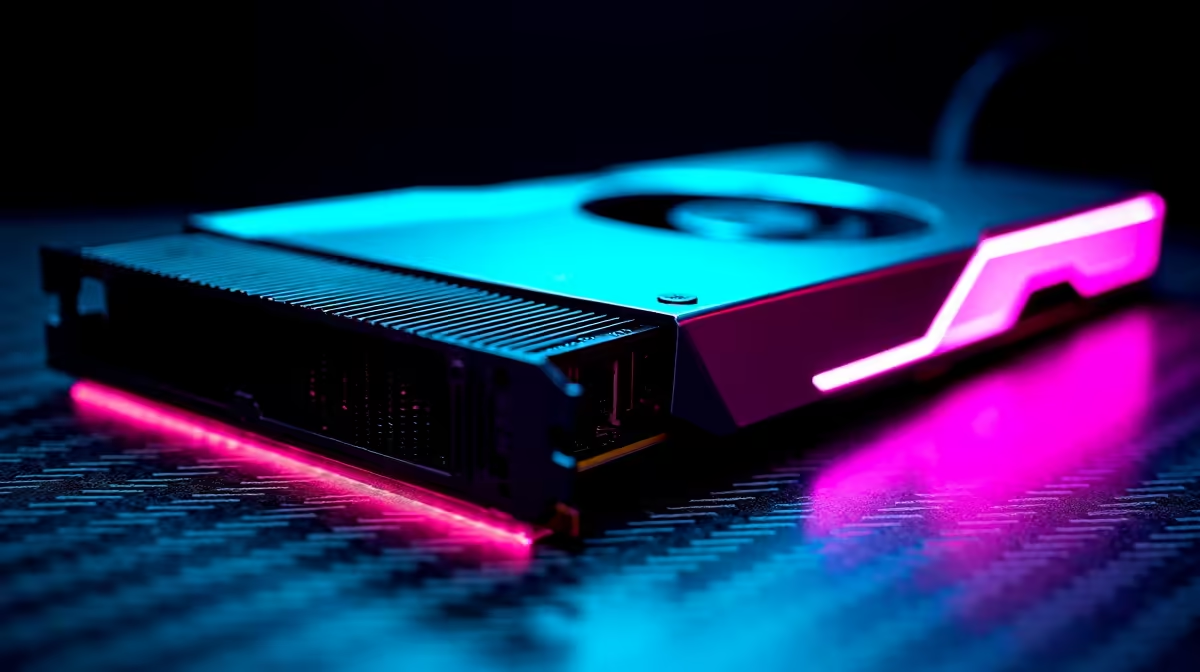
Fortnite in 2026 is a visual masterpiece. What started as a simple cartoon shooter has evolved into a heavy next-gen title. Thanks to the latest Unreal Engine updates, the island looks incredible... but it demands serious hardware. If you are tired of frame drops during intense build fights or want to keep grinding through stage six load-shedding, you need mobile power. Let us dive deep into the RTX 4090 Laptop GPU Fortnite performance and see if it justifies the massive ZAR price tag. 🚀
Unpacking RTX 4090 Laptop GPU Fortnite Performance
When you drop from the Battle Bus, every millisecond counts. The RTX 4090 mobile chip is an absolute monster for competitive gaming. At 1440p Epic settings with Nanite and Lumen fully enabled, you can expect a buttery smooth 120 to 144 FPS. The leap in graphics means older rigs simply cannot keep up with the demands of modern battle royales. This GPU features massive VRAM, meaning high-resolution textures load instantly without any annoying pop-in.
If you drop those settings to competitive low, you will easily max out a 240Hz or even 360Hz display. Finding the right machine to house this silicon is crucial. You can browse through premium laptops and notebooks for sale to see which chassis offers the best cooling for this tier of hardware.
Best Laptop FPS & Settings for 2026 🔧
Getting the best laptop FPS and settings for Fortnite requires a bit of tweaking. While the mobile 4090 is incredibly powerful, it still has thermal limits compared to its desktop counterparts. If you are building a stationary rig, you might want to buy graphics cards separately for a massive tower. But for portable domination, you need to rely on smart software upscaling.
Turn off motion blur and dial down shadows. Shadows look beautiful but they eat up valuable processing power and make it harder to spot enemies hiding in dark corners.
Frame Generation Pro Tip ⚡
For the ultimate competitive edge, keep DLSS on Quality mode but ensure NVIDIA Reflex is set to 'On + Boost'. This drastically reduces system latency, ensuring your pump shotgun shots register instantly even when playing on high-ping South African servers.
Desktop Replacements vs Pure Portability
South African summers are brutal on electronics. Pushing top-tier hardware to its limit in a thin chassis means fans will work overtime. A laptop running an RTX 4090 needs robust vapour chamber cooling. Otherwise, thermal throttling will ruin your 1% low frame rates... which means stuttering right when you need to clutch a Victory Royale.
If portability is not your main priority, you might get better thermal performance from our best gaming PC deals. However... the convenience of taking a 4K-capable machine to a LAN or keeping it alive on an inverter during power cuts is unmatched. If you want a plug-and-play solution without the hassle of building, checking out pre-built PC deals is a solid alternative. Yet, the 4090 laptop remains the undisputed king of mobile esports.
Maximising Your ZAR on High-End Tech ✨
Spending top rand on an RTX 4090 laptop is a serious commitment. You are buying desktop-class performance that fits effortlessly into your backpack. Whether you are a professional content creator rendering heavy videos or a hardcore gamer chasing the Unreal rank, this hardware delivers. It is an investment in flawless performance for years to come. To make sure you get the absolute best value for your hard-earned money, always keep an eye out for seasonal tech specials and promotions before pulling the trigger.
Ready to Find Your Perfect Match? The Mac vs Windows debate is complex, but for maximum power, choice, and value in South Africa, Windows is hard to beat. Explore our massive range of laptop specials and find the perfect machine to conquer your world.











