


What Game Settings Work Best on 240Hz monitor?
What Game Settings Work on 240Hz monitor. Tested & verified settings for best FPS and visual quality on SA hardware budgets.
Read moreRTX 5080 laptop for MSFS delivers desktop-class performance for a truly portable cockpit. This guide covers benchmarks, tuning, cooling, and must-have gear to fly high on the go ✈️💻
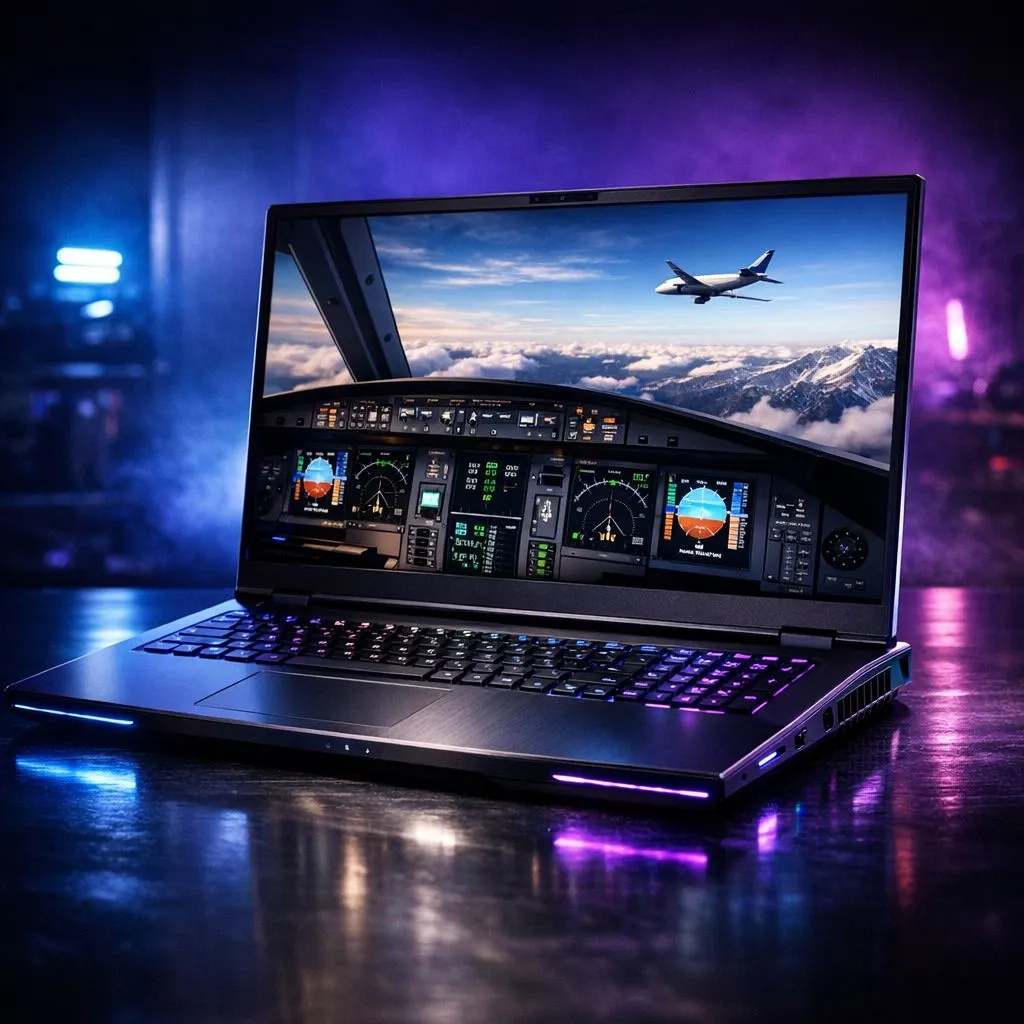
Imagine taking off from Cape Town International with Table Mountain visible in stunning detail... all from a device in your backpack. Microsoft Flight Simulator (MSFS) is notoriously heavy on hardware. However, an RTX 5080 Laptop for MSFS represents the new gold standard for portable aviation. It offers the raw power needed to render complex weather patterns and dense urban landscapes without breaking a sweat ✈️.
The jump to the next generation of graphics is significant for flight enthusiasts. An RTX 5080 Laptop for MSFS leverages massive VRAM buffers and improved frame generation. This ensures that even on a long haul from Johannesburg to London, your frame rates remain buttery smooth. You can find the latest geforce rtx gaming laptops on special to see how this tech is evolving.
High resolution is non-negotiable for reading cockpit dials. The Blackwell mobile chips are designed to push 1440p or 4K pixels with ease. This means you no longer need a massive desktop tower to enjoy a premium simulation experience.
While the GPU handles the visuals, MSFS relies heavily on the CPU for physics and traffic logic. High clock speeds are vital for maintaining stability during landing. If you want the highest possible single-core frequencies, browsing intel laptops on special is a great place to start. Intel chips often lead the way in simulation-heavy tasks.
Alternatively, many pilots prefer the efficiency of AMD. These chips stay cooler during long flights across the Atlantic. You can explore various ryzen laptop deals to find a balance between battery life and raw processing power. Both options ensure your RTX 5080 Laptop for MSFS isn't held back by a bottleneck 🔧.
When running MSFS on a laptop, always use a cooling pad. Flight simulators keep both the CPU and GPU at high usage for hours. Keeping temperatures low prevents thermal throttling, which ensures your landing approach doesn't stutter at the most critical moment.
Investing in a top-tier machine is a big decision for any South African gamer. We understand that performance must match the price tag in ZAR. Our curated best gaming laptop deals help you find premium hardware without overspending.
Not everyone needs a flagship straight away. If you are just starting your flight school journey, you might want to buy gaming laptops under r20k to get a feel for the skies. While these won't hit the ultra-high settings of a 50-series card, they offer a solid entry point into the world of aviation 🚀.
Ultimately, the RTX 5080 Laptop for MSFS is about future-proofing. As the simulator receives more world updates, the demand on your system will only grow. Having a card with advanced AI upscaling ensures you stay airborne for years to come. It is the closest you can get to a real cockpit while sitting at your local coffee shop ✨.
Ready to Take to the Skies? The flight simulation experience has never been more realistic or more portable. For maximum power, choice, and value in South Africa, our range of RTX-powered machines is hard to beat. Explore our massive range of laptop specials and find the perfect machine to conquer your world.
Yes. An RTX 5080 laptop delivers strong MSFS performance, achieving high settings and stable FPS with proper tuning and cooling.
Use 1080p or 1440p, high terrain and texture, medium volumetric clouds, and tweak LOD; see MSFS laptop settings RTX 5080 presets for balance.
Absolutely. A portable flight sim cockpit laptop paired with compact controls and a cooling pad gives desktop-class MSFS gameplay on the go.
Expect short runtimes: about 1–2 hours unplugged in MSFS. For longer flights use AC power and battery-saving profiles to extend runtime.
Yes. The best cooling for RTX 5080 laptop is an active cooling pad or elevated stand to reduce thermal throttling during long MSFS flights.
Choose a compact yoke or HOTAS, rudder pedals, a portable monitor or tablet, and a USB hub for a complete portable cockpit setup.
Check our benchmark section for RTX 5080 laptop benchmarks MSFS showing FPS at 1080p, 1440p, and 4K across common presets.
What Game Settings Work on 240Hz monitor. Tested & verified settings for best FPS and visual quality on SA hardware budgets.
Read more
What Cooling Solution Works Best with 144Hz monitor in SA Climate Detailed answer with SA data, expert analysis & practical recommendations for local buyers.
Read more
What Monitor Pairs Best with 240Hz monitor for Gaming in SA Detailed answer with SA data, expert analysis & practical recommendations for local buyers.
Read more
What Monitor Pairs Best with 1440p monitor for Gaming in SA Detailed answer with SA data, expert analysis & practical recommendations for local buyers.
Read moreWhat Monitor Pairs Best with 1440p monitor for Gaming Detailed answer with SA data, expert analysis & practical recommendations for local buyers.
Read more
the 144Hz monitor for student. Plain-English explanation of what it means, why it matters & how it affects your buying decisions in SA.
Read more
Every spec on PCIe 5.0 explained in plain English. What matters for gaming and creator work in 2026, what's marketing fluff, and how each number translates to real-world performance.

A head-to-head look at WiFi 7: real-world performance, ZAR pricing and which option delivers better value for SA builders. The clear answer — no fluff.

Everything you need to set up and tune PCIe 5.0 properly: the prep work, the settings that actually matter, and the mistakes to skip. Written for SA builders in 2026.

Everything you need to set up and tune X870E Motherboard properly: the prep work, the settings that actually matter, and the mistakes to skip. Written for SA builders in 2026.

Wondering what a 512GB SSD capacity really holds? This guide breaks down how many games, photos, and documents fit on 512GB, with real-world ranges 📦💾

Every spec on vrm explained in plain English. What matters for gaming and creator work in 2026, what's marketing fluff, and how each number translates to real-world performance.

Every spec on motherboard explained in plain English. What matters for gaming and creator work in 2026, what's marketing fluff, and how each number translates to real-world performance.

Premium vs Midrange Motherboards in South Africa: real-world performance, SA pricing, power draw and which one delivers better value for your build for SA buyers. The clear answer — without the fluff.
Wondering what a 512GB SSD capacity really holds? This guide breaks down how many games, photos, and documents fit on 512GB, with real-world ranges 📦💾
Every spec on PCIe 5.0 explained in plain English. What matters for gaming and creator work in 2026, what's marketing fluff, and how each number translates to real-world performance.
A head-to-head look at WiFi 7: real-world performance, ZAR pricing and which option delivers better value for SA builders. The clear answer — no fluff.

Every spec on USB4 explained in plain English. What matters for gaming and creator work in 2026, what's marketing fluff, and how each number translates to real-world performance.