


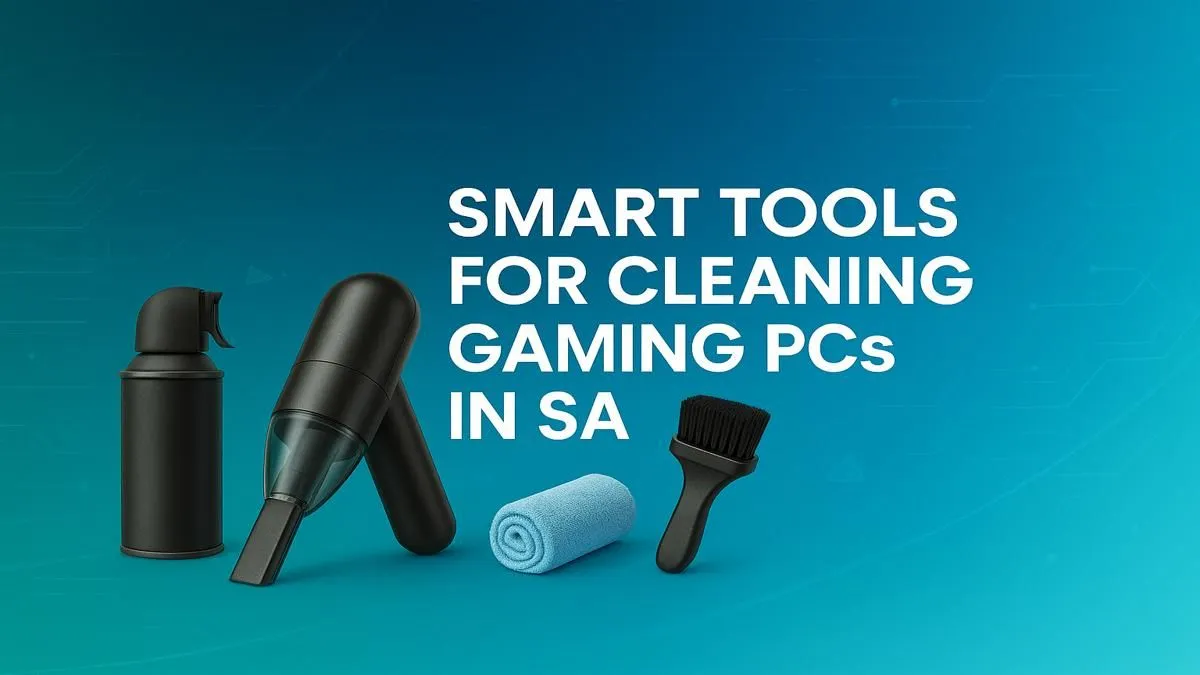
Is your gaming rig feeling a bit sluggish? Before you blame game updates or your internet, look inside your case. That sneaky layer of dust is more than just ugly; it’s a performance thief, choking your components and sending temps soaring. For gamers across the country, finding the right gaming PC cleaning tools in South Africa is the first step to reclaiming your FPS and keeping your machine running cool and quiet. Let's get that rig looking and performing like new. 🔧
Why Bother Cleaning Your Gaming Rig?
Think of dust as a thick winter blanket for your CPU and GPU. It insulates them, trapping heat and forcing your fans to work overtime. This leads to thermal throttling, where your components automatically slow down to prevent overheating. The result? Stuttering, lower frame rates, and a much louder PC.
Regular cleaning isn't just about aesthetics; it's about performance and longevity. By keeping your internals dust-free, you ensure optimal airflow, lower temperatures, and a longer lifespan for your precious parts. Protecting the heart of your system is crucial, especially when you've invested in a high-performance machine from our range of powerful PCs above R20k that are built to dominate.
Your Essential PC Cleaning Toolkit ✨
You don't need a workshop full of gear, just a few key items. Having the correct gaming PC cleaning tools on hand makes the job quick, safe, and effective. Forget the feather duster; this is the smart gear you actually need.
Compressed Air or an Electric Duster
This is your number one weapon against dust. A can of compressed air delivers powerful, short bursts to dislodge dust from fans, heatsinks, and tight corners. An electric duster is a fantastic long-term investment—more powerful, eco-friendly, and it never runs out.
Isopropyl Alcohol (90%+)
For cleaning thermal paste off a CPU or getting rid of stubborn grime on non-porous surfaces, nothing beats high-purity isopropyl alcohol. It evaporates quickly and leaves no residue. Just be sure to use it with a microfibre cloth or cotton swab, never directly on components.
Microfibre Cloths and Cotton Swabs
Essential for wiping down surfaces without leaving lint behind. Use a cloth for the case panels and larger components, and swabs dipped in alcohol for cleaning fan blades or tight spots.
Soft-Bristle Brushes
For dust that's really caked on, a set of small, soft brushes (like paintbrushes or makeup brushes that have never been used) is perfect for gently agitating and loosening debris before you blow it away. This ensures that even the most affordable rigs, like those in our budget gaming PCs collection, can be maintained for maximum long-term value.
Crucial Safety Warning ⚡
Never, ever use a regular household vacuum cleaner inside your PC case! The plastic nozzles can generate a massive amount of static electricity, which can instantly fry your sensitive components like the motherboard or RAM. Stick to compressed air or a data-safe electric duster.
The Smart Cleaning Process: A Quick Guide
Got your tools? Lekker. Here’s a simple process to get your PC clean without stress. This process is straightforward for most modern builds, including the expertly assembled rigs in our pre-built PC deals.
- Power Down & Prep: Shut down your PC completely. Switch off the power supply unit (PSU) at the back and unplug it from the wall. Move your PC to a well-ventilated area, preferably outdoors or on a balcony, to avoid blowing dust all over your room.
- Open Up: Remove the side panel(s). Place them somewhere safe where they won't get scratched.
- Blast Away: Using your compressed air or electric duster, blow dust out of the case. Use short, controlled bursts. Start from the top and work your way down. Pay special attention to CPU and GPU heatsinks, case fans, and the PSU intake. Always keep the can upright to avoid spraying liquid propellant.
- Detail Work: Use your soft brush to gently loosen any stubborn dust from fan blades and crevices. Use a microfibre cloth to wipe down the inside of the case and any large, flat surfaces. A well-maintained machine always performs better, whether it's a new powerhouse or one of our popular PCs under R20k.
- Final Touches: Wipe down the outside of your case and all your peripherals. Once everything is dry and dust-free, put the side panel back on, plug everything in, and boot up. Enjoy the silence! 🚀
A clean PC is a happy PC. By investing a few minutes every couple of months with the right gaming PC cleaning tools, you're ensuring your rig delivers the peak performance you paid for. It's the cheapest and easiest way to boost your gaming experience, and it's essential maintenance for any of the machines you'll find in our list of the best gaming PC deals in South Africa.
Still Lagging After a Deep Clean? A clean PC is a faster PC, but it can't magically run the latest AAA titles on ultra settings. If your rig is still struggling, it might be time for an upgrade. Explore our incredible range of custom and pre-built gaming PCs and find the power you need to conquer any game.











