


What Game Settings Work Best on 240Hz monitor?
What Game Settings Work on 240Hz monitor. Tested & verified settings for best FPS and visual quality on SA hardware budgets.
Read moresmartphone gaming monitor — Turn your phone into a 171-inch gaming display using the XREAL Hub. Quick setup, performance tips, and best use cases for gaming and streaming 🎮
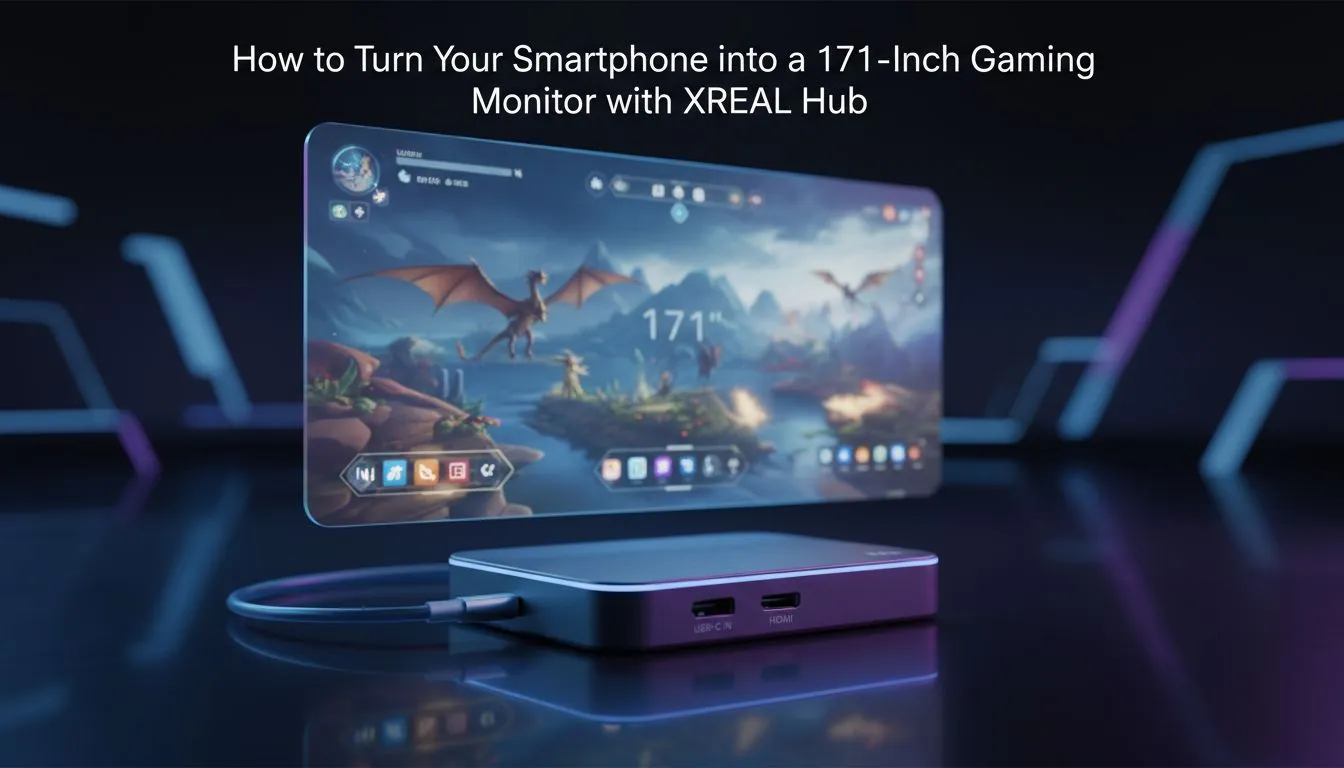
Ever felt like your phone screen is just too small for a proper session of Call of Duty: Mobile or Genshin Impact? We have all been there... squinting at a six-inch display while wishing for a massive TV. What if you could carry a Smartphone Gaming Monitor: 171-Inch with XREAL Hub setup in your backpack? It is no longer science fiction for South African gamers looking to maximise their portable experience 🚀.
Mobile gaming has always faced one major hurdle: battery drain. When you plug in high-end peripherals, you usually lose your only charging port. The XREAL Hub solves this by allowing simultaneous charging and data transfer. If you check out our premium AR glasses selection, you will see how these devices are evolving to replace traditional screens. It means you can play for hours without worrying about your phone dying mid-match during a local tournament.
The magic happens when you combine your device with the right optics. You can explore various AR glasses that project a massive virtual display right in front of your eyes. We are talking about a virtual Smartphone Gaming Monitor: 171-Inch with XREAL Hub experience that fits in a standard glasses case. It is perfect for those long commutes or when the main TV is occupied by family members. The sense of scale is incredible... it feels like sitting in the middle of a private movie theatre ✨.
When using AR glasses for extended periods, enable 'Eye Comfort' mode on your smartphone settings. This reduces blue light strain and helps maintain better battery efficiency during those long sessions. Also, ensure your power bank supports at least 20W Power Delivery (PD) charging to keep both the hub and the phone topped up while you play at maximum brightness.
In South Africa, we value gear that is robust and easy to use. Setting up this mobile rig is straightforward. You plug the hub into your phone, connect your power bank, and hook up your glasses. For those looking for high-performance AR gear, the clarity offered by modern OLED micro-displays is staggering. The colours are vibrant... the blacks are deep... and the immersion is unlike anything a traditional monitor can offer. Whether you are avoiding load shedding by gaming on a handheld or just want a private screen on a flight, this tech is the ultimate flex for any tech enthusiast 🔧.
Ready to Upgrade Your Mobile View? Why settle for a tiny screen when you can carry a cinema in your pocket? Experience the future of immersion today. Browse our full range of AR glasses and accessories at Evetech and take your mobile gaming to the next level.
The XREAL Hub is an adapter that outputs your phone's video to external displays, enabling a smartphone gaming monitor up to 171 inches via wired or wireless modes.
Most modern Android phones and supported iPhones work, but check XREAL Hub compatibility and video output settings for your device.
Typically you need a USB-C to XREAL Hub cable and an HDMI or DisplayPort output, plus optional power delivery for long sessions.
Wired connections via XREAL Hub keep latency minimal for competitive play; wireless modes may introduce more lag depending on network.
Close background apps, enable high-performance mode, connect to power, and use a wired XREAL Hub link for stable frame rates.
Yes. The XREAL Hub can act as a display hub for phones and compatible PCs or consoles with appropriate inputs and cables.
Image quality depends on content resolution and projection size; upscaling works but expect lower pixel density on huge 171-inch screens.
What Game Settings Work on 240Hz monitor. Tested & verified settings for best FPS and visual quality on SA hardware budgets.
Read more
What Cooling Solution Works Best with 144Hz monitor in SA Climate Detailed answer with SA data, expert analysis & practical recommendations for local buyers.
Read more
What Monitor Pairs Best with 240Hz monitor for Gaming in SA Detailed answer with SA data, expert analysis & practical recommendations for local buyers.
Read more
What Monitor Pairs Best with 1440p monitor for Gaming in SA Detailed answer with SA data, expert analysis & practical recommendations for local buyers.
Read moreWhat Monitor Pairs Best with 1440p monitor for Gaming Detailed answer with SA data, expert analysis & practical recommendations for local buyers.
Read more
the 144Hz monitor for student. Plain-English explanation of what it means, why it matters & how it affects your buying decisions in SA.
Read more
Every spec on PCIe 5.0 explained in plain English. What matters for gaming and creator work in 2026, what's marketing fluff, and how each number translates to real-world performance.

A head-to-head look at WiFi 7: real-world performance, ZAR pricing and which option delivers better value for SA builders. The clear answer — no fluff.

Everything you need to set up and tune PCIe 5.0 properly: the prep work, the settings that actually matter, and the mistakes to skip. Written for SA builders in 2026.

Everything you need to set up and tune X870E Motherboard properly: the prep work, the settings that actually matter, and the mistakes to skip. Written for SA builders in 2026.

Wondering what a 512GB SSD capacity really holds? This guide breaks down how many games, photos, and documents fit on 512GB, with real-world ranges 📦💾

Every spec on vrm explained in plain English. What matters for gaming and creator work in 2026, what's marketing fluff, and how each number translates to real-world performance.

Every spec on motherboard explained in plain English. What matters for gaming and creator work in 2026, what's marketing fluff, and how each number translates to real-world performance.

Premium vs Midrange Motherboards in South Africa: real-world performance, SA pricing, power draw and which one delivers better value for your build for SA buyers. The clear answer — without the fluff.
Wondering what a 512GB SSD capacity really holds? This guide breaks down how many games, photos, and documents fit on 512GB, with real-world ranges 📦💾
Every spec on PCIe 5.0 explained in plain English. What matters for gaming and creator work in 2026, what's marketing fluff, and how each number translates to real-world performance.
A head-to-head look at WiFi 7: real-world performance, ZAR pricing and which option delivers better value for SA builders. The clear answer — no fluff.

Every spec on USB4 explained in plain English. What matters for gaming and creator work in 2026, what's marketing fluff, and how each number translates to real-world performance.