


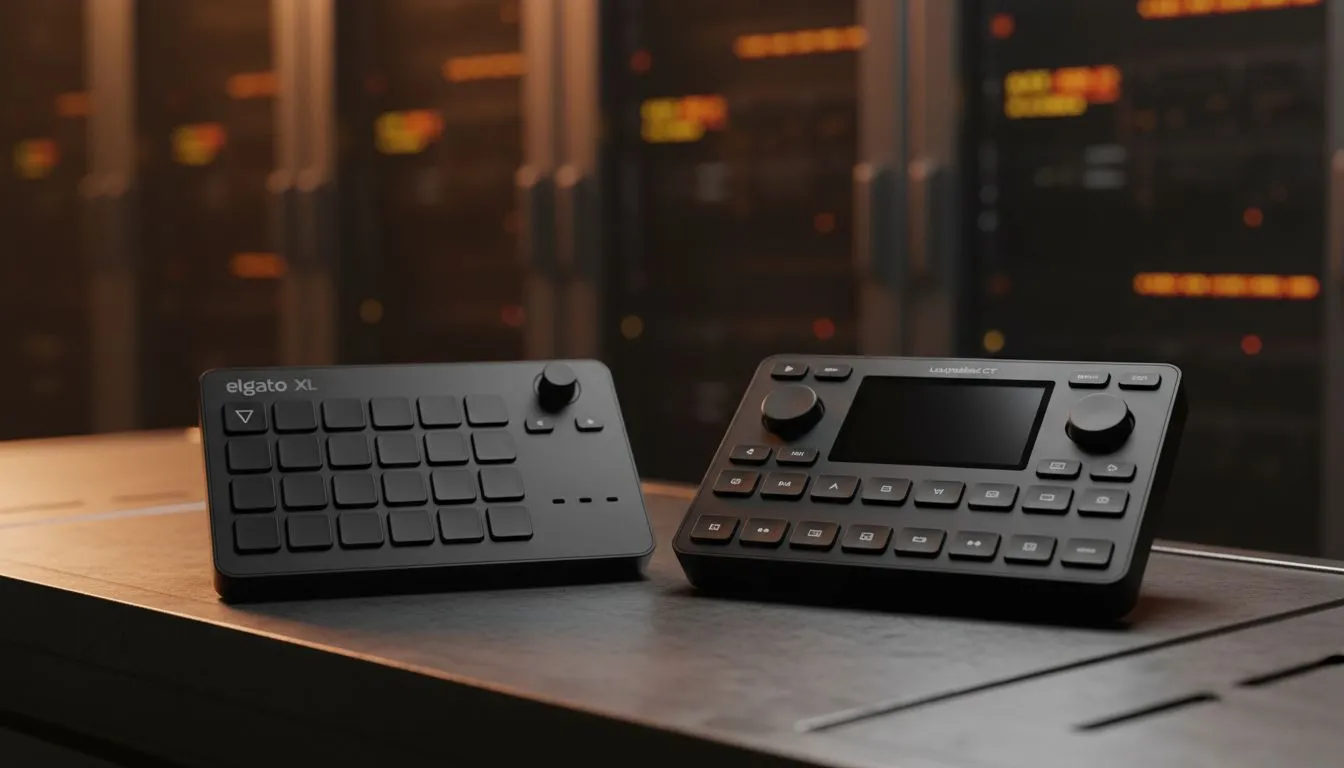
It’s 2025. Your stream needs to look pro, even if you're just broadcasting from a bedroom in Jozi. But when the chat is flying and the action heats up, fumbling with complex keyboard shortcuts isn't an option... you need a dedicated control centre. This brings us to the ultimate hardware showdown: Stream Deck vs Loupedeck. Both devices promise to revolutionise your workflow, but which one actually deserves the prime spot on your desk?
Elgato Stream Deck: The Gamer’s Standard 🚀
If you have watched Twitch in the last five years, you have seen a Stream Deck. It is the Kleenex of streaming controllers. The appeal lies in its simplicity. You get a grid of LCD keys that can be anything: a mute button, a scene switcher, or a trigger for that specific meme sound effect your community loves.
For the average gamer, the Stream Deck Mk.2 or the newer Plus model is incredibly intuitive. The "drag-and-drop" software is robust, meaning you spend less time configuring and more time playing. It integrates flawlessly with OBS, Twitch, and YouTube right out of the box.
Loupedeck Live: The Creative Commander 🔧
While Elgato targets the gamer, Loupedeck aims for the creator who does it all. The Stream Deck vs Loupedeck debate gets interesting here because the Loupedeck Live introduces distinct physical dials.
These dials are a massive advantage if you edit video or manage complex audio channels. Imagine adjusting your mic volume or colour grading footage in Premiere Pro with a tactile twist rather than a mouse drag. It feels precise. However, the software curve is steeper. It requires a bit more patience to set up, but the ceiling for customisation is arguably higher for power users.
Audio Routing Pro Tip ⚡
When setting up your controller, don't just assign 'Mute' to a button. Create a multi-action macro that mutes your mic in Discord but keeps it open in OBS. This allows you to talk to your stream without annoying your teammates in-game.
Building the Ultimate Streaming Setup
A controller is only as good as the rig it commands. You can have the best macro pad in the world, but if your hardware bottlenecks, the stream suffers.
First, visuals are paramount. You need crisp, high-refresh PC monitors to ensure what you see is what your audience gets. Of course, input lag is the enemy of any competitive streamer, so pairing that display with a precision gaming mouse is non-negotiable.
Your audio quality is arguably more important than your video. Viewers will tolerate a grainy cam, but bad audio makes them click away. Invest in studio-grade microphones to sound professional, and use comfortable headphone headsets to monitor your mix without feedback loops.
Storage and Peripherals
Modern games are massive, and recording VODs eats space rapidly. You cannot rely on old spinning platters; fast solid-state drives are essential for smooth gameplay and quick asset loading.
When it comes to inputs, not everyone needs a R5,000 mechanical board. Even if you are hunting for the cheapest gaming keyboard in South Africa, ensure it has anti-ghosting so your stream macros don't clash with your movement keys. For those chill streams—think FIFA or Elden Ring—having reliable gaming controllers on hand is a must.
Finally, round out your build with the right streaming essentials, like proper lighting and capture cards, to give your broadcast that polished studio feel.
The Verdict
So, who wins the Stream Deck vs Loupedeck battle? If you want pure gaming convenience and RGB flair, the Stream Deck remains the king. But if your content creation involves heavy editing and audio mixing, the Loupedeck’s dials offer a level of control that buttons simply cannot match.
Level Up Your Broadcast Today Whether you choose the tactile precision of Loupedeck or the iconic ease of Elgato, your stream deserves the best gear. Browse our full range of streaming equipment and find the perfect tools to grow your audience in 2025.











