

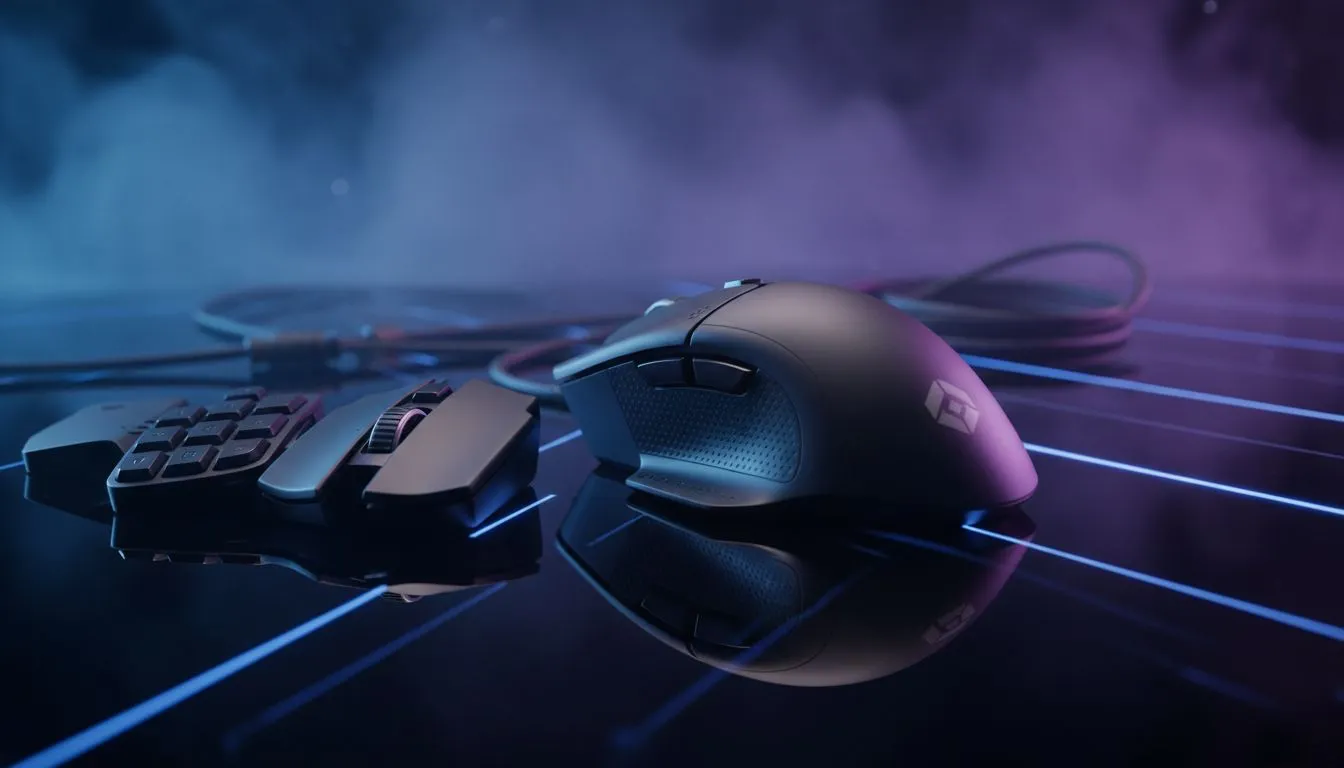
Switch Gaming Mouse Profiles for MMO, MOBA & FPS — Ready in under a minute
South African gamers: want your raid bindings, lane control and aim flicks to feel like second nature? Learn how to switch gaming mouse profiles for MMO, MOBA & FPS quickly, so your setup matches the match. This short guide gives practical steps, local context, and links to the exact kit you’ll want. 🔧✨
Switch Gaming Mouse Profiles for MMO, MOBA & FPS — Why profiles matter
Profiles let you store DPI, button maps and macro layers so one mouse fits three jobs. For MMOs you need extra buttons and macros; MOBAs need crisp skill-key binds; FPS needs tight aim and minimal macro overhead. Browse Evetech’s full gaming mouse range to check which models prioritise side buttons or lightweight builds.
Switch Gaming Mouse Profiles for MMO, MOBA & FPS — How to pick the right mouse
Choose a mouse that supports onboard memory if you switch PCs or play at LANs. If you want value, see our curated best gaming mouse deals for ZAR-priced specials. Prefer wireless freedom? Compare performance and battery features at our wireless mice collection. Love the predictability of a cable? Check wired options here: wired gaming mice.
MMO profile basics
- Map macros to thumb buttons: long cooldowns, rotation steps, potions.
- Use a moderate DPI so small cursor movements are precise when navigating UIs.
- Save an "arena" or "PvP" sub-profile with mobility macros turned off.
MOBA profile basics
- Bind abilities to easy, reach-friendly buttons.
- Keep DPI stable; aim precision is less critical than reaction.
- Toggle profile on match start for consistency.
FPS profile basics
- Lower DPI for pixel-precise aim; reduce accidental macro triggers.
- Disable unnecessary lighting or macro layers to marginally reduce input lag.
- Use onboard memory for consistent settings across systems.
Profile Switch Tip ⚡
When switching profiles mid-session, assign a small, easy-to-reach button as "Profile Cycle." That way you can jump from MMO to FPS settings without opening software. If your mouse stores profiles onboard, label them numerically so you can swap at LANs or on borrowed rigs.
Switch Gaming Mouse Profiles for MMO, MOBA & FPS — Setup workflow and software notes
- Create separate profiles in the manufacturer software, name them "MMO", "MOBA", "FPS".
- Assign DPI stages and button maps; export backups to cloud or USB.
- Test in-game for a week and tweak. If your mouse doesn’t support profiles, consider affordable accessories and remappers available in our mouse accessories section. 🚀
Micro-story: I once jumped from a raid to a ranked Overwatch session with the same profile. My turn speed was fine for raids but terrible for flicks. A two‑button profile cycle fixed that—instant confidence. That’s the kind of small optimisation that saves ladder points.
Switch Gaming Mouse Profiles for MMO, MOBA & FPS — Final checks before you play
- Label profiles and keep a backup.
- If you're wireless, confirm polling and battery behaviour in settings before a tournament.
- Test macros on training maps, not in ranked matches.
Ready to Find Your Perfect Match? The Mac vs Windows debate is complex, but for maximum power, choice, and value in South Africa, Windows is hard to beat. Explore our massive range of laptop specials and find the perfect machine to conquer your world.











