


What Game Settings Work Best on 240Hz monitor?
What Game Settings Work on 240Hz monitor. Tested & verified settings for best FPS and visual quality on SA hardware budgets.
Read moreUnlock a new level of immersion in Diablo 4 with an ultrawide monitor! ����️ Discover how seeing more of Sanctuary's map gives you a tactical edge and a breathtaking experience. Get ready to conquer hell like never before. 🔥
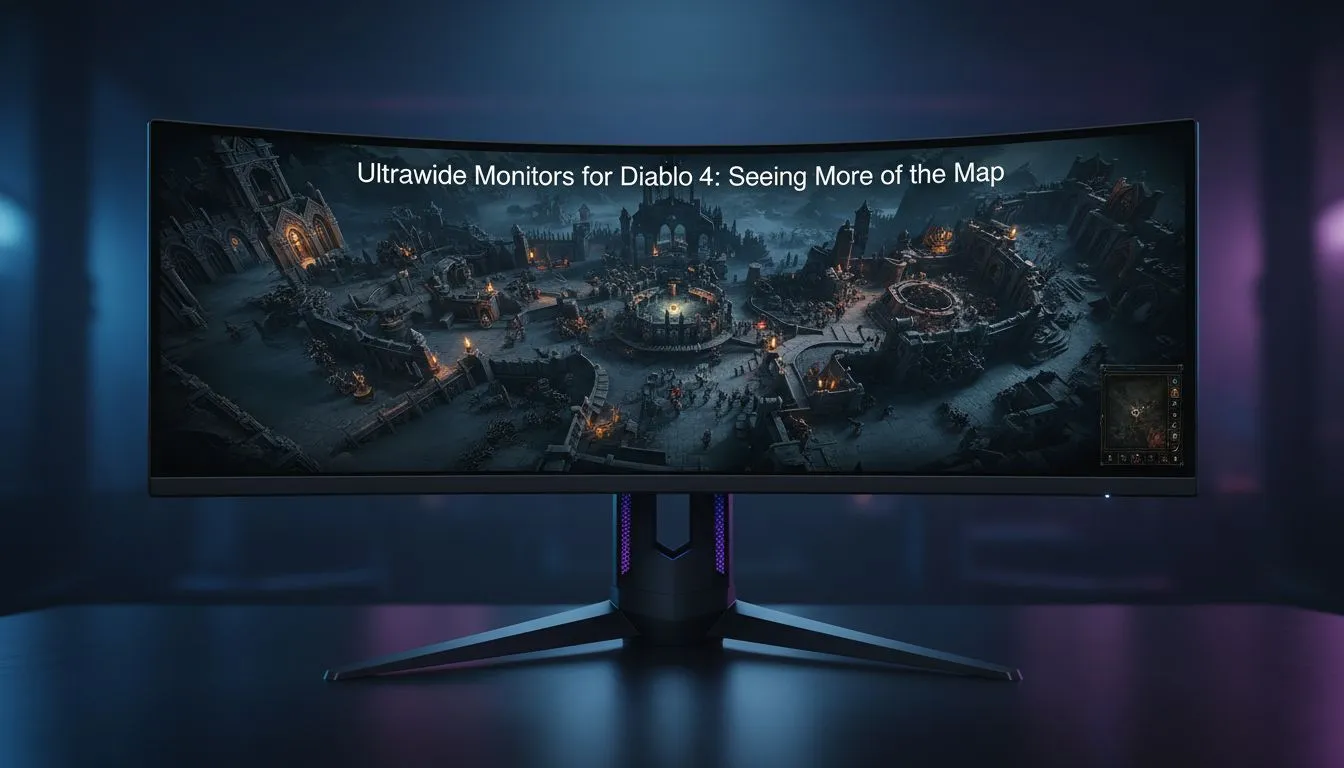
Sanctuary is a brutal world where danger lurks in every shadow. When you are fighting the Legions of Hell, seeing them before they see you is the ultimate advantage. If you want to truly immerse yourself in the dark beauty of Sanctuary, an Ultrawide Monitor Diablo 4 setup is the only way to play. It is time to expand your horizons and dominate the endgame. ⚔️
Diablo IV features native support for 21:9 aspect ratios. This means you get a much wider field of view compared to standard 16:9 screens. You can spot a Butcher charge or a goatman shaman from much further away... giving you those precious milliseconds to react. Finding the best pc monitor deals in South Africa is the first step to securing this tactical edge. The added horizontal real estate makes the dark, gothic atmosphere feel incredibly expansive and claustrophobic in all the right ways.
When you sit close to a large display, a flat panel can sometimes feel distorted at the edges. This is why many local gamers choose to buy curved monitors to wrap the action around their peripheral vision. It creates a natural sense of depth that makes dungeon crawling feel terrifyingly real. If you prefer raw pixel density over pure width, you might look to buy 5k 4k monitors for that ultra-sharp text and spell effect clarity. Seeing every spark of a Sorcerer’s lightning bolt in high resolution is a sight to behold. ⚡
When setting up your Ultrawide Monitor Diablo 4, ensure you adjust your HUD in the gameplay settings. You can centre your health and mana globes or keep them at the edges. Most pros prefer keeping them centred to avoid looking too far away from the action during intense boss fights. It keeps your vitals right in your line of sight while you focus on dodging projectiles.
Running a higher resolution requires a decent GPU, but the payoff is worth every frame. Our massive range of pc monitors includes options with high refresh rates to keep your combat smooth. Whether you are looking for OLED or IPS tech, you can find it in our all gaming monitors section. Don't forget to buy monitor accessories like gas-spring arms to clear up desk space for your mouse movements... a clean desk leads to a clean victory. 🚀
Even if you are travelling or heading to a friend's house for a seasonal reset, you do not have to settle for a tiny laptop screen. You can buy portable monitors that offer great colour accuracy and slim profiles. While they might not be 34-inch behemoths, they serve as excellent secondary displays for Discord or build guides while you play on your primary rig. Whether you are in Johannesburg or Cape Town, having that extra screen space is a literal lifesaver when checking your Paragon board. ✨
Ready to Expand Your View? Sanctuary looks better when you can see more of it. Whether you want the curve of a premium ultrawide or the crispness of 4K, we have the stock to level up your setup. Explore our massive range of gaming monitors and find the perfect display to conquer the forces of Lilith.
An ultrawide monitor significantly expands your field of view (FOV) in Diablo 4, allowing you to see more enemies, environmental details, and tactical opportunities on the map. This provides a truly immersive experience.
Yes, Diablo 4 offers excellent native support for ultrawide aspect ratios like 21:9 and even 32:9. This means the game scales beautifully without black bars or distorted UI, maximizing your screen space advantage.
Running Diablo 4 on an ultrawide monitor requires more GPU power as it renders more pixels. Ensure your graphics card can handle the increased resolution for smooth gameplay and consistent frame rates.
For many, the expanded vision offered by an ultrawide monitor provides a distinct tactical advantage, especially in seeing off-screen threats or distant objectives. This can certainly enhance your competitive edge.
Typically, Diablo 4 will automatically detect and adjust to your ultrawide monitor's native resolution. You may fine-tune display settings within the game's options menu for an optimal fov ultrawide experience.
The primary downsides are the higher cost of ultrawide monitors and the increased graphical demand on your PC. Some players might also find the stretched UI elements distracting initially, but it's often customizable.
What Game Settings Work on 240Hz monitor. Tested & verified settings for best FPS and visual quality on SA hardware budgets.
Read more
What Cooling Solution Works Best with 144Hz monitor in SA Climate Detailed answer with SA data, expert analysis & practical recommendations for local buyers.
Read more
What Monitor Pairs Best with 240Hz monitor for Gaming in SA Detailed answer with SA data, expert analysis & practical recommendations for local buyers.
Read more
What Monitor Pairs Best with 1440p monitor for Gaming in SA Detailed answer with SA data, expert analysis & practical recommendations for local buyers.
Read moreWhat Monitor Pairs Best with 1440p monitor for Gaming Detailed answer with SA data, expert analysis & practical recommendations for local buyers.
Read more
the 144Hz monitor for student. Plain-English explanation of what it means, why it matters & how it affects your buying decisions in SA.
Read more
Every spec on PCIe 5.0 explained in plain English. What matters for gaming and creator work in 2026, what's marketing fluff, and how each number translates to real-world performance.

A head-to-head look at WiFi 7: real-world performance, ZAR pricing and which option delivers better value for SA builders. The clear answer — no fluff.

Everything you need to set up and tune PCIe 5.0 properly: the prep work, the settings that actually matter, and the mistakes to skip. Written for SA builders in 2026.

Everything you need to set up and tune X870E Motherboard properly: the prep work, the settings that actually matter, and the mistakes to skip. Written for SA builders in 2026.

Wondering what a 512GB SSD capacity really holds? This guide breaks down how many games, photos, and documents fit on 512GB, with real-world ranges 📦💾

Every spec on vrm explained in plain English. What matters for gaming and creator work in 2026, what's marketing fluff, and how each number translates to real-world performance.

Every spec on motherboard explained in plain English. What matters for gaming and creator work in 2026, what's marketing fluff, and how each number translates to real-world performance.

Premium vs Midrange Motherboards in South Africa: real-world performance, SA pricing, power draw and which one delivers better value for your build for SA buyers. The clear answer — without the fluff.
Wondering what a 512GB SSD capacity really holds? This guide breaks down how many games, photos, and documents fit on 512GB, with real-world ranges 📦💾
Every spec on PCIe 5.0 explained in plain English. What matters for gaming and creator work in 2026, what's marketing fluff, and how each number translates to real-world performance.
A head-to-head look at WiFi 7: real-world performance, ZAR pricing and which option delivers better value for SA builders. The clear answer — no fluff.

Every spec on USB4 explained in plain English. What matters for gaming and creator work in 2026, what's marketing fluff, and how each number translates to real-world performance.