


RTX 5070 Valorant Optimised Settings: Best Graphics for Max FPS 2026
RTX 5070 Valorant Optimised Settings: Graphics. Real-world benchmark data, FPS numbers & performance analysis. What SA gamers can actually expect.
Read moreDiscover the latest wireless gaming mouse prices in South Africa. From budget-friendly entry models to premium esports gear, we break down what to expect at every ZAR price point. 🖱️🎮
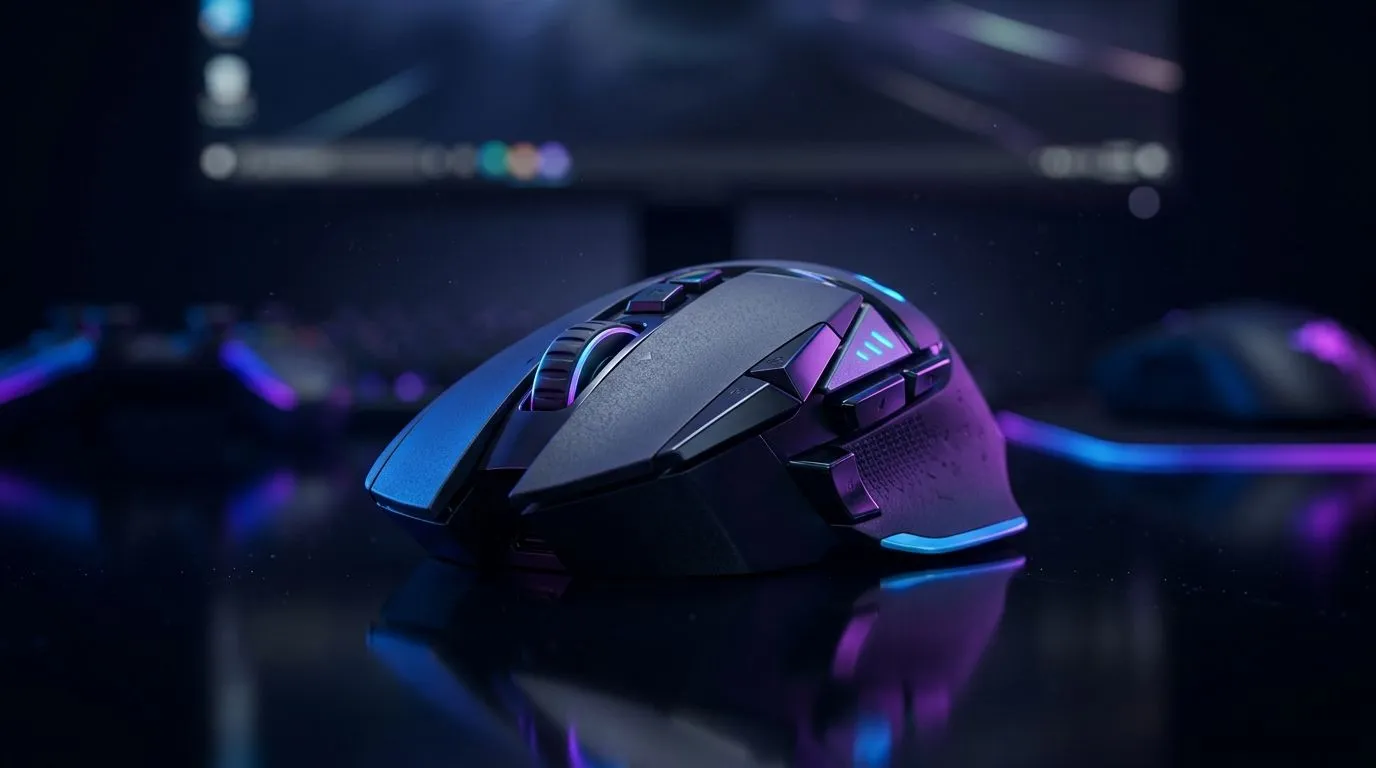
If you’ve ever swapped between “cheap but smooth” and “pro but expensive”, you’ll know the struggle. In South Africa, wireless gaming mouse prices can swing hard depending on sensor tech, battery life, and even included extras. One minute you’re chasing low latency for ranked… the next you’re budgeting around ZAR. So what’s worth it, what’s overpaying, and where do deals actually land? Let’s break down wireless gaming mouse prices in South Africa: budget to pro tiers, with buying guidance you can trust. 🎮
Wireless gaming mice aren’t all “the same but cheaper”. The price usually tracks a few real-world factors:
Better sensors tend to hold accuracy across surfaces and movement styles. For spec-minded shoppers, use the product listing details and compare like-for-like on each model.
Most gaming-focused wireless mice use a 2.4GHz USB dongle for lower latency, while Bluetooth is usually for productivity. If you’re gaming competitively, 2.4GHz is generally the safer bet.
Some mice last weeks on a charge; others are fine for daily use but won’t survive long LAN weekends. Battery claims also matter for how often you’ll disrupt your setup.
A “pro” sensor won’t matter if your grip fights the shape. Comfort is part of performance, especially after 2+ hour sessions.
In the budget tier, the goal is stability: consistent tracking, decent buttons, and a wireless connection that doesn’t feel jittery. You may give up ultra-advanced sensors, the lightest weights, and extended battery life.
If you want a dependable starting point, start with models listed under wireless gaming mouse options on Evetech, then shortlist by:
Explore a broad selection here: wireless gaming mouse options on Evetech. ✅
Very low prices can mean more compromises on:
If you’re serious about ranked, it’s usually smarter to buy once, buy right… but still within your budget.
Mid-tier wireless mice often feel like the “stop thinking about it” tier. You’ll more commonly see:
In this tier, many players focus on reliability and comfort over chasing the absolute top sensor brand. For deal-hunters, check out Evetech’s curated options here: best gaming mouse deals. ✨
We’ve all done it: you buy a bargain mouse for a holiday, then use it for a season… and suddenly you notice hand fatigue. Upgrading in the mid-tier is often where comfort stops being “good enough” and becomes “I can play all night without thinking about it.”
Pro-tier wireless gaming mice tend to justify their price when you care about:
If you’re chasing that competitive edge, don’t only compare price. Compare the full setup, including your mousepad and your sensitivity.
For buyers who want to understand the wider ecosystem of mice (and how models compare), browse Evetech’s mouse listings here: gaming mouse range. 🚀
Wireless is convenient, but wired still wins for people who:
If you want the wired side of the story, start here: buy wired mouse. 🔧
Wireless mice often feel better after a few small tweaks. Here are practical improvements that don’t require guesswork.
Windows, use the PowerToys FancyZones utility to create custom snap layouts for your windows. It's a lifesaver for managing multiple apps on an ultrawide monitor, letting you organise your timeline, preview window, and asset folders perfectly for video editing.
Wireless performance can improve when:
A “top mouse” on the wrong surface feels inconsistent. Match the glide to the sensor’s tracking behaviour.
Even the best mouse can underperform if the rest of your desk is off. Accessories matter for cleanliness, durability, and comfort.
Before you check out, review relevant accessories like grips, pads, and related extras here: mouse accessories. ✨
Before you click “buy”, run through this short list:
If you do this, you’ll avoid the common trap: paying pro-tier money for budget-tier comfort.
Ready to Find Your Perfect Match? The Mac vs Windows debate is complex, but for maximum power, choice, and value in South Africa, Windows is hard to beat. Explore our massive range of laptop specials and find the perfect machine to conquer your world.
Entry-level wireless gaming mice in South Africa generally range between R500 and R1,200, offering reliable sensors and solid battery life for casual play.
For competitive esports, expect to spend between R2,500 and R4,000 for top-tier wireless mice featuring ultra-low latency sensors and lightweight designs.
Higher price points often equate to better sensor precision, lighter weight, and premium build materials, though mid-range options offer excellent value.
Modern wireless technology now matches wired latency, offering cable-free convenience that is increasingly preferred by competitive gamers in South Africa.
Factors like polling rate, sensor accuracy, weight-reduction technology, and proprietary wireless connectivity significantly influence the total retail price.
Evetech offers a wide selection of wireless gaming mice with frequent deals across all budget tiers, ensuring you get the best hardware for your ZAR.
RTX 5070 Valorant Optimised Settings: Graphics. Real-world benchmark data, FPS numbers & performance analysis. What SA gamers can actually expect.
Read more
Top Laptop with Core i7 + RX 7700S: Picks picks evaluated on performance, value & SA availability with current Rand pricing from Evetech.
Read more
When Will the RTX 6090 Launch in South Africa Detailed answer with SA data, expert analysis & practical recommendations for local buyers.

Top Valorant Settings for RTX 5070: FPS Optimisation picks evaluated on performance, value & SA availability with current Rand pricing from Evetech.

RDNA 3.5 Graphics in Ryzen AI 400? Can You Game. Plain-English explanation of what it means, why it matters & how it affects your buying decisions in SA.

GPU Price Index : December Report. Current stock data & price tracking for SA buyers. See what is available and where prices are heading.

Core i5-14600K + B760 + RTX 5060 Build Under. Full parts list, Rand pricing & expected performance. Build confidently with SA-available components.

RX 7600 Apex Legends at 4K: FPS Benchmark. Real-world benchmark data, FPS numbers & performance analysis. What SA gamers can actually expect.

RX 7900 XTX GTA 6 at 4K: FPS Benchmark & Optimal. Real-world benchmark data, FPS numbers & performance analysis. What SA gamers can actually expect.

Head-to-head comparison of RTX 5070 vs RX 9070 XT: Gaming Performance for SA gamers. Performance benchmarks, Rand pricing & which delivers better value.

GPU Setup Guide Gamers. Clear setup instructions with SA-specific considerations, troubleshooting tips & recommended components.

Top RTX 5090 Under R12000 picks evaluated on performance, value & SA availability with current Rand pricing from Evetech.

Call of Duty Warzone 2 Settings on RX 7600. Real-world benchmark data, FPS numbers & performance analysis. What SA gamers can actually expect.

GTA 6 Settings on RTX 5070 Ti: Performance. Real-world benchmark data, FPS numbers & performance analysis. What SA gamers can actually expect.