


Dedicated Media Keys for Streamers: Improve Workflow Fast
Dedicated media keys give streamers one-touch control to mute, switch scenes, clip highlights, and adjust audio — cutting task time and boosting consistency 🎛️⚡
Read moreWireless mouse charging pad essentials: learn how to choose, set up, and optimise charging pads for desktop gaming setups—reduce cable clutter, extend playtime, and stay powered ⚡🎮
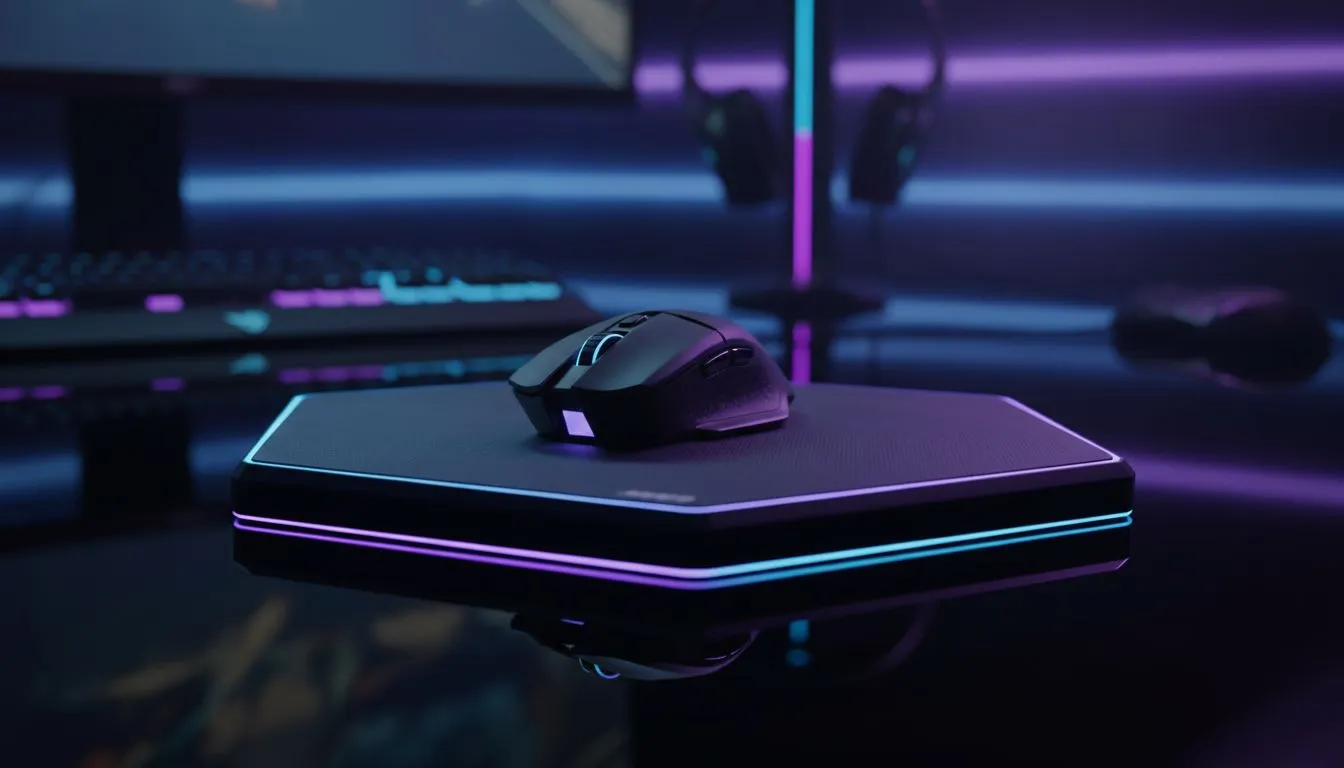
If you hate swapping batteries mid-raid, a wireless mouse charging pad is the quiet upgrade your desk needs. It keeps pads tidy, trims cable clutter and gives you near‑continuous playtime. In this guide you'll get practical setup advice, compatibility checks and buying tips tuned for South African gamers and tech buyers.
A charging pad pairs a Qi‑capable mouse or a proprietary wireless mouse with a charging surface. Look for contact alignment, charging speed and surface texture. For surface options and basics, start with Evetech’s mouse pads primer to compare materials and finishes: mouse pads 101. ⚡
Size matters for aim and mouse travel. Extended and XXL pads give more room for low‑DPI play. If you prefer a wide sweep across the desk, see the Extended and XXL options for sizing guidance and real SKUs: Extended pads and XXL pads. Use cloth for control; hard surfaces for speed.
LEDs look great, but RGB can add bulk and a slight heat signature. If you want clean performance without lighting, check the no‑lighting option. If ambience is part of your setup, RGB pads offer effects and sync features: no‑lighting options and RGB mouse pads. ✨
Some charging pads are brand‑specific; others are universal Qi. If you favour Evetech’s in‑house designs, browse their curated line here: Evetech mousepads. Prefer a recognised gaming brand? Compare SteelSeries and Marvo options to match feel and build: SteelSeries gaming mouse pads and Marvo gaming mousepads.
Use a low‑profile wireless receiver and place your charging pad on a non‑slip surface. For best tracking, clean the pad and mouse feet weekly. If you game with a high‑sensitivity lift‑off, test lift distance after fitting a charging puck or dock.
If you value uninterrupted sessions, clean cable management and a modern desk aesthetic, this is a worthwhile upgrade. For competitive players, choose a pad that preserves tracking and offers consistent contact. For casual gamers, convenience and style may be deciding factors.
Ready to Find Your Perfect Match? The Mac vs Windows debate is complex, but for maximum power, choice, and value in South Africa, Windows is hard to beat. Explore our massive range of laptop specials and find the perfect machine to conquer your world.
It uses Qi or proprietary charging coils in the pad and mouse to transfer power when the mouse rests on the pad, like a Qi wireless mouse charging pad.
Not always. Compatibility depends on mouse coils or magnetic docks. Check manufacturer specs for your model and support for magnetic wireless mouse charging pad formats.
Properly designed pads add no measurable input lag. Choose low-latency models and verify polling rate to avoid gameplay impact (low-latency wireless charging pad for mouse).
Place the pad flat, connect power, align the mouse coil, install drivers if needed, and test charging. Follow the wireless charging mouse mat setup guide.
The best depends on battery life, coil alignment, desk space, and features like RGB. Compare reviews for the best wireless mouse charging pad for gaming to decide.
Yes—many wireless mouse charging pad with rgb models combine integrated chargers, large surfaces, and lighting to match gaming desk aesthetics.
Pads allow continuous charging during use; docks require docking. Choose pads for uninterrupted play and docks for compact, occasional top-up charging.
Dedicated media keys give streamers one-touch control to mute, switch scenes, clip highlights, and adjust audio — cutting task time and boosting consistency 🎛️⚡
Read more
PBT vs ABS keycaps: Clear, local guide for South African gamers—compare feel, sound, durability and where to buy. Find the best material for your budget and playstyle 🎮🇿🇦
Read more
- Multi-Function Digital Dial: define benefits - Show gamer setups and macros - Offer buying and setup tips Multi-Function Digital Dial puts programmable control at your fingertips for faster actions and smoother streaming. 🎮⚙️
Read more
- Explain benefits; - Show the science; - Compare options; - Recommend picks. Magnetic wrist rest for gaming cuts wrist strain and boosts comfort during long sessions 🕹️✨
Read more
best gaming keyboard South Africa: Learn how to pick a low-latency mechanical keyboard, choose switches, layout and budget for competitive play 🎮⚡
Read more
Best wireless keyboard and mouse combo for small desks — curated, space-saving picks that boost comfort and productivity in tight setups. Find low-profile layouts, compact mice, and reliable range to fit your compact workstation. 🖱️⌨️
Read more
Discover webcams that automatically adjust light and color for crystal-clear video calls 🎥✨. Boost your streaming quality today!

Discover webcams that blend into your workflow 🎯 Capture moments while you work, stream, or create. Upgrade your setup with smart, multitasking tech!
Dedicated media keys give streamers one-touch control to mute, switch scenes, clip highlights, and adjust audio — cutting task time and boosting consistency 🎛️⚡
PBT vs ABS keycaps: Clear, local guide for South African gamers—compare feel, sound, durability and where to buy. Find the best material for your budget and playstyle 🎮🇿🇦
- Multi-Function Digital Dial: define benefits - Show gamer setups and macros - Offer buying and setup tips Multi-Function Digital Dial puts programmable control at your fingertips for faster actions and smoother streaming. 🎮⚙️
- Explain benefits; - Show the science; - Compare options; - Recommend picks. Magnetic wrist rest for gaming cuts wrist strain and boosts comfort during long sessions 🕹️✨