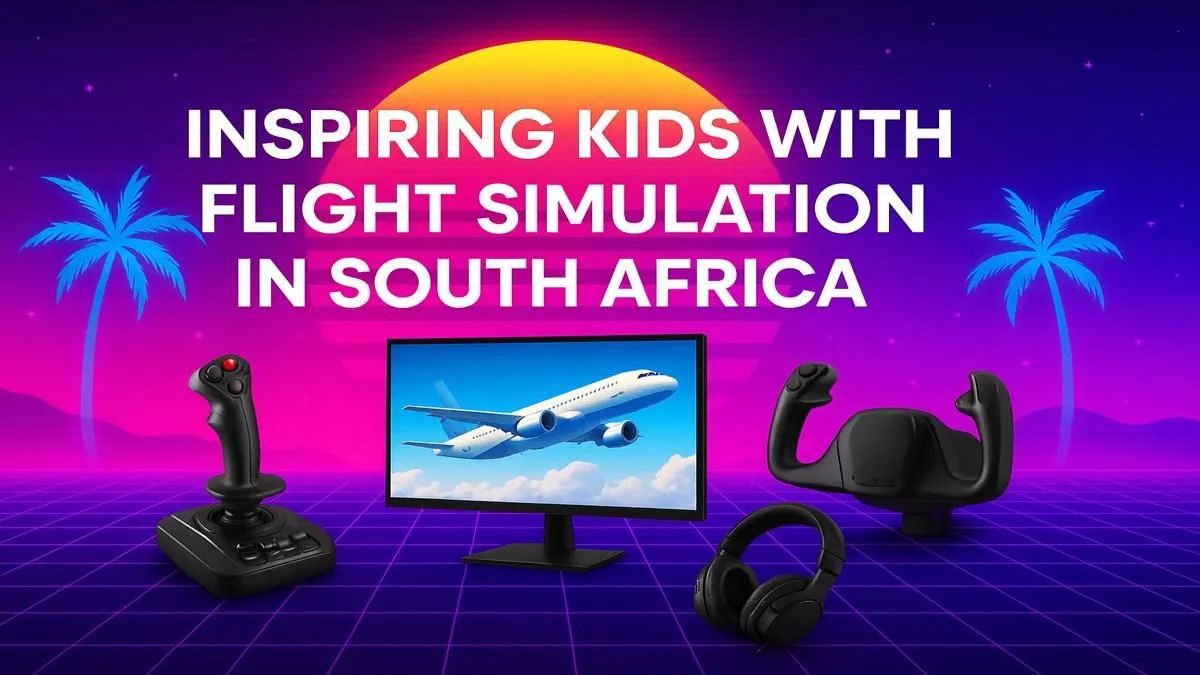
Ever watch a plane carve a path through the Highveld sky and see your child’s eyes light up? That spark of wonder is precious. For kids across Mzansi, the dream of flying is huge. Now, you can nurture that curiosity and turn it into a passion with a flight simulator for kids in South Africa. It’s more than a game; it’s an interactive classroom that teaches geography, physics, and problem-solving, all from the safety of home. ✈️
Why a Flight Sim is an Incredible Learning Tool
Forget mindless screen time. A quality flight simulator like Microsoft Flight Simulator is a powerful educational engine. As your child navigates from Cape Town to Cairo, they're not just playing; they're learning. They’ll see the world's geography unfold beneath them, understand basic aerodynamics, and develop critical thinking skills by managing fuel, weather, and navigation. It’s a brilliant way to introduce STEM concepts in a way that feels like an epic adventure.
This isn't just about fun; it’s about building foundational skills. The focus and discipline required to complete a flight plan can translate directly into better study habits and a genuine interest in technology and aviation.
Getting Started: The Right PC for a Young Pilot
The heart of any great flight simulator experience is the computer powering it. Microsoft Flight Simulator is a beautiful but demanding program, so a capable PC is non-negotiable. You don't need to break the bank, but a solid graphics card (GPU) and a decent processor (CPU) are key to smooth, stutter-free flying. To avoid guesswork, exploring pre-configured Microsoft Flight Simulator gaming PCs is the smartest first step, ensuring compatibility and performance right out of the box. 🚀
First Flight Tip 💡
Start with the basics! In Microsoft Flight Simulator, begin with the built-in flight training modules. They use simple aircraft like the Cessna 152 to teach fundamental skills like takeoffs, landings, and level flight. Mastering these before jumping into a Boeing 747 makes the learning curve much less intimidating for kids.
Building the Ultimate At-Home Cockpit
Once the PC is sorted, you can elevate the experience from a simple game to a truly immersive simulation with a few key peripherals. This is where a good setup for a flight simulator for kids in South Africa truly takes shape.
The View from the Cockpit
A great view is essential for navigation and immersion. While any good monitor will work, stepping up to one of the many immersive curved monitors can make a world of difference. The wrap-around effect mimics peripheral vision, making your child feel like they're actually sitting in the cockpit. It pulls them into the world and enhances the sense of speed and altitude. To see what fits your space and budget, you can explore our full range of PC monitors for the perfect visual setup.
Taking the Controls
While you can fly with a mouse and keyboard, nothing beats the feeling of real controls. A Hands-On Throttle-And-Stick (HOTAS) setup is the gold standard. A quality joystick like a Thrustmaster HOTAS flight stick provides precise control over the aircraft's pitch, roll, and yaw, with a separate throttle for engine power. It builds real muscle memory and makes the experience far more authentic and engaging.
For those long-haul flights from O.R. Tambo to Heathrow, comfort is key. A supportive chair prevents fatigue and helps maintain focus. Investing in one of our comfortable gaming chairs ensures your future pilot can comfortably navigate the globe for hours on end. ✨
Ready to Launch Their Dreams?
A flight simulator is more than a game; it's a launchpad for learning, adventure, and a potential career. Give your child the gift of flight and watch their imagination soar.
Explore our powerful range of Flight Simulator PCs and find the perfect machine to start their journey today.