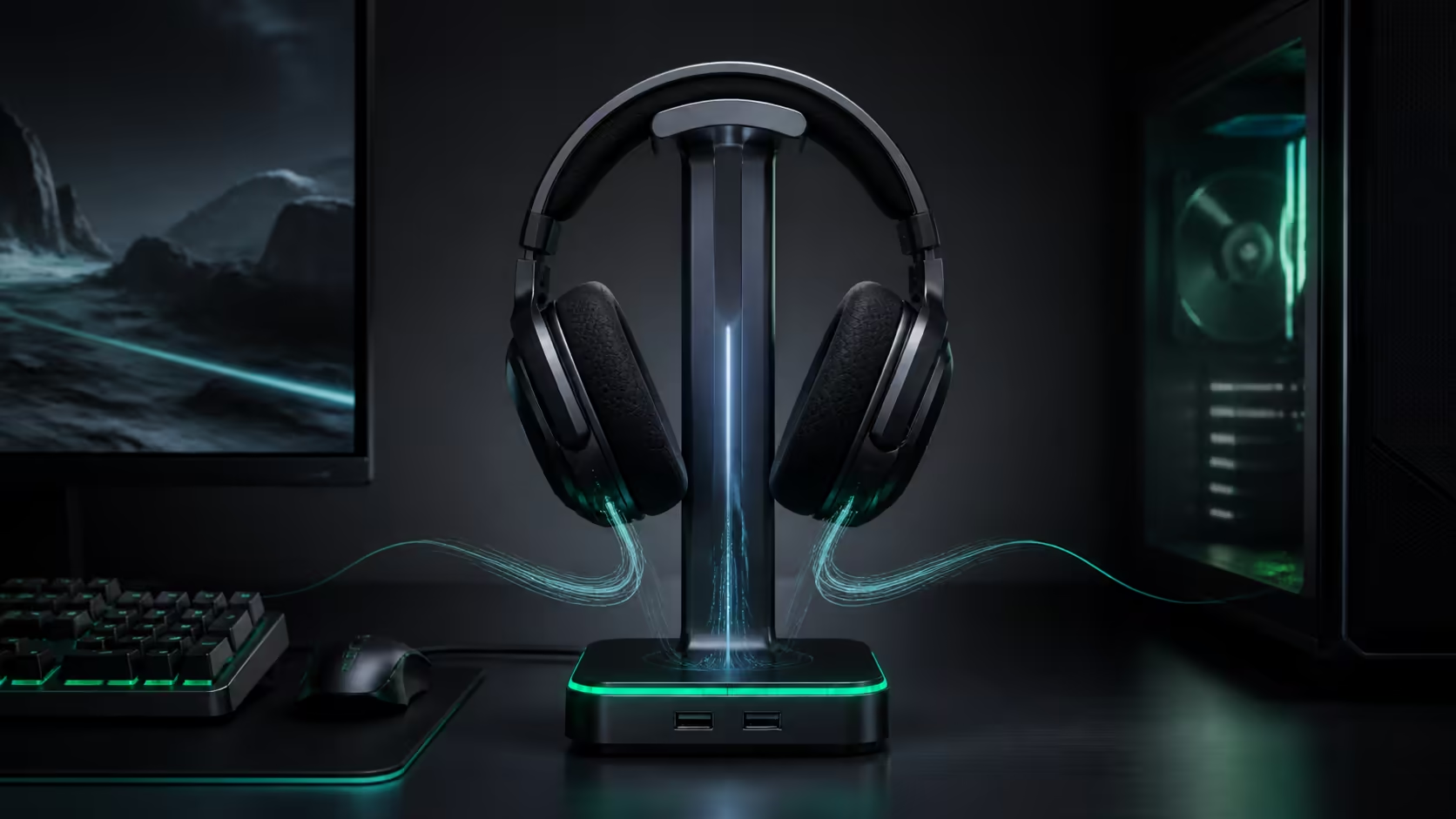
Razer's latest headset stand is trying to become part of the PC workflow, not just a place to hang headphones. The Razer Base Station V3 Chroma can react when a compatible headset is lifted, switch a Synapse profile, route audio and microphone devices, and launch a game or macro. That is more useful than another RGB zone, but only for a buyer whose headset and software setup can use the automation.
Quick Answer
The Base Station V3 Chroma adds lift-triggered Synapse automation, dual USB 3.1 ports, virtual 7.1 audio and 12 lighting zones. Evetech now lists the Base Station V3 Chroma at R2,299 (22 October 2026); the in-stock Base Station V2 examples checked earlier were R1,399 and R1,899.
🎧 What the smart stand actually does
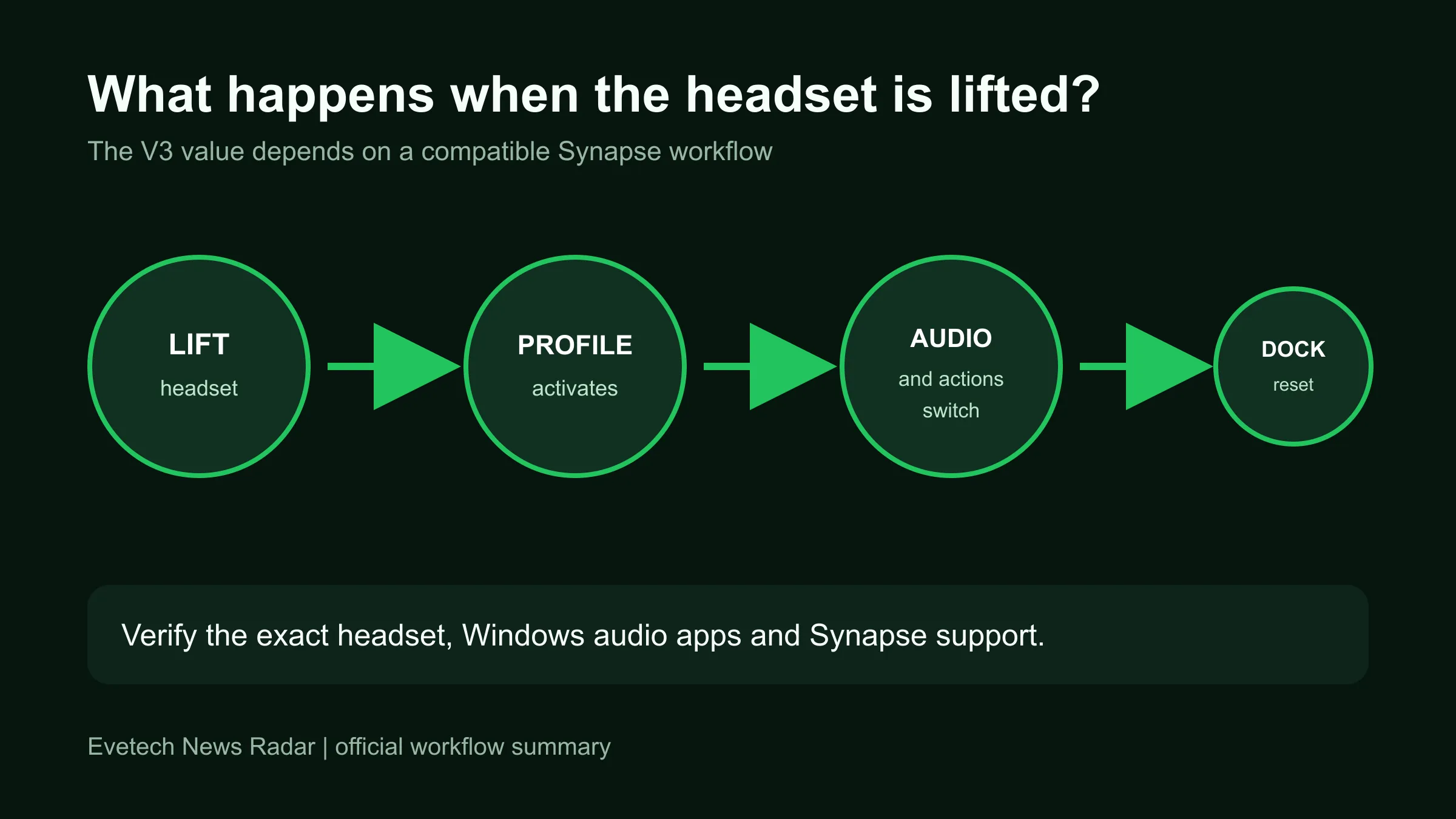
Razer calls the main feature Seamless Headset Detection. Lift a compatible Synapse headset and the software can apply a custom profile. The profile can make that headset the active output and microphone, open a game, trigger a shortcut or run a macro. Dock it again and the system can return to its default profile.
That is a software-led convenience feature. The stand is not identifying every pair of headphones by weight, and the announcement says the detection works with Synapse-compatible headsets. A buyer using another brand should assume it remains a USB hub and stand unless the exact compatibility list says otherwise.
The hardware also includes two USB 3.1 ports and a built-in 3.5mm connection with virtual 7.1 surround processing. Twelve addressable Chroma RGB zones provide the visual layer. The usefulness depends on desk placement: easy-access USB can be valuable on a tower under the desk, while a laptop already beside the keyboard may gain less.
💡 The R1,399 to R1,899 comparison
The live catalogue read found the Razer Base Station V2 Chroma Quartz at R1,399 and the Mercury version at R1,899. Those are V2 products; the new V3 is listed at R2,299. They show how much a premium headset stand can already cost locally.
At that level, compare the stand with the rest of the audio budget. The headphone and headset category covers general listening options, while the gaming headset range focuses the decision on microphones, platform connections and game use.
A basic hook or non-powered stand can solve storage for far less. The V3 earns a premium only when the USB expansion, audio switching or one-lift routine saves real friction. RGB should be the final preference, not the main value calculation.
🧩 Check the complete compatibility chain
Start with the exact headset. Confirm that Razer Synapse supports it and that Seamless Headset Detection is listed for the intended setup. Then check the PC operating system, available USB connection and whether company or tournament machines allow Synapse to run.
Audio switching can also be disrupted by games or chat applications that remember their own output device. Test the intended routine across Windows, voice chat and the game instead of assuming one profile controls every layer.
The current gaming headset specials help expose the trade-off. If the stand costs close to a meaningful headset upgrade, better drivers, comfort or microphone quality may improve every session more than automation does.
🖥️ Who should buy the V3 now
Buy the V3 if its lift-triggered workflow is the reason for buying: Evetech lists it at R2,299, R400 to R900 more than the V2 stands. Check the local warranty and that your headset is Synapse-compatible first.
Buy an available V2 only if you want its existing features and price today. Do not treat it as a discounted V3: the lift-triggered workflow is the new model's defining change. A neat desk alone does not need the software layer.
For a Razer-heavy setup with a compatible headset, frequent device switching and spare budget after the audio basics are covered, the V3 is a coherent upgrade. Everyone else should first solve comfort, sound, microphone quality and cable management.
Frequently Asked Questions
What is new on the Base Station V3 Chroma?
Its headline change is lift-triggered Synapse automation for compatible headsets, alongside dual USB 3.1 ports, virtual 7.1 audio and 12-zone RGB.
Will it detect any headset?
No universal support is established. Razer describes the feature for Synapse-compatible headsets, so check the exact model before buying.
Can it switch the microphone and speakers automatically?
Razer says a custom profile can route the headset's audio and microphone when it is lifted, then restore the default profile when docked.
Is the V3 available in South Africa?
Yes. Evetech lists the Base Station V3 Chroma at R2,299 (22 October 2026).
What did the current V2 stands cost?
The checked in-stock V2 examples were R1,399 for Quartz and R1,899 for Mercury.
Is it worth buying only for RGB?
RGB is a preference. The stronger value case comes from useful USB placement, audio routing and automation in a compatible setup.
Ready to improve the whole audio setup?
Compare headset comfort, connection and microphone quality first, then decide whether a smart stand removes enough daily friction to justify its price.