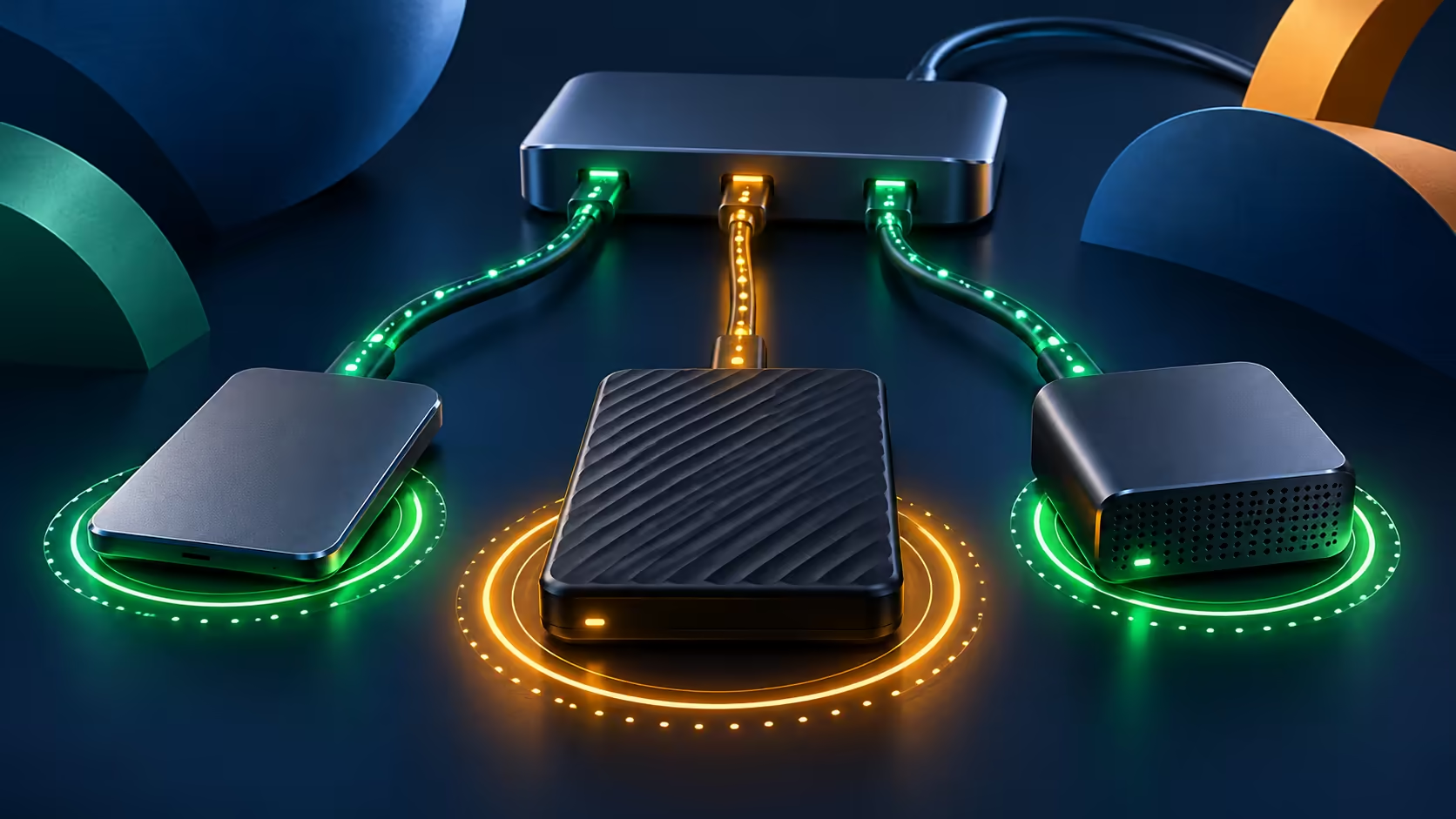
One cable can connect a desk full of devices, but pulling it out is still a storage decision. OWC Dock Ejector has a new general-availability announcement aimed at making that departure simpler. The feature is useful to understand before the next card copy or laptop move, especially when several volumes sit behind the same dock.
Quick Answer
OWC describes one-click safe ejection of connected data volumes. Match the download to the operating system: the checked page lists Mac 2.1.1 and Windows 2.0.1.2 separately. The utility is free; a Hiksemi T100 Pocket 512GB portable SSD listed at R899 today is a different hardware purchase. High-power charging is a supported Mac-dock feature, not a universal PC benefit.
💾 Finish the job before removing the connection
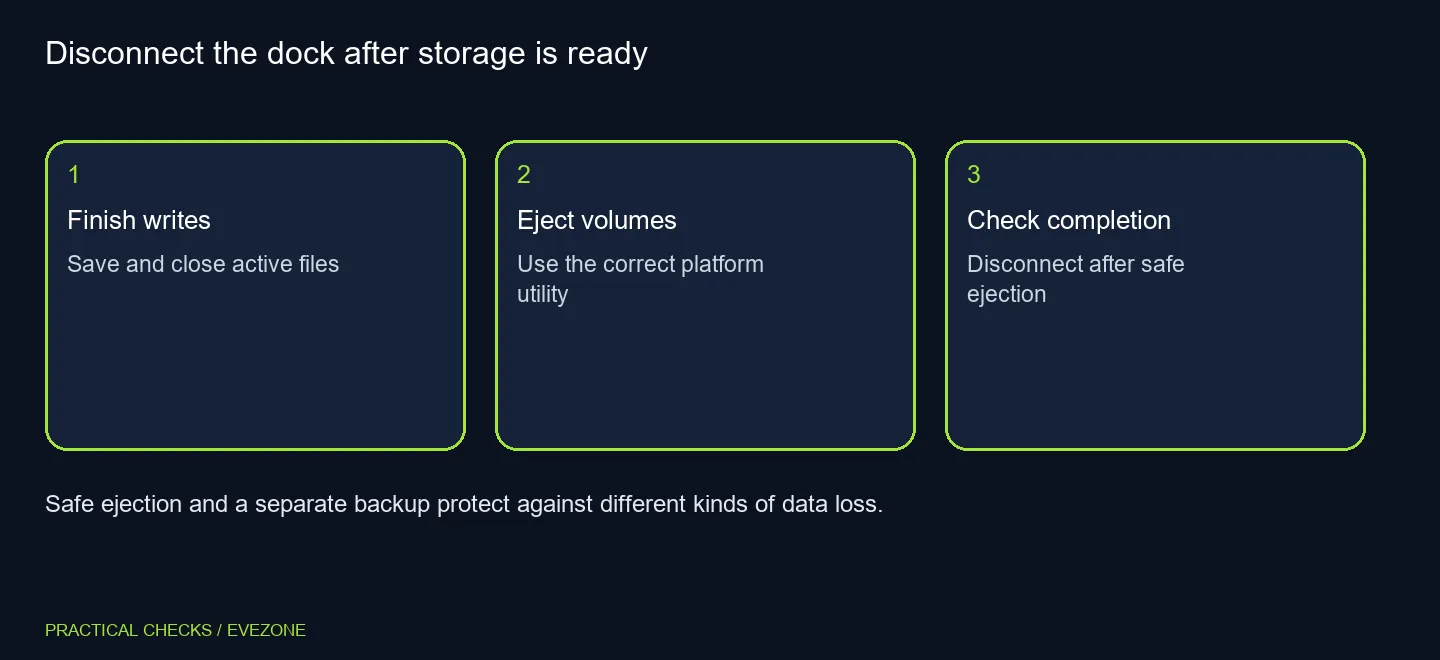
A transfer window disappearing is not a useful reason to yank every cable immediately. Save work, finish the copy and close documents using the drive. Then request ejection and wait for completion. If an application is still using a volume, investigate that use instead of repeatedly disconnecting and reconnecting the whole desk.
A dock can present more than the drive you remember attaching. Camera cards, a second external SSD or a storage array may also be mounted. Count the volumes you expect before ejection and check what remains afterwards. That habit is valuable even when a utility offers to handle all detected volumes together, because a successful disconnect should be something you can recognise.
🔌 Treat charging as a separate compatibility question
The new announcement combines storage handling with high-power port enablement on Mac. These are different jobs. A volume disappearing from the file manager does not prove a port has gained extra charging capability, and a charging light does not prove files have been safely unmounted.
The support page also includes a Thunderbolt3 Dock charging-driver caveat. Follow the current compatibility information for the exact dock and operating system rather than installing a version only because its number looks newer. Do not change security settings or roll back software by guesswork. If you depend on a particular powered device, confirm that combination before altering a working setup.
🗂️ Keep the storage plan larger than the utility
The 19 October milestone is the general-availability announcement, rather than proof that every capability first appeared that morning. Existing changelog entries predate it. That distinction matters when deciding whether a working computer needs an urgent change: read the platform download details and choose the relevant supported release.
Use all ssds when you need more room for files, or nvme ssds when planning storage for a compatible system or enclosure. An internal NVMe drive is not automatically an external USB device; the surrounding enclosure and connection still need to match. The R899 portable example already includes a different form of connection and must not be compared on capacity alone.
Safe ejection reduces a disconnection risk. It does not protect the only copy of a project against accidental deletion, loss of the device or a later hardware failure. Keep an independent recoverable copy, and check that you can find it before clearing a camera card. A convenient departure from the desk is most useful when the next arrival still has every file you need.
Frequently Asked Questions
What does the utility do?
It offers one-click safe ejection of detected connected data volumes before disconnecting storage or a dock.
Are Mac and Windows versions identical?
No. The checked download page lists Mac 2.1.1 and Windows 2.0.1.2 separately.
Does it make every port charge faster?
No. The high-power feature described in the release is for supported OWC dock configurations on Mac.
What about the Thunderbolt 3 Dock?
The download page carries a charging-driver caveat. Check its compatibility note before installing or changing versions.
Does ejection replace a backup?
No. Ejection handles safe disconnection; a backup is a separate recoverable copy of files.
What storage price was checked?
A Hiksemi T100 Pocket 512GB portable SSD was R899 in the 20 October catalogue. That is hardware, not the free utility price.
Leave the desk with the files intact.
Compare Evetech storage around capacity, connection type and a separate backup plan.